Free 3D Landing Page Template for Juice, Beverage, and Product Marketing Websites (Next.js + Three.js + GSAP)
Download a free 3D animated landing page template, built with Tailwind CSS, Three.js, and Next.js App Router. Perfect for product websites or creative showcases.
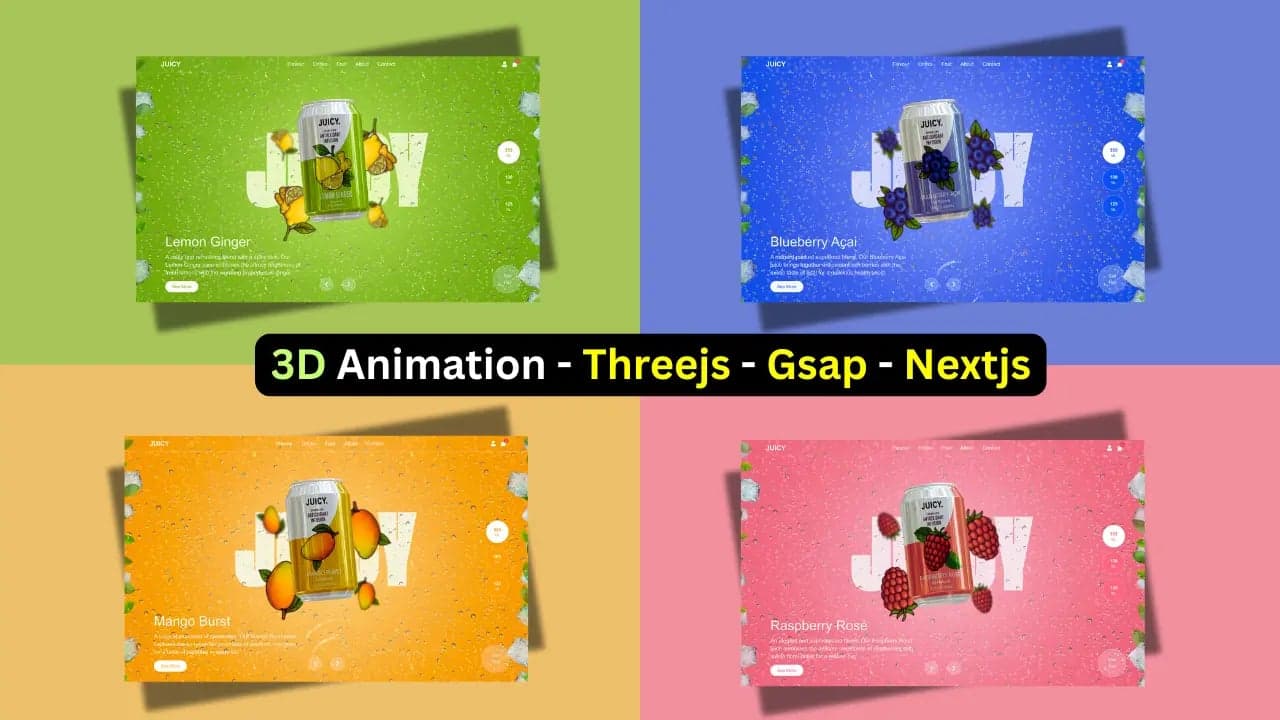
Short answer: the 3D Landing Page Template is a one-page website for a juice brand, built with Next.js 15, Three.js and GSAP, where a wheel of four 3D cans turns and the page takes on the colours of each flavour. It is free: you claim it on Aniq-UI with your email and name and download the full source code. Its Commercial licence covers unlimited projects, your own or your clients'.
Level Up Your Product Site with 3D UI
If you're launching a drink brand, product showcase, or creative portfolio, a 3D experience can instantly grab attention. This template is designed to create visual impact, while staying lightweight and responsive.
What's Inside This 3D Landing Page?
🍓 Built with Next.js App Router for fast routing and SEO
🎨 Styled using Tailwind CSS for rapid UI updates
🌀 Real-time Three.js animation of your product (can, object, or device)
📱 Fully responsive design for mobile/tablet
⚙️ Easy to customize text, assets, and background visuals
🎁 Get It Free
This template is now completely free! No promo code needed.
Free Download: Get the full template with all features and lifetime updates at no cost.
Get the template now:
- 👉 Download Free Template
- Free to claim: enter your name and email, then download the ZIP
Want More Templates Like This?
This is part of my ongoing UI template system at Aniq-UI. I'm building modern, developer-friendly templates not for bloated dashboards, but for creative web projects, landing pages, and real-world use.
🚀 Getting Started
Template Installation
# Download the template from Buy Me a Coffee
# Extract the zip file and navigate to the directory

# Install dependencies
yarn install

# Run the development server
yarn dev
Note: the download no longer goes through Buy Me a Coffee. The ZIP now comes from the template page on Aniq-UI, and Yarn 4 needs corepack enable once before yarn install. See Run it locally below for the current steps.
🎨 Technologies Used
- Next.js 15.2.4: Modern React framework with App Router
- Three.js: 3D library for WebGL
- GSAP: High-performance animations
- Tailwind CSS 4: Utility-first CSS framework
- TypeScript: Static typing for better development
The current download (version 2026-10-24) runs Next.js 15.5.28, as its release notes state. See Tech stack and versions below.
💡 Perfect Use Cases
- Beverage brands: Showcase cans, bottles, or packaging
- Creative portfolios: Present design work in 3D
- Product sites: Highlight features with immersive visuals
- Agencies: Impress clients with interactive experiences
🔧 Technical Features
- SEO optimized with structured metadata
- Lazy loading of 3D models for better performance
- Smooth and responsive animations
- Compatible with all modern browsers
- Clean and well-documented code
📱 Responsive Design
The template adapts perfectly to:
- Desktop: Full 3D experience
- Tablet: Optimized animations
- Mobile: Lightweight version with touch controls
Ready to create an impactful 3D experience? Download free now and take your website to the next level.
References:
Download the free 3D landing page template built with Next.js and Three.js, browse more Next.js landing page templates, or explore the full Next.js template collection on Aniq UI.
What you get in the current download
The template is a one-page landing site for a juice brand called Juicy. You can try it on the live demo first.
- 3D can carousel: four cans on a wheel, one per quarter turn. It turns with the mouse wheel, the arrow keys or the arrow buttons, and a dragged can springs back when you let go.
- A theme per flavour: the background, the glow behind the can and the buttons change colour with the selected juice.
- Floating fruits, ice cubes and leaves, and a water ripple that follows the pointer.
- A separate phone layout at 600 pixels wide and below.
- English and Arabic, with the Arabic page laid out right to left.
The flavours are Lemon Ginger, Blueberry Açai, Mango Burst and Raspberry Rosé. The sign-in form and the cart panel are demo UI with no back-end, so nothing is sent anywhere. The ZIP holds one folder, juicy, with the site, a Dockerfile, a README.md guide and the LICENSE.md licence. Dependencies are pinned to exact versions and yarn.lock is included.
Tech stack and versions
| Part | What it uses |
|---|---|
| Framework | Next.js 15.5.28 (App Router), React 19, TypeScript 5 |
| Styling | Tailwind CSS 4 |
| 3D scene | Three.js 0.176.0 with React Three Fiber and Drei |
| Animation | GSAP 3.15.0, and react-water-wave for the ripple |
| Languages | next-intl |
| Data | None: no database, no API, no environment variables |
Who it suits
It fits a project where one product is the whole story: a beverage brand, a food or drink product hero, a product marketing page, a 3D intro for a portfolio, or an agency pitch demo. It is also a working example of Three.js inside the Next.js App Router, if you want to learn how GSAP and a 3D scene fit together.
It is not a store or a multi-page site. The See More, Checkout and View Cart buttons have no action yet, so you connect them to your own shop. For a pricing table or case studies, see the comparison below.
How to get it for free
- Open the 3D Landing Page Template page and press Get Free.
- Enter your email and your name, then press Claim. This creates your Aniq-UI account and opens your dashboard, signed in.
- Download the ZIP from My templates.
The price is $0 and there is no payment step.
Run it locally
Use Docker or Node.js, not both. There is no .env file to create. With Docker Desktop open:
unzip juicy-*.zip
cd juicy
docker build -t juicy .
docker run -p 3030:3030 juicy
Without Docker, install Node.js 22 or newer and run this in the juicy folder:
corepack enable
yarn install
yarn dev
Both serve the site on http://localhost:3030, with Arabic at /ar. For a production build, run yarn build, then yarn start. If port 3030 is taken, use docker run -p 3041:3030 juicy or yarn dev -p 3041. The installation guide has the full steps and a troubleshooting page.
Deploy it
The site needs no environment variable, so deploying is short:
- Vercel: push the
juicyfolder to a Git repository, import it in Vercel with the default Next.js settings, and addENABLE_EXPERIMENTAL_COREPACK=1before the first deploy so Vercel installs with Yarn 4. - A Node.js server: with Node.js 22 or newer, run
corepack enable,yarn install,yarn buildandyarn start, then point your domain at port 3030 through Nginx or Caddy.yarn startignoresPORT; on a host that sets it, start withyarn next start -p $PORT. - Docker: the local image runs on a server too, with
docker run -d --restart unless-stopped --name juicy -p 3030:3030 juicy.
Details are in the deployment guide.
Customise the 3D scene and colours
Every text is in messages/en.json and messages/ar.json, including the page title and description under metadata. A flavour is an id that ties together a 3D can, a colour theme, a fruit image and its text. The wheel holds exactly four cans, so you replace a flavour rather than add a fifth:
- Rename the id in
src/types/juice.ts. TypeScript then points at every file that still uses the old one. - Make the can: a
.glbfile with aM_Aluminumbody and aM_Colalabel, a 2048 by 958 pixel image. Open an existing can in Blender, swap the label, and export it as glTF Binary (.glb) at the same size and position. - List the model in
src/features/carousel/constants/juiceCans.ts. The first can is the one the page opens on. - Set its colours in
src/features/product-showcase/constants/themes.ts, add a 400 by 600 pixel fruit PNG, and write its text in both message files. - Run
yarn typecheckto find anything you missed.
Each theme sets mainBgColor (the page background), blurColor (the glow behind the can), buttonBgColor and buttonTextColor. The light on the cans comes from a local HDR file, Poly Haven's Forest Slope (CC0), named in environment.ts. The metal finish is set in code, in useCanModel.ts. The customisation guide covers every file, including the fonts, sizes and contact links.
Performance notes
These are settings in the code, not measured scores:
- Every file ships with the site, the 3D models and the 1k lighting map included, so the page calls no outside service.
- All four can models start loading when the page opens, so turning the wheel never waits for one.
- The wheel stays hidden behind a loader until the front can and the lighting have loaded.
- The 3D canvas caps its pixel ratio at 1.5.
- On phones, the scene uses the browser's default GPU mode, renders the lighting at a lower resolution, and shows fewer ice cubes (6 instead of 8) and leaves (10 instead of 14).
The cans need WebGL in a current Chrome, Edge, Firefox or Safari.
How it compares with the other free Aniq-UI templates
Aniq-UI has four free templates. All four run on Next.js 15.5.28, and only this one has a 3D scene.
| Template | Best for | 3D scene | Styling | Licence |
|---|---|---|---|---|
| 3D Landing Page Template | A product or beverage hero | Yes (Three.js) | Tailwind CSS 4 | Commercial |
| SaaS Landing Page Template with Pricing | SaaS launches with a pricing table | No | Tailwind CSS 3 | MIT |
| Company Website Template with Case Studies | Company sites with case studies and a team section | No | Tailwind CSS 3 | MIT |
| Web Design Agency Portfolio Template | Agency and freelancer portfolios | No | Tailwind CSS 3 | MIT |
Check the licence: the MIT templates can go into open source work, while this one's Commercial licence does not allow sharing its source code.
FAQ
Is the 3D landing page template really free?
Yes. Its price is $0. Press Get Free on its page, enter your email and name, and download the source code from My templates in your Aniq-UI dashboard.
Can I use it for commercial or client projects?
Yes. Its Commercial licence covers unlimited projects, your own products or work for clients, and you may change the code. You may not resell or share the source code, sell it as a template, UI kit or theme, or put it in an open source project. Read the full licence.
Which Next.js version does it use?
Next.js 15 with the App Router. The current release runs Next.js 15.5.28, with React 19 and Tailwind CSS 4.
How do I change the 3D can model?
Each can is a .glb file in public/assets/3d/can/, listed in juiceCans.ts. Replace the label image in the M_Cola material in Blender, export it as glTF Binary, and point the list at the new file.
Can I deploy it on Vercel?
Yes. Import the repository with the default Next.js settings and add ENABLE_EXPERIMENTAL_COREPACK=1 so Vercel uses Yarn 4. No other variable is needed.
Does it need a back-end or a database?
No. There is no database, no API and no environment variable. The sign-in form and the cart are demo UI that you connect to your own back-end.
Does it support Arabic and right-to-left layouts?
Yes. English is at /en and Arabic at /ar, where the text and buttons run right to left. You can add a language in src/i18n/routing.ts.
Related guides
You might also like
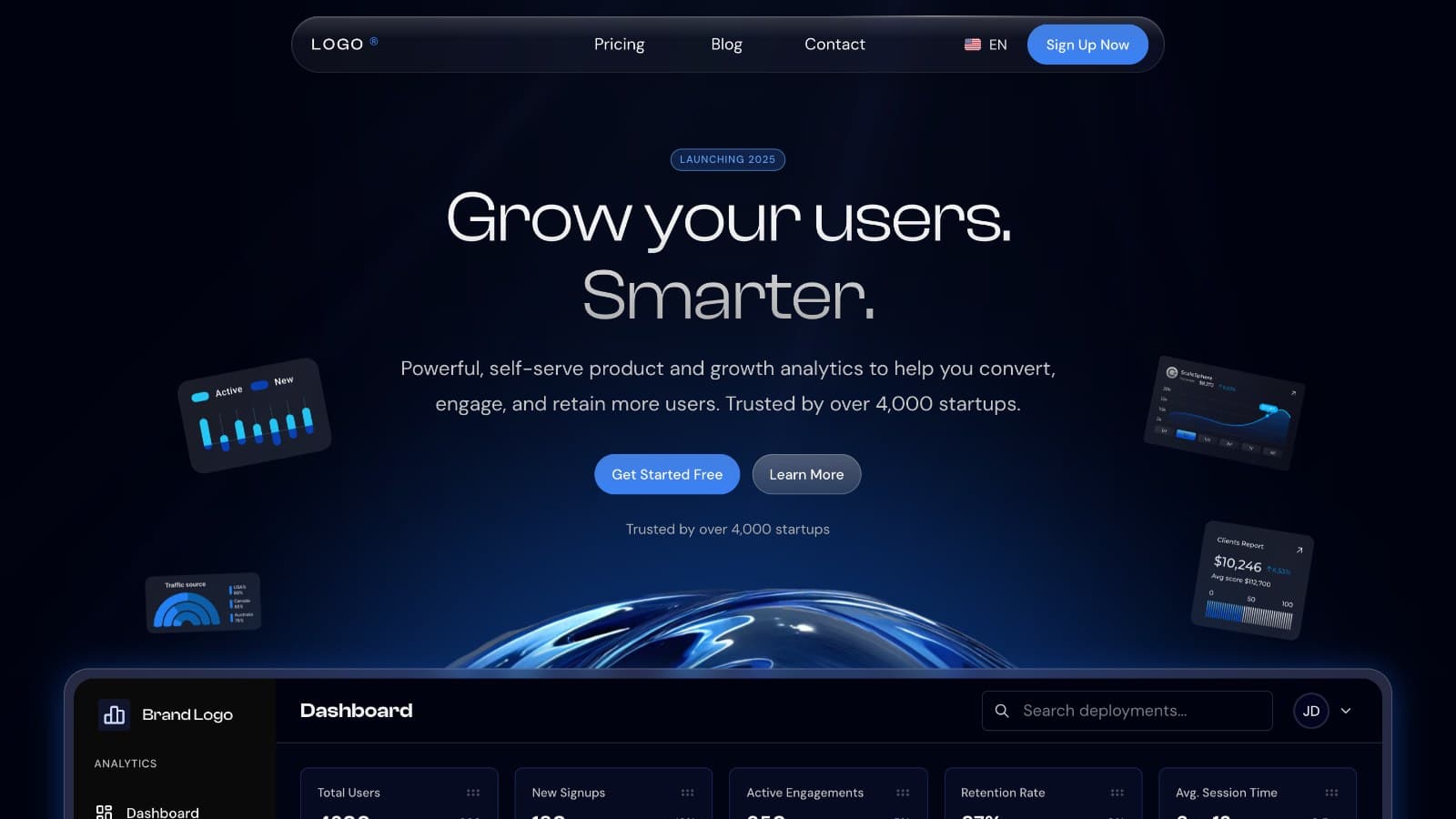
How to Launch a SaaS Website in English and Arabic With Next.js
Launch a SaaS marketing website in English and Arabic with Next.js: pricing, blog, forms, SEO settings and going live, plus what you connect yourself.
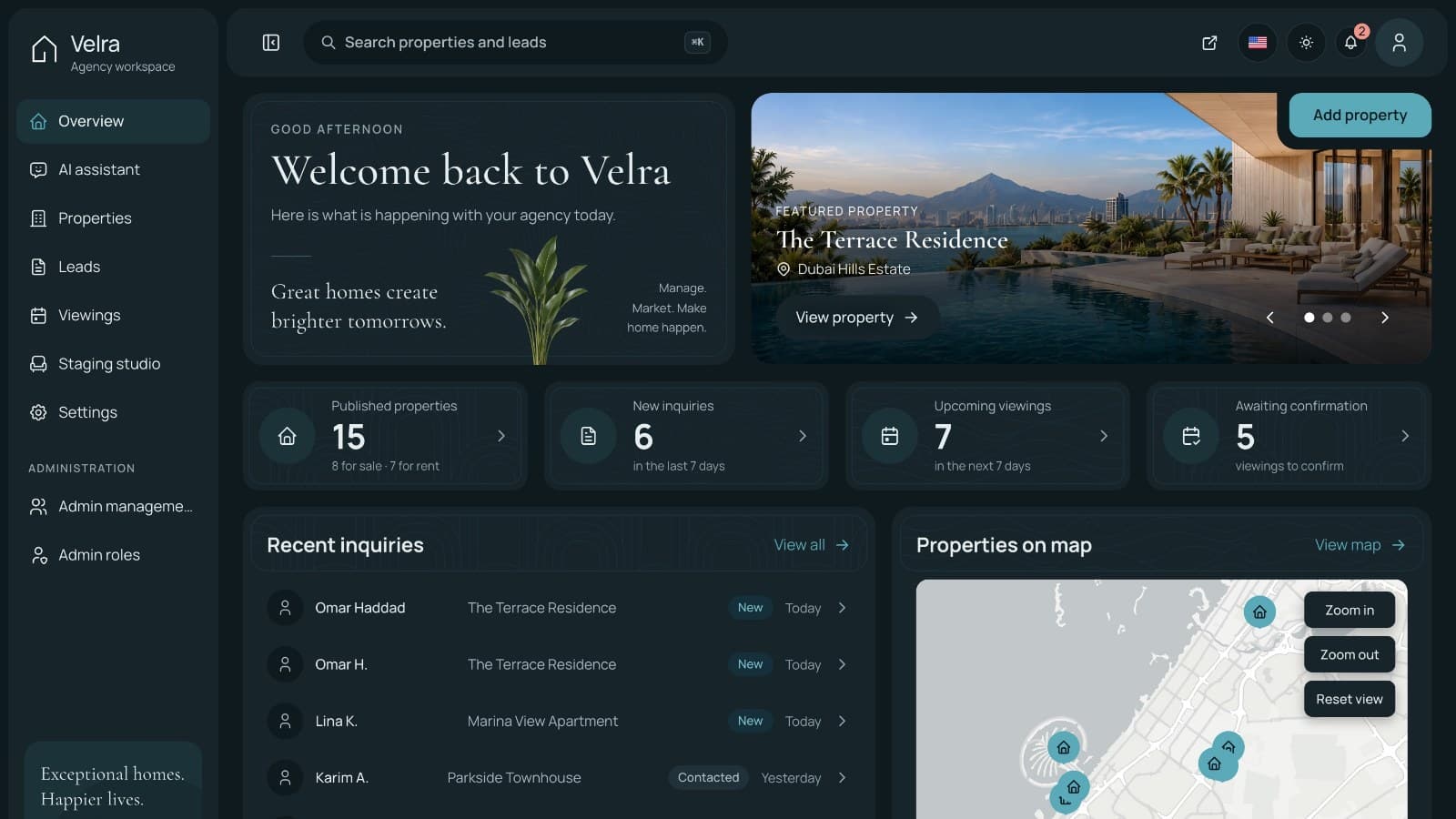
How to Build a Real Estate Agency Website in Next.js
Build a real estate agency website in Next.js with property listings, viewing requests and an admin dashboard: setup, staging, roles and launch.
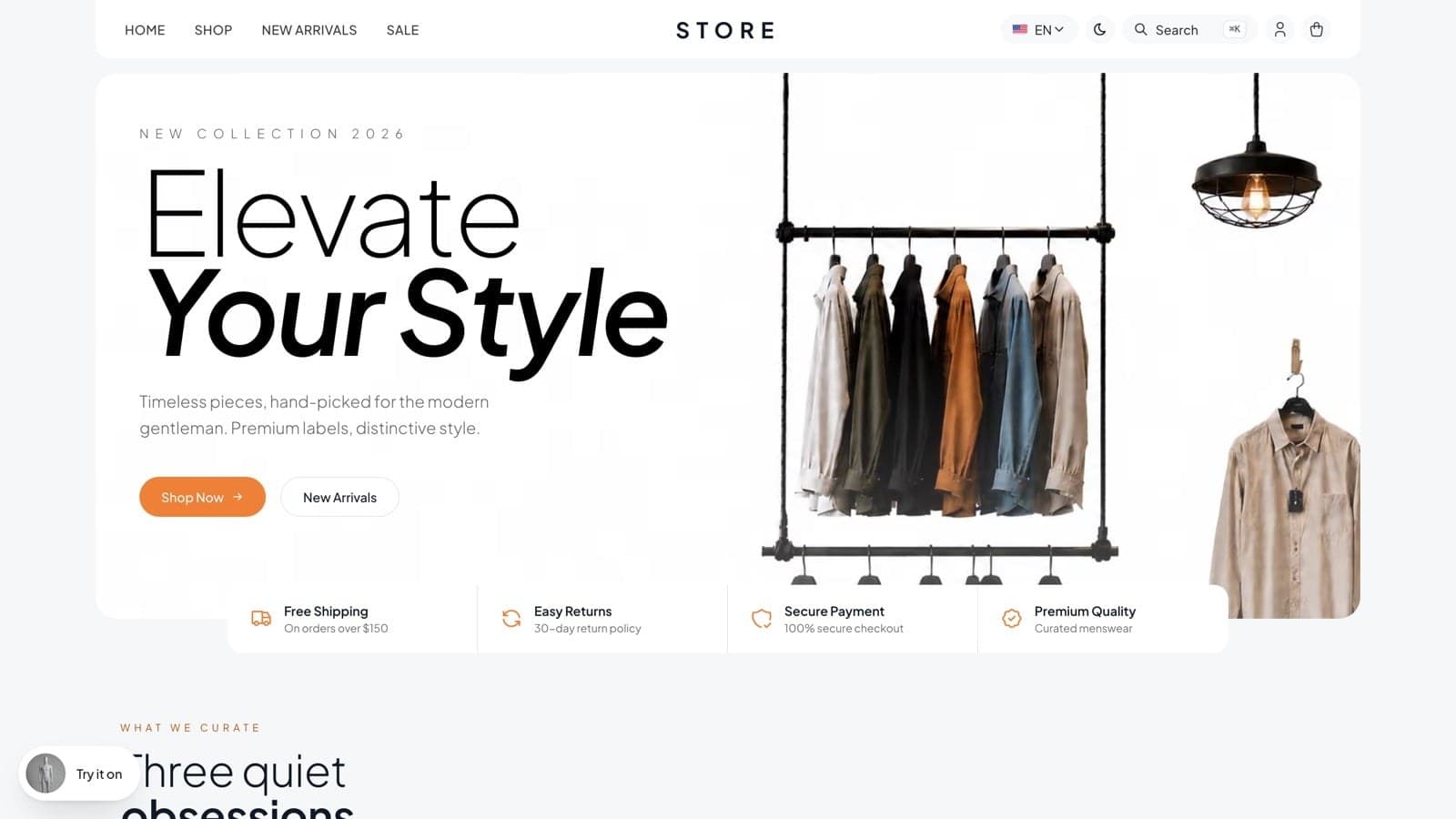
How to Build an Online Store with an Admin Panel in Next.js
Build an online store with a storefront, admin panel and API in Next.js and NestJS, from local setup to Stripe and launch. A worked example.
