CLAUDE.md Examples From 28 Shipped Next.js and NestJS Apps (2026)
Four CLAUDE.md examples to copy, written from 28 shipped Next.js and NestJS apps: root, Next.js, NestJS and AGENTS.md, plus a free skill that checks yours.
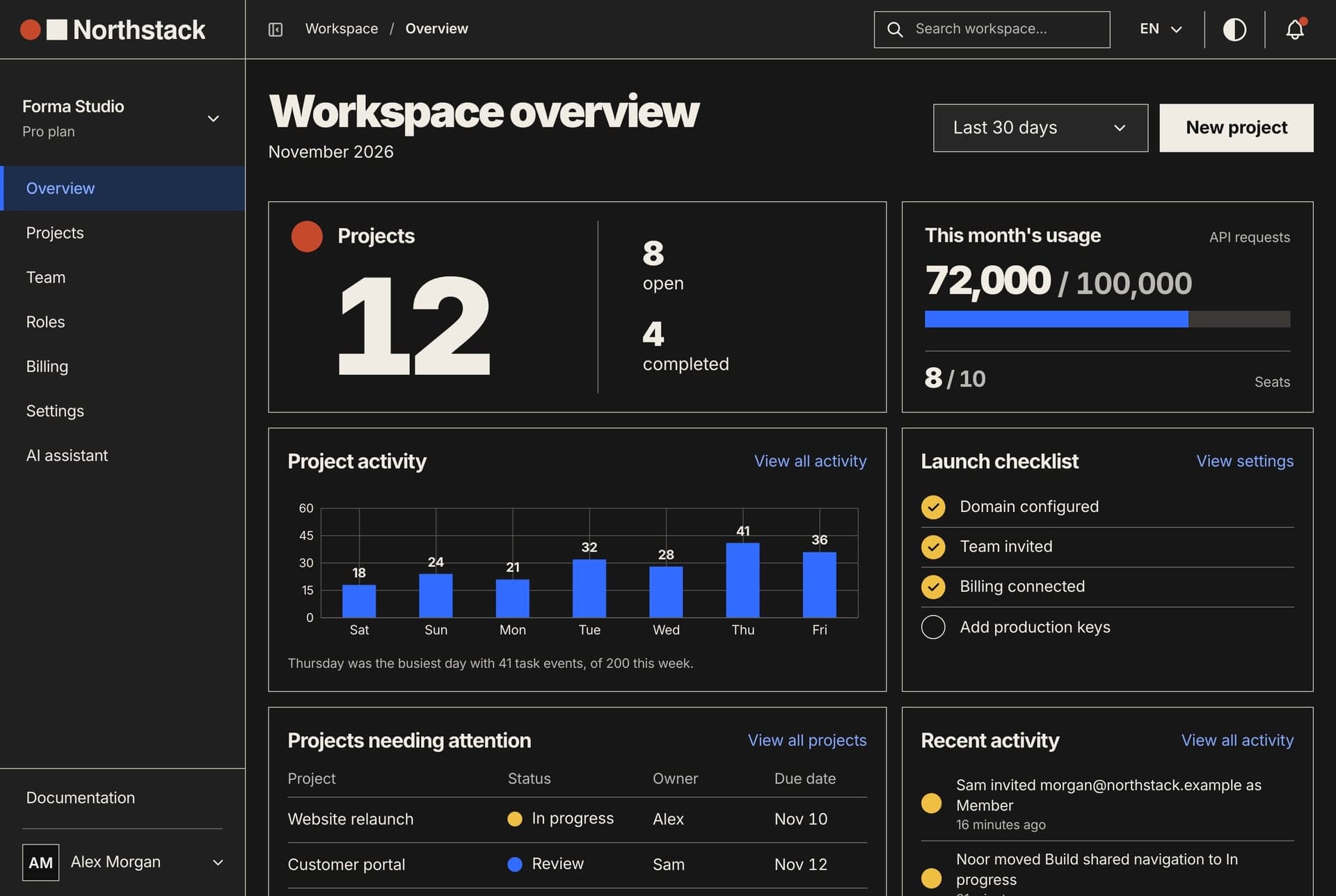
The CLAUDE.md examples worth copying are short and specific: the exact commands, ports and conventions of one real project, well under 200 lines, with nothing Claude could learn by opening the folders. File trees and dependency lists cost context in every session and teach Claude nothing new.
This page gives four claude md examples written from the code of the 28 Next.js and NestJS apps we ship: a root file, a Next.js app, a NestJS API and an AGENTS.md for Codex and Cursor. Each line comes with its reason, and a free skill at the end drafts and checks these files from your code.
What belongs in a CLAUDE.md
Anthropic describes CLAUDE.md as the place for what you would otherwise explain again in every session. Claude reads it at the start of each session as context, not as enforced configuration, so a line that can be checked beats a vague one: "run yarn typecheck" beats "test your changes".
The best practices page narrows it further. Keep the commands that confirm work, the places where the code misleads, decisions that live nowhere in the repository, and anything you have corrected twice. Drop the architecture tour and folder layout because, in the docs' words, Claude reads the repo itself.
Many examples on the first page of search results are written for an imagined project rather than taken from a real one. Every line in ours names a real script, a real file to copy or a real trap, and each file passes a checker run against the code it describes.
You can start from /init, which writes a first CLAUDE.md from your codebase, or suggests improvements when one exists. With CLAUDE_CODE_NEW_INIT=1 set it asks which files to set up (CLAUDE.md, skills, hooks) and shows a proposal before writing. After that, the docs say, the work is mostly removing lines.
Where CLAUDE.md files live and when they load
- Managed policy:
/Library/Application Support/ClaudeCode/CLAUDE.mdon macOS,/etc/claude-code/CLAUDE.mdon Linux. Set by an organisation. - User:
CLAUDE.mdin the.claudefolder of your home directory. Your preferences, in every project. - Project:
./CLAUDE.mdor./.claude/CLAUDE.md. Committed and shared. - Local:
./CLAUDE.local.md. Your notes for one project, kept out of git.
Files in the folder where you start Claude, and in every folder above it, load at launch. They are joined, not overridden, so the file closest to you is read last. If two files disagree Claude may follow either, so a rule should live in one place only.
A CLAUDE.md in a subfolder loads only when Claude reads, writes or edits a file there. That is why our examples split by app: the root file stays short, the dashboard's rules arrive when Claude opens a dashboard file, and an API session never carries them.
A line such as @AGENTS.md imports another file, up to four hops deep, but saves no context, because the imported file loads with the one that names it. Rule files in the rules folder inside .claude can carry a paths list and then load only when Claude touches a matching file. This one guards both Northstack frontends' message files:
---
paths:
  - "**/messages/**/*.json"
---
- Every key exists in both `en.json` and `ar.json` of the same namespace.
- A new namespace file is listed in `website/src/i18n/request.ts` (website)
  or `dashboard/src/config/dashboardNamespaces.ts` (dashboard), or it never loads.
To see what loaded, run /context all and look under Memory files. HTML comments in a CLAUDE.md are stripped before Claude reads it, which makes them a free place for notes to maintainers.
How we wrote these CLAUDE.md examples: one script over 28 apps
We wrote a small read-only Node script, facts.mjs, that reads each app's package.json, the names in its .env.example, its folders, message files and config. We ran it over the 12 repositories we sell: 28 apps, 19 on Next.js 16 and 9 on NestJS 10 to 12.
A rule went into the examples only when the code backs it up. On 14 November 2026 the script found:
- 0 of 28 package.json files contains a version range. Every dependency, resolution and override is exact.
- All 28 use Yarn 4, and each has an
.env.example(376 variable names in all). - All 19 Next.js apps use next-intl with
messages/<namespace>/<locale>.jsonin English and Arabic, a[locale]segment andsrc/proxy.ts: 640 message files in 158 namespaces. - 16 of 19 keep endpoints in
src/lib/apiand read them through TanStack Query hooks insrc/services. All 19 build forms with react-hook-form and zod. - Across 6,969 component files: 3,467 logical side classes (
ms-,start-,text-start) and 189 physical ones (ml-,left-). Many of the 189 are positioning such asleft-1/2, which reads the same in both directions. - All 9 NestJS APIs answer under
/apiwith a global whitelisting ValidationPipe, and sync the schema in development only. 8 of 9 have no migrations folder. - 0 of 28 apps has a
testscript. 17 of the 19 Next.js apps call their type checktypecheck, one calls ittype-check, one has none.
That last line matters. A CLAUDE.md that says "run the tests" in a project with no test script sends Claude to a failing command in every session. Ours say there is no test suite and name the checks that exist. Here is the real output on the Northstack source:
$ node facts.mjs .
Project: northstack
Apps: 3 (2 Next.js, 1 NestJS)
Instruction files at the root: none

## back-end (nest, northstack-backend)
versions: @nestjs/core 12.3.3, typescript 5.9.3
package manager: yarn@4.8.1, node ^22.13.0 || >=24.11.0
scripts: build, format, start, dev, start:debug, start:prod, lint, typeorm, seed, seed:prod, schema, schema:prod, admin:create, admin:create:prod, reset, drop, remove:demo, export:mock
port: 8000
env example: .env.example, 54 names
versions not pinned exactly: none
agent files in this app: none
global prefix: api; ValidationPipe: global, whitelist; ORM: typeorm
synchronize: configService.get('NODE_ENV') === 'development'; migrations folder: none; modules: 22

## dashboard (next, northstack-dashboard)
versions: next 16.4.5, react 19.3.1, typescript 5.9.3, tailwindcss 4.3.4, next-intl 4.14.9
package manager: yarn@4.8.1, node >=22.9.0
scripts: dev, build, start, remove:mock, lint, typecheck, remove:demo
port: 3031
env example: .env.example, 6 names, 5 NEXT_PUBLIC_
versions not pinned exactly: none
agent files in this app: none
app router: src/app, [locale] segment; proxy/middleware: src/proxy.ts
next config: next.config.js, agentRules false
src folders: app, components, config, features, fonts, hooks, layouts, lib, providers, services, store, styles, types
i18n: next-intl, messages/<namespace>/<locale>.json, locales ar/en (RTL locale present), 8 namespaces
data layer: src/lib/api (31 entries); TanStack Query yes; services with hooks/: 26
forms: react-hook-form + zod + @hookform/resolvers
side classes in 419 files: 303 logical (ms-, ps-, start-, text-start...), 1 physical (ml-, pl-, left-, text-left...)

## website (next, northstack-website)
versions: next 16.4.5, react 19.3.1, typescript 6.0.3, tailwindcss 4.3.4, next-intl 4.14.9
package manager: yarn@4.8.1, node >=22.9.0
scripts: dev, build, start, lint, typecheck, remove:demo, remove:mock
port: 3030
env example: .env.example, 9 names, 7 NEXT_PUBLIC_
versions not pinned exactly: none
agent files in this app: none
app router: src/app, [locale] segment; proxy/middleware: src/proxy.ts
next config: next.config.ts, agentRules false
src folders: app, components, config, content, features, fonts, hooks, i18n, lib, services, styles
i18n: next-intl, messages/<namespace>/<locale>.json, locales ar/en (RTL locale present), 10 namespaces
data layer: src/lib/api (5 entries); TanStack Query yes; services with hooks/: 2
forms: react-hook-form + zod + @hookform/resolvers
side classes in 168 files: 147 logical (ms-, ps-, start-, text-start...), 0 physical (ml-, pl-, left-, text-left...)
CLAUDE.md example 1: the root of a Next.js and NestJS product
The root file loads in every session started anywhere in the repository. It holds what the three apps share: where they are, how to run and check them, how they connect, and the rules none may break. 41 lines, 2,075 characters.
# Northstack

Three apps in one repository. Each has its own package.json, yarn.lock and
.env.example, so run every command inside the app's folder.

- `website/`: Next.js 16 public site, port 3030
- `dashboard/`: Next.js 16 workspace dashboard and platform admin, port 3031
- `back-end/`: NestJS 12 API, port 8000, every route under `/api`

## Run
- Yarn 4 through Corepack (`corepack enable` once). Not npm, not pnpm.
- All three at once: `docker compose up --build` in this folder.
- Without Docker, the API first: `cd back-end && yarn seed && yarn dev`,
  ready when http://localhost:8000/api/health answers.
- Then `cd dashboard && yarn dev` and `cd website && yarn dev`.

## Check your work
- Frontends: `cd dashboard && yarn typecheck && yarn lint`, the same in `website/`.
- API: `cd back-end && yarn build && yarn lint`. It has no typecheck script.
- There is no test suite: typecheck, lint and build are the checks.

## How the apps connect
- The frontends call the API at `NEXT_PUBLIC_API_BASE_URL`, which ends in `/api`.
- A frontend on a new address goes in `CORS_ORIGIN` in `back-end/.env.example`,
  or every browser call to the API fails.
- `NEXT_PUBLIC_*` values are compiled into the bundle: restart `yarn dev` after
  changing one, and never put a secret in one. Provider keys live in the API only.
- With `NEXT_PUBLIC_API_BASE_URL` empty, a frontend runs on its own sample data
  in `src/lib/mock/`. Keep that mode working.

## Rules for all three apps
- Exact versions in every package.json: `"next": "16.4.5"`, never `"^16.4.5"`.
  Add a package as `yarn add name@1.2.3`.
- Every string a user sees exists in English and Arabic. Arabic runs right to
  left: use logical classes (`ms-4`, `pe-2`, `start-0`, `text-start`), never
  `ml-4`, `pr-2`, `left-0` or `text-left`.
- In each app, `yarn remove:demo` and `yarn remove:mock` delete the code
  between `#region demo-mode` and `#region mock-api` markers. Keep each pair
  intact, and keep code that must survive outside them.

Each app folder has its own CLAUDE.md, loaded when you work in that folder.
Why each line is here
- Apps and ports: from each package.json (
next dev -p 3030, a script readingPORTin the dashboard) andPORT=8000in the API's.env.example. Next.js's own default, 3000, is used by none of them. - Not npm: each app declares
yarn@4.8.1and commits ayarn.lock. Another tool would write a second lockfile. - API first: the README's order. The dashboard reads every screen from the API, and
/api/healthsays it is ready. - No API typecheck, no tests: from the scripts lists.
yarn buildrunsnest build, which fails on a type error. - CORS_ORIGIN:
src/main.tspasses it toapp.enableCors. A frontend address missing from it cannot call the API from a browser. - NEXT_PUBLIC_ values: the dashboard's
.env.examplesays they are inlined at build and may never hold a secret. - Sample data mode: an empty
NEXT_PUBLIC_API_BASE_URLswitches a frontend to its in-browser mock. No folder name tells you that. - Exact versions: 0 ranges in 28 apps. One line keeps
yarn addfrom writing the first caret. - Arabic and logical classes: the Northstack dashboard has 303 logical side classes and 1 physical one.
- Region markers:
yarn remove:demoandyarn remove:mockdelete marked blocks. A marker lost on one side breaks the removal.
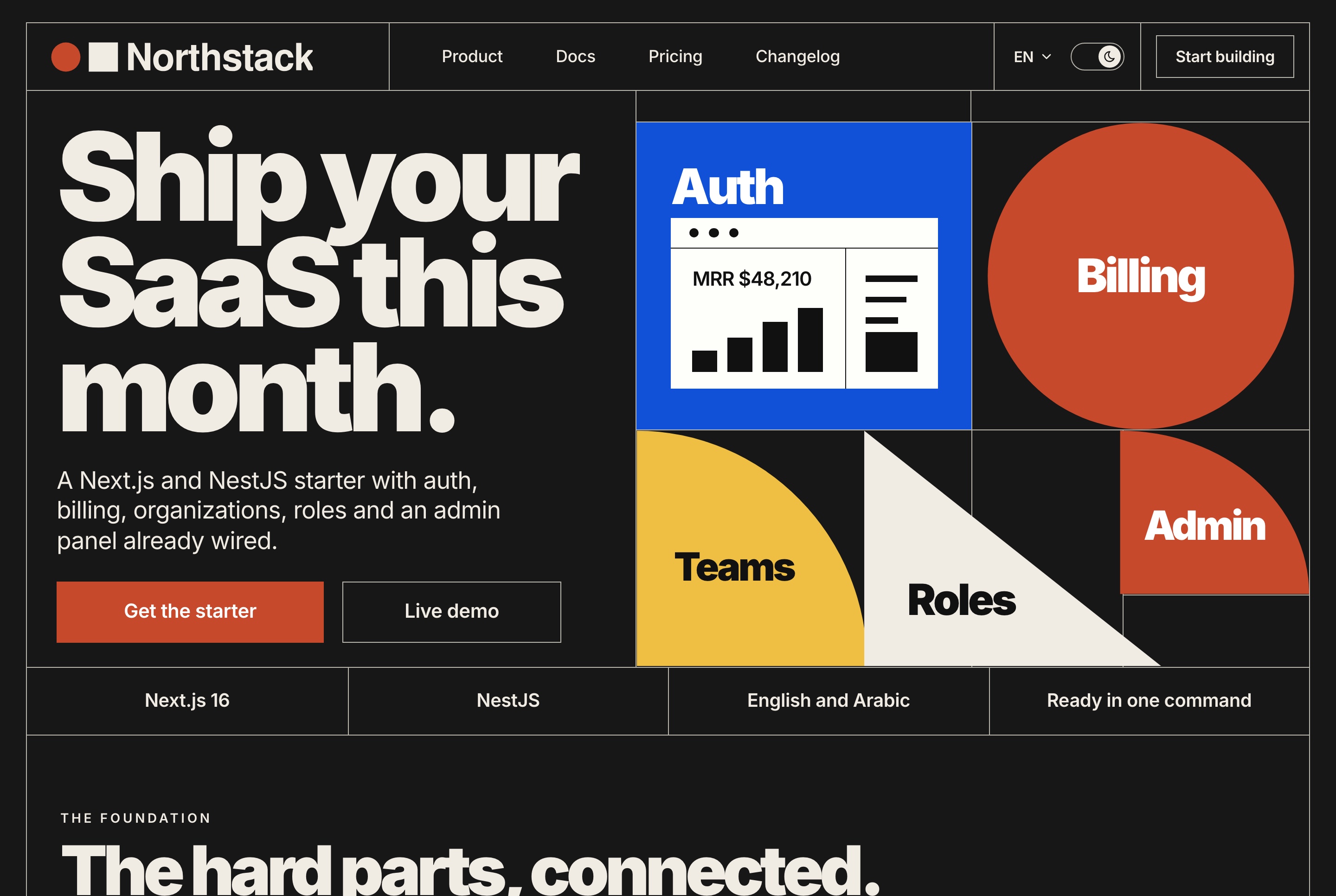
Example 2: a CLAUDE.md for a Next.js project (App Router and next-intl)
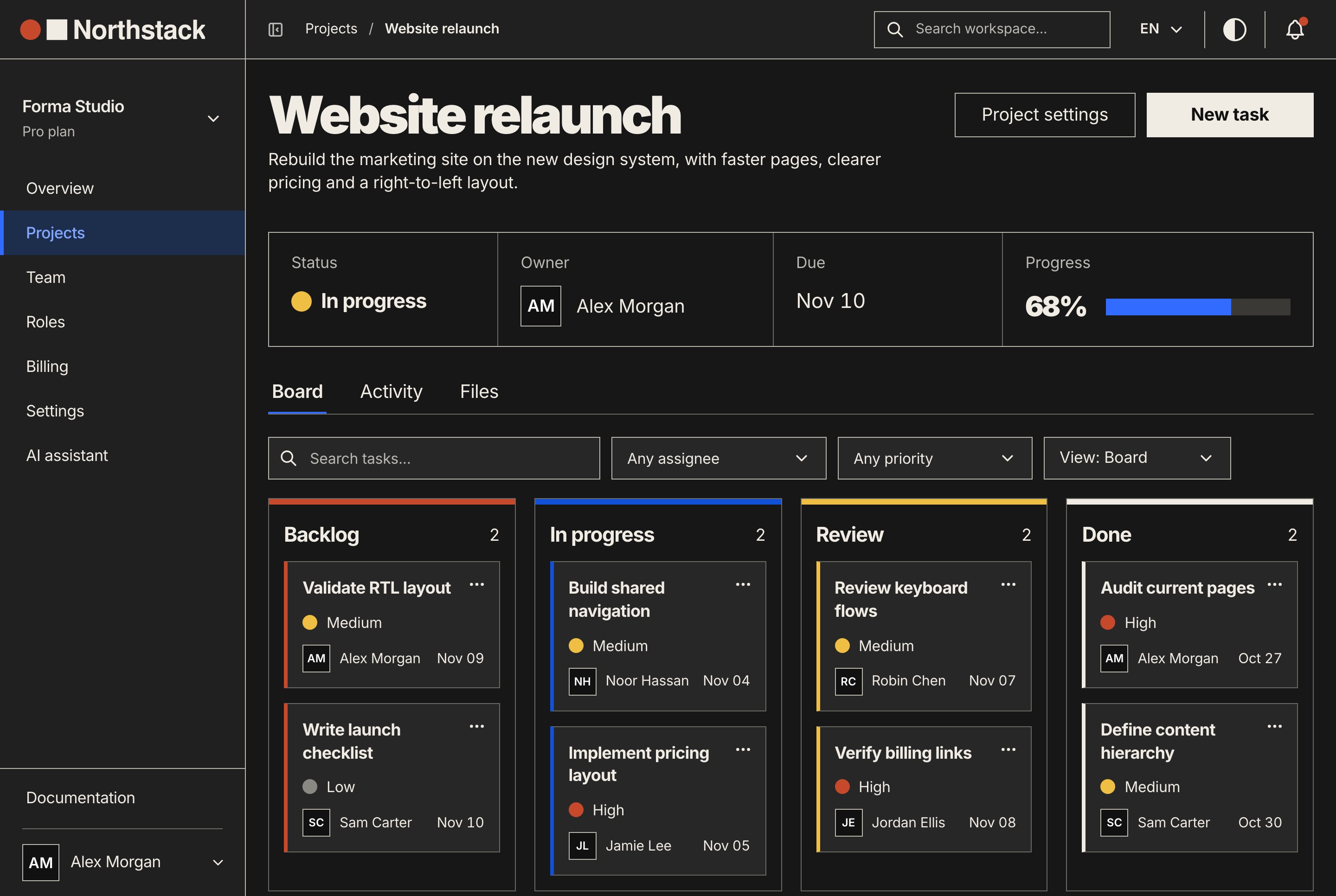
This file sits in dashboard/ and loads only when Claude works on a dashboard file. A Next.js App Router project carries more quiet conventions than an API, so this is the most useful of the four. 43 lines.
# Dashboard (Next.js 16, App Router, next-intl)

Run in this folder: `yarn dev` (port from `PORT` in .env, 3031 when unset),
`yarn typecheck`, `yarn lint`, `yarn build`.

## Where code goes
- Routes are `src/app/[locale]/**/page.tsx`. A page composes one feature and
  wires its hook; it holds no logic of its own.
- A feature is `src/features/<area>/` with `components/`, `hooks/`,
  `constants/`, `types/` and `utils/`, one job per file. Copy the shape of
  `src/features/dashboard/billing/`.
- Look in `src/components/ui/` before writing a modal, tab strip, notice or
  skeleton, and reuse what is there.
- Import through the `@/` alias (`@/lib/api/billing`). ESLint warns on
  relative imports deeper than two levels.

## Data
- Endpoints live in `src/lib/api/<domain>/` and return the API's
  `{ success, data, message }` shape.
- Screens never import `src/lib/api` or axios. They use the TanStack Query
  hooks in `src/services/<domain>/`: queries in `hooks/`, mutations in
  `hooks/mutations/`, query keys in `keys/`.
- A new endpoint also needs a handler in `src/lib/mock/handlers/`, or its
  screen gets a 404 when `NEXT_PUBLIC_API_BASE_URL` is empty. List a literal
  route before a pattern that would catch it (`/projects/archived` before
  `/projects/:projectId`).

## Text and direction
- Messages are `messages/<namespace>/<locale>.json`, an `en.json` and an
  `ar.json` in every namespace, read with `useTranslations("dashboard/billing")`.
- A new namespace goes in `src/config/dashboardNamespaces.ts`. A file that is
  not listed there is never loaded, and the page shows raw keys.
- Forms are react-hook-form with a zod schema built from translated messages,
  like `src/features/dashboard/billing/utils/billingEmailSchema.ts`.
- Logical Tailwind classes only (`ms-*`, `pe-*`, `start-*`, `text-start`).
  `<html dir>` follows the locale; code that must flip reads `useDirection()`
  from `src/hooks/locale/`.

## Gotchas
- `agentRules: false` in `next.config.js` stops `next dev` from writing an
  AGENTS.md block here. This file is the instruction file.
- `NEXT_PUBLIC_*` values are inlined at build: restart `yarn dev` after editing
  .env. None of them may hold a secret.
Why each line is here
- Page composes, feature holds the logic:
src/app/[locale]/dashboard/billing/page.tsximports its components anduseBillingPagefrom the billing feature. One folder to copy is clearer than a described pattern. - src/components/ui/ holds 44 shared components and folders. The line sends Claude there before it writes another modal.
- The @/ alias:
eslint.config.mjsenablesno-relative-import-pathswithallowedDepth: 2. - The data chain:
billingApi.ts, thenuseBilling.ts,useBillingActions.tsandbillingKeys.ts. 16 of our 19 Next.js apps follow it. - The mock handler: for a route it does not know, the mock logs "No mock handler" and answers 404. A new endpoint without one works against the API and fails in sample-data mode.
- The namespace list: the dashboard layout loads only the namespaces in
DASHBOARD_NAMESPACES. An unlisted folder never reaches the page, which then shows keys instead of text. - Translated validation:
billingEmailSchema(t)builds its zod schema from the billing messages, so errors appear in Arabic too. - Direction:
src/app/layout.tsxsetsdiron<html>from the locale, anduseDirection()serves code that must flip, such as a chart. - agentRules: since Next.js 16.3,
next devwrites a managed block intoAGENTS.mdwhen it detects a coding agent, pointing at docs bundled innode_modules/next/dist/docs/. All 19 of our Next.js apps setagentRules: false. If you keep it on, commit the block.
Example 3: a CLAUDE.md for a NestJS API
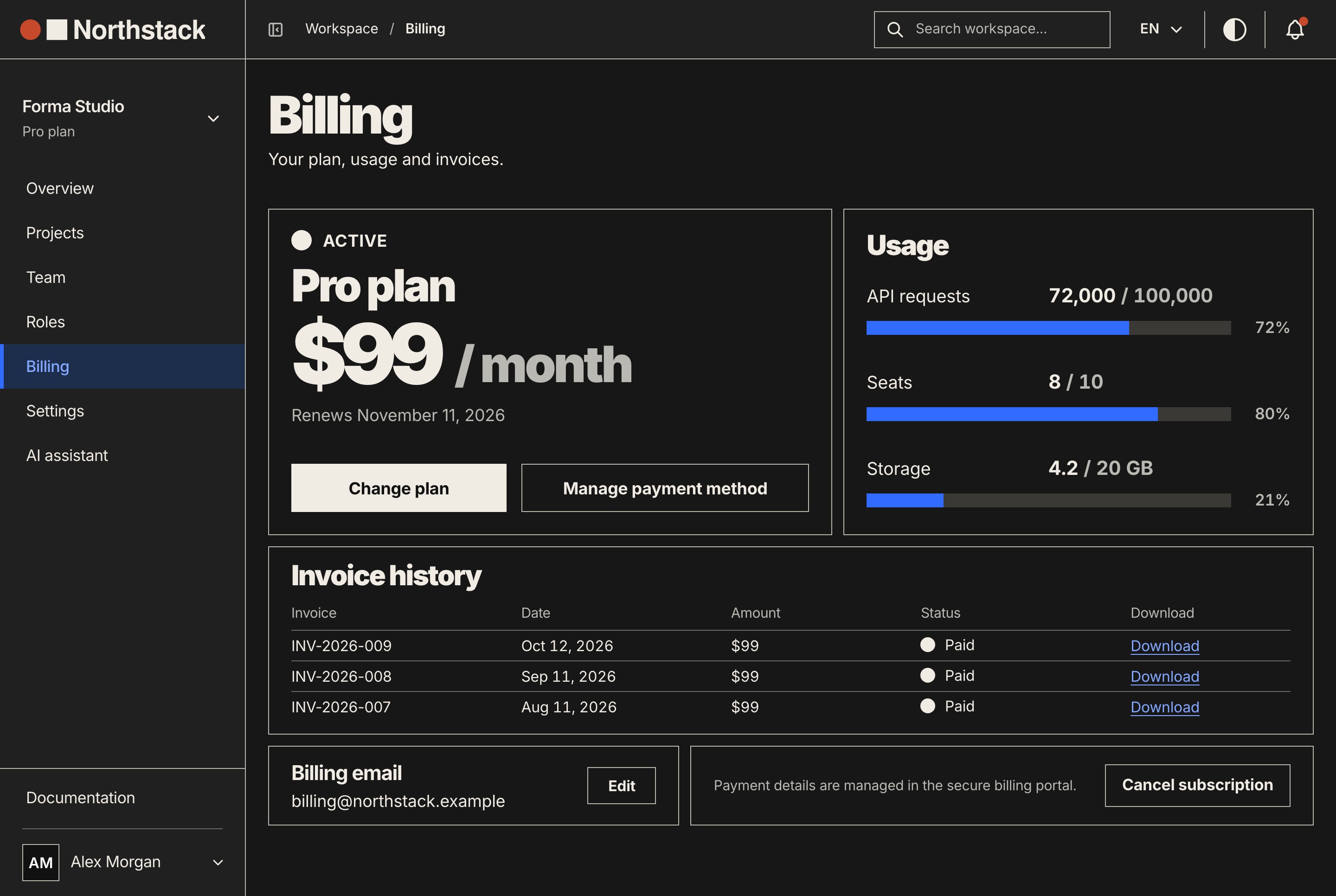
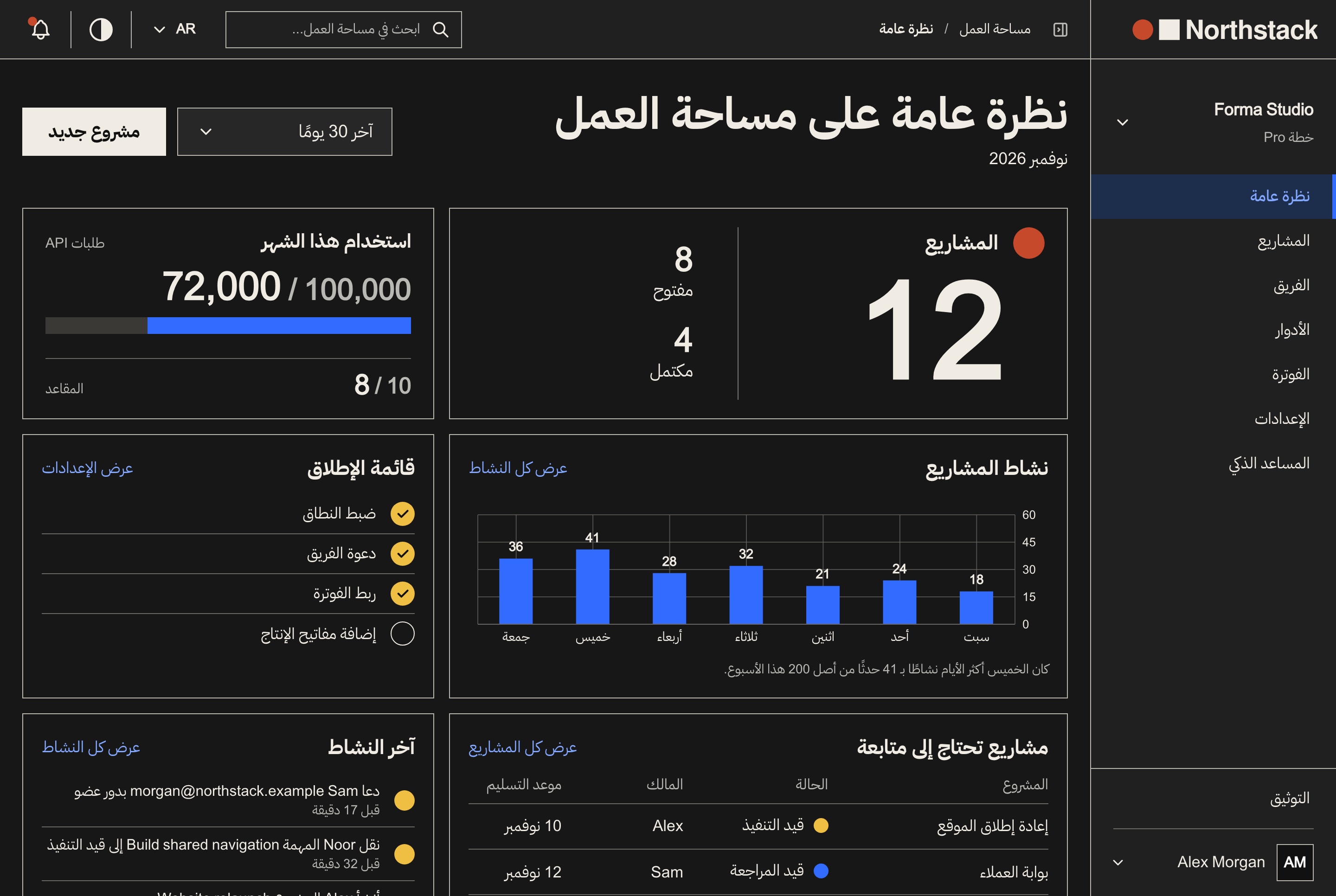
The API file is 37 lines. It states the rules that live in main.ts, app.module.ts and the database scripts, which Claude only sees if it happens to open those files first.
# API (NestJS 12, TypeORM)

Run in this folder: `yarn dev` (port 8000, from `PORT` in .env), `yarn build`,
`yarn lint`, `yarn format`. There is no typecheck or test script, so
`yarn build` is the type check.

## Database
- SQLite by default (`DB_TYPE=sqlite`, one file), MySQL with `DB_TYPE=mysql`.
  A query has to work on both.
- There are no migrations. With `NODE_ENV=development` the tables follow the
  entities on start. On a server: back up the database, then `yarn schema:prod`.
- `yarn seed` loads the sample data. `yarn reset` empties every table and
  `yarn drop` deletes them: run either only when asked.

## Where code goes
- One folder per feature in `src/modules/<name>/`: `<name>.module.ts`, `dto/`,
  `entities/`, and `controllers/` and `services/` once there are several.
  Copy `src/modules/billing/`.
- Every route is under `/api` (`setGlobalPrefix` in `src/main.ts`).
- Bodies and queries are DTO classes with class-validator decorators. The
  global ValidationPipe sets `whitelist` and `forbidNonWhitelisted`, so a field
  with no decorator is refused with a 400.
- Handlers return `{ success, data, message }`;
  `src/common/interceptors/response.interceptor.ts` wraps anything else.
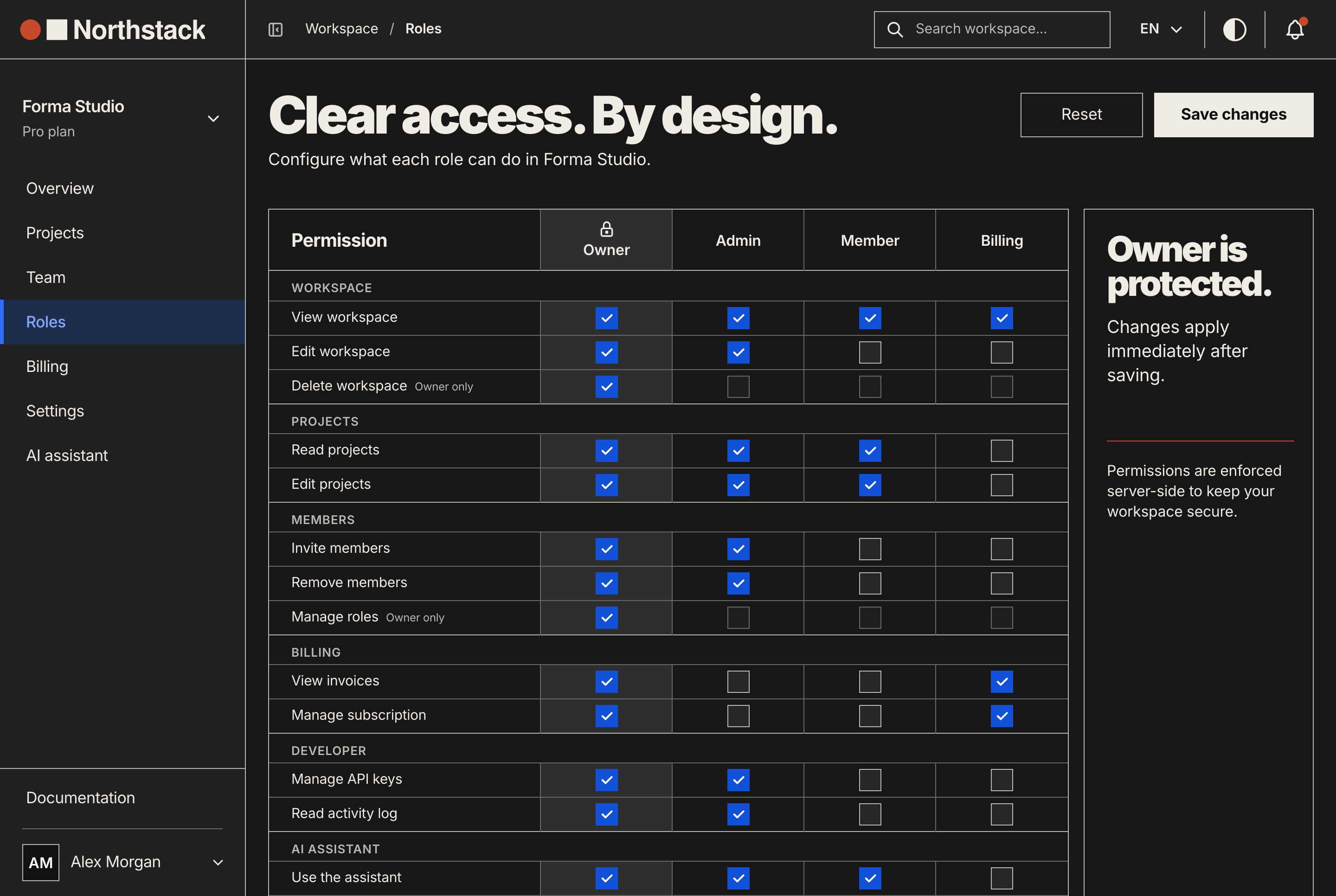
- Workspace routes take `@UseGuards(AuthGuard('bearer'), WorkspaceGuard)` and
  one `@WorkspacePermissions(...)` per handler. Permission keys are listed in
  `src/modules/workspaces/constants/workspace-permissions.ts`.
- Text a person reads (errors, emails) comes from
  `src/i18n/translations/<locale>/<namespace>.json`, in `en` and `ar`.

## Config
- A new setting goes in `.env.example` with a comment and is read through
  `ConfigService`.
- `src/config/env-check.ts` stops a production start on the example
  `JWT_SECRET` or an empty `CORS_ORIGIN`. Keep those checks.
- After changing what a route returns, run `yarn export:mock` (API seeded and
  running) so both frontends' sample data matches it.
Why each line is here
- No typecheck or test script: the scripts list above.
yarn buildis the only type check. - SQLite or MySQL:
app.module.tspicks the driver fromDB_TYPE. - No migrations:
synchronizeis true in development only, and the README says to back up and runyarn schema:prodafter an update that changes tables. "Add a column" has two plausible answers in TypeORM; the file says which one applies. - reset and drop: they empty or delete every table. A CLAUDE.md line is guidance, so the hard stop is a deny rule, shown below.
- Module folders:
src/modules/holds 22. Billing splitscontrollers/,services/,providers/,entities/anddto/. - /api and the ValidationPipe:
src/main.tssets the prefix and a global pipe withforbidNonWhitelisted, so a DTO field without a decorator gets a 400. - The answer shape:
response.interceptor.tswraps any handler result that is not{ success, data, message }, and both frontends read that shape. - Guards:
projects.controller.tsusesWorkspaceGuardand@WorkspacePermissions('projects.read')on each handler. - The API's own text: 9 namespaces in
enandarundersrc/i18n/translations/. - Env check and mock export:
env-check.tsrefuses a production start on the example secret;export-mock.mjswrites both frontends' sample data from the running API.
Example 4: AGENTS.md for Codex, Cursor and Claude Code
AGENTS.md is the plain markdown file Codex, Cursor and GitHub Copilot read. Codex walks from the project root down to the current folder, one file per folder, and stops adding at 32 KiB by default. Cursor reads it in the root and in subfolders, the more specific file taking precedence.
Claude Code reads it too. From v2.1.277, Claude reads AGENTS.md when no CLAUDE.md or CLAUDE.local.md exists in the working folder or above it. When both exist it reads only CLAUDE.md, unless Project instructions in /config is set to claude-md-and-agents-md.
So a team on several tools keeps one source: the shared text in AGENTS.md, and beside it a CLAUDE.md that imports it and adds Claude-only lines. Per the docs, the import never makes Claude read the file twice, and it also works in sessions that cannot read AGENTS.md directly.
# AGENTS.md

Northstack: `website/` (Next.js 16, port 3030), `dashboard/` (Next.js 16,
port 3031) and `back-end/` (NestJS 12, port 8000, routes under `/api`). Each
app has its own package.json and yarn.lock: run commands inside its folder.

## Setup and checks
- Yarn 4 through Corepack. Start the API first:
  `cd back-end && yarn seed && yarn dev`, then `yarn dev` in each frontend.
- Or all three: `docker compose up --build`.
- Frontends: `cd website && yarn typecheck && yarn lint`, same in `dashboard/`.
- API: `cd back-end && yarn build && yarn lint`. No test suite exists.

## Conventions
- Exact versions only in package.json. No `^`, no `~`.
- Text: next-intl, `messages/<namespace>/<locale>.json` with `en` and `ar`.
  The API's own messages: `back-end/src/i18n/translations/<locale>/`.
- RTL: logical Tailwind classes (`ms-*`, `pe-*`, `start-*`, `text-start`).
- Frontend data: endpoint in `src/lib/api/<domain>/`, TanStack Query hook in
  `src/services/<domain>/hooks/`, screen uses the hook.
- Forms: react-hook-form and zod.
- API: one module per folder in `back-end/src/modules/`, DTOs with
  class-validator, answers shaped `{ success, data, message }`.
- No migrations: tables follow the entities in development; on a server run
  `cd back-end && yarn schema:prod` after a backup.

## Next.js docs
Read the guide for the installed version in `node_modules/next/dist/docs/`
inside the app you are changing. `agentRules: false` keeps `next dev` from
writing its own block into this file.

## Never
- Commit `.env` files or put a secret in a `NEXT_PUBLIC_*` variable.
- Break a `#region demo-mode` or `#region mock-api` marker pair.
The CLAUDE.md beside it, six lines:
@AGENTS.md

## Claude Code
- Each app folder has its own CLAUDE.md, loaded when you work there.
- A change across apps: build the API first (`cd back-end && yarn build`),
  then change the frontend.
Why each line is here
- One file for three apps: Codex and Cursor never see Claude's subfolder files, so this folds the three examples into 34 lines. Both tools also read nested AGENTS.md files.
- The Next.js docs line: Next.js 16.2 and later bundle version-matched docs. Our apps turn the managed block off, so the pointer is written by hand.
- Never: two rules with no exceptions. In Claude Code, a rule that must hold every time goes in settings, as shown below.
- The import: the docs show this exact pattern. A symlink (
ln -s AGENTS.md CLAUDE.md) works too, except on Windows clones where Git checks it out as a one-line text file.
How long should a CLAUDE.md be?
Anthropic's guidance is under 200 lines per file: longer files use more context and reduce adherence. Claude Code warns at startup when a file passes that length and skips any file over 4 MiB. With a 200K context window, subfolder files and path-scoped rules are cut at 40,000 characters.
Ours are 41, 43, 37 and 34 lines, 7,828 characters for all four. When a file grows, /doctor proposes cuts, and /doctor prompt-audit flags lines that point at missing files or contradict each other.
What not to put in CLAUDE.md
- Secrets. The file is committed and read into every session. Name the variable (
JWT_SECRET), never its value. - Rules that cannot bend. Claude may decide a CLAUDE.md line does not apply. "Never read .env" belongs in permissions, where a deny rule holds in every mode.
- Long docs. Import or link the README. A multi-step procedure, such as a release, works better as a skill that loads when needed.
- File trees and dependency lists. Claude reads the folders and package.json itself.
- Personal preferences. They go in
CLAUDE.local.md. - Emphasis. The docs say piling on IMPORTANT makes Claude over-apply a rule. A line that keeps being missed means the file is too long, or the rule should be a hook.
For Northstack, the env files and the two destructive scripts go in .claude/settings.json. A Read deny rule blocks the file through the Read tool and shell reads alike. Bash rules match the command text, so they stop the usual form of a command, not every possible one:
{
  "permissions": {
    "deny": [
      "Read(**/.env)",
      "Bash(yarn drop)",
      "Bash(yarn reset)"
    ]
  }
}
A claude md template to start from
If you would rather fill in blanks, this is the skeleton all four examples share. Delete any heading you have nothing true to put under.
# <Project name>

<One line per app: folder, framework, port.>

## Run
- <Package manager and version; how to install.>
- <Start command for each app, in the order they must start.>

## Check your work
- <Exact typecheck, lint, build and test commands. Say so if one is missing.>

## How the apps connect
- <Env names that link them; which are compiled in; which may never hold a secret.>

## Conventions
- <Rule>, copy `<path/to/a/good/example>`.

## Gotchas
- <What fails quietly: a list to register in, a generated file, a destructive script.>
The free skill: nextjs-claude-md
The skill packages the method: read the facts, choose the files, write only what the code does not show, then check. It is public at github.com/aniq-ui-pro/agent-skills. Install it with the skills CLI, or copy the folder into .claude/skills/:
npx skills add aniq-ui-pro/agent-skills --skill nextjs-claude-md

# or copy the folder from a clone of the repository
cp -r agent-skills/skills/nextjs-claude-md .claude/skills/nextjs-claude-md
Then ask Claude to write a CLAUDE.md for the project, or type /nextjs-claude-md. The whole SKILL.md:
---
name: nextjs-claude-md
description: Drafts and checks CLAUDE.md (and AGENTS.md) files for a Next.js App Router project, with or without a NestJS API beside it. Use when a repository has no CLAUDE.md yet, when /init produced a generic one, when asked to write, update, audit or shorten CLAUDE.md or AGENTS.md, or after scripts, ports, folders or the i18n setup changed.
---

# CLAUDE.md for a Next.js (+ NestJS) project

Write instruction files from what the code does, then prove that every command
and path in them exists. Two read-only Node scripts (Node 20+, no packages):
`scripts/facts.mjs` reads package.json files, folders, `.env.example` names,
i18n and config; `scripts/check.mjs` checks a finished file.

1. **Read the facts.** At the repository root run
   `node ${CLAUDE_SKILL_DIR}/scripts/facts.mjs .`
   Check: it lists every app you expect. "Apps: 0" means the wrong folder.

2. **Look before you write.** If it reports a CLAUDE.md, AGENTS.md or rule
   files under `.claude/` already, read them and plan edits. Never overwrite one.
   Check: you can name the file each new line will go in.

3. **Choose the files.** One app: one CLAUDE.md. Several apps: a short root
   CLAUDE.md (apps, ports, run and check commands, how the apps connect, rules
   shared by all) plus one CLAUDE.md in each app folder, which Claude Code
   loads only when it works there. If the team also uses Codex, Cursor or
   Copilot, put the shared text in AGENTS.md and make CLAUDE.md `@AGENTS.md`
   followed by Claude-only lines.
   Check: no line appears in two files.

4. **Write only what the code does not show at a glance**, in this order:
   - Commands: exact script names from package.json (`dev`, `build`, `lint`,
     `typecheck`), and say so when there is no test script.
   - Ports and links between apps: env names from `.env.example`, never their
     values; which ones are compiled in (`NEXT_PUBLIC_*`).
   - Conventions, each with a real file to copy: the message file layout and
     locales; logical classes (`ms-*`, `text-start`) when a locale is RTL; the
     data chain (API client folder, query hooks); forms; exact versions when
     facts.mjs reports no ranges.
   - Gotchas that fail quietly: a namespace list, a mock that must answer, a
     schema that syncs only in development, generated files.
   - Leave out file trees, dependency lists, secrets and long docs. A rule with
     no exceptions ("never read .env") belongs in `.claude/settings.json`
     permissions, not here.
   Check: every line names a command, a path, an env name or a rule that
   someone could verify in the code.

5. **Check every file.** `node ${CLAUDE_SKILL_DIR}/scripts/check.mjs CLAUDE.md`,
   then each app's file and AGENTS.md (`--root <dir>` when the file is not in
   the project it describes).
   Check: 0 errors. Fix the file, not the checker, and read each WARN.

6. **Keep it short.** The checker fails a file over 200 lines, the length the
   Claude Code docs recommend staying under.
   Check: the line count in the checker's last line.

7. **Confirm it loads.** Ask the user to run `/context all` in a new session:
   the root file is listed under Memory files. App files load on demand, when
   Claude reads a file in that folder.
   Check: the user confirms it, or your report says it is not confirmed yet.

Report the files written, their line counts, the checker's last line for each,
and any line you were unsure of.
Both scripts are read-only, need Node 20 or later and no packages.
check.mjs confirms that every script a file names exists in the package.json it runs in (following cd), that every path and @ import exists, that the file stays under 200 lines, and that nothing looks like a key. On the four examples it reports 0 errors, each in under a tenth of a second:
$ for f in CLAUDE.md dashboard/CLAUDE.md back-end/CLAUDE.md AGENTS.md; do node check.mjs "$f"; done
CLAUDE.md: 41 lines, 11 commands and 6 paths checked, 0 errors, 0 warnings
dashboard/CLAUDE.md: 43 lines, 5 commands and 24 paths checked, 0 errors, 0 warnings
back-end/CLAUDE.md: 37 lines, 10 commands and 13 paths checked, 0 errors, 0 warnings
AGENTS.md: 34 lines, 8 commands and 9 paths checked, 0 errors, 0 warnings
The same root file copied unedited into Ticketory, our event ticketing package, fails at once, because Ticketory's frontends live in storefront/ and admin-dashboard/:
$ node check.mjs CLAUDE.md
ERROR line 6: path `website/` does not exist
ERROR line 15: `yarn dev` runs in dashboard, which has no package.json
ERROR line 15: `yarn dev` runs in website, which has no package.json
ERROR line 18: `yarn typecheck` runs in dashboard, which has no package.json
ERROR line 18: `yarn lint` runs in dashboard, which has no package.json
ERROR line 18: path `website/` does not exist
CLAUDE.md: 41 lines, 11 commands and 6 paths checked, 6 errors, 0 warnings
The dashboard file copied into our Financial Dashboard catches a one-character difference on its first error: that app calls its type check type-check. The other 13 errors are paths that app does not have.
$ node check.mjs CLAUDE.md
ERROR line 4: `yarn typecheck`: no script "typecheck" in ./package.json (did you mean "type-check"?)
ERROR line 10: path `constants/` does not exist
ERROR line 11: path `src/features/dashboard/billing/` does not exist
# 11 more path errors
CLAUDE.md: 43 lines, 5 commands and 24 paths checked, 14 errors, 0 warnings
A CLAUDE.md copied from anywhere, this page included, is wrong for your project until every command and path in it has been checked against your code.
FAQ
Does Claude Code read AGENTS.md?
Yes, from v2.1.277, when no CLAUDE.md or CLAUDE.local.md exists in your working folder or above it. When a CLAUDE.md exists, Claude reads only CLAUDE.md unless Project instructions in /config says otherwise. A CLAUDE.md that starts with @AGENTS.md works in every version.
Where should CLAUDE.md go in a monorepo with several apps?
A short file at the root for what every app shares, and one in each app folder. App files load only when Claude touches a file in that folder. In a large monorepo, the claudeMdExcludes setting skips other teams' files.
Should CLAUDE.md be committed to git?
The project file, yes: it holds the team's shared instructions. Personal notes go in CLAUDE.local.md, which you add to .gitignore, or in the user-level CLAUDE.md in your home directory's .claude folder. Never put a secret in any of them.
What does /init do if a CLAUDE.md already exists?
It suggests improvements instead of overwriting the file. On a project without one it writes a starting file with the build commands, test instructions and conventions it finds, folding in Cursor rules and Copilot instructions when present.
Can CLAUDE.md stop Claude from reading .env files?
Not reliably. CLAUDE.md is context Claude usually follows, not enforced configuration. A deny rule such as Read(**/.env) in .claude/settings.json is applied by Claude Code itself in every permission mode.
How do I check that Claude loaded my CLAUDE.md?
Run /context all and look under Memory files. A subfolder CLAUDE.md is not listed there because it loads on demand; when it loads, a line with its path appears in the terminal. /memory lists every memory file location and opens them in your editor.
Northstack and the other full-stack templates
- Northstack Full Stack (website, workspace dashboard and NestJS API): $149.
- Northstack website alone: $39. Workspace dashboard alone: $49. Backend API alone: $99.
- Bundle of 10 premium templates: $499. Northstack is not part of the bundle.
Each licence allows unlimited commercial projects, client work included, and each template page shows any current offer. Browse the templates.
Related guides
- Claude Code vs Replit vs Lovable: Which One Fits Your Project (2026)
- How to Customize a Next.js Template With AI, No Coding (2026)
- Tailwind CSS RTL Guide: Logical Properties and the rtl: Variant
- next-intl + Next.js 16: proxy.ts setup, root params, caching
- Fix Next.js 16 proxy.ts: Missing Expected Function Export
Sources
Claude Code docs: How Claude remembers your project (locations, loading, imports, AGENTS.md, size limits), Best practices (what to keep and cut, /init, /doctor), Skills and Permissions. Next.js: How Next.js supports AI coding agents and the agentRules reference. Codex: AGENTS.md discovery. Cursor: Rules. Every count on this page comes from our own repositories, read on 14 November 2026.
You might also like
Tailwind CSS RTL Guide: Logical Properties and the rtl: Variant
Build RTL layouts with Tailwind CSS 4 and next-intl: dir and lang per locale, logical utilities, the rtl: variant, Arabic fonts and a testing checklist.
How to Build a SaaS Admin Panel With an AI Assistant in Next.js
Build an admin panel with an AI assistant in Next.js: roles, projects, users, Arabic and RTL, Docker setup and going live, shown with a worked example.
How to Build an Online Fitness Coaching App with Next.js
Build an online coaching platform with client rosters, assigned workouts and weekly check-ins using Next.js and NestJS. A worked example, step by step.
