Replit vs Lovable for Templates: We Tested Both in English and Arabic (2026)
Replit keeps a template's code, Lovable converts it. We tested both on one template in English and Arabic: tables, plans and prices, who should pick which.
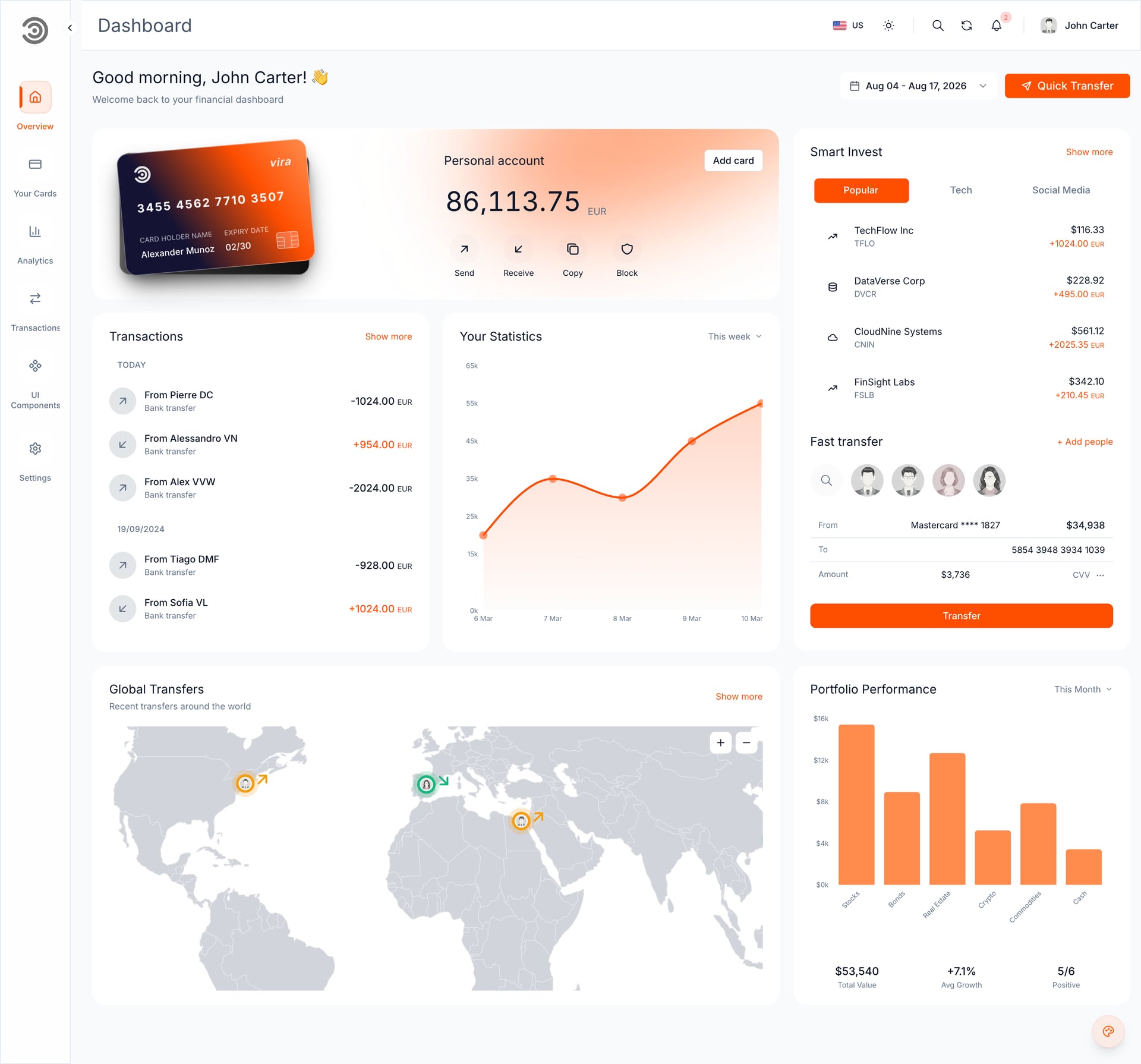
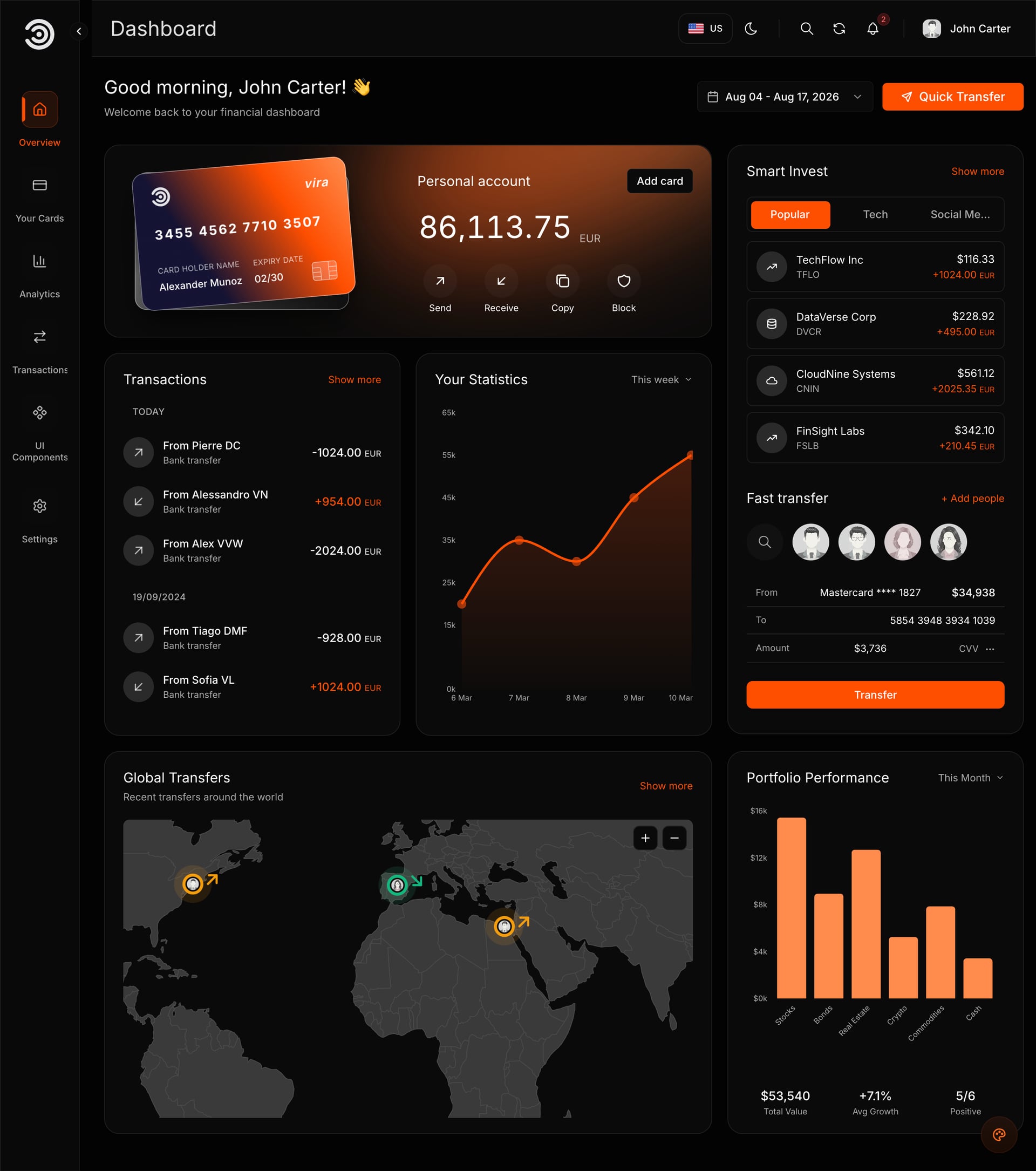
Replit keeps a template's original code and Lovable converts it to its own setup. That is the main difference when you start from a ready-made Next.js template, and the rest of this comparison follows from it. We ran the same template, the Financial Dashboard, through both on 7 November 2026, in English and Arabic. The tables come first, then what happened and who should pick which.
Replit and Lovable side by side
One template, free plans, one day: the Financial Dashboard (frontend only, a 6.5 MB ZIP) on 7 November 2026. The prices are from the platforms' own pages, checked November 2026.
| Question | Replit | Lovable |
|---|---|---|
| What happens to the template's code | Kept as it is (Next.js 16 and Yarn 4 in our test) | Converted to Lovable's own setup, TanStack Start |
| How you give it the template | Open in Replit: opens with the prompt typed, which carries a private download link valid for 24 hours | Copy prompt, Download template, Open Lovable, then + > Import project > Upload code (ZIP up to 250 MB) |
| Time in our test | About 6 to 7 minutes to a running preview; 2 to 4 minutes per answer | About 10 minutes to import; about 30 seconds for the brand prompt |
| English and Arabic (right to left) | Both worked | Both worked |
| Aniq updates and docs | Match your code | Written for the original code, so they no longer fit line by line |
| Full Stack package | Not tested | Cannot run one |
| Free plan | Starter: Free Mode only, one published app, link goes down after 30 days, Replit badge | Free: 5 build credits a day (up to 30 a month), lovable.app address, no code editing or download (GitHub sync only), no custom domain |
| Paid plan | Core $20 a month ($18 billed yearly) | Pro $25 a month for 100 credits |
| Publishing | Autoscale $2 a month plus usage; Reserved VM from $15 a month. Free static hosting does not work for apps made with the Agent | From the Publish dialog, which costs no credits; custom domains on paid plans |
What each plan costs
Checked November 2026 on replit.com/pricing, docs.replit.com and docs.lovable.dev. Plans and credit allowances change, so read them the day you decide.
| Plan | Price | What it gives |
|---|---|---|
| Replit Starter | Free | Daily Agent credits up to a monthly cap, Free Mode only, one published app (link goes down after 30 days), Replit badge |
| Replit Core | $20 a month ($18 billed yearly) | Full build and Plan Mode, $20 of monthly credits, unlimited workspaces; credits apply to publishing costs |
| Replit Pro | $100 a month ($90 billed yearly) | Everything in Core, up to 15 collaborators, database rollback up to 28 days |
| Lovable Free | Free | 5 build credits a day, up to 30 a month; no custom domain, no code editing or download (GitHub sync only), no badge removal |
| Lovable Pro | $25 a month for 100 credits (larger tiers cost more) | Custom domains, code editing and download, badge removal |
| Lovable Business | $50 a month for 100 credits (larger tiers cost more) | Everything in Pro plus features for teams and larger organizations |
| Replit publishing type | Price | Fits |
|---|---|---|
| Static | Hosting free, data transfer $0.05 per GB | Plain sites with no server; Replit says it does not work for apps made with the Agent |
| Autoscale | $2 a month, plus $0.60 per million compute units and $0.40 per million requests | Apps whose use goes up and down |
| Reserved VM | Shared (0.5 vCPU, 2 GB) $15 a month; dedicated from $35 a month | An app that runs all the time |
| Scheduled | $2 a month plus compute units | Jobs that run at set times |
Replit's plan credits apply to publishing automatically, usage is charged only after they run out, and unused credits do not roll over. Lovable publishes from the dialog at no credit cost, while hosting and the built-in backend use run credits as the app is used.
Who should pick which
| If | Pick | Why |
|---|---|---|
| You want to keep the original code | Replit | It runs the template as it is, so Aniq updates, docs and a future developer all fit |
| You want the fastest first result and a friendly editor | Lovable | One prompt changed both languages in about 30 seconds in our test |
| You need Arabic right to left from day one | Either | Both kept it in our test. Choose on the code question, and open the Arabic pages yourself after every change |
| You have a Full Stack package | Neither | Use an AI code editor on your computer or the developer route |
| You only want a test | Either free plan | Both are enough to run a template and make the first changes |
| You are launching a business site | A paid plan on the platform that hosts it | Replit's free link goes down after 30 days and Lovable's free site has a badge and no custom domain |
What we did in the test
We used the Financial Dashboard and the free plan of each platform, so that nothing in the result came from a paid feature. Here is what each did, in the order it happened.
On Replit
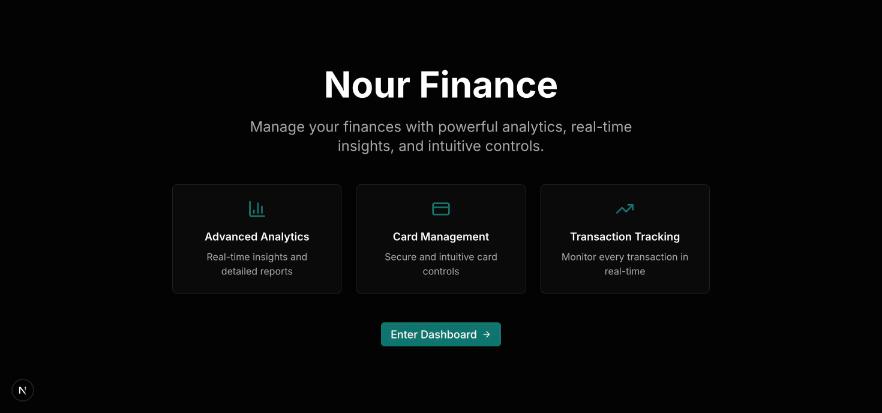
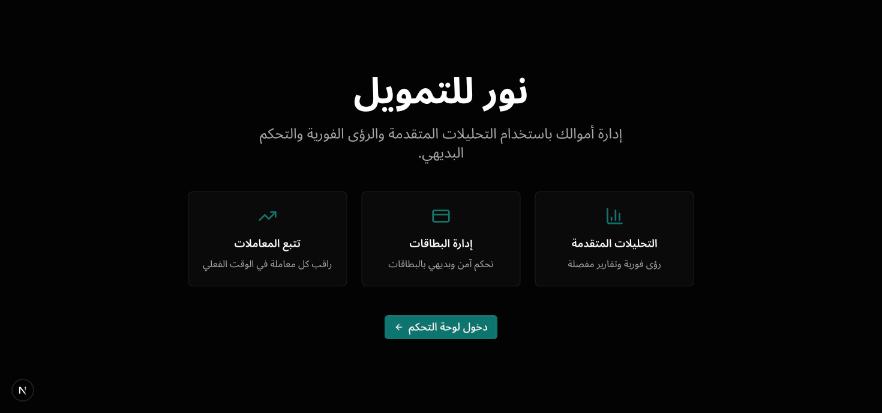
We pressed Open in Replit in the buyer dashboard and sent the prompt as it came. The Agent downloaded the ZIP from the private link, unzipped it and inspected the scripts before running anything. It kept the Yarn 4 lockfile that ships with the template. Its first preview configuration was rejected and the Agent adjusted it itself. After about 6 to 7 minutes it reported that the original Next.js template was running, English at /en and Arabic at /ar right to left.
It then asked for the business name, the main colour and the contact email, one question at a time, and applied each answer in both languages.
One thing we noticed: the preview pane inside Replit kept showing an error notice, while the site worked when we opened it in its own browser tab. Neither stopped the test, but expect a little friction.
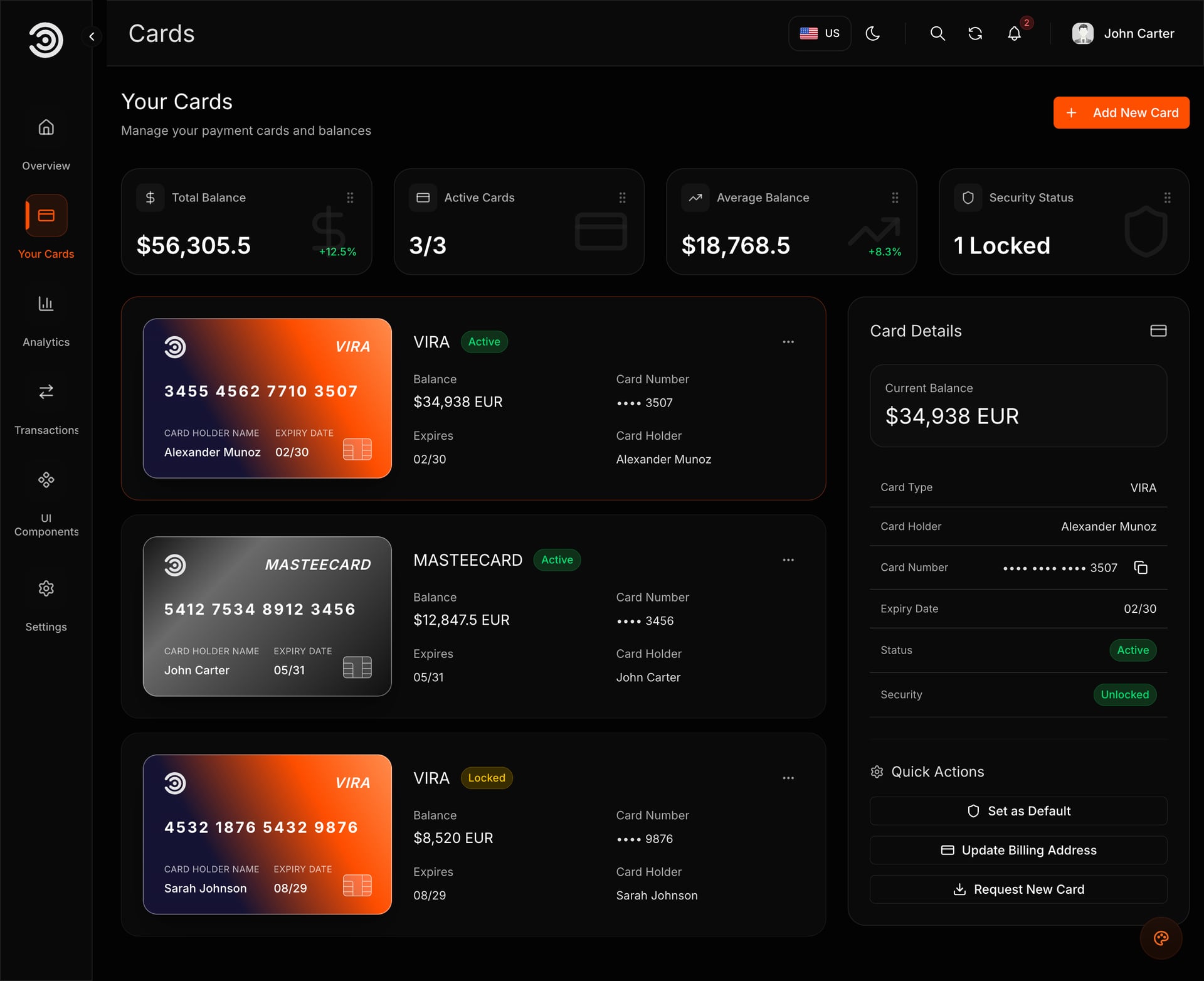
Demo video: Financial Dashboard
On Lovable
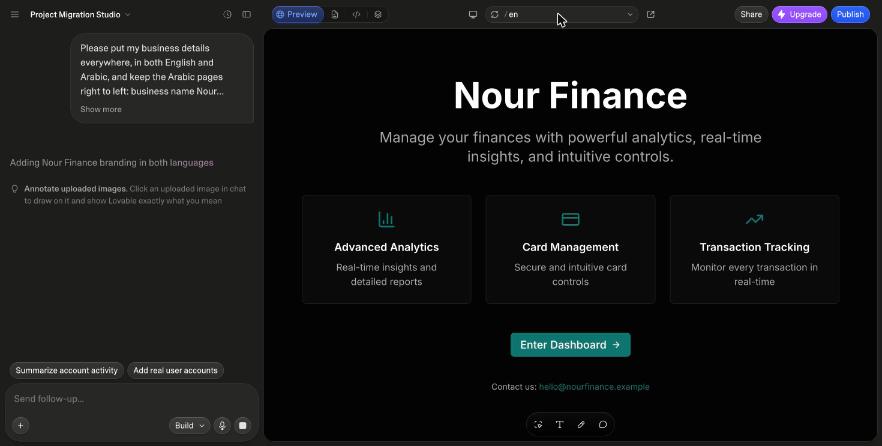
We chose Import project, uploaded the ZIP and started the import. Lovable reviewed the project's pages and features and, after about 10 minutes, reported that it looked and worked like the original in both languages, including the sample sign-in and the pages behind it. We then sent one prompt with a name, a colour and an email, and both languages changed in about 30 seconds.
What we did not test: one frontend-only template on free plans, on one day. We did not test a paid plan, a custom domain, a Full Stack package or a template with a checkout. Treat it as one data point, not a benchmark.
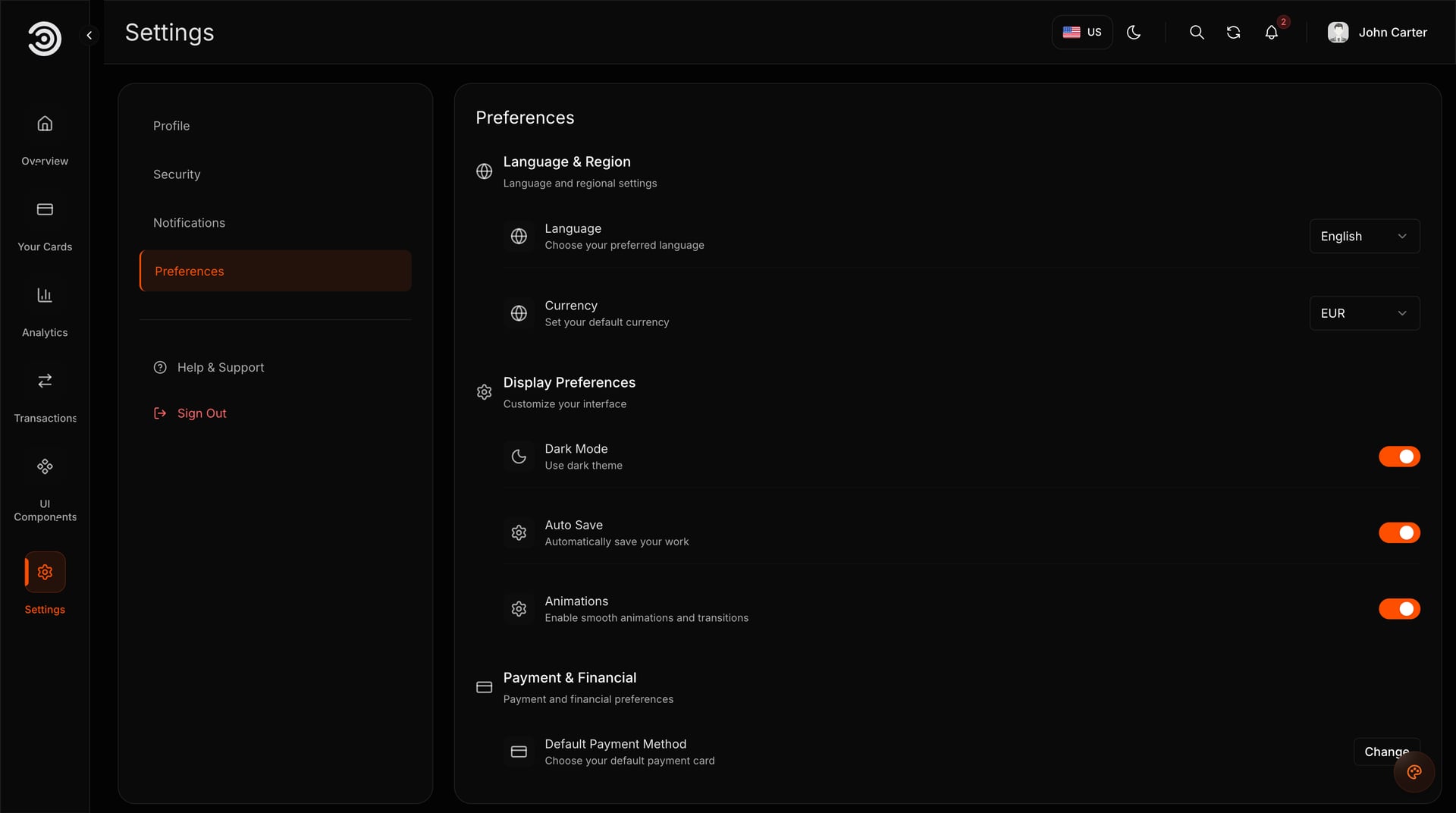
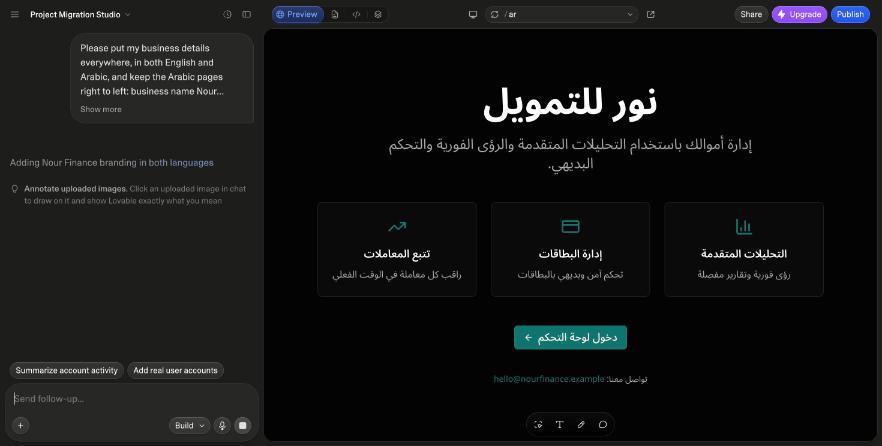
The AI never had to decide what a financial dashboard looks like. It only applied a name, a colour and an email.
Keeps the code or converts it
Replit: the code you bought stays the code you run
- The Agent read the project's scripts first, kept Next.js 16 and Yarn 4 and started the original app
- Matters if a developer will work on the site later, or if you want to apply a later Aniq UI release
- The folders are the ones our docs describe
Lovable: the same site, rebuilt
- Lovable does not run Next.js: it rebuilds the project on TanStack Start
- In our test the site looked and worked like the original in English and Arabic
- Aniq updates, docs and support are written for the original code, so a later release cannot be applied file by file
- Choose it for speed and the editor, and treat the site as a new project from that moment
Five situations, one pick each
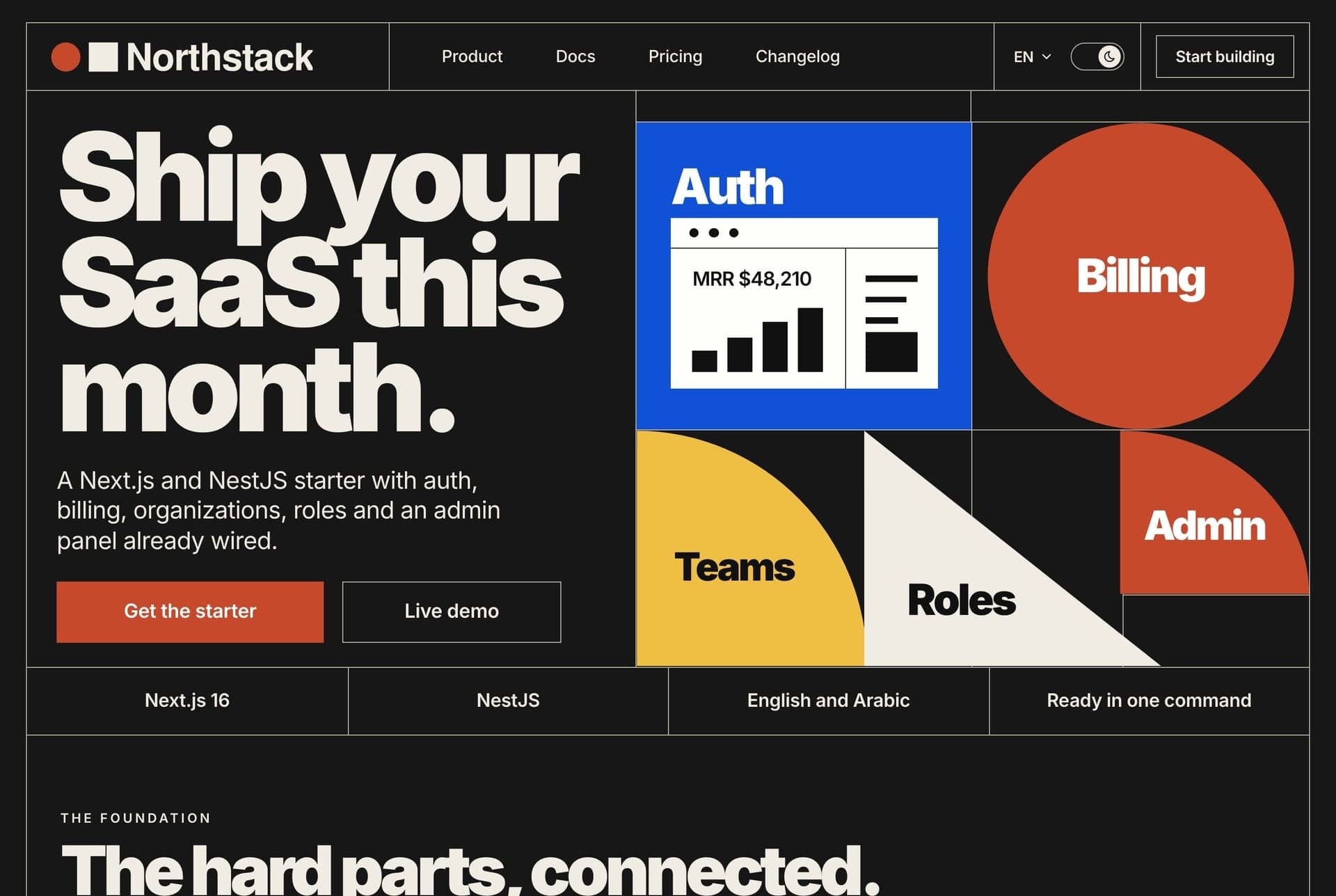
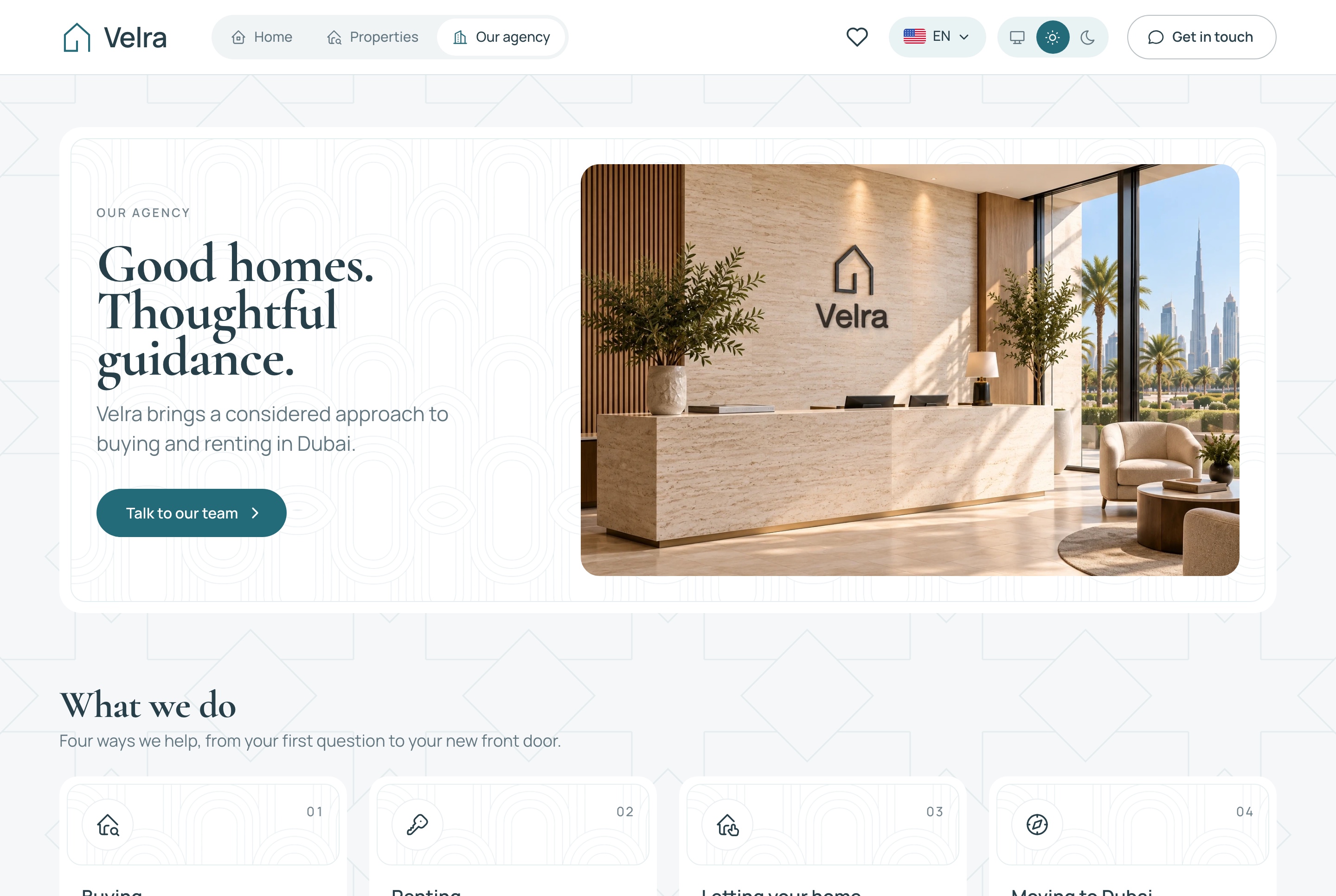
The templates are the ones people start from. Every screen is a capture of the template running on its own sample data.
A restaurant owner who wants a site this week
Replit with the Food Studio ordering website ($39). The changes are the name, the colour, the menu and the kitchens' hours, the code stays the code you bought, and you can add the staff dashboard later without redoing anything. On its own the site takes test payments, so real orders need the Full Stack.
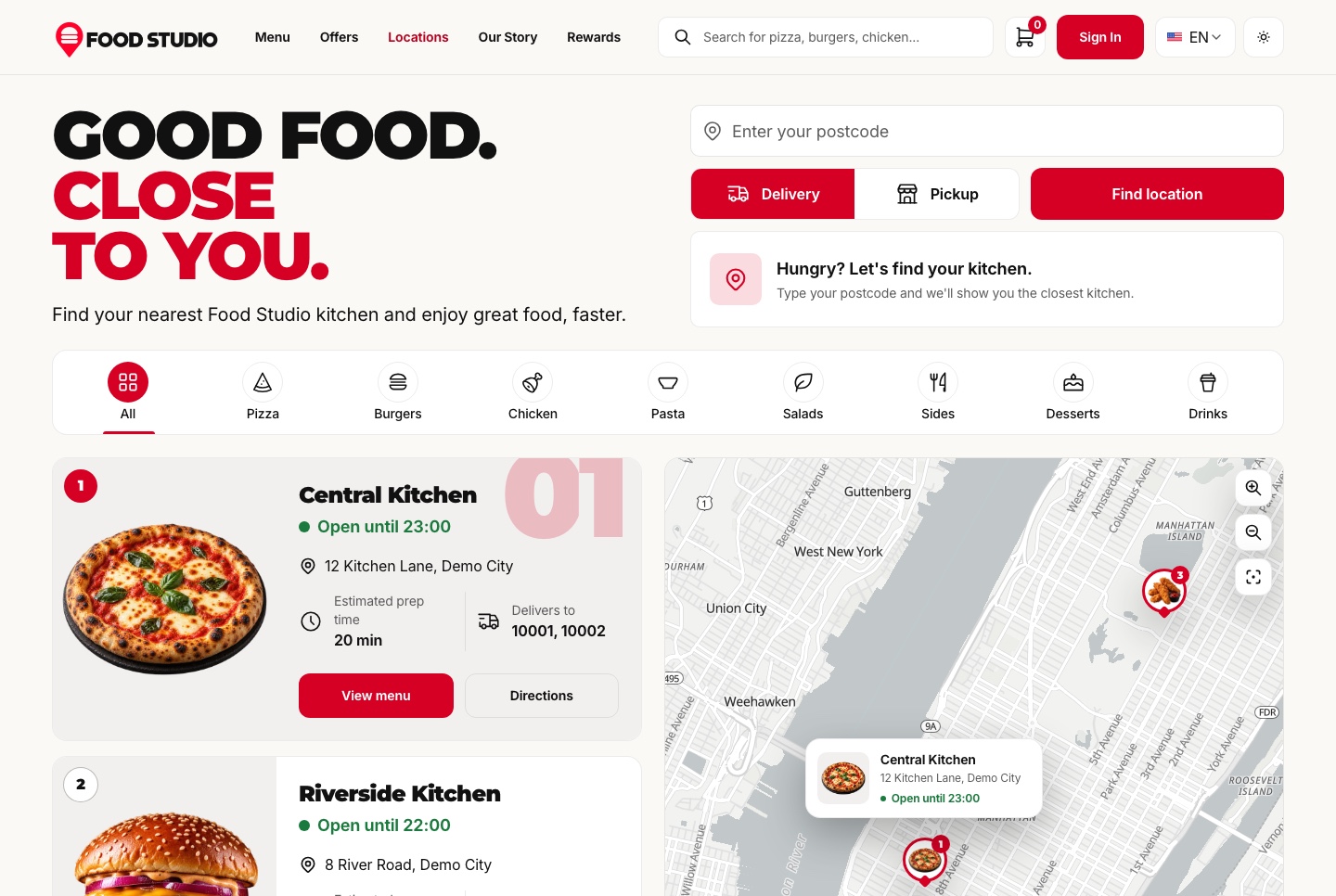
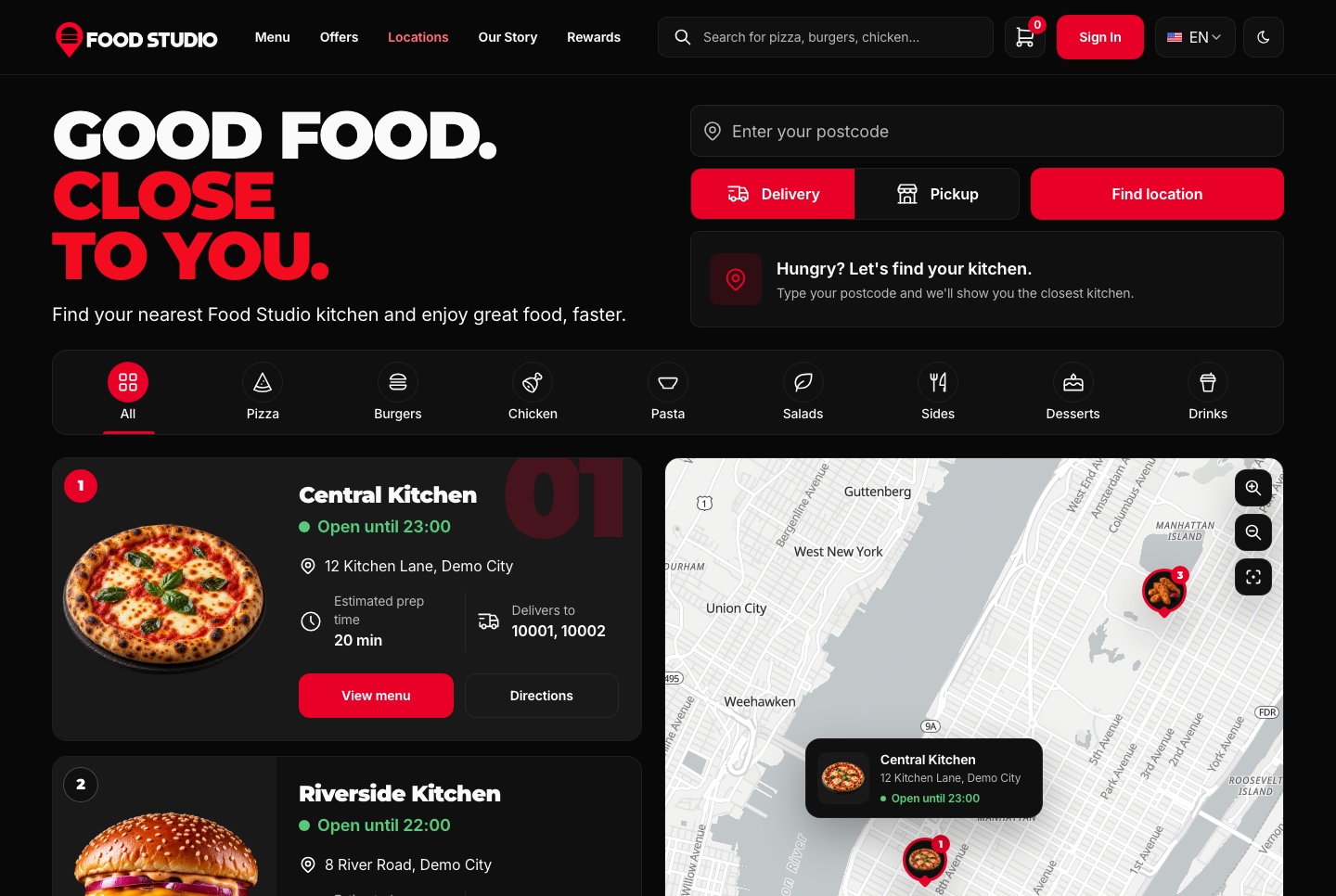
Demo video: Food Studio
An agency that will hand the project to a developer
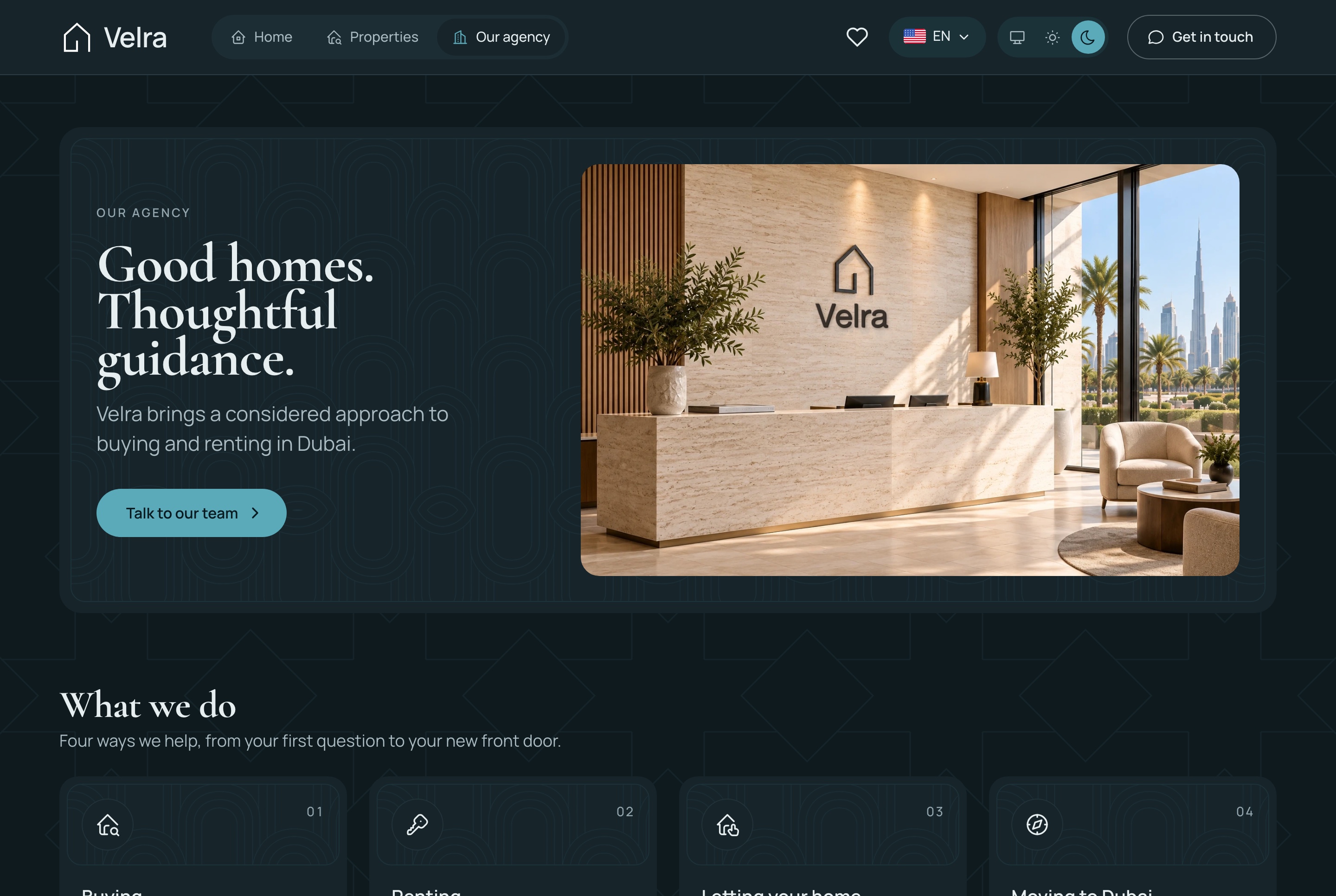
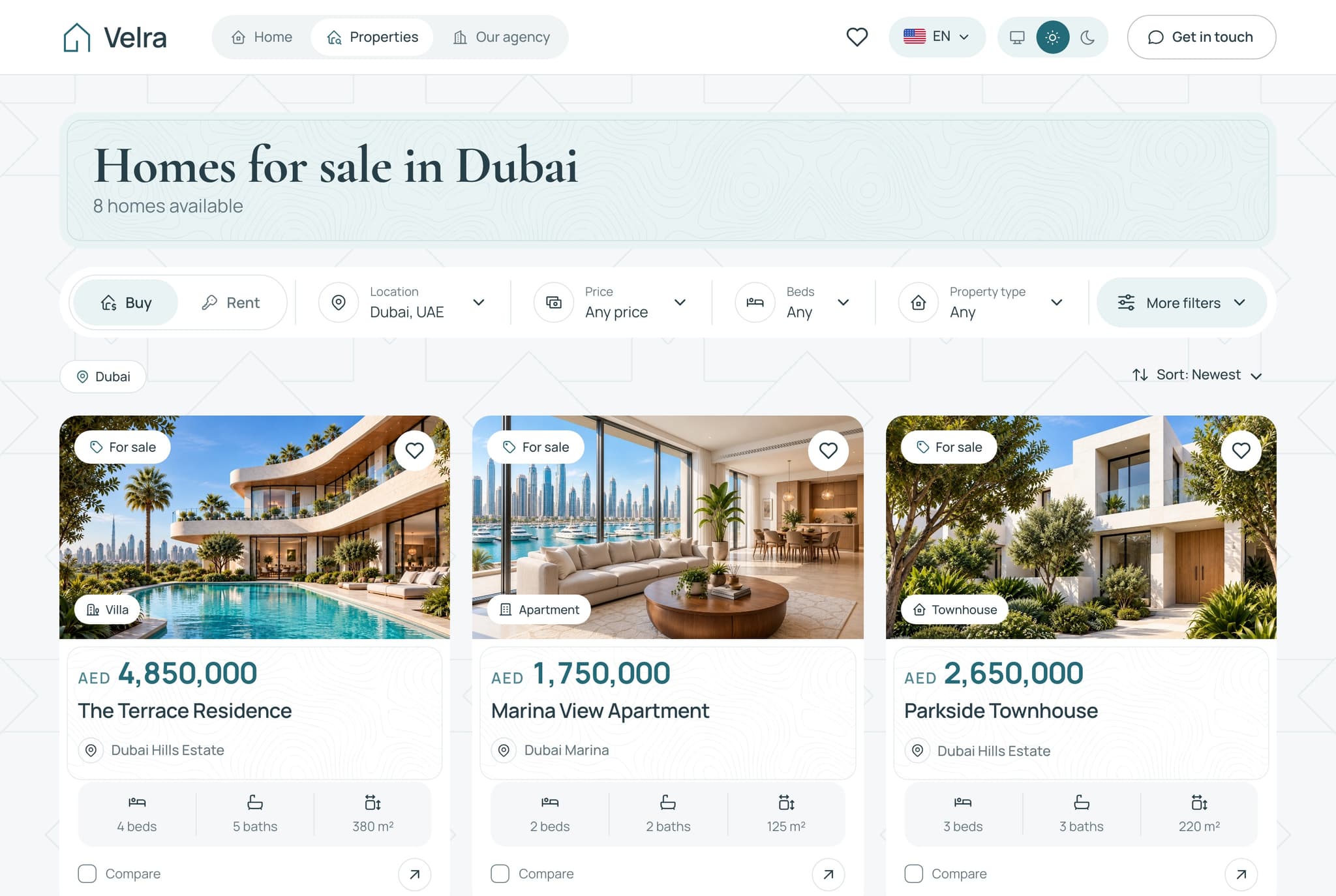
Replit with the Velra real estate website ($39). A developer will want the original Next.js project and the docs that describe it, and on Lovable's free plan you cannot download the code, only sync Lovable's converted version to GitHub.
Someone testing an idea over a weekend
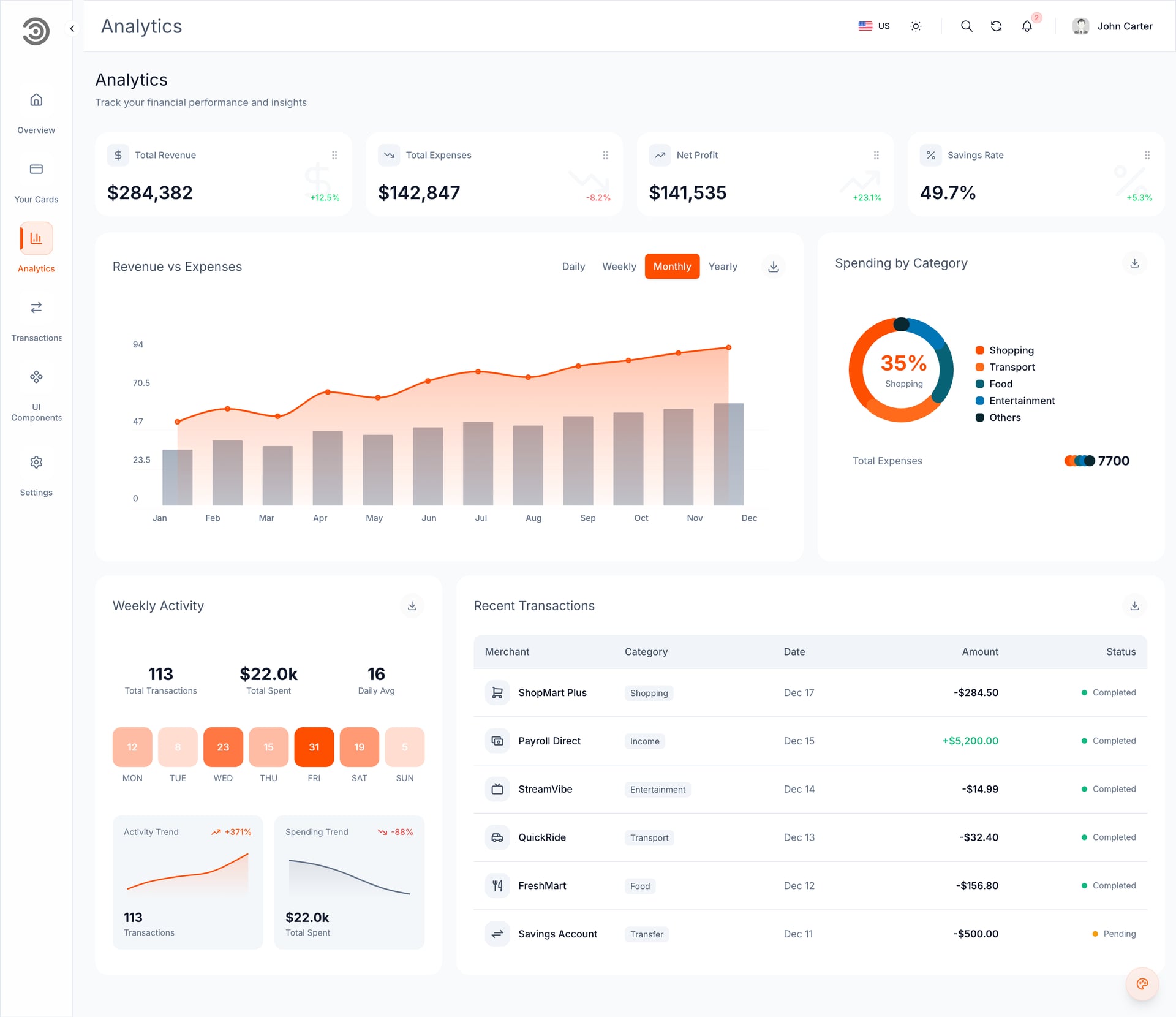
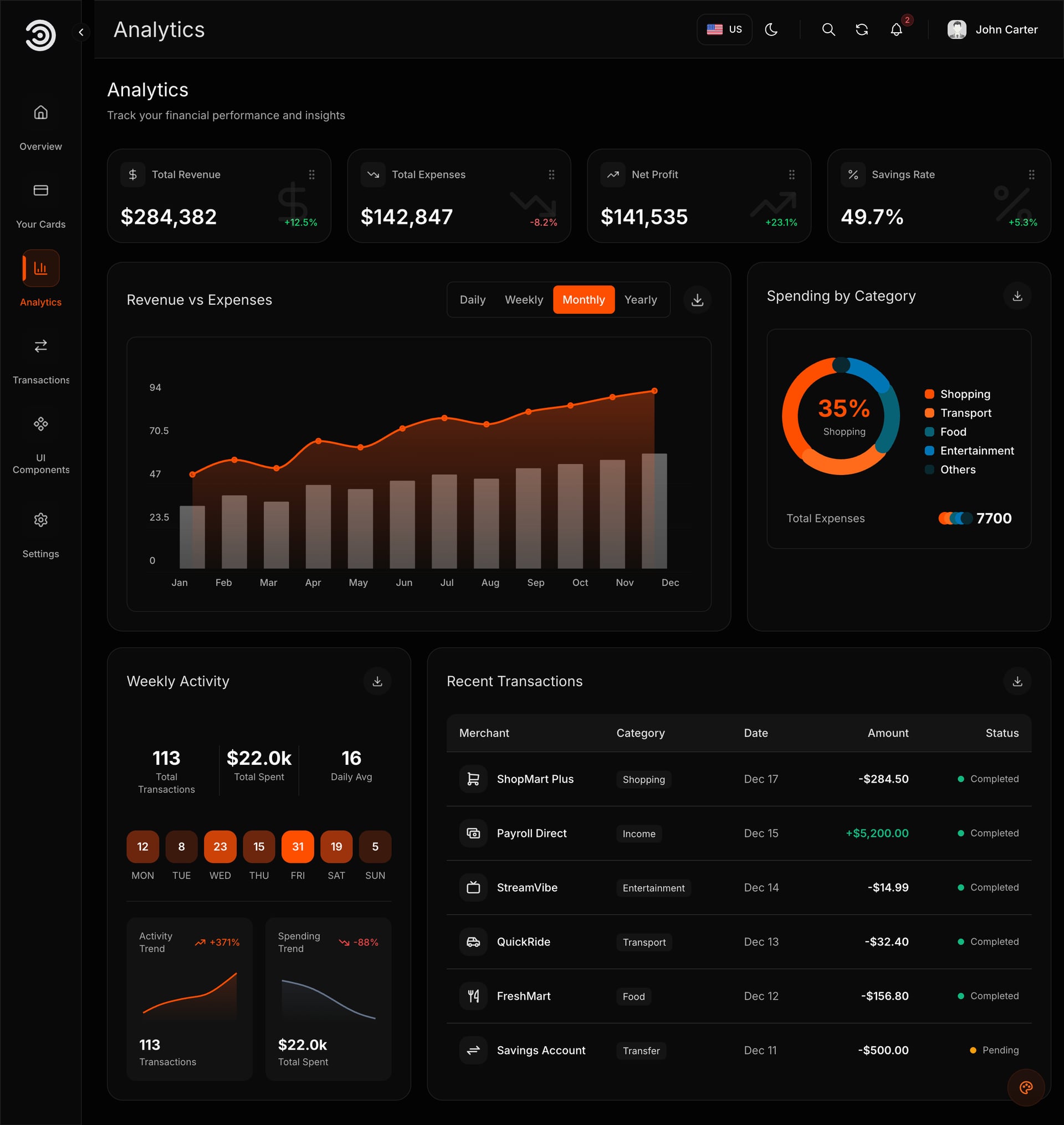
Either, on the free plan. To see a dashboard with your name on it before dinner, Lovable was quicker in our test. To keep the option of a developer joining on Monday, Replit. The Financial Dashboard ($49) is the package we tested.
A business that needs Arabic from the first day
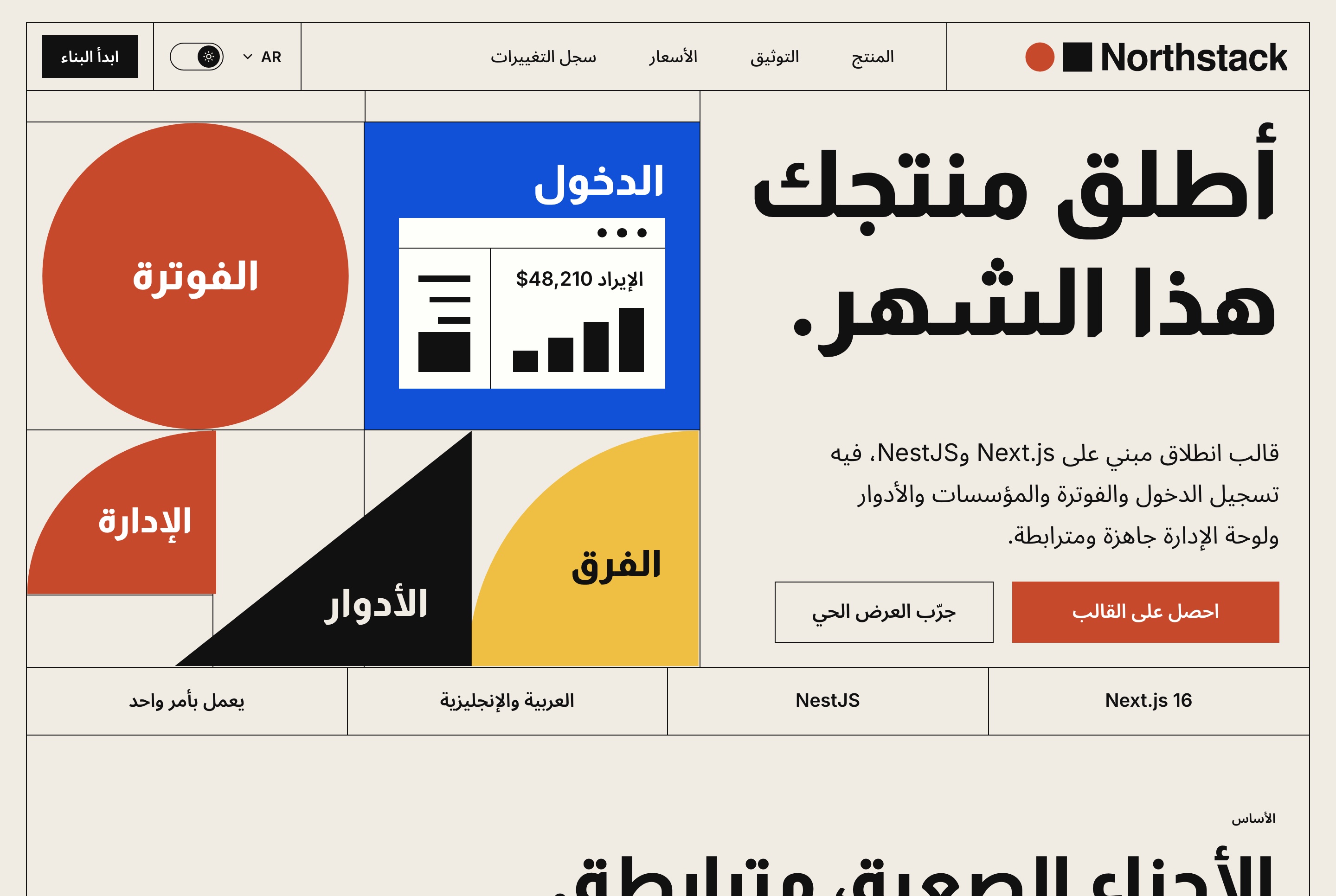
Both kept Arabic right to left in our test, so choose by the code question. The Northstack SaaS website ($39) ships English and Arabic from the start. Open the Arabic pages yourself after every change, because the AI can change one language and miss the other.
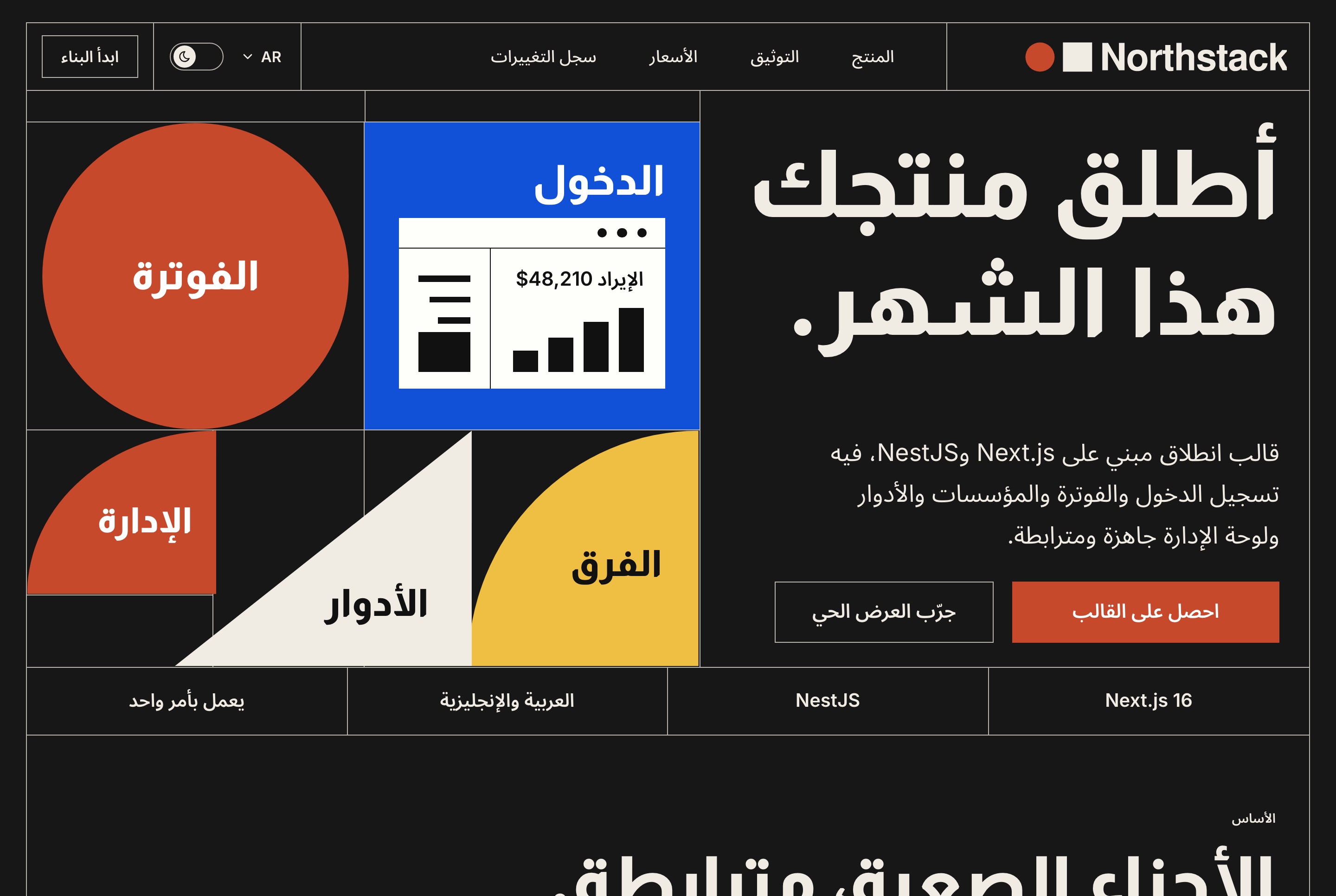
Someone who wants a dashboard for a pitch
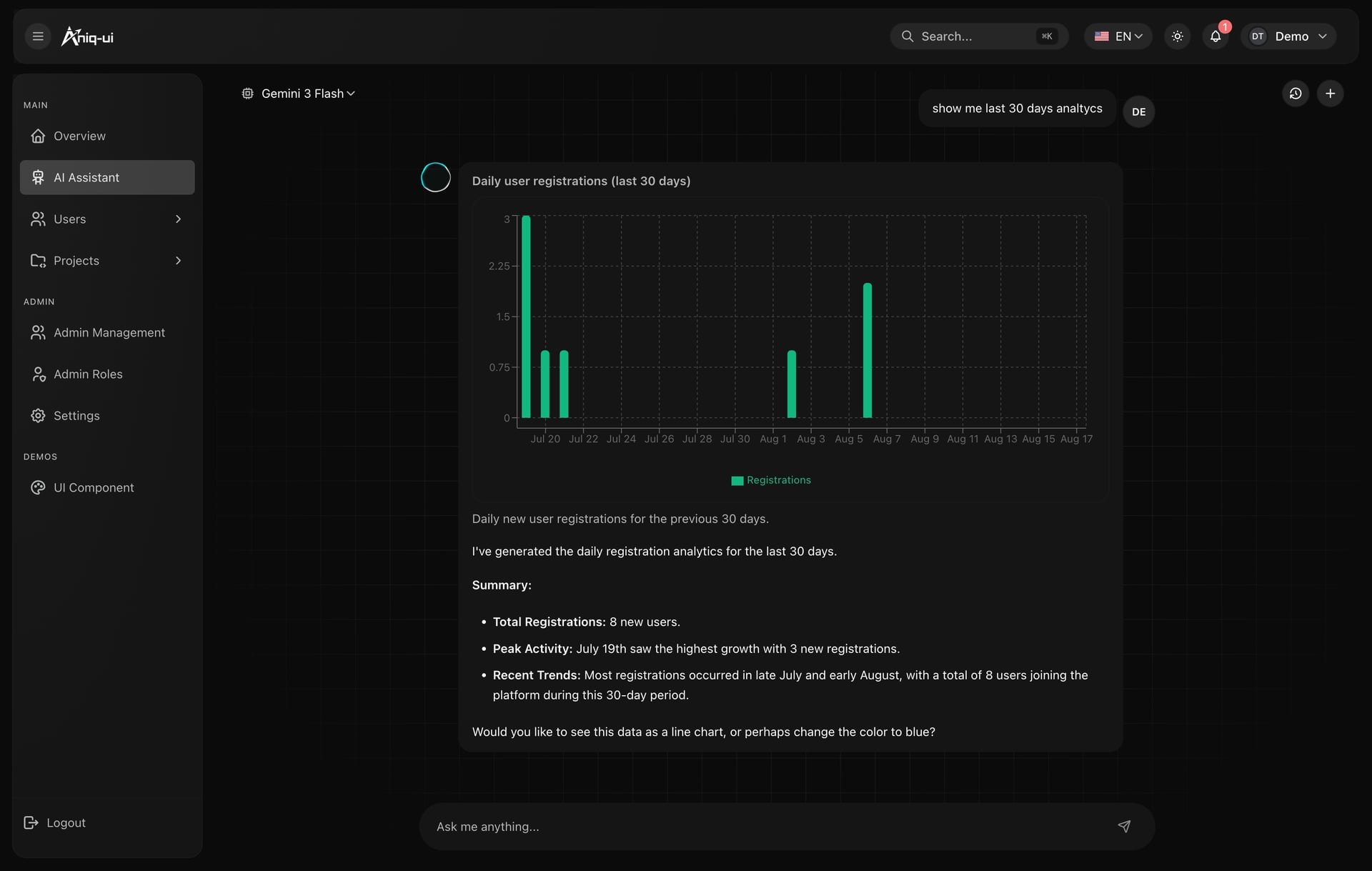
Lovable is a good fit: quick to a result, friendly to edit, and a pitch does not need Aniq updates later. The AI admin dashboard ($69) adds an assistant that answers questions about the data. Remember that a free Lovable site carries a badge and a free Replit link goes down after 30 days.
Ease and speed
Replit
- One click: the prompt is already typed, you press send
- The Agent downloads, installs, builds and starts the app, then asks the business name, logo, main colour and contact email one at a time
- About 6 to 7 minutes to start and 2 to 4 minutes per answer
- Some people like being asked one question at a time, others find the waits long
Lovable
- Three steps: copy the prompt, download the ZIP, import it (+ > Import project > Upload code)
- About 10 minutes to import and rebuild
- Then one prompt with name, colour and email changed both languages in about 30 seconds
- The first import is free and the upload limit is 250 MB
Both routes rely on the same idea: the AI gets a prompt written by us, so it does not have to guess what the package is. In the Open with AI window (buyer dashboard, My templates, or the Use with AI row on a template's page) the prompt tells it what the package is, to run the template and not rebuild it, and to ask for your details. Keep it as it is: when people retype it in their own words, the AI tends to start building from scratch.
Arabic and right to left
A template either holds up in Arabic or it does not, because the page has to mirror and not just translate. In our test both platforms kept English and Arabic working, with the Arabic pages right to left. We opened the Arabic page on each ourselves, and the screens above are those captures. That is one template on one day: open both languages after every change on either platform.
Honest alternatives
- Bolt: on 7 November it showed no preview for our Next.js 16 template. v0: we could not test it because of an account limit on our side. That is what we saw that day, not a verdict on either product.
- An AI code editor on your computer (Claude Code, Cursor, Copilot, Windsurf): the third card in the Open with AI window. It keeps the original code and is the only route we have run with a Full Stack. With Claude Code on 8 November, the Food Studio Full Stack was running about 4.5 minutes after unzipping.
- Starting from a blank prompt on either platform tests the AI and not the design. Compare the two on the same template, as we did.
Four mistakes to avoid
- Comparing the platforms on a blank project. A blank project tests the AI. A template tests whether the design survives.
- Assuming converted code is the same code. On Lovable it looks and behaves the same, but it is a different codebase. Plan updates and developer help with that in mind.
- Launching a business on a free plan. Replit's free link goes down after 30 days. Lovable's free sites carry a badge, and the free plan cannot edit or download the code, only sync it to GitHub.
- Rewriting the window's prompt. Send it as it is, so the AI runs the template.
FAQ
Short answers.
Is Replit or Lovable better for a Next.js template?
Replit if you want to keep the Next.js code, because it runs the template as it is. Lovable if you want speed and a friendly editor, but it converts the code to TanStack Start.
Does Lovable support Next.js?
In our test it rebuilt a Next.js template on its own setup, TanStack Start. The site looked and worked the same, but the code was no longer the original Next.js code (checked November 2026).
Can I use either for free?
Yes, to test. Replit's Starter plan and Lovable's free plan are enough to run a template and make the first changes. Their limits are in the tables above.
Do both work with Arabic and right to left?
In our test of the Financial Dashboard on 7 November 2026, yes. Both kept English and Arabic, with Arabic right to left. Always open both languages after each change.
Which is cheaper?
Replit Core is $20 a month ($18 billed yearly) and Lovable Pro is $25 a month, but publishing on Replit costs extra ($2 a month plus usage on Autoscale, or from $15 a month for a Reserved VM). Compare on the day, because plans change.
Can I publish a Full Stack template on them?
We do not claim you can. Lovable cannot run one and we have not tested Replit with one. For a Full Stack use an AI code editor on your computer, or the developer route.
What about Bolt and v0?
On 7 November 2026 Bolt showed no preview for our Next.js 16 template, and we could not test v0. Their results on other days or other templates may differ.
Price list
Checked on 8 November 2026. One payment each, free updates, commercial licence.
- Food Studio restaurant site, Velra real estate site, Northstack SaaS site, Fashion e-commerce storefront: $39
- Financial Dashboard, staff dashboards for restaurants, real estate, e-commerce and SaaS workspaces: $49
- AI admin dashboard, Fitness dashboard: $69
- Full Stack packages: $149
- Bundle of 10 premium templates: $199 launch price (list $499)
Related guides
- How to Customize a Next.js Template With AI, No Coding (2026)
- Publish a Replit or Lovable Site on Your Own Domain: Costs and Steps (2026)
- 30 Prompts to Customize a Website Template With AI (2026)
- Template or Blank Prompt? Why AI Builds Go Better From a Template (2026)
- Next.js Website Templates for Small Businesses (2026)
Sources
- replit.com/pricing
- docs.replit.com/billing/deployment-pricing
- docs.replit.com/billing/plans/starter-plan
- docs.lovable.dev/introduction/plans-and-credits
- docs.lovable.dev/introduction/subscription-plans
- docs.lovable.dev/features/projects/import-project
- docs.replit.com/cloud-services/deployments/about-deployments
You might also like
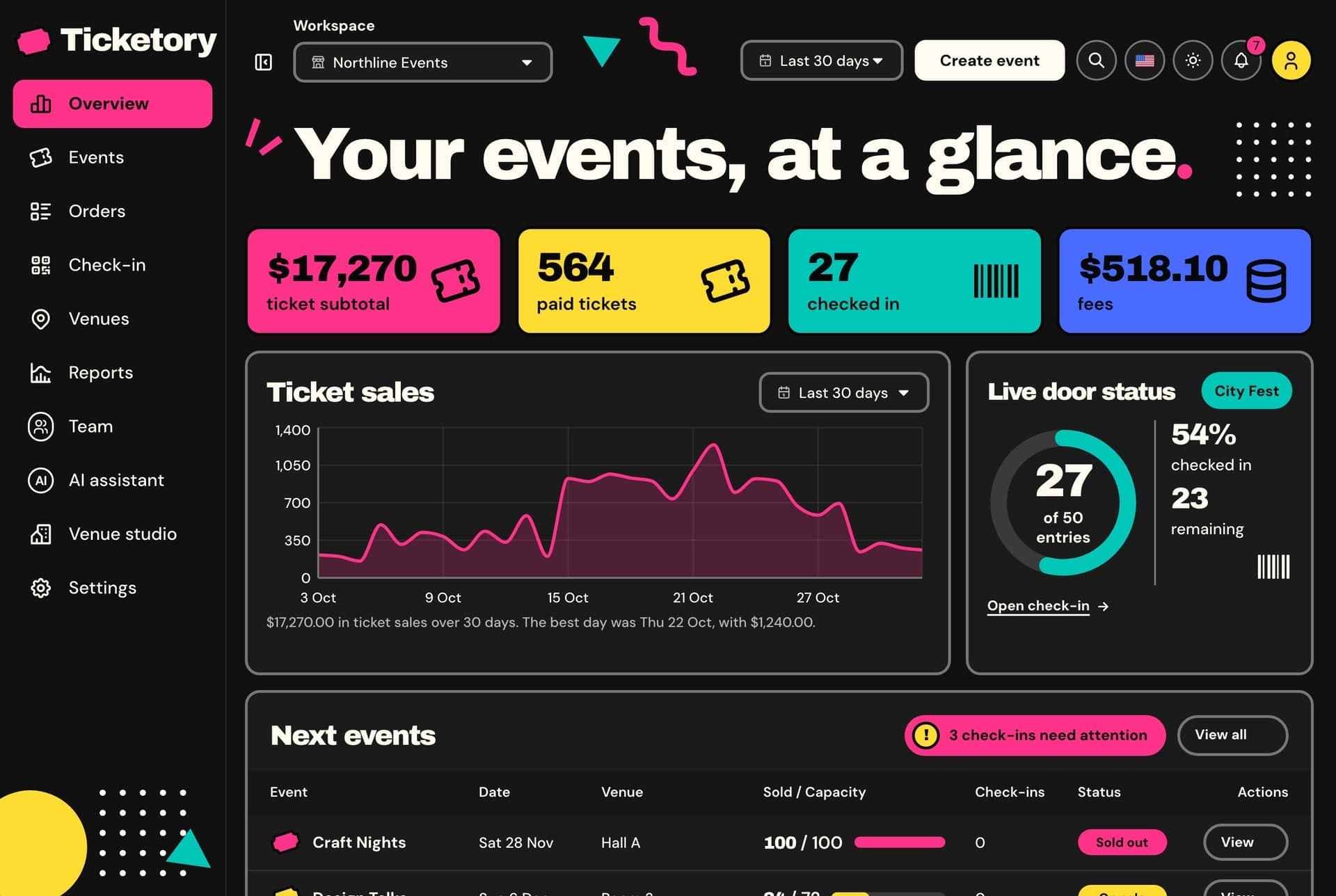
12 Best Templates to Start a Replit Project With (2026)
Twelve ready-made Next.js templates to open in Replit, with screens, prices and who each suits: websites $39, dashboards $49, free starts. Tested Nov 2026.
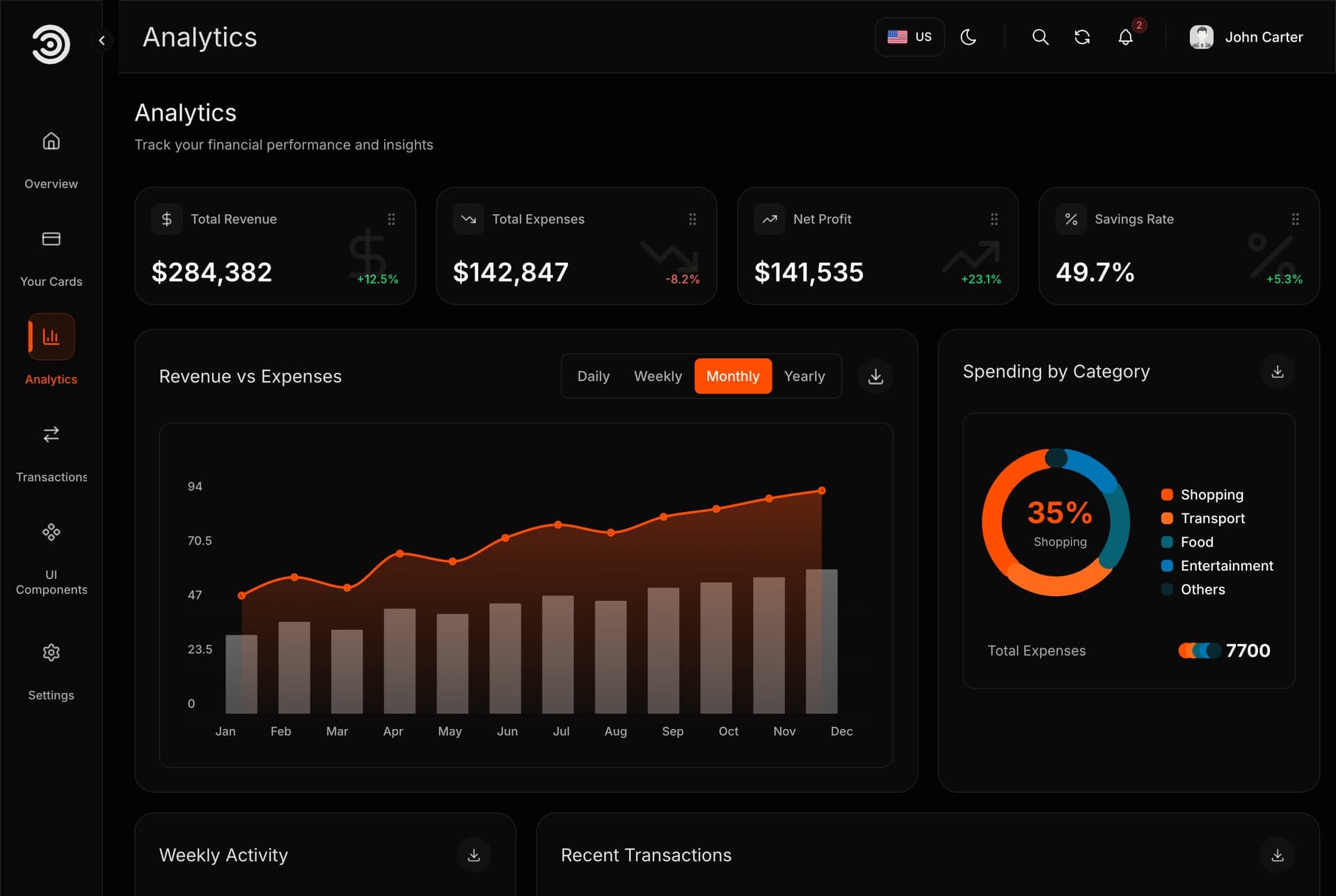
Replit Agent: What It Builds, What It Costs and How to Start From a Template (2026)
Replit Agent tested twice on a real template: how a session works, Free, Power and Max modes, plan prices, publishing costs and the prompts that work.
Next.js Website Templates for Small Businesses (2026)
Choose a Next.js website template by business type: restaurant, real estate, courses, shop, rentals, events or services. What to check, picks and prices.
