Replit Agent: What It Builds, What It Costs and How to Start From a Template (2026)
Replit Agent tested twice on a real template: how a session works, Free, Power and Max modes, plan prices, publishing costs and the prompts that work.
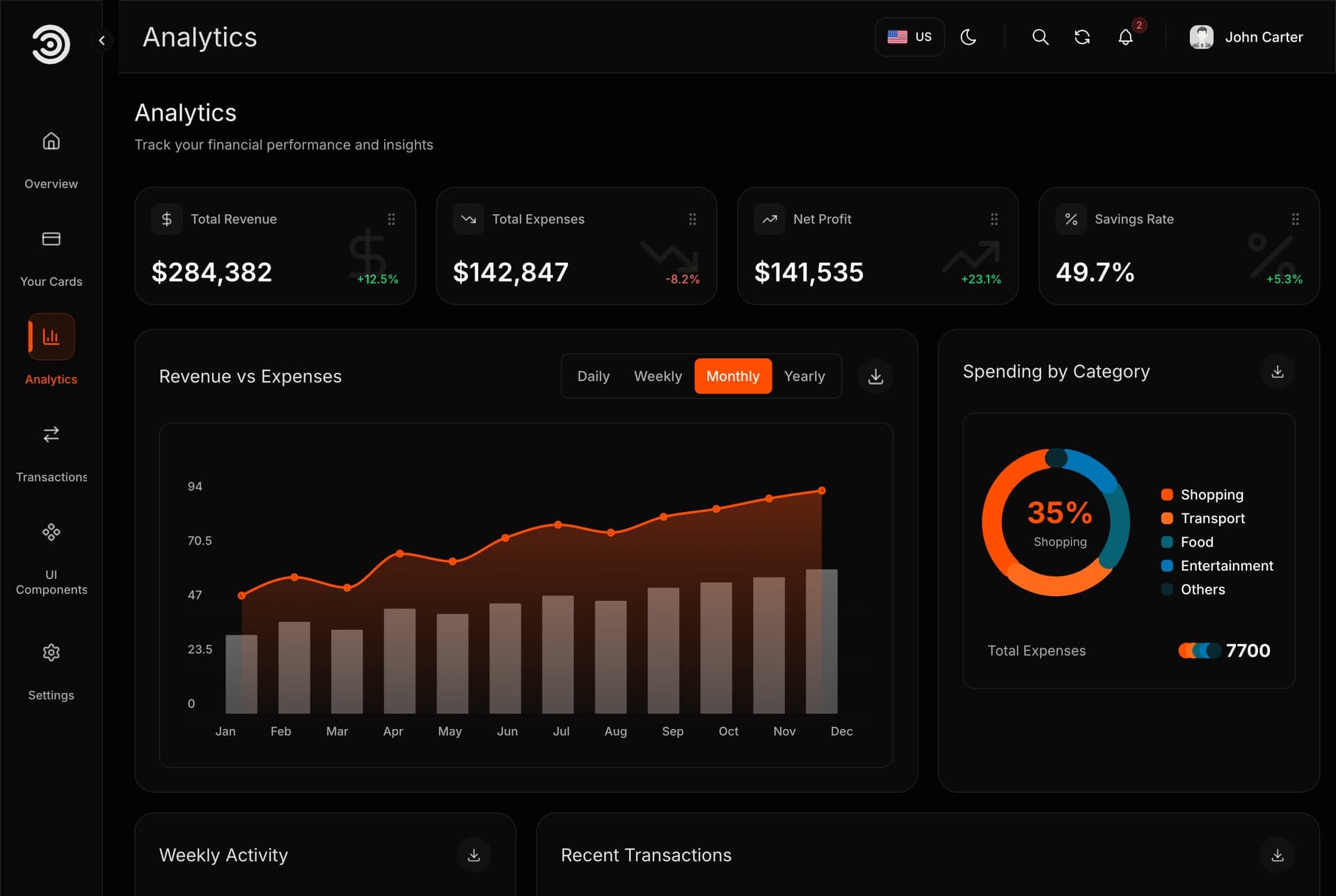
Replit Agent is the AI builder inside Replit: you describe an app in plain words, and it plans the work, writes the code, runs the app, checks it and publishes it. The current generation is Agent 4, which Replit introduced in March 2026. We ran it twice on the free plan, on 7 and 8 November 2026, with one of our Next.js templates in English and Arabic. This guide covers what a session looks like, what it costs, how to start it from a template, and what those two runs taught us.
What Replit Agent is and what it does
Replit describes Agent as a builder that takes action: it sets up the project, creates the application, checks its work and fixes problems along the way. You talk to it in a chat next to a live preview of your app. A web app is the default output, with a frontend and a backend, and a database added when the app needs one.
Agent 4 added a design canvas for comparing layout variants, background tasks (one at a time on Core, up to 10 in parallel on Pro), and several outputs in one project, such as a web app and a mobile app sharing one backend.
| Step | What Agent does | What you do |
|---|---|---|
| 1. Describe | Reads your message, files and screenshots | Say what you want and what must stay the same |
| 2. Plan (optional) | Writes a task list and changes nothing yet | Approve it with Build here |
| 3. Build | Writes code, installs, starts the app and checks it | Follow its progress |
| 4. Checkpoint | Saves the project when a request is done | Test the app yourself |
| 5. Publish | Puts the app on a .replit.app address or your domain | Choose how it is hosted |
Modes, planning, checkpoints and testing
The controls in the chat box decide how much Agent does on its own and what it costs. Every new session starts in Free Mode.
| Control | What it does | Who gets it |
|---|---|---|
| Free Mode | No-cost work within your plan's allowance; Replit picks the model | Starter (daily cap), Core and Pro (resets every five hours, weekly limit) |
| Power Mode | Paid middle tier, which replaced Economy at the same price | Core and Pro |
| Max Mode | Paid top tier for complex work and larger codebases | Core and Pro |
| Plan mode | Writes a task list without touching your code or data | Core and Pro |
| App Testing | Clicks through your app in a real browser and fixes what breaks | Power and Max, on Core and Pro |
Checkpoints are the safety net. Each one holds the project files, the conversation, the settings and the database at that moment. Rolling back restores that state in one click and removes everything made after it; the database stays as it is unless you tick it. Replit no longer rolls back a published app directly: you roll the project back, then publish again.
How much Agent does without you is mostly a plan question. Starter gets Free Mode only. Core and Pro add what Replit calls Full build, where Agent works independently for longer.
Replit Agent pricing: plans and what a session costs
Checked November 2026 on replit.com/pricing and docs.replit.com. Plans change, so read them the day you decide.
| Plan | Price | What it gives |
|---|---|---|
| Starter | Free | Free Mode with a daily cap, one published app whose link goes down after 30 days, a Replit badge |
| Core | $20 a month ($18 billed yearly) | Up to 30 hours of chat on Free Mode, $20 of monthly credits for paid modes and hosting, Plan Mode, unlimited published apps |
| Pro | $100 a month ($90 billed yearly) | More Free Mode usage, $100 of credits that roll over for two months, up to 15 builders, the model-training opt-out |
| Enterprise | Custom | SSO, audit logs and advanced privacy controls |
Paid work uses what Replit calls effort-based pricing. Each finished request becomes one checkpoint, and that checkpoint carries the cost: a small fix costs less, a full feature costs more. Hover over the usage icon in the Agent tab to see it. Planning in a paid mode is charged too. Before a request leaves Free Mode, Replit asks, and Allow once covers that one request only.
What a session costs in practice: our two runs stayed on the free plan, so they cost nothing, and they show where the limit sits. The second run was one setup, one message with four brand answers and one rebuild, and the free plan's daily Agent credits ran out at the end of it. To work through a list of changes in one sitting, move to Core.
On Core, set a usage limit in Settings, under Usage, and paid services stop when it is reached. Credit packs cost $100 for $100 of credits, up to $950 for $1,000, and expire after six months.
How to use Replit Agent from a template
A finished template means Agent never has to decide what your site looks like. It only has to run it and apply your details. There are two ways in.
The one-click route: Open in Replit
Every Aniq UI template page has a Use with AI · Replit or Lovable link. After you buy, the Open with AI window in your dashboard has an Open in Replit button. It opens Replit with our prompt already typed, carrying a private download link valid for 24 hours. You press send.
The prompt tells Agent to run the built version first, ask for your brand details (business name, how it is written in Arabic, colour, logo, contact details), keep both languages and read the template's guides before publishing. Send it as it is, so Agent runs the template instead of building a new one.
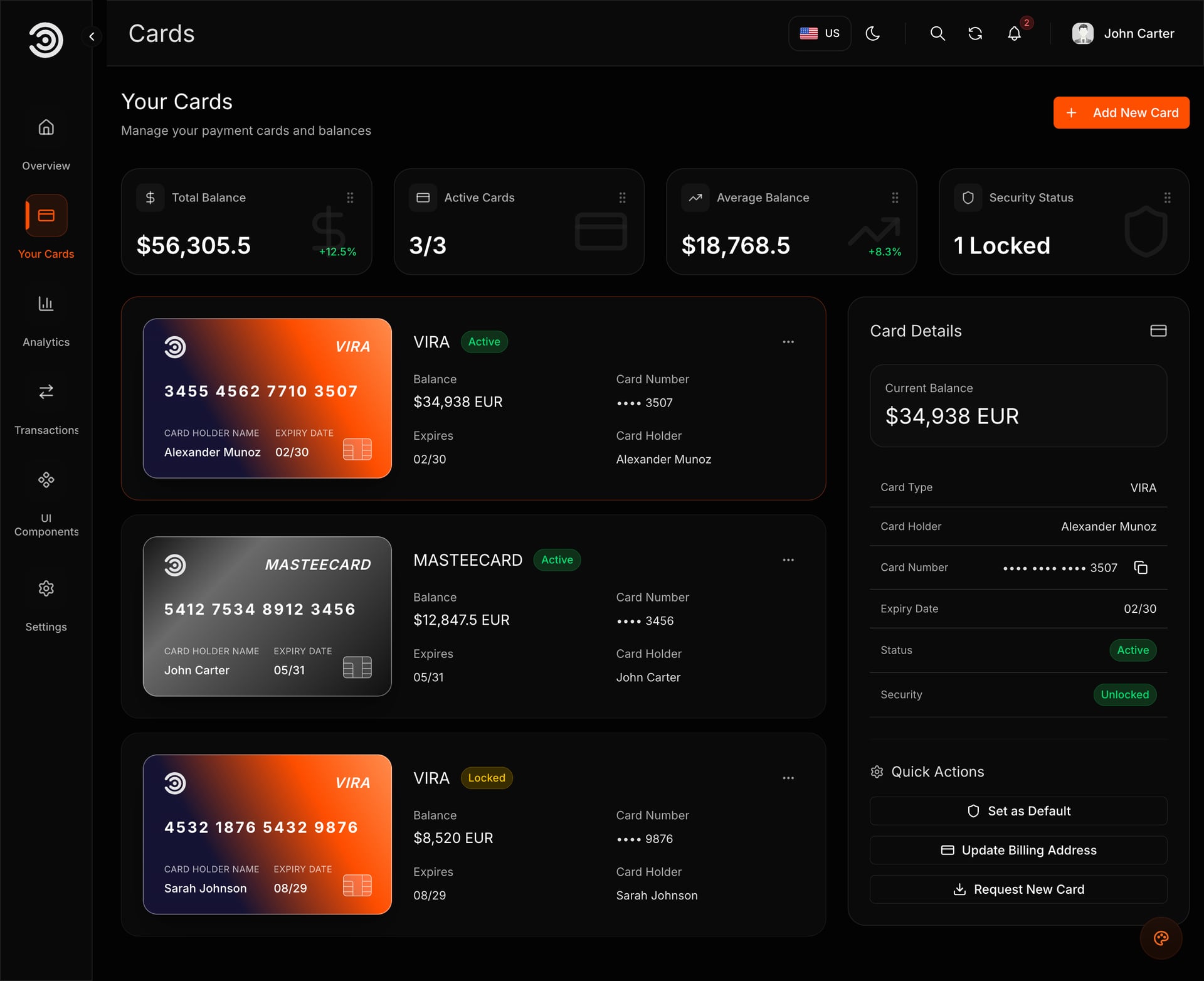
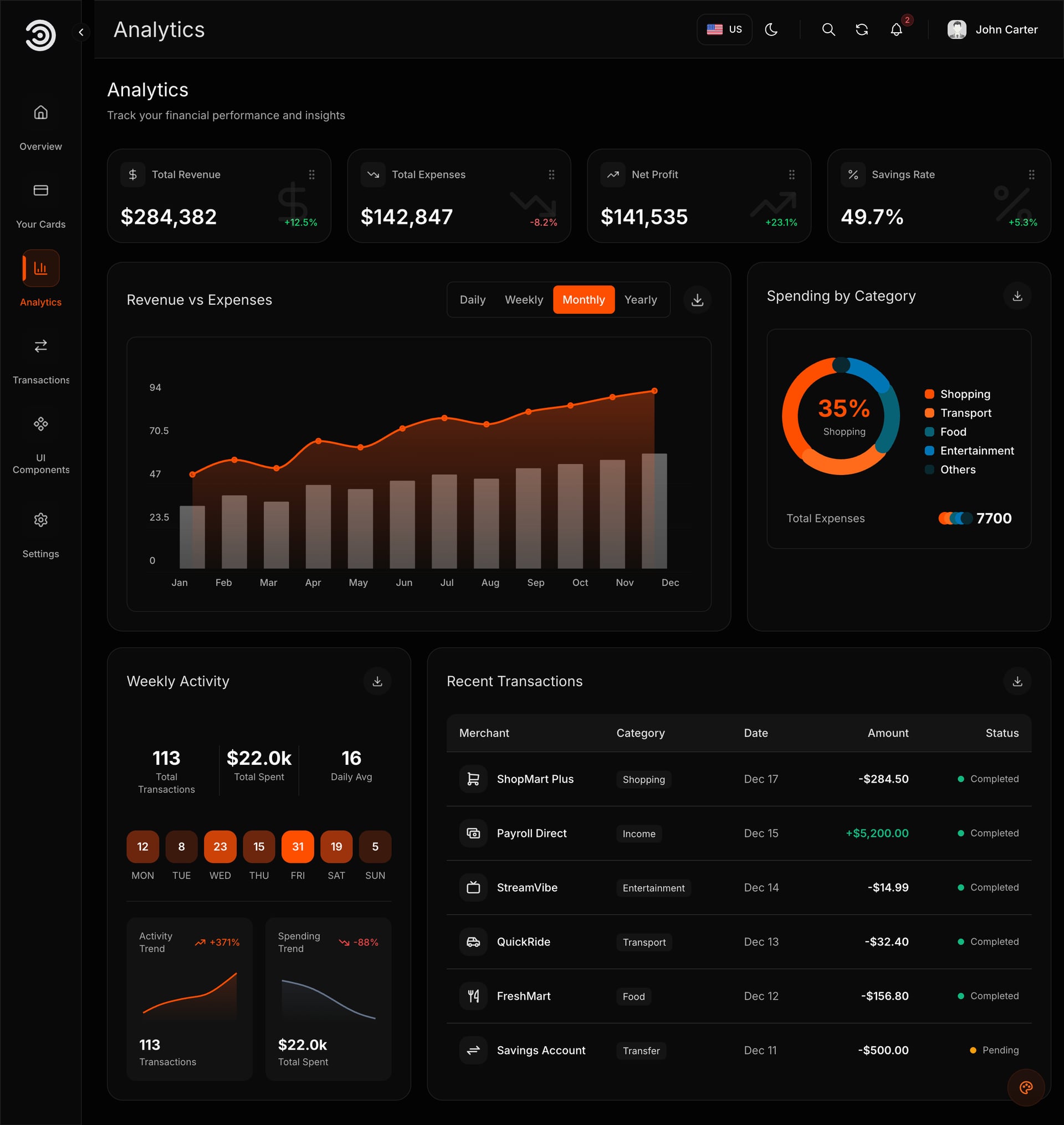
Demo video: Financial Dashboard
The generic route: ZIP or GitHub import
Any code you own comes in at replit.com/import. Pick ZIP and upload an archive of 200 MB or less (leave out node_modules, Replit reinstalls it), or pick GitHub and choose a public or private repository. Environment values, database data and custom domains do not come across.
With one of our templates, download the ZIP from your dashboard, import it, and keep the first message short: run the built version, keep the code as it is, then ask me for my brand details.
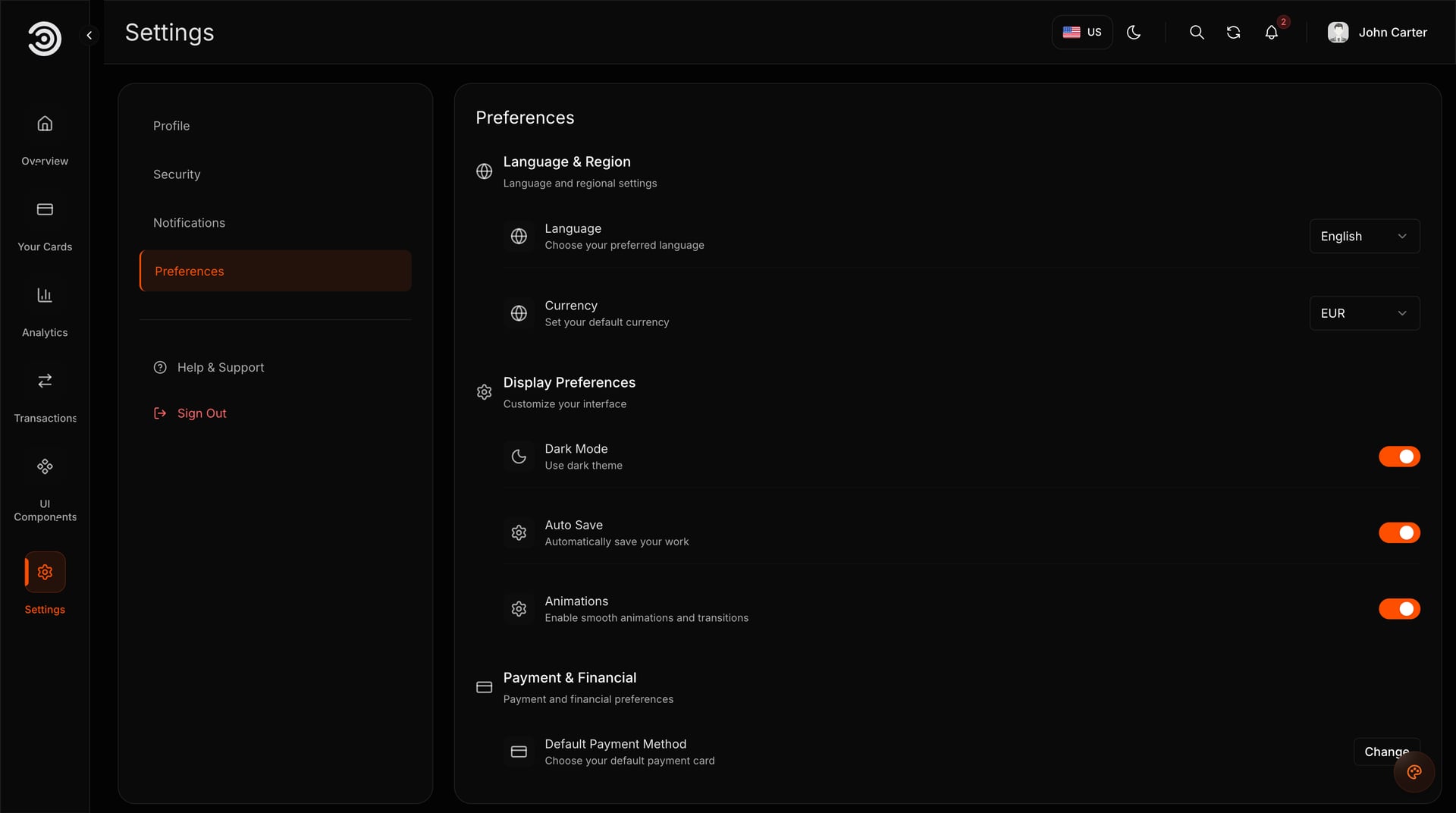
What happened in our two runs
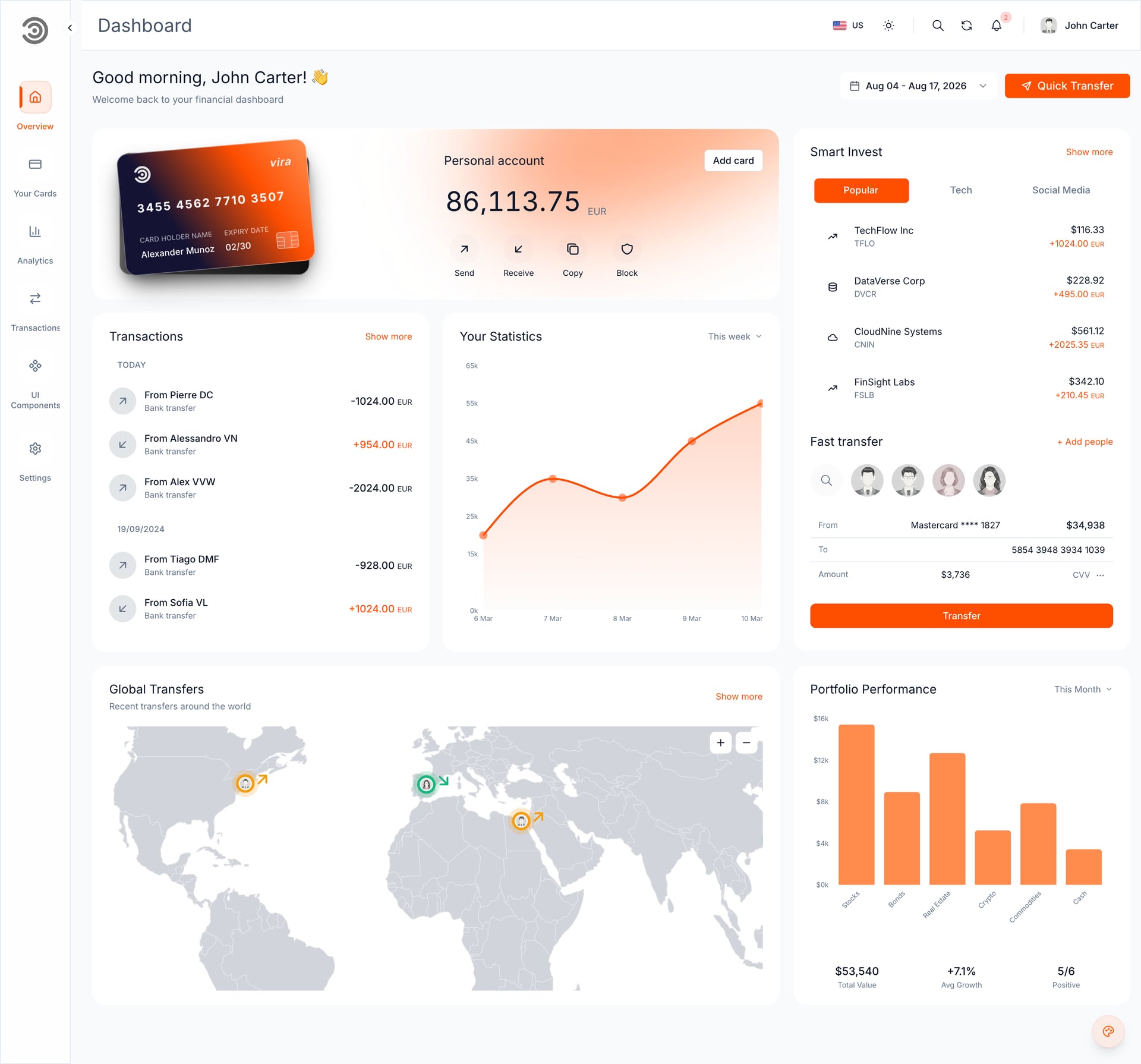
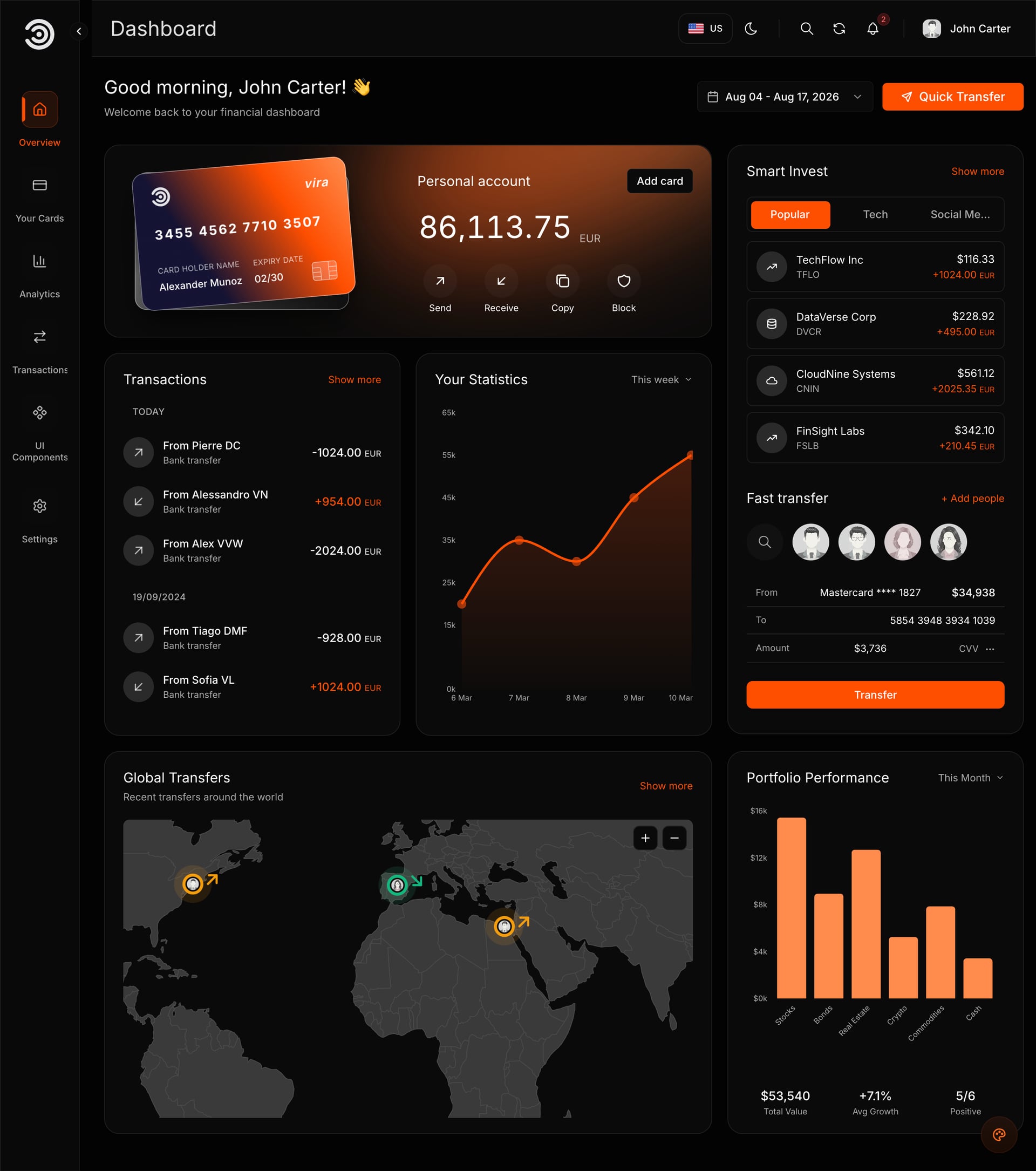
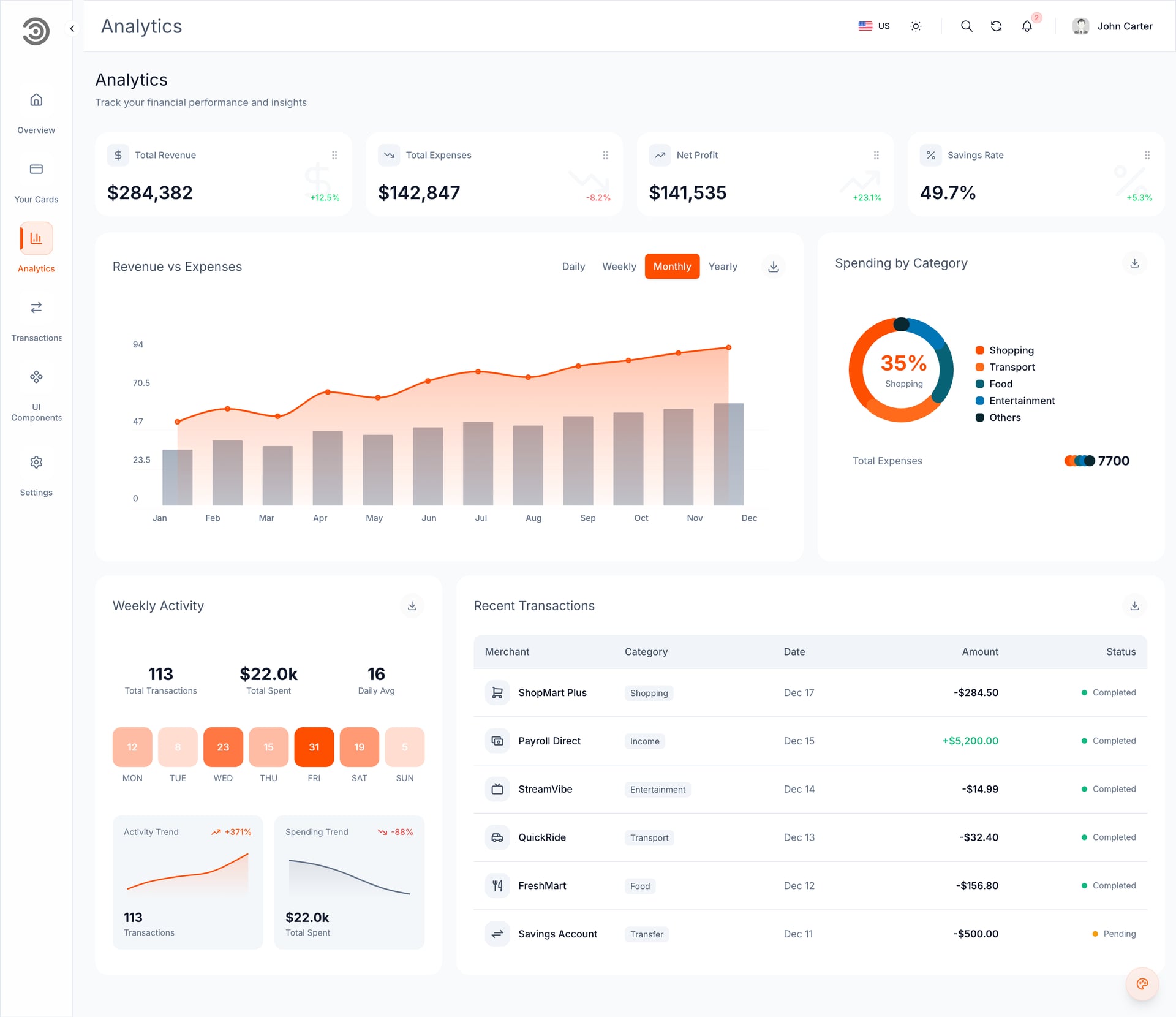
The same template both times: the Financial Dashboard, frontend only, a 6.5 MB ZIP, on Replit's free plan.
Run one, 7 November 2026
We sent the Open in Replit prompt as it came. The Agent downloaded the ZIP from the private link and kept the code as it was, Next.js 16 and Yarn 4. After about 6 to 7 minutes the preview was running. It asked for the business name, colour and email one question at a time and applied each answer in English and Arabic, 2 to 4 minutes per answer. It kept the Aniq UI credit line.
Two snags. Replit's preview pane showed an error, while the site worked in its own browser tab. And the Agent reported type errors that were not real: a clean install, type check and build pass.
Run two, 8 November 2026
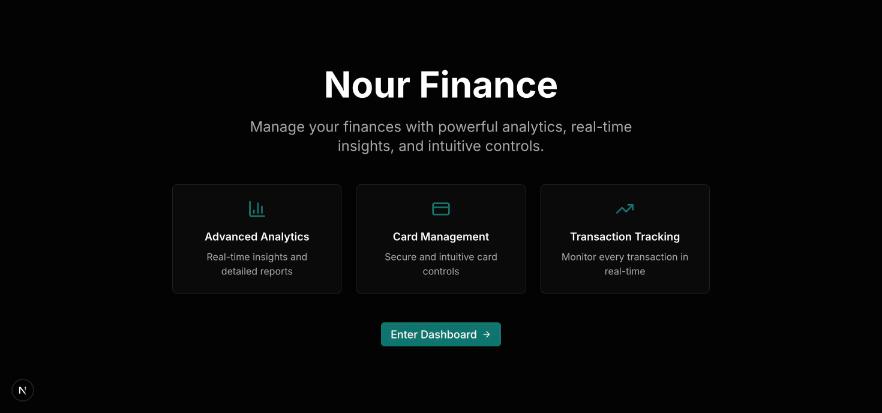
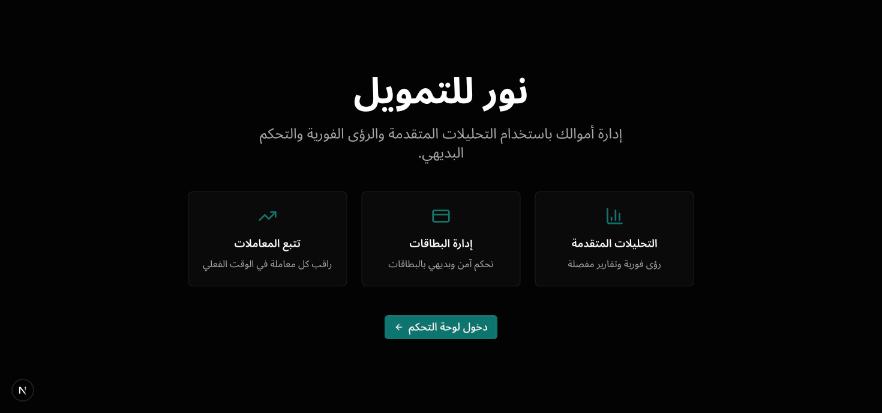
This time the prompt told the Agent to build first and run the built version. The preview was ready in about 7 minutes. We gave all four brand answers in one message, it rebuilt once in about 5 minutes, and both languages worked. Yarn 4 needed Replit's package proxy host allowed, which the Agent did itself. At the end, the free plan's daily Agent credits ran out.
What we did not test: a paid plan, a Full Stack package, publishing or a custom domain. Two runs of one template are two data points, not a benchmark.
Prompts that work with it
Habits from our runs and from Replit's own advice, each with a message you can send.
- Run the built version first. It runs at production speed, so you see what visitors will see. Send: "Before you change anything, build the project and run the production version."
- Answer the brand questions together. One at a time cost 2 to 4 minutes each in run one; four in one message cost one rebuild of about 5 minutes in run two. Send: "Name: Sahel Accounting. In Arabic: ساحل للمحاسبة. Colour: #0F766E. Email: hello@sahel.example. Apply all of it in both languages, then rebuild once."
- Check the site in its own tab when the preview pane shows an error. In run one the site was fine there. Send: "The preview pane shows an error but the site works in its own tab. Do not change the code for this."
- Ask it to run the build when it reports errors you cannot see. Send: "Run the type check and the production build and show me the output. Only fix errors that appear there."
- Start a narrow change with "Only". Replit's docs suggest it. Send: "Only change the email in the footer. Do not change anything else."
- Open both languages after every change. An AI can change one language and miss the other.
More ready-made messages are in our 30 prompts to customize a website template.
What it does well and where it struggles
Does well
- Keeps the code it is given, so Aniq UI updates and docs still fit
- Handles setup itself, including the package proxy host in run two
- Changes English and Arabic together
- Checkpoints undo a bad change in one click
- Building, hosting and the domain sit in one place
Struggles
- The preview pane showed an error while the site worked
- It reported type errors a clean build did not have
- The waits add up: 2 to 4 minutes per answer, about 5 per rebuild
- The free daily allowance lasted one session
- Plan Mode and App Testing need a paid plan, and free Static hosting is not open to Agent-built apps
Should you use it?
| If you are | Use Replit Agent? | Why |
|---|---|---|
| A business owner with a template to launch | Yes: Starter to test, Core to launch | It runs the template and asks for your details |
| A freelancer handing the site to a developer | Yes | The code stays the original, and Download as zip hands it over |
| Starting from a blank idea | Possible, with more rounds | It decides the design; a template removes that step |
| Holding a Full Stack package | Not tested by us | It needs a seed step; use an AI code editor or a developer |
| Bound by a client's no-training clause | Only on Pro or Enterprise | Starter and Core content can be used to improve Replit's models |
Publishing and your own domain
You publish from the Publishing tool in the same project, on a .replit.app address first. Costs come out of your monthly credits, and you pay for usage only after they run out. On Starter, the one free published app goes down after 30 days, so a business launch needs Core.
| Deployment type | Price | For an Agent-built app |
|---|---|---|
| Autoscale (the default) | $2 a month, plus $0.60 per million compute units and $0.40 per million requests | Yes. Replit's example, a small business site with 500 visitors a day, comes to about $2.39 a month |
| Reserved VM | Shared (0.5 vCPU, 2 GB) $15 a month; dedicated from $35 | Yes, for an app that runs all the time |
| Static | Hosting free, $0.05 per GB served | No: Replit says it is not compatible with apps created using Agent |
For your own domain, open Tools, then Domains. Buy one there (WHOIS privacy included) or connect one you own: a guided setup writes the DNS records for most providers, or you add the A and TXT records yourself. Keep the TXT record for good, because Replit renews your certificate through it, add www as its own entry, and on Cloudflare set the record to DNS only. Changes can take up to 48 hours. The full walk-through is in our guide to publishing a Replit or Lovable site on your own domain.
Data and privacy
Replit's model improvement page says it uses the content you provide, "including your prompts, instructions, context, and responses generated for you", to develop and improve its models and AI features. The opt-out (Settings, Personalization, Model Improvement) is available to Pro users, and for Enterprise users Replit does not use customer content to train its models. That leaves no opt-out on Starter or Core. Opting out covers new content only and deletes nothing. Checked 9 November 2026.
In practice: keep keys out of your prompts (Replit has a Secrets tool for them), and if a client's contract rules out training, switch to Pro and turn the opt-out on before you start.
Alternatives
- Lovable: you upload the ZIP and it rebuilds the project on its own stack, TanStack Start, so you get a converted copy. It was quicker to a first result in our test. The numbers are in Replit vs Lovable for templates.
- An AI code editor on your computer (Claude Code, Cursor, Copilot, Windsurf): the third card in the Open with AI window. We did not test these in this run.
- Bolt: it built our template and changed the brand, but removed the Aniq UI credit line and never showed a preview. v0: we could not test it because of an account limit on our side.
- Which template to start from: our list of 12 templates to start a Replit project with.
FAQ
Short answers.
Is Replit Agent free?
Yes, on the Starter plan, in Free Mode, with a daily allowance and one published app whose link goes down after 30 days. In our test on 8 November 2026 the allowance ran out at the end of one session. The paid modes need Core or Pro.
How much does Replit Agent cost per month?
Core is $20 a month ($18 billed yearly) with $20 of credits for paid modes and hosting. Pro is $100 a month ($90 billed yearly) with $100 of credits. Paid Agent work is charged per request by effort, and Autoscale hosting starts at $2 a month plus usage (checked November 2026).
Can Replit Agent import my own code or a ZIP?
Yes. Go to replit.com/import and pick ZIP (up to 200 MB) or GitHub (public or private repositories). Environment values, database data and custom domains are not imported.
Does Replit Agent work with Next.js?
In our two runs it ran a Next.js 16 template with Yarn 4 as it was, in English and Arabic, without converting it. Replit's docs say projects imported from GitHub get General Agent, which works with any framework.
Can Replit Agent build a full-stack app?
Yes, from a prompt: Replit says every web app it builds has a frontend and a backend, with a database added as needed. We have not tested it with our Full Stack packages (website, dashboard and API with a database).
Is my code used to train Replit's models?
Replit says it uses your prompts, instructions, context and the responses generated for you to improve its models. Only Pro users can opt out, and Enterprise content is not used for training (checked 9 November 2026).
Replit Agent or Lovable?
Replit if you want the template's original code to stay as it is, so updates and a future developer still fit. Lovable if you want a quick first result in a friendly editor and accept a converted copy on its own stack.
Price list
Checked on 8 November 2026. One payment each, free updates, commercial licence.
- Food Studio restaurant site, Velra real estate site, Northstack SaaS site, Fashion e-commerce storefront: $39
- Financial Dashboard, staff dashboards for restaurants, real estate, e-commerce and SaaS workspaces: $49
- AI admin dashboard, Fitness dashboard: $69
- Full Stack packages: $149
- Bundle of 10 premium templates: $199 launch price (list $499)
Related guides
- Replit vs Lovable for Templates: We Tested Both in English and Arabic (2026)
- 12 Best Templates to Start a Replit Project With (2026)
- Publish a Replit or Lovable Site on Your Own Domain: Costs and Steps (2026)
- How to Customize a Next.js Template With AI, No Coding (2026)
- 30 Prompts to Customize a Website Template With AI (2026)
- Template or Blank Prompt? Why AI Builds Go Better From a Template (2026)
Sources
- replit.com/pricing
- replit.com/blog/introducing-agent-4-built-for-creativity
- docs.replit.com/features/agent/overview
- docs.replit.com/learn/projects-and-artifacts/project-editor
- docs.replit.com/features/agent/agent-modes
- docs.replit.com/help/free-agent-mode
- docs.replit.com/features/agent/plan-mode
- docs.replit.com/features/agent/app-testing
- docs.replit.com/features/version-control/checkpoints-and-rollbacks
- docs.replit.com/billing/ai-billing
- docs.replit.com/billing/plans/starter-plan
- docs.replit.com/billing/plans/replit-core
- docs.replit.com/help/pricing-and-plans
- docs.replit.com/billing/managing-spend
- docs.replit.com/billing/deployment-pricing
- docs.replit.com/features/publishing/deployment-types
- docs.replit.com/features/publishing/custom-domains
- docs.replit.com/build/import-from-providers
- docs.replit.com/features/agent/general-agent
- docs.replit.com/features/artifact-types/web-apps
- docs.replit.com/help/agent-and-ai
- docs.replit.com/help/projects-and-files
- docs.replit.com/legal-and-security-info/model-improvement
You might also like
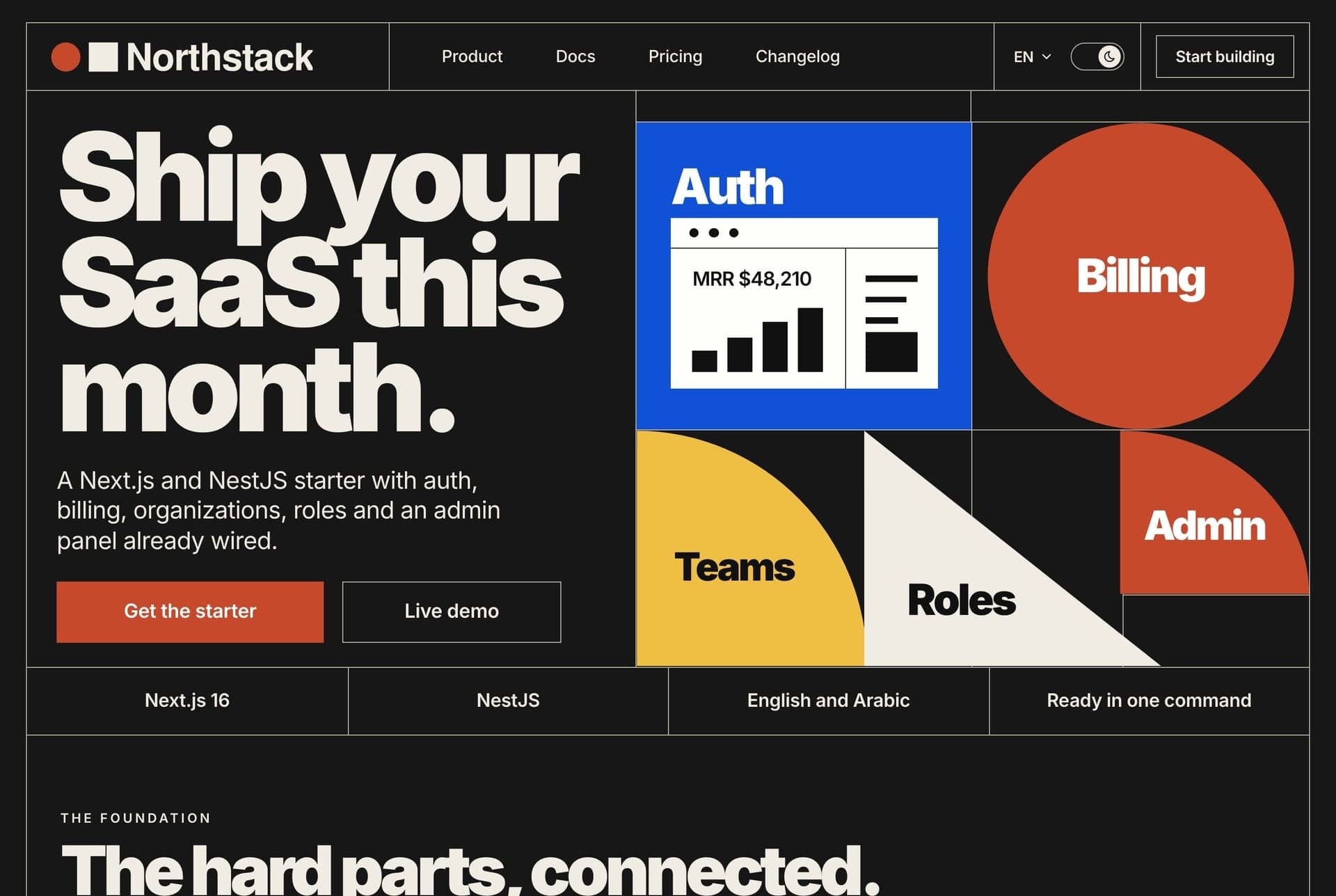
Replit vs Lovable for Templates: We Tested Both in English and Arabic (2026)
Replit keeps a template's code, Lovable converts it. We tested both on one template in English and Arabic: tables, plans and prices, who should pick which.
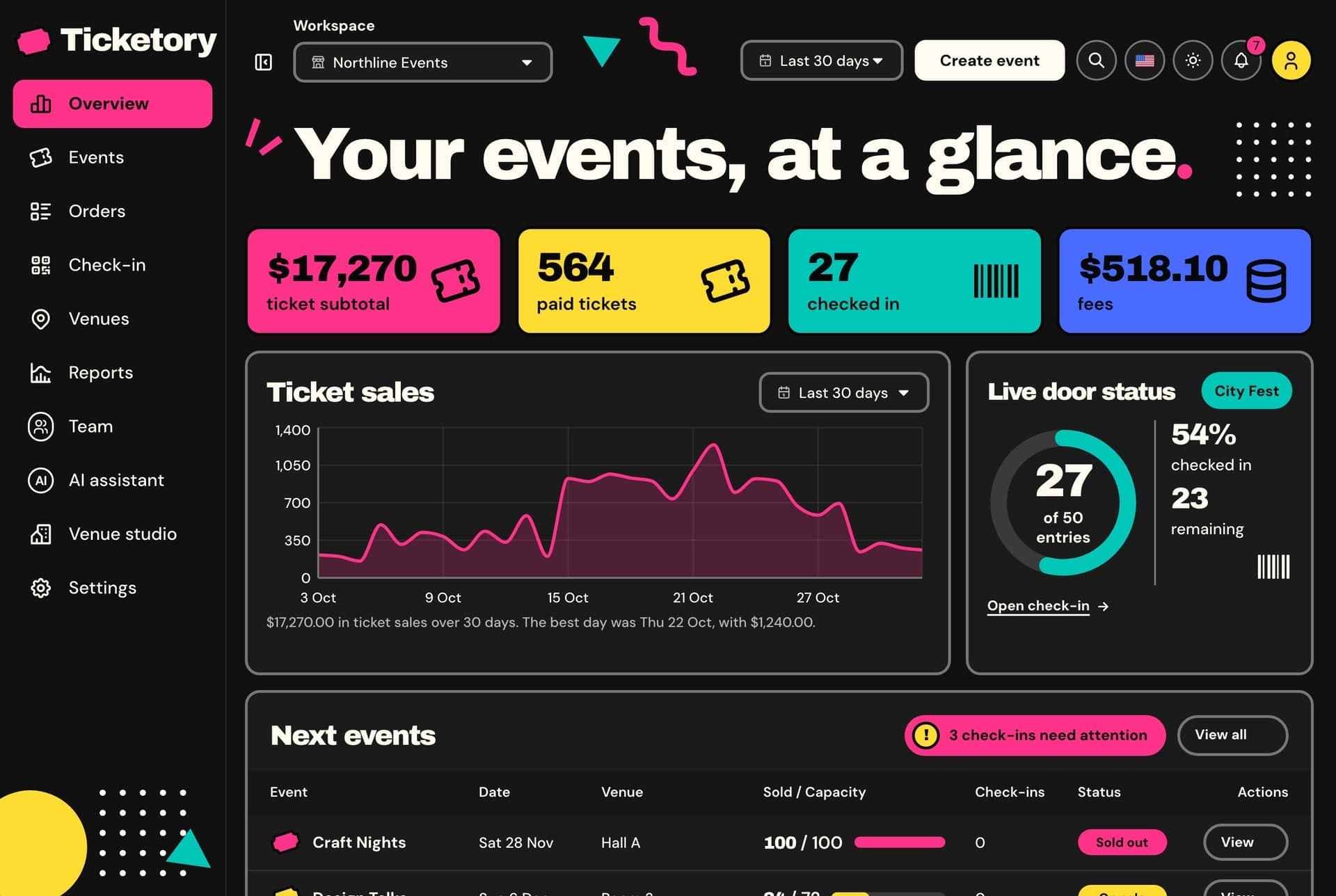
12 Best Templates to Start a Replit Project With (2026)
Twelve ready-made Next.js templates to open in Replit, with screens, prices and who each suits: websites $39, dashboards $49, free starts. Tested Nov 2026.
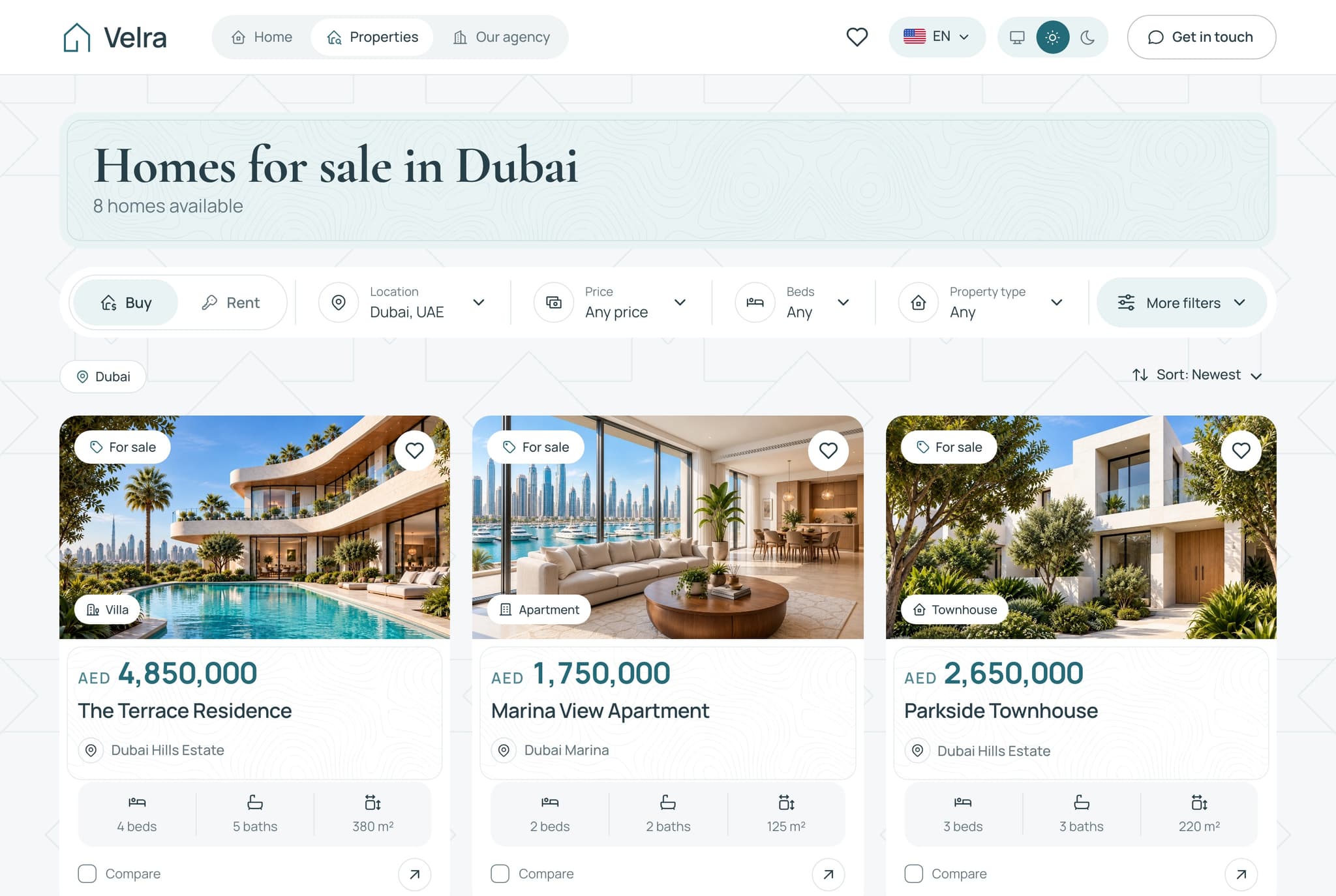
Next.js Website Templates for Small Businesses (2026)
Choose a Next.js website template by business type: restaurant, real estate, courses, shop, rentals, events or services. What to check, picks and prices.
