How to Design a Landing Page: Steps and Ready Templates
Design a landing page that converts: the 7 sections in order, Arabic RTL tips, speed and SEO basics, common mistakes, and ready templates, free or $39.
A landing page is a single page with one job: getting a visitor to take one action, such as signing up, booking a call or buying. To design one, put the sections in the order a visitor's questions arrive (what is it, can I trust it, what do I get, how does it work, what does it cost), give every section one message, and end on the same button you started with. If you sell to Arabic readers, build the Arabic version right to left from day one instead of translating it at the end.
This guide walks through each section, the Arabic and RTL details that most guides skip, the speed and SEO basics, and the mistakes that cost sign-ups. It ends with ready-made landing page templates, paid and free, that already follow these steps in English and Arabic.
Checked November 2026: on 5 November 2026 we opened the Arabic version (/ar) of six Aniq UI landing page demos and read their HTML and CSS. Prices come from the template pages on the same day.
What is a landing page?
A landing page is the page a visitor lands on after clicking an ad, a search result, an email or a social post, and it is built for one action. A home page serves everyone and links everywhere. A landing page serves one kind of visitor, with one offer and one main button, and usually fewer links in the menu.
The action changes with the business: a free trial for software, a booked call for an agency, a purchase for a product, an email address for a waitlist. Decide it before you design anything, because every later choice (headline, sections, button text) follows from it.
What sections does a landing page need, in order?
Most landing pages that convert use seven sections, in this order. Each one answers the question a visitor has at that point of the scroll, so the order matters as much as the content.
| Section | The visitor's question | What makes it work |
|---|---|---|
| Hero | What is this, and is it for me? | A headline that states the result, one main button, a picture of the product |
| Proof | Can I trust it? | Real logos, real numbers, quotes with a name and a role |
| Benefits | What do I get? | 3 to 6 results, each in one short sentence |
| How it works | Is it hard to start? | 3 or 4 numbered steps |
| Pricing | What does it cost? | Visible prices, at most three plans, one marked as the usual choice |
| FAQ | What if...? | 5 to 8 real objections, answered in plain words |
| Call to action | OK, what now? | The same button as the hero, with one line that repeats the result |
Hero: say the result, show the product
The hero decides whether the visitor scrolls. The headline says what the visitor gets, in their words, not a slogan. The line under it says who it is for and how it works. Then one main button with a verb ("Start free", "Book a call") and, if needed, a quieter second button. On a phone, the headline, the line and the button should all be visible before any scrolling.
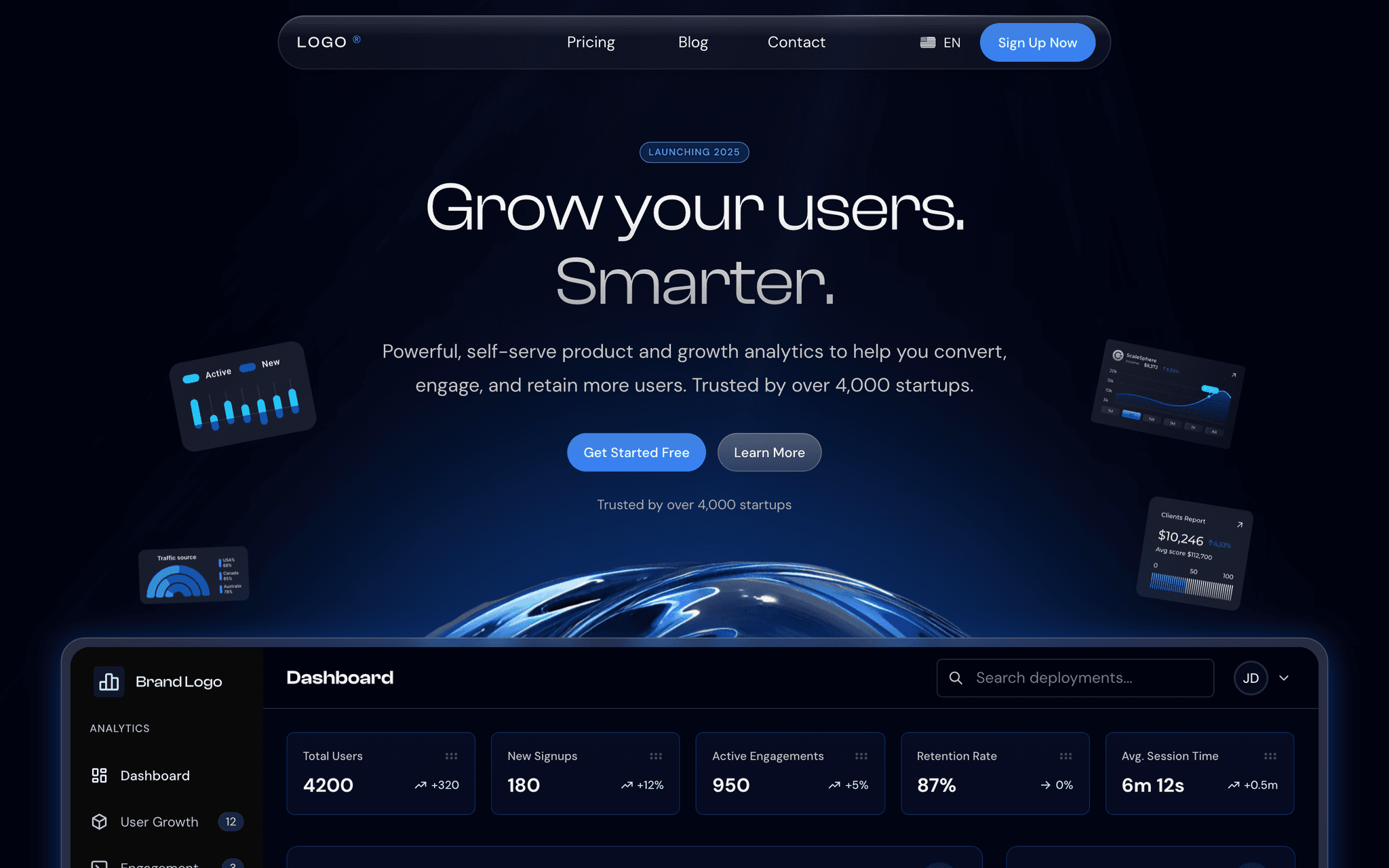
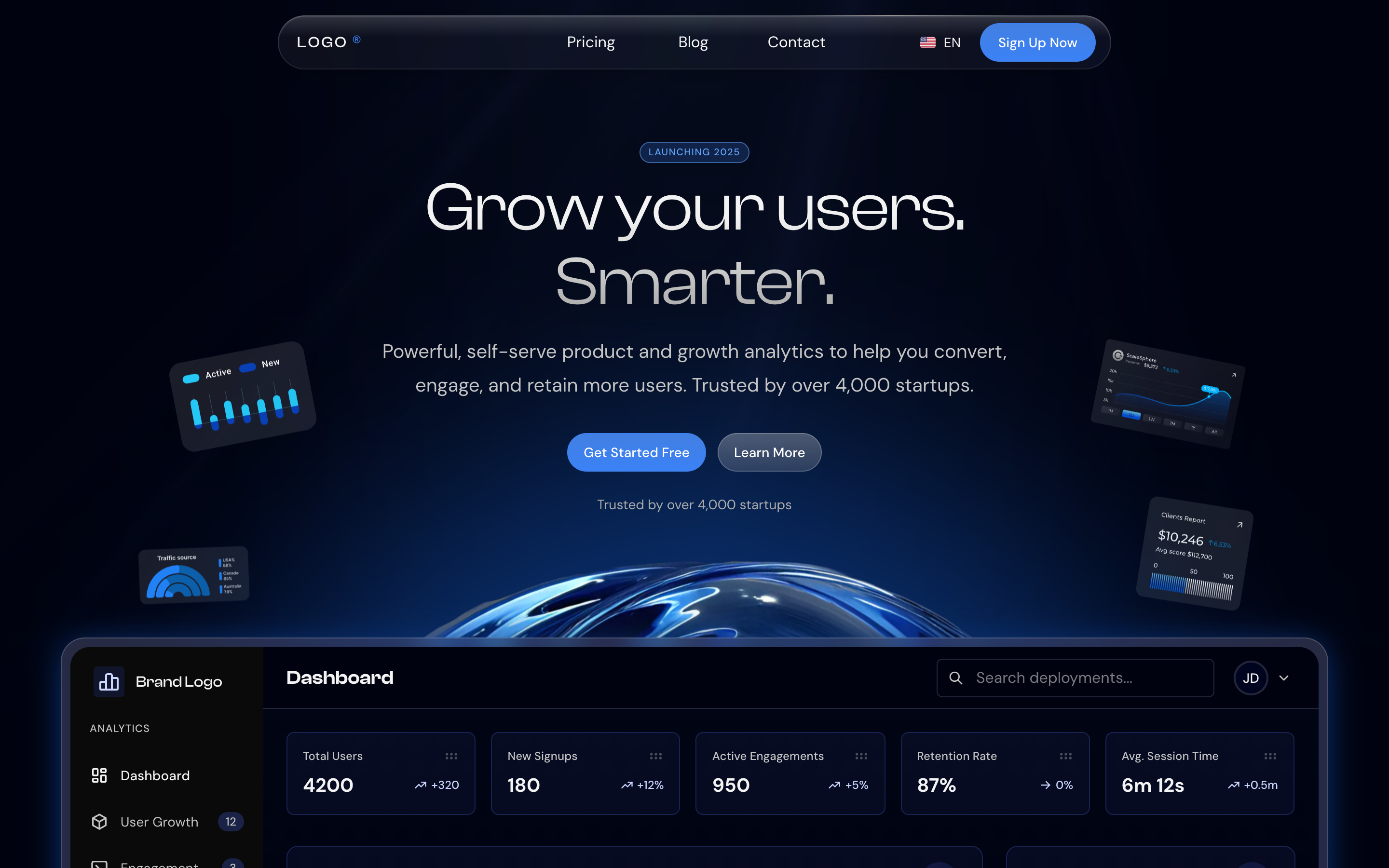
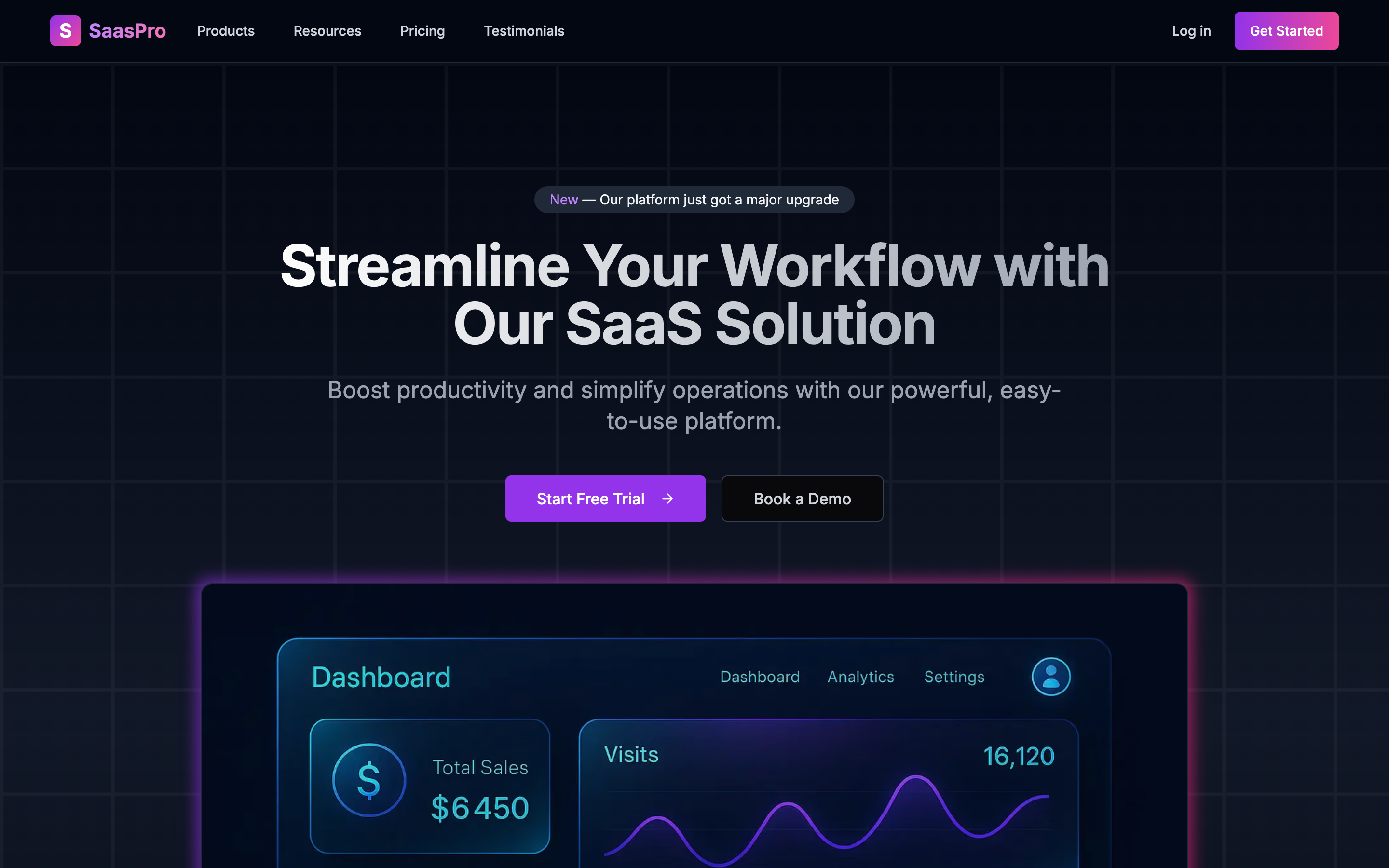
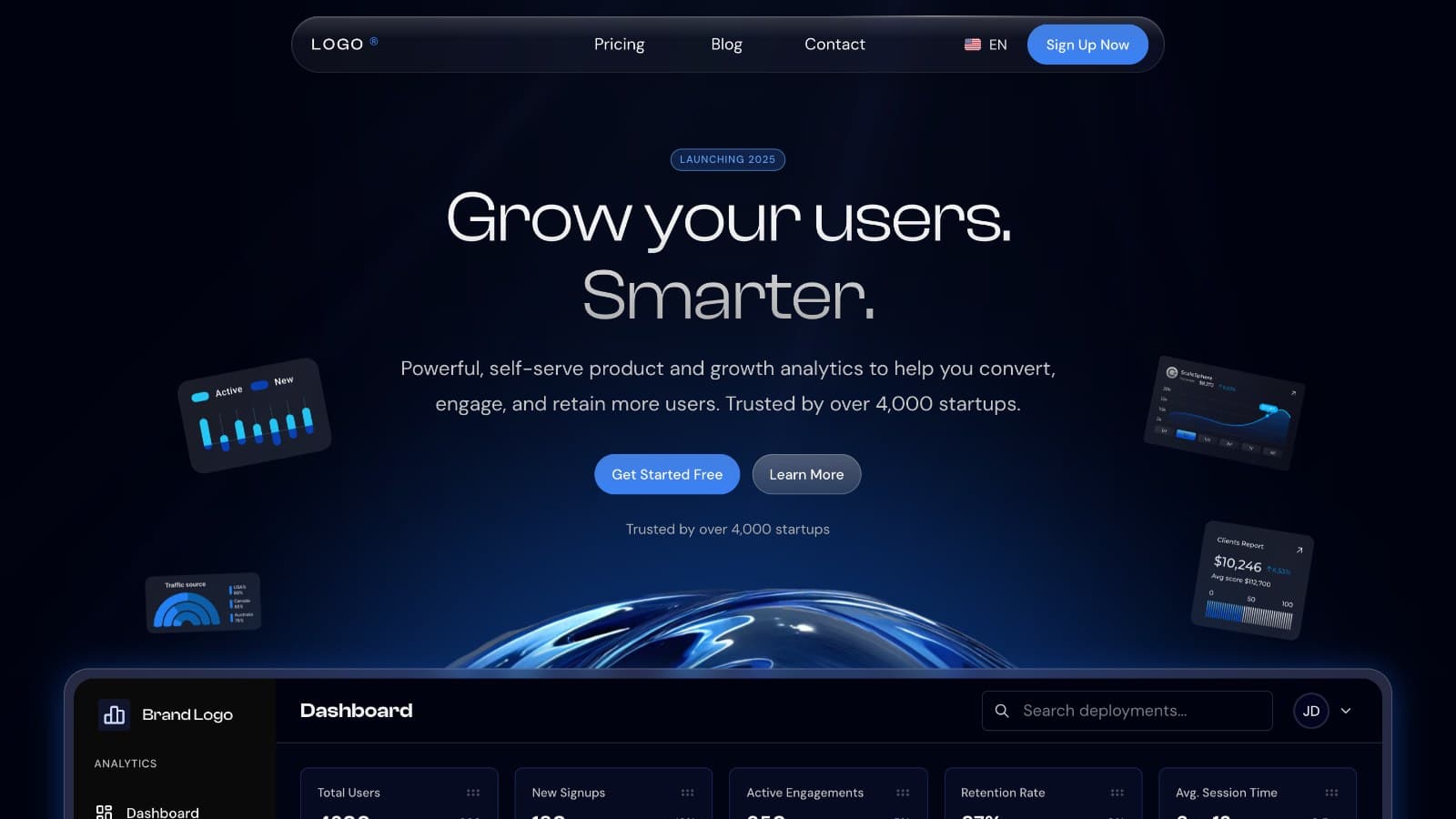
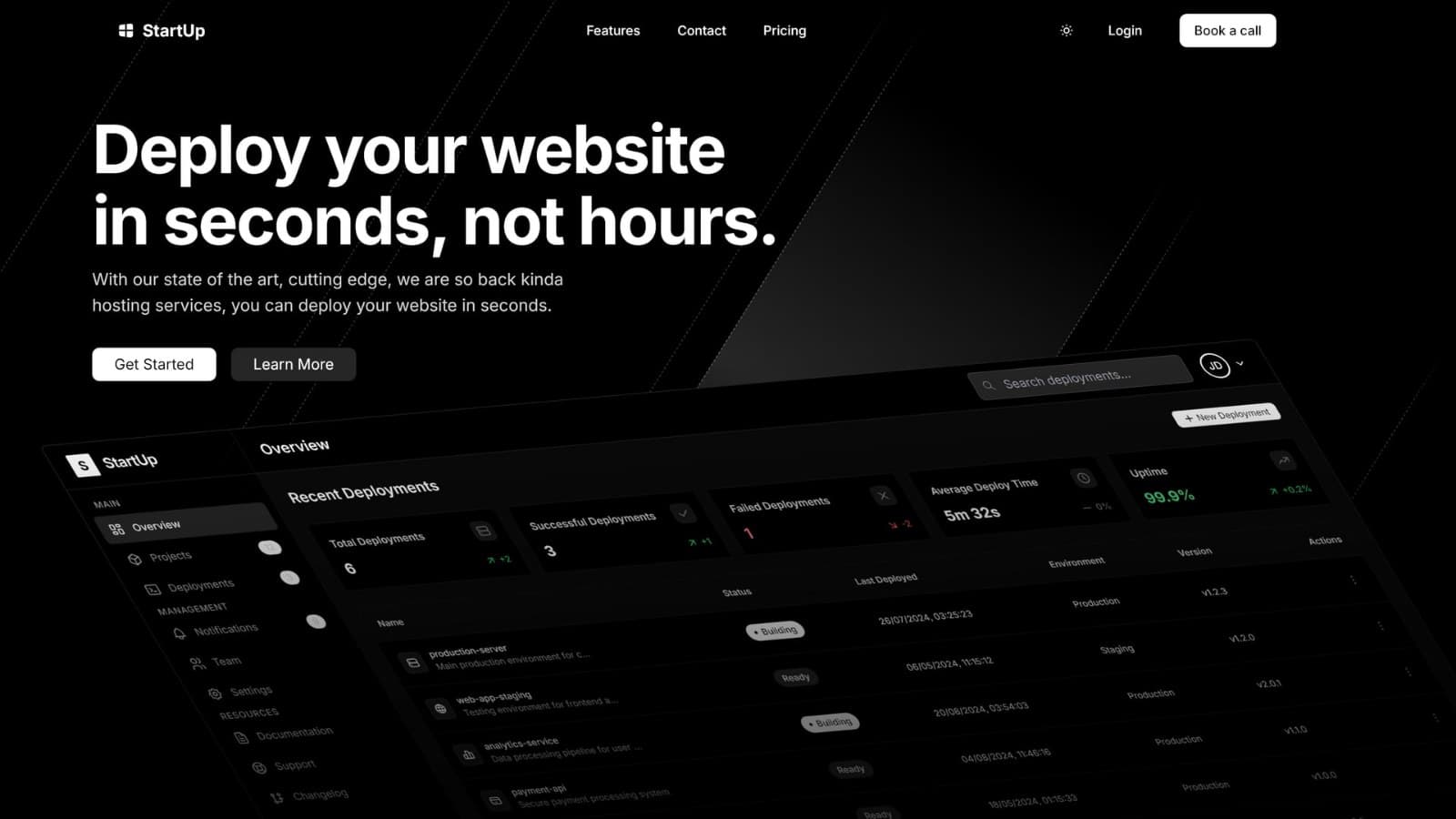
Show the product itself. Both paid Aniq UI landing pages put a dashboard preview right under the headline, so the visitor sees what they would use before reading a feature list.
Proof: real logos, real numbers
Proof goes right after the hero, because trust is the next question. Customer logos, a usage figure, ratings, or two or three quotes with a name, a role and a company. One specific quote ("we cut onboarding from two weeks to three days") does more than ten vague ones.
Use only what is true. Template demos ship with sample figures (the SaaS Template demo says "Trusted by over 4,000 startups"), and those lines must be replaced or deleted before launch.
Benefits: results, not features
List three to six benefits. Each one gets an icon, a short title and one sentence that says what changes for the reader. "Real-time reports" is a feature; "see today's sales without waiting for a monthly export" is the benefit. If you list features, pair each with the result it brings.
How it works: three or four steps
A short numbered list (sign up, connect, launch) removes the fear that starting is hard. Keep it to three or four steps, each with a verb and a few words. The free Company Website template, for example, ships a four-step "how it works" section.
Pricing: show the price
Hidden prices send visitors away to look elsewhere. Show at most three plans, mark the one most people should pick, and list what each includes. If you offer monthly and yearly billing, add a switch and state the saving. Both paid Aniq demos show three plans with the middle one marked "Most Popular", and Publino adds a monthly and yearly switch.
FAQ: answer the objections
Collect the questions people really ask before they pay: can I cancel, is there a refund, which payment methods, how long setup takes, what support you give. Five to eight answers are enough. Keep the answers in the HTML (an accordion is fine), so search engines and AI assistants can read them.
Call to action: repeat the first button
End with one line that restates the result and the same button as the hero, with the same words. A visitor who has read to the bottom is ready; do not make them scroll back up. Keep the footer short: legal links, contact, language switch.
How do you design an Arabic landing page (RTL)?
An Arabic landing page is the same page laid out right to left: the menu starts on the right, text aligns to the right, and arrows point left for "next". Build it from the same components as the English page, set the direction in the HTML, load an Arabic font, keep numbers left to right, and write the copy in Arabic instead of translating it line by line.
What we found in six Aniq UI demos. All six Arabic pages send <html lang="ar" dir="rtl"> in the first HTML response, none uses Arabic-Indic digits, and the animated counters in both paid templates are drawn with direction: ltr, so a figure like +127% keeps its order.
Direction: set it on the html element
Put dir="rtl" and lang="ar" on <html>, rendered by the server for each language URL (/ar, /en). The W3C advises exactly this and warns against setting base direction with CSS alone. Then write spacing with logical properties (margin-inline-start, or ms-4 in Tailwind CSS instead of ml-4), so one stylesheet works in both directions. Our Tailwind CSS RTL guide covers the code.
Fonts: load a real Arabic font
The English font of a design often has no Arabic letters, so the browser falls back to a system font that does not match. Pick an Arabic family and pair it with the Latin one. In the demos we checked, the free templates pair Inter with Noto Sans Arabic, the 3D template uses Cairo, the SaaS Template loads Noto Sans Arabic and Almarai next to DM Sans, and Publino uses the system font stack. All three Arabic families are on Google Fonts. Load them with next/font, which self-hosts the files and avoids layout shift.
Arabic script needs more vertical room for its dots and marks, so give Arabic headings more line height, and remove any letter spacing: spacing out joined letters breaks the script.
Numbers: one style, always left to right
Choose one digit style and keep it everywhere. Aniq's demos use Latin digits (0 to 9) in Arabic, the same figures as the English version. If you format numbers with Intl.NumberFormat, the locale ar-u-nu-latn keeps Latin digits for any region. Prices, phone numbers, percentages and dates must stay left to right inside Arabic text: wrap them in <bdi> or give them dir="ltr".
Icons: mirror only what shows direction
Mirror icons that point along the reading direction: back and forward arrows, the chevron in "Start now", next and previous controls, progress steps. Do not mirror clocks, play buttons, the search icon, logos, or anything that shows a physical object. Material Design's bidirectionality guide has the full list.
Writing for Arabic readers
Write the Arabic copy directly, or have a native speaker rewrite the translation. Modern Standard Arabic reads correctly from Riyadh to Cairo to Algiers; use a local word only when the page targets one country. Talk to the reader directly and keep sentences short. Make buttons imperative verbs: Publino's Arabic demo uses «ابدأ الآن» (start now) and «احجز مكالمة» (book a call). Show prices in the currency the visitor pays in, keep product names in Latin script, and check that a longer Arabic headline still fits the hero on a phone.
Speed and SEO basics for a landing page
A landing page should pass Core Web Vitals on phones and be easy for search engines to read in each language. Google's "good" thresholds, measured at the 75th percentile of visits, are a Largest Contentful Paint of 2.5 seconds or less, an Interaction to Next Paint of 200 milliseconds or less, and a Cumulative Layout Shift of 0.1 or less.
- Hero image: serve it at the size it is shown, in WebP or AVIF, and load it first (
priorityon the Next.jsImage). It is usually the largest paint. - Video and 3D: load them after the first paint. The free 3D template lazy loads its 3D models for this reason.
- Fonts: self-host with
next/fontand load only the weights you use. - One URL per language:
/enand/ar, each with its own title and meta description written around what people search in that language. - hreflang: each language version lists itself and the others, with full URLs. Google ignores the tags if two pages do not point to each other.
- One
h1: the hero headline. Section titles areh2. - Real text: keep headlines and prices as HTML text, never inside images, and write alt text in each language.
Test the final page with PageSpeed Insights on the mobile tab, in both languages.
Common landing page mistakes
- Several goals. A trial button, a newsletter box and a "contact sales" link all compete. Keep one main action.
- A slogan for a headline. "The future of work" says nothing. Say what the visitor gets.
- Sample proof left in. Template logos, quotes and figures still on the live page.
- Hidden prices. "Contact us for pricing" on a product that has a price.
- Long forms. Ask only for what you need to deliver the next step.
- Arabic as an afterthought. A mirrored layout with arrows pointing the wrong way, letter spacing on Arabic text, or mixed digit styles.
- A heavy hero. An autoplay video or an uncompressed image that fails LCP on phones.
- No phone check. Many visitors arrive from an ad on a phone; test there first.
Ready-made landing page templates to download
Starting from a template saves the layout, the responsive work and the RTL work. Aniq UI has two paid landing pages at $39 and four free ones. All six are Next.js and React 19, and all six have an Arabic version at /ar with a right-to-left layout, which we opened on 5 November 2026.
| Template | Price | Stack | Arabic RTL | What it includes | Best for |
|---|---|---|---|---|---|
| SaaS Template | $39 | Next.js 16, Tailwind CSS 4 | Yes | Home, pricing, blog, contact, sign-up, legal and error pages | Software sold on plans |
| Publino | $39 | Next.js 16, Tailwind CSS 4 | Yes | Home, pricing with monthly and yearly plans, contact page with a checked form | A subscription product or service |
| SaaS Landing Page with Pricing | Free | Next.js 15, Tailwind CSS 3 | Yes | One page: features, steps, plans, comparison table, FAQ | A first SaaS page |
| Web Design Agency Portfolio | Free | Next.js 15, Tailwind CSS 3 | Yes | One page: projects, process, pricing, contact form | Agencies and freelancers |
| Company Website | Free | Next.js 15, Tailwind CSS 3 | Yes | One page: how it works, integrations, testimonials, articles | A company or startup |
| 3D Landing Page | Free | Next.js 15, Three.js, GSAP | Yes | One page: a 3D product scene | A single product |
SaaS Template ($39)
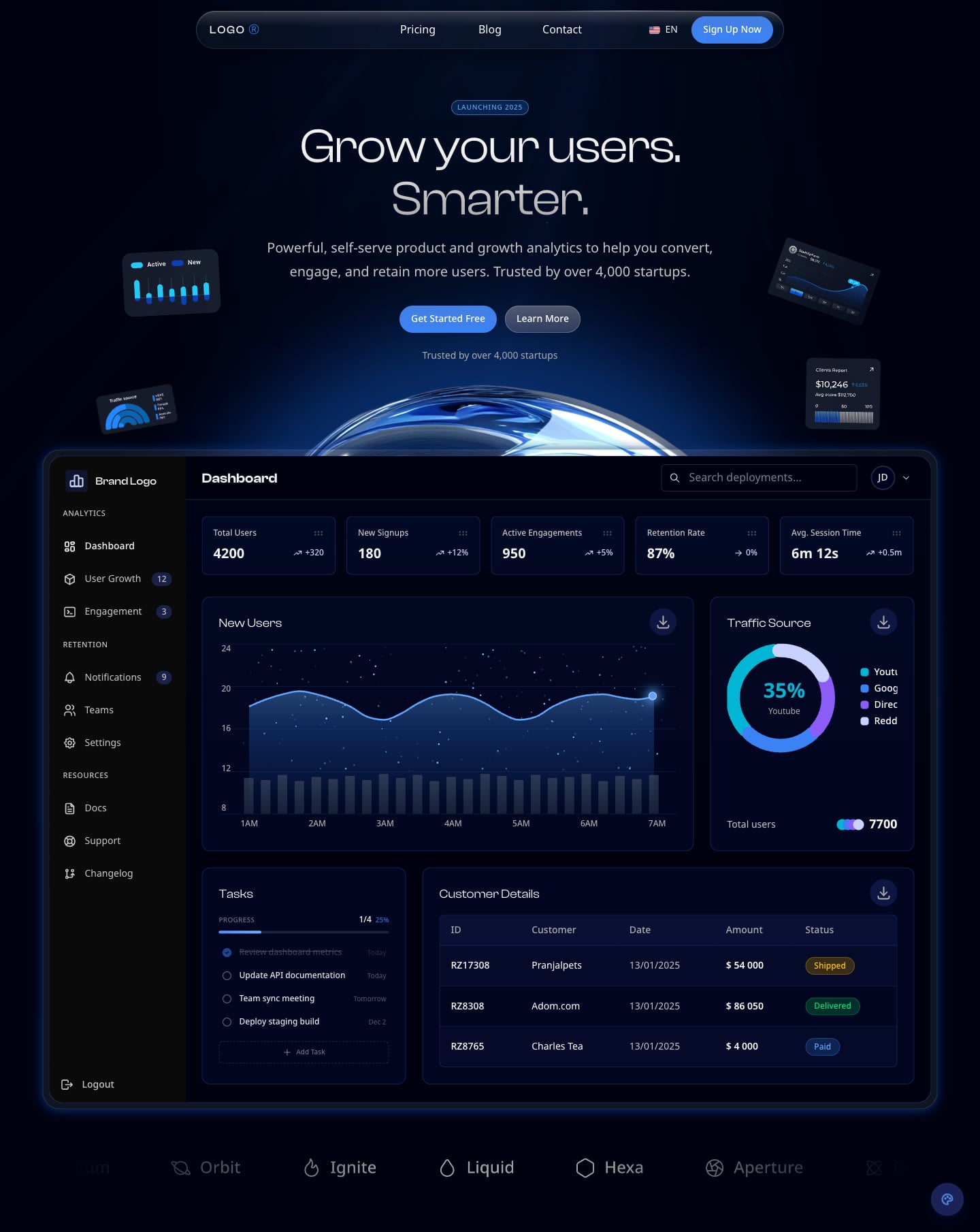
A dark landing page for a software product, built with Next.js 16, React 19, Tailwind CSS 4, TypeScript and next-intl. Besides the home page it ships pricing, blog, contact and sign-up pages, legal pages (privacy, terms, cookies, GDPR) and error pages, with React Hook Form and Zod on the forms. The hero carries the full dashboard preview shown below. See the SaaS Template or open its Arabic demo.
Publino ($39)
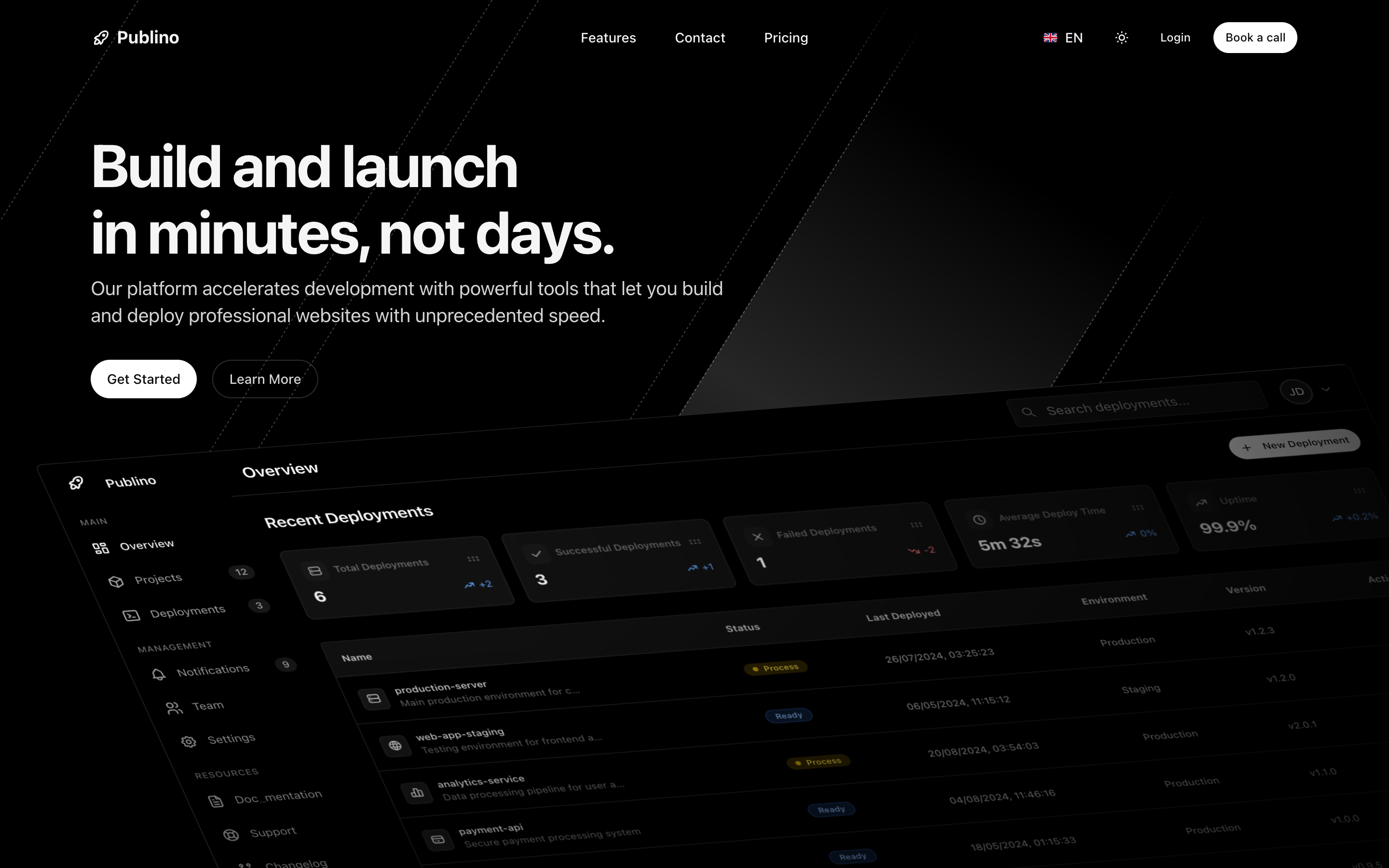
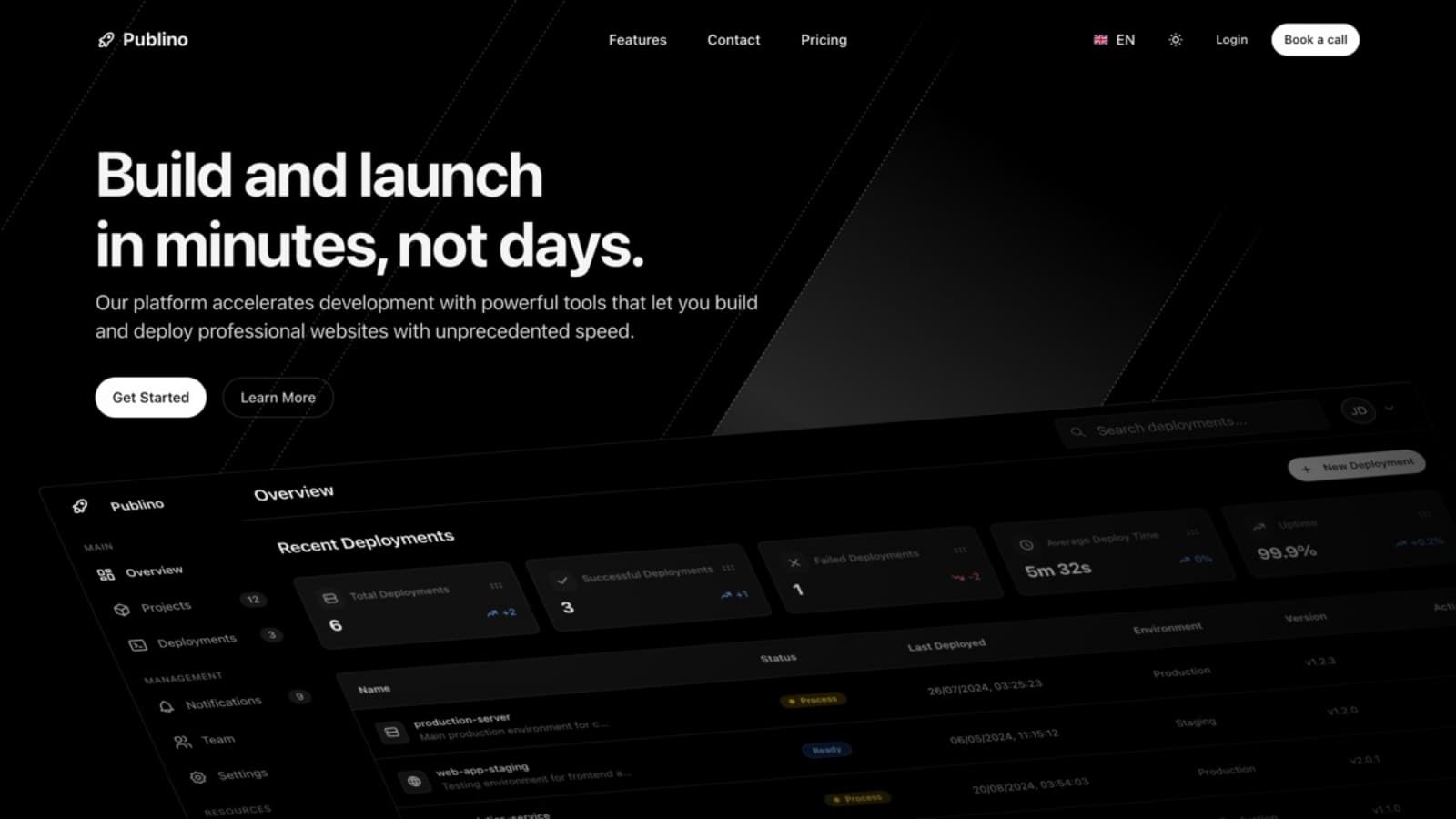
A landing page for a subscription product, also on Next.js 16, React 19 and Tailwind CSS 4, in dark and light themes. It has a home page with a deployments dashboard mockup, a pricing page with monthly and yearly plans and a feature filter, an FAQ grouped by category, and a contact page with a form checked by React Hook Form and Zod. See Publino or open its Arabic demo.
Free landing page templates
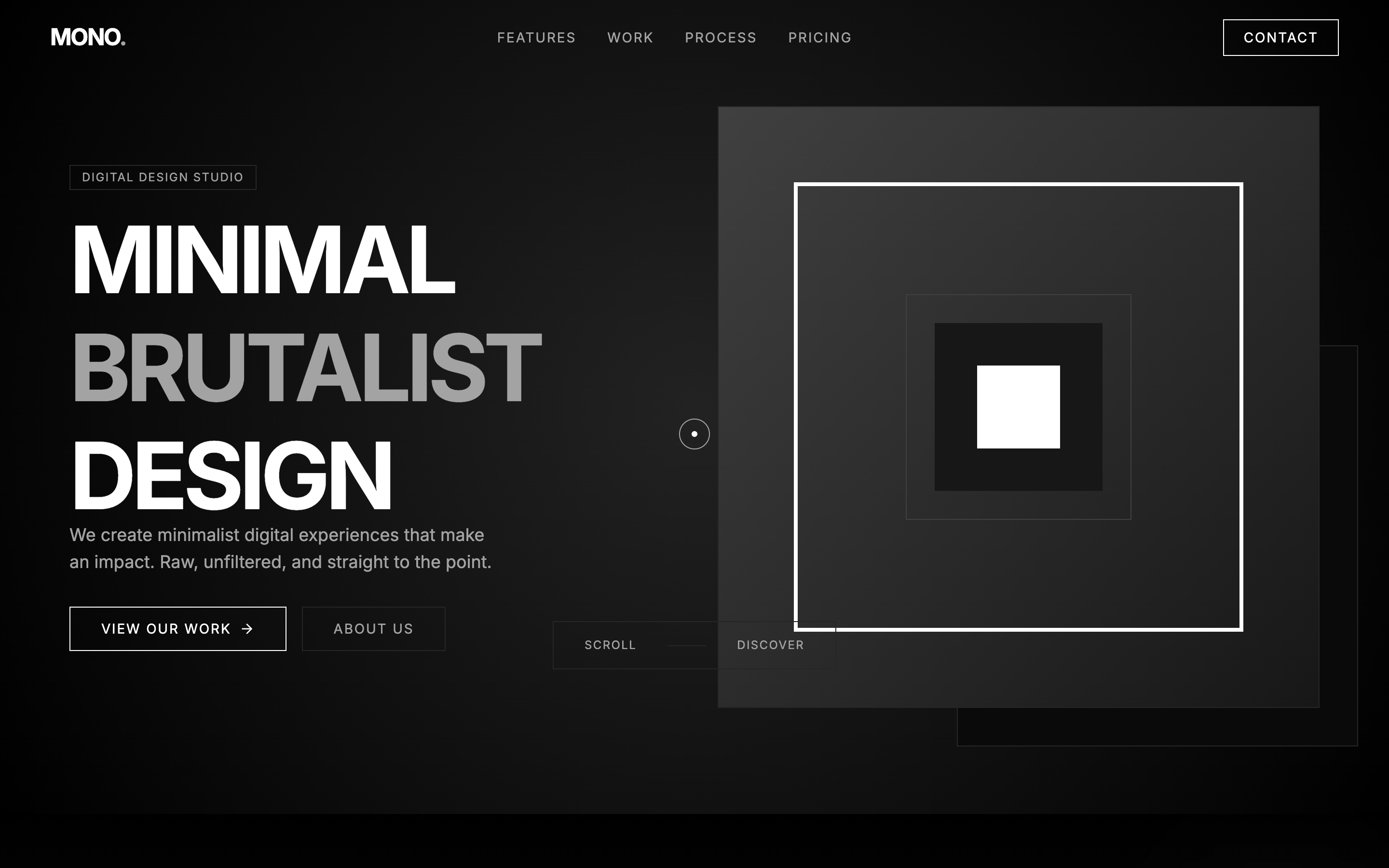
Three of the four free templates are one-page Next.js 15 sites under the MIT licence: a SaaS page with plans and a comparison table, a black and white agency portfolio with a contact form, and a company website with a four-step "how it works" section. None of them has a back end. Our free landing page templates guide compares them section by section and shows how to claim, run and deploy each one.
For one product: the free 3D landing page
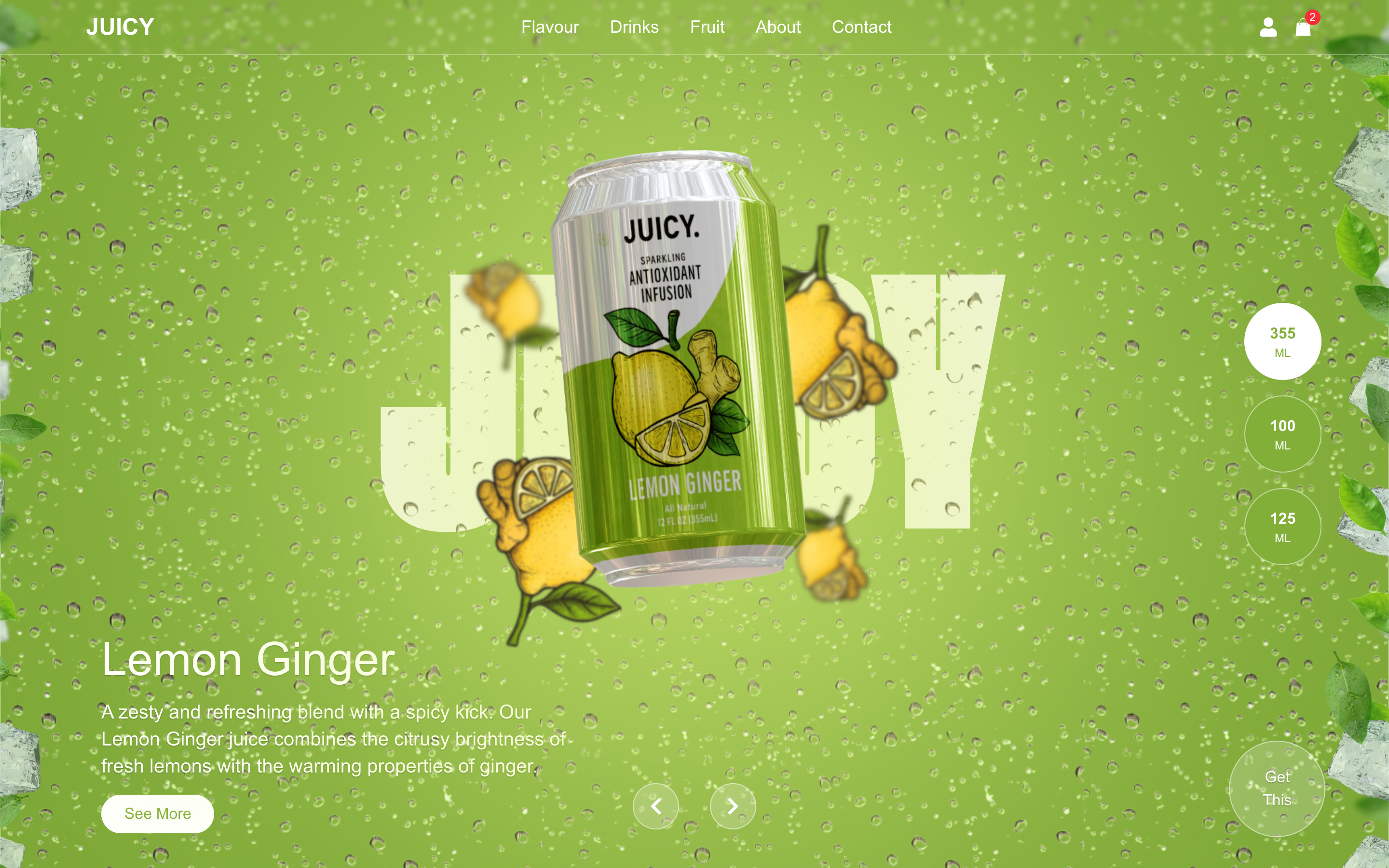
If you sell one physical product, a landing page built around the product itself works better than a feature grid. The free 3D template shows a wheel of drink cans that turns with the mouse wheel or the arrow keys, and the page takes on the colours of the flavour in front. It uses Three.js and GSAP, lazy loads its 3D models, and needs a 3D model of your own product.
To compare these with landing page templates from other makers, see our best Next.js landing page templates for 2026.
How to go from a template to a live landing page
- Open the demo on your phone, in English and in Arabic (
/ar), and check that its sections match your offer. - Buy the template, or press Get Free on a free one. The ZIP appears in your Aniq UI dashboard.
- Run it locally by following the documentation on the template's page.
- Rewrite the text in both language files. Write the headline and the button first, in each language.
- Replace every sample logo, quote, figure and price with your own, or delete it.
- Set your site address in the settings the docs name, so canonical and language links point to your domain.
- Deploy, then test both languages with PageSpeed Insights on mobile.
FAQ
How do I create a free landing page?
Start from a free template, replace the text and images, and deploy it to any host that runs Next.js. Aniq UI has four free landing templates, each in English and Arabic; the free landing page templates guide shows how to claim and run them.
What is the difference between a landing page and a website?
A website has many pages for many visitors. A landing page is one page for one kind of visitor and one action, such as a sign-up or a purchase, usually reached from an ad, an email or a search result.
How many sections does a landing page need?
Usually seven: hero, proof, benefits, how it works, pricing, FAQ and a final call to action. A simple lead page can drop pricing; a product page can merge benefits and how it works. Keep the order.
Where can I download ready-made Arabic landing pages?
All six Aniq UI landing templates ship with an Arabic version that is laid out right to left: the SaaS Template and Publino at $39 each, and four free ones. You can open every demo at /ar before you download.
Which font is best for an Arabic landing page?
There is no single best one. Noto Sans Arabic, Cairo and Almarai are common choices and are used in the demos we checked. Pick one that pairs with your Latin font, load it with next/font, and give Arabic headings extra line height.
How much does a landing page template cost?
At Aniq UI, the two paid landing pages cost $39 each, paid once, and four landing templates are free. If you also need sign-ups or orders stored, the full stack packages (website, dashboard and API) are $149.
Conclusion
A good landing page answers a visitor's questions in order and asks for one thing. Write the headline and the button first, add only real proof, show the price, and make it fast on a phone. For Arabic readers, set the direction in the HTML, load an Arabic font, keep numbers left to right and write the copy in Arabic. A template gives you all of that on day one, so your time goes into the words.
What each fits and costs, paid once:
- SaaS Template (software sold on plans, English and Arabic): $39.
- Publino (subscription product or service, English and Arabic): $39.
- Four free landing templates (SaaS, agency, company, 3D product): free.
- Full stack (website, dashboard and API, when you need a back end): $149.
Browse the templates and open any demo in Arabic before you buy.
Related guides
- Free Landing Page Templates
- Best Next.js Landing Page Templates for 2026 (Free and Premium)
- Tailwind CSS RTL Guide: Logical Properties and the rtl: Variant
- How to Launch a SaaS Website in English and Arabic With Next.js
Sources
- web.dev: Web Vitals (LCP, INP and CLS thresholds)
- Google Search Central: tell Google about localized versions of your page
- W3C: structural markup and right-to-left text in HTML
- Next.js: font optimization with next/font
- Material Design: bidirectionality
- MDN: Intl.NumberFormat
- PageSpeed Insights
Checked November 2026.
You might also like
Best Next.js Landing Page Templates for 2026 (Free and Premium)
Compare the best Next.js landing page templates for 2026, free and premium: SaaS, startup, agency and 3D picks with stack, licence and price.
How to Launch a SaaS Website in English and Arabic With Next.js
Launch a SaaS marketing website in English and Arabic with Next.js: pricing, blog, forms, SEO settings and going live, plus what you connect yourself.
Publino: The Ultimate Next.js Landing Page Template for Modern Startups
Discover Publino, a high-performance, SEO-optimized Next.js template designed for SaaS, startups, and agencies. Build and launch stunning websites in minutes.
