Best AI App Builders: 8 Compared, 3 Tested With One Template (2026)
Best AI app builders for 2026: Replit, Lovable, Bolt, v0, Base44 and more. Three ran our template; code, imports, prices, free plans and data use. Nov 2026.
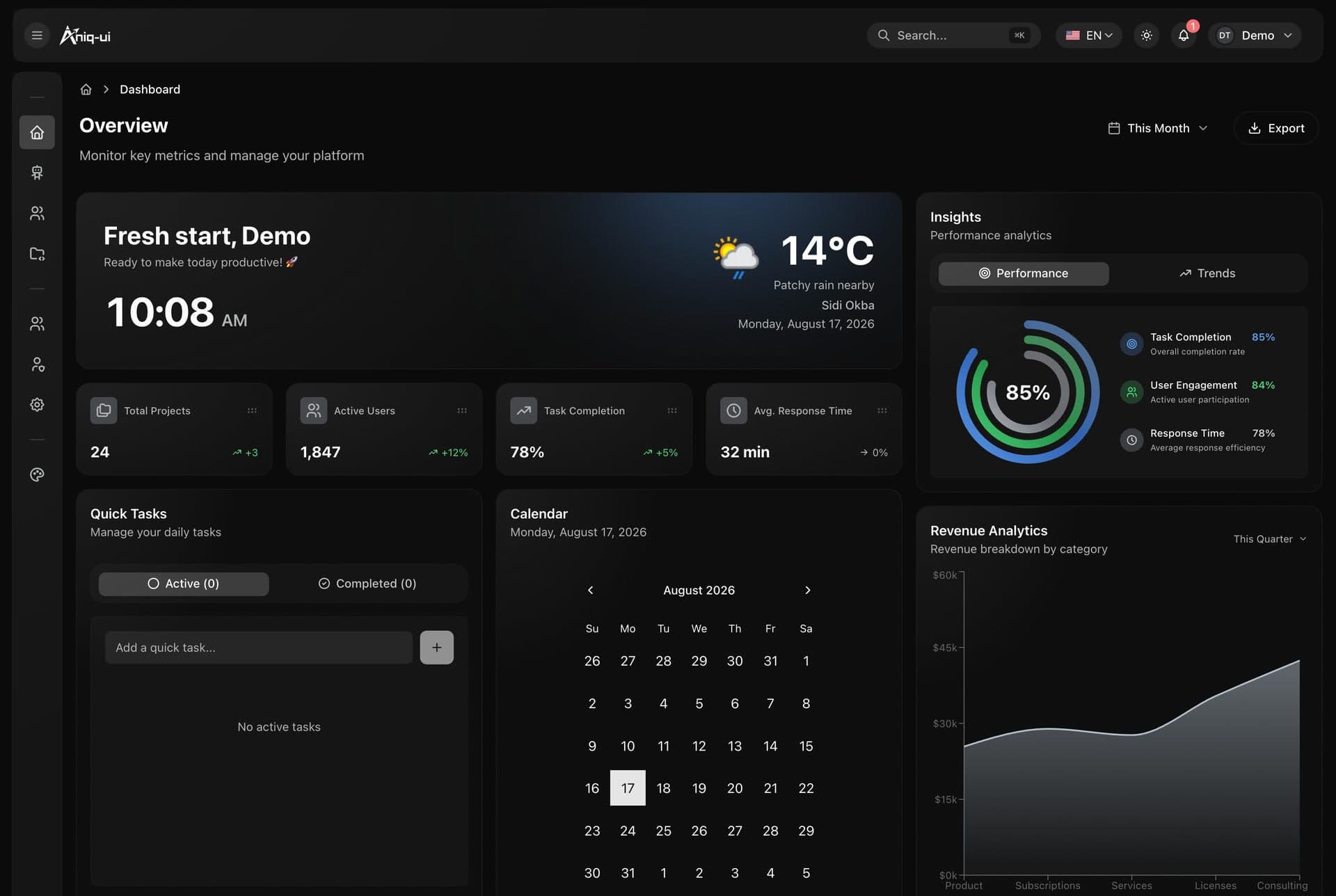
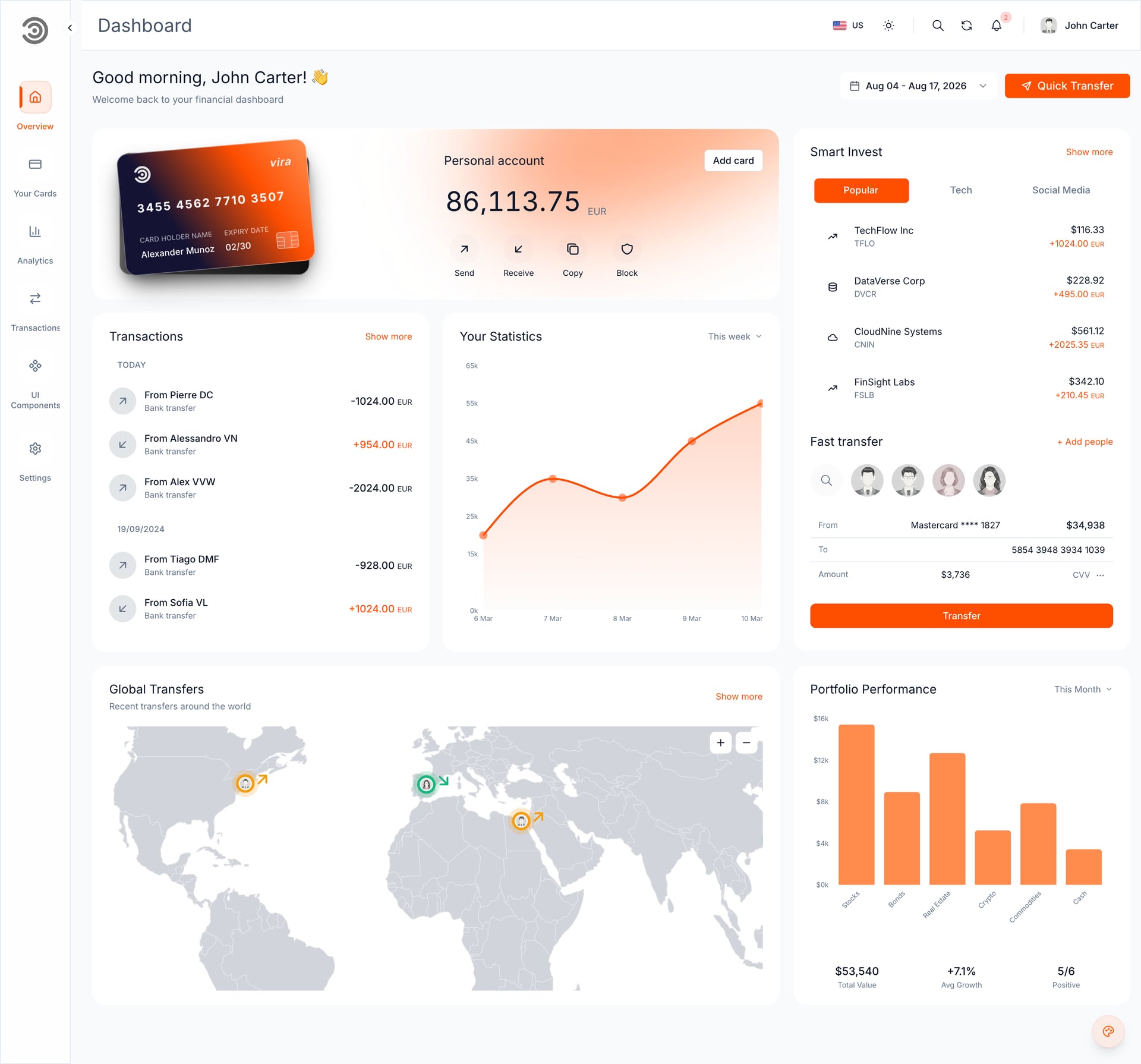
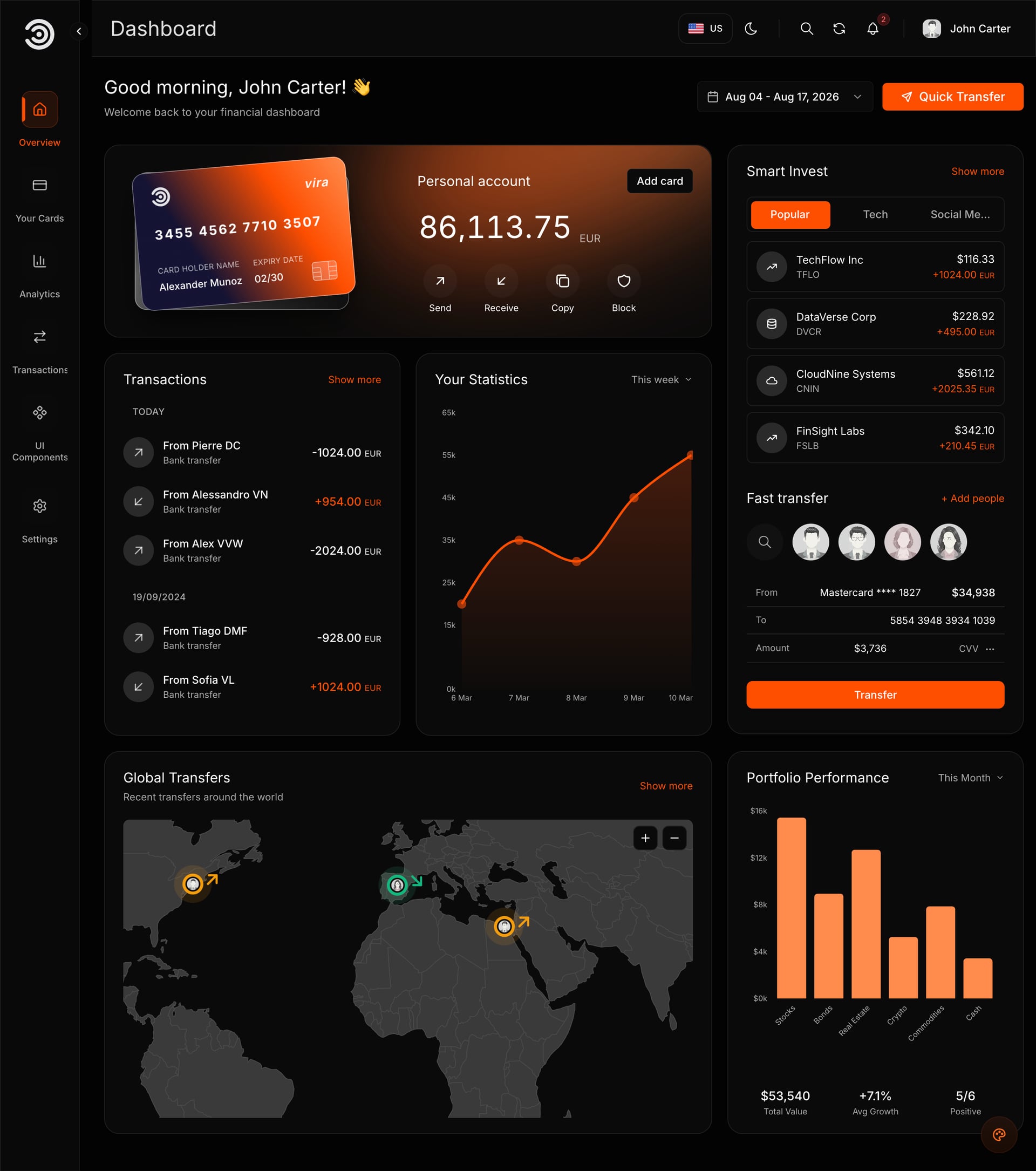
The best AI app builder for a real project is the one that does the right thing with the code you bring, and most lists never check that. On 7 November 2026 we put the same ready-made Next.js template, the Financial Dashboard, through Replit, Lovable and Bolt on their free plans, in English and Arabic. We could not test v0, and we did not run Base44, Firebase Studio or Cursor; Claude Code we ran once, separately, with a Full Stack package. Everything else comes from each tool's own pages, checked November 2026, and every section says which kind of fact it holds.
How we judged the best AI app builders
Seven questions, the same for every tool. The first two matter most when you start from something that already exists, such as a template or a developer's repository.
- Keeps your code: does it run what you bring as it is, or rebuild it on its own stack?
- Imports a project: from GitHub, a ZIP, a design file, or not at all.
- Publishing and domain: the free address, and which plan allows your own domain.
- Price: the cheapest paid plan, monthly and yearly where offered.
- Free plan: enough to test, and what is missing.
- English and Arabic: whether both languages survived, Arabic right to left. Only the tools we ran can answer this.
- Data use: whether the vendor trains its models on your prompts or code, and whether you can say no.
What we ran ourselves
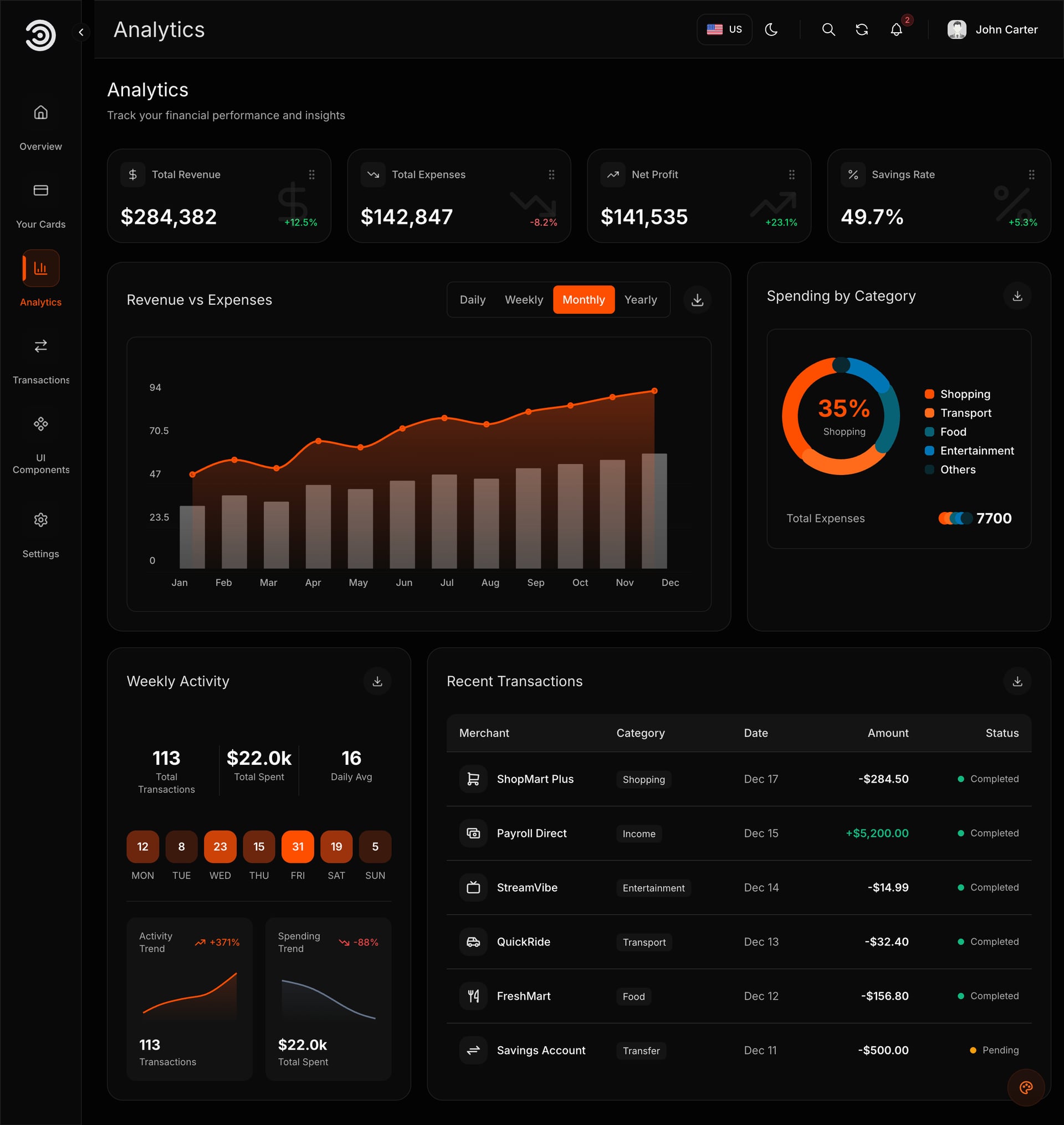
One template, the Financial Dashboard (frontend only, a 6.5 MB ZIP), the free plan of each builder and one first prompt, on 7 November 2026. Replit, Lovable and Bolt ran it, and we ran Replit again on 8 November. We could not test v0: the account we used had hit Vercel's fair-use limit.
Separately, on 8 November, we ran Claude Code with a different package, the Food Studio Full Stack (see the code editors section). We did not run Base44, Firebase Studio or Cursor; their sections come from their own pages only.
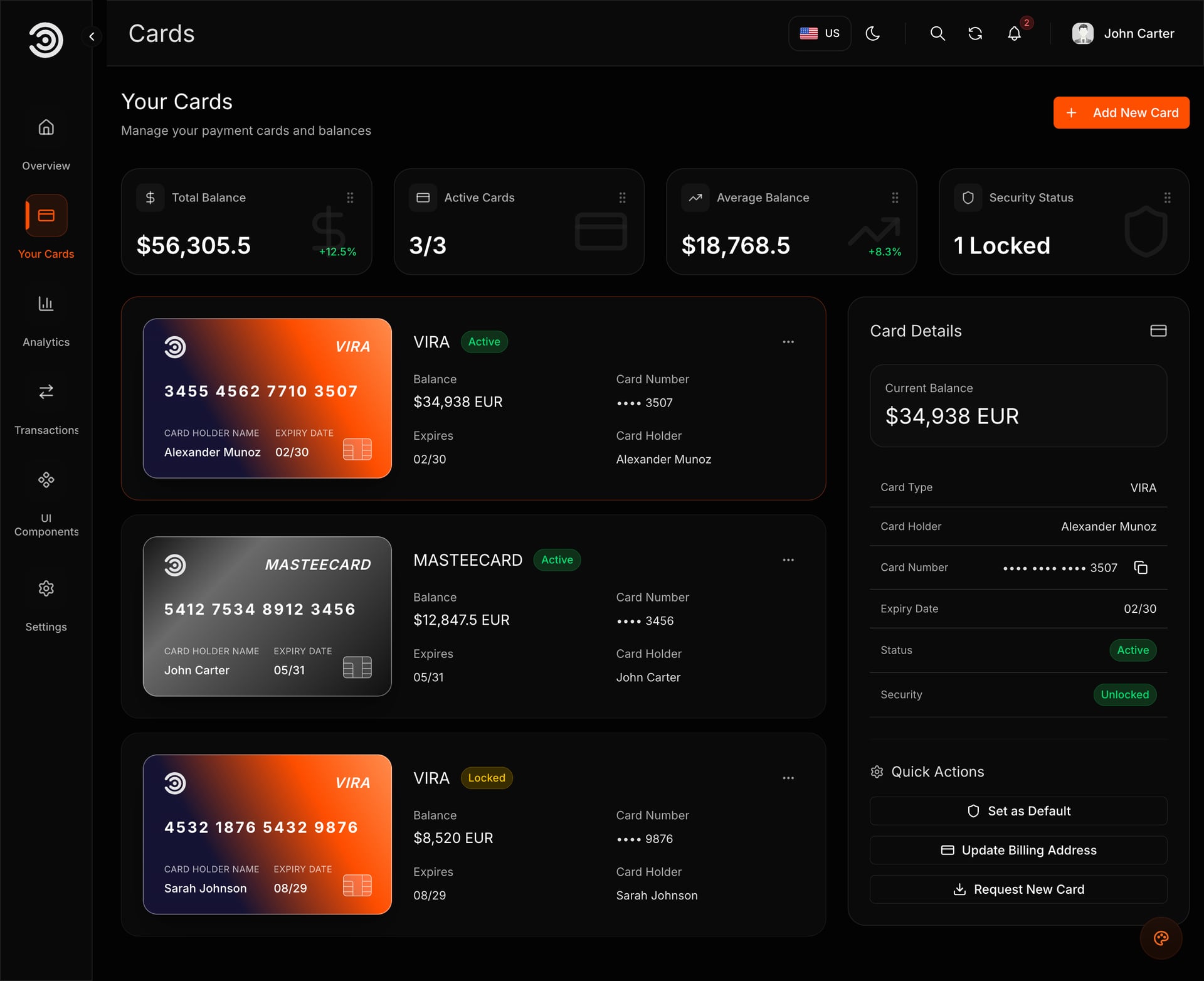
Demo video: Financial Dashboard
Eight AI app builders and editors compared
"Our run" is first-hand. Every other cell is from the vendor's own pages, checked November 2026.
| Tool | Our run | Imports a project | What happens to your code | Free plan | Cheapest paid plan |
|---|---|---|---|---|---|
| Replit Agent | Preview in about 6 to 7 minutes; English and Arabic worked | GitHub, Bitbucket, Vercel, Bolt, Lovable, Base44, a ZIP up to 200 MB, Figma | Kept; Replit sets up the install and run commands | Daily Agent credits, Free Mode only, one published app for 30 days | Core: $20 a month ($18 billed yearly) |
| Lovable | Imported in about 10 minutes; English and Arabic worked | Upload code (ZIP up to 250 MB), guided imports from other builders, Figma | Rebuilt on TanStack Start | 5 credits a day, up to 30 a month; code read-only | Pro: $25 a month ($21 billed yearly) |
| Bolt | Built and rebranded; no preview | GitHub, Lovable (through GitHub), Figma | Loaded as a Bolt project, run in the browser | 300K tokens a day, 1M a month | Pro: $25 a month ($18 billed yearly) |
| v0 | Not tested (account limit) | GitHub, a Vercel project, a ZIP (10 MB free, 50 MB paid) | Run in Vercel Sandbox with the project's own lockfile | 7 messages a day, $5 of one-time credits | Plus: $30 a month; no yearly price listed |
| Base44 | Not run | GitHub (as a development preview), Figma, other platforms | Exported code still needs Base44 to run | 25 message credits a month, up to 5 a day | Starter: $20 a month ($16 billed yearly) |
| Firebase Studio | Not run | Import closed since 22 June 2026 | Export your code before 22 March 2027 | No new workspaces | None: it is being shut down |
| Claude Code | Not in this run; a Full Stack package ran in about 4.5 minutes on 8 November | Works on the folder you open | Edited in place on your computer | Not in the free Claude plan | Claude Pro: $20 a month ($17 billed yearly) |
| Cursor | Not run | Works on the folder you open | Edited in place on your computer | Limited agent and chat requests | Plus: $8 a month ($80 a year), Grok models only |
Addresses, domains and what they do with your data
| Tool | Free address | Your own domain | Training on your data |
|---|---|---|---|
| Replit | yourapp.replit.app, with a "Made with Replit" badge | Replit charges nothing; you pay the domain provider. The free published app goes down after 30 days | Yes on Starter and Core; only Pro can opt out |
| Lovable | yourapp.lovable.app, with an "Edit with Lovable" badge | Paid plans | Free and Pro since 9 September 2026; anyone can opt out for free |
| Bolt | A bolt.host address, with a "Made in Bolt" badge | Paid plans | On by default (off by default in the EU, UK and Switzerland); free opt-out on any plan |
| v0 | A vercel.app address | Can be added; Vercel's free Hobby plan is for non-commercial use only | Free users on a Vercel Hobby account are opted in by default and can opt out |
| Base44 | myapp.base44.app, with an "Edit with Base44" label | Starter and up | Every plan below Enterprise, with no opt-out |
| Firebase Studio | Firebase App Hosting, which needs a billing account (Blaze plan) | Added in the Firebase console | Google says to skip its Gemini agent to keep prompts out of training |
| Claude Code | Does not host | Wherever you publish | Free, Pro and Max sessions only while the model-improvement setting is on |
| Cursor | Hosts apps built by its cloud agents, on paid plans with cloud agents | Not stated | Not with Privacy Mode on; possible with it off |
Replit Agent: keeps the code you bring
The only builder in our test that ran the template exactly as it was written.
- Builds: a full-stack web app by default, with a managed PostgreSQL database; mobile apps with Expo.
- Imports: plus menu, then Import an existing project: GitHub, Bitbucket, Vercel, Bolt, Lovable, Base44, a ZIP of up to 200 MB or Figma. Imports that need the Agent's work can use credits.
- Your code: Replit detects the stack, installs the dependencies and sets the run commands. It does not move the project to another framework.
- Publishing: a free replit.app address; your own domain costs nothing at Replit (you pay the domain provider). Static hosting is free plus $0.05 per GB, an always-on Reserved VM starts at $15 a month, and costs come out of the plan's monthly credits.
- Plans: Starter is free, with daily Agent credits up to a monthly cap, Free Mode only, one published app whose link goes down after 30 days and a "Made with Replit" badge. Core is $20 a month or $18 billed yearly, with $20 of monthly credits.
- Data use: Replit uses your prompts, instructions, context and the responses generated for you to improve its models. Only Pro ($100 a month) can opt out.
What happened with our template
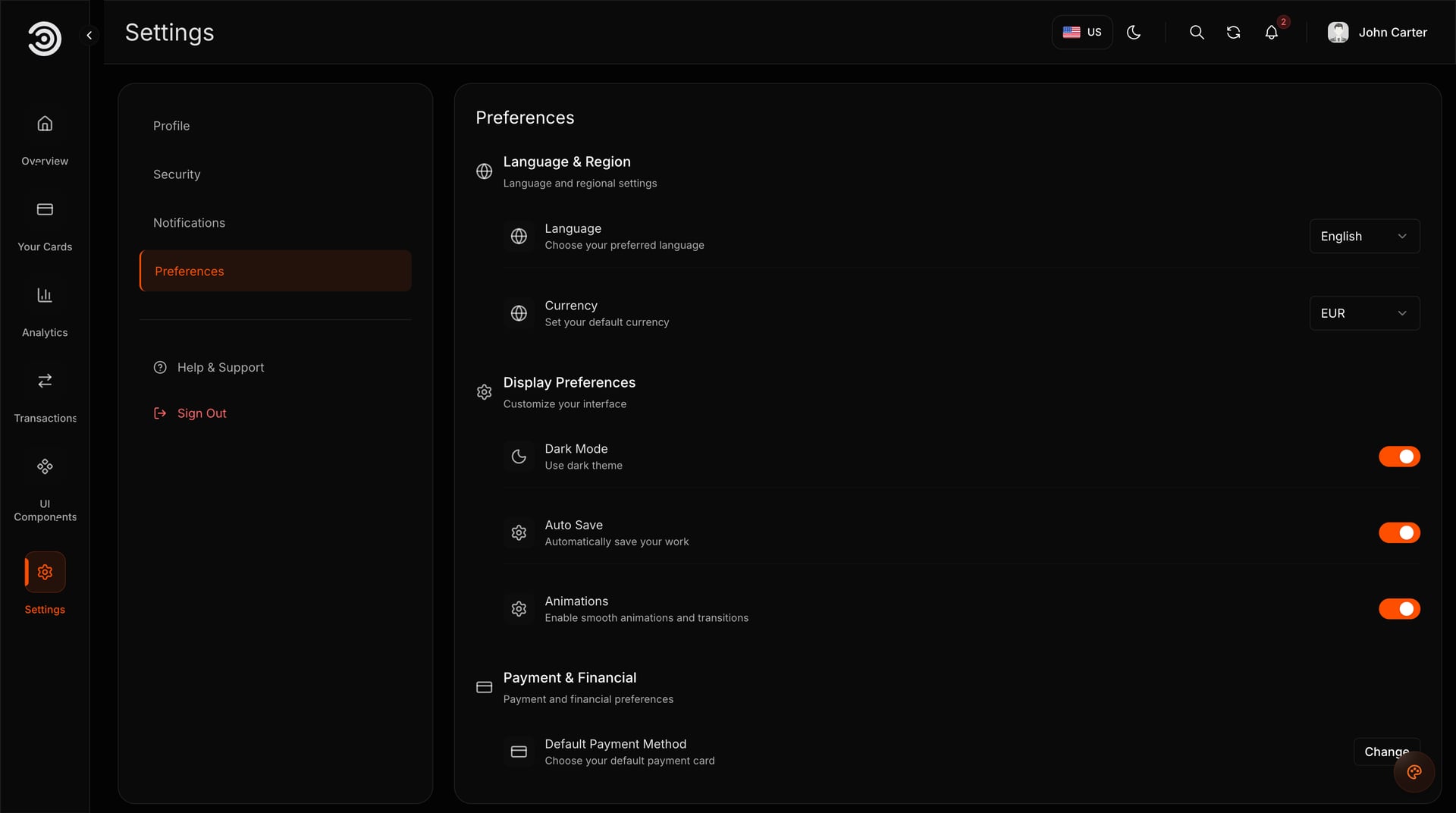
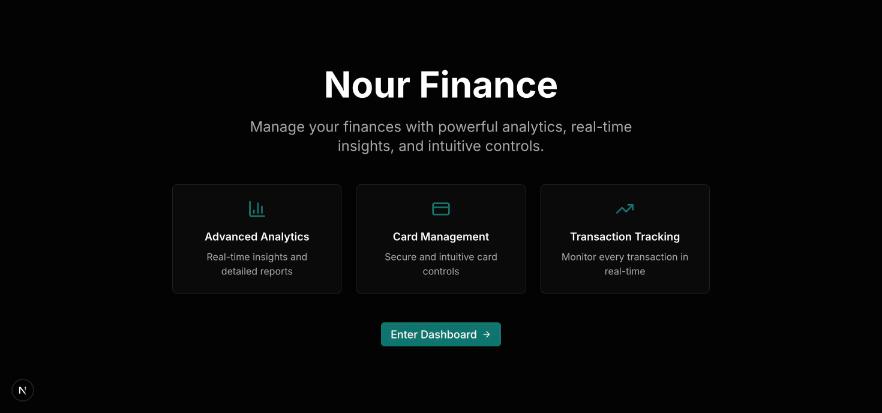
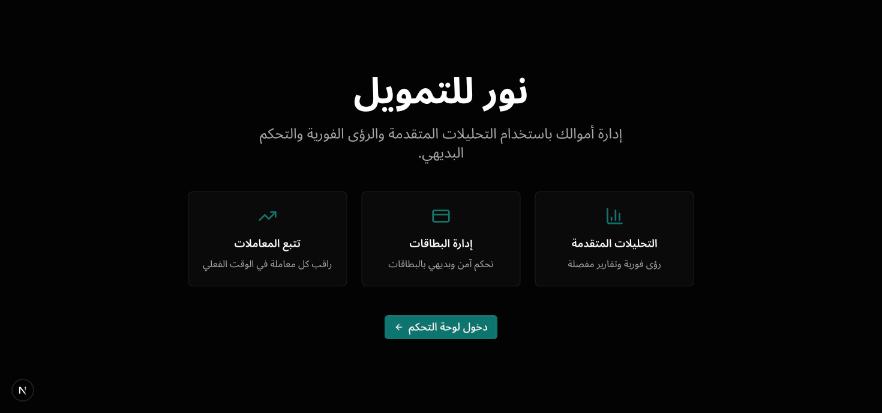
The Agent downloaded the ZIP from the private link in our prompt, kept the code as it was (Next.js 16 and Yarn 4) and had a running preview after about 6 to 7 minutes. It asked for the name, the colour and the email one at a time, applied each answer in English and Arabic in 2 to 4 minutes, and kept the Aniq UI credit line.
Expect two oddities: Replit's preview pane showed an error while the site worked in its own browser tab, and the Agent reported type errors that were not real (a clean install, type check and build of the template pass).
On 8 November, with a prompt that builds first: about 7 minutes to a preview, all four brand answers in one message, one rebuild of about 5 minutes, both languages working. Yarn 4 needed Replit's package proxy host allowed, which the Agent did itself. The free daily Agent credits ran out at the end.
If Replit is your pick, 12 Best Templates to Start a Replit Project With lists templates that open there with one button.
Lovable: the quickest first result, on its own stack
The friendliest editor in this list. What it does with code from elsewhere is the thing to understand first.
- Builds: web apps on TanStack Start (new apps since 13 May 2026) with a built-in backend on Supabase's open-source foundation. Its docs say it "does not offer a choice of framework or database".
- Imports: + in the prompt box, Import project to Lovable, then Upload code: a ZIP of up to 250 MB, on every plan. Guided imports cover Replit, Bolt, Base44, v0 and others; a GitHub repository goes in as a ZIP. The first build of your first import is free.
- Your code: Lovable rebuilds the app "on TanStack Start, with the same pages, routes, and behavior", and swaps the other tool's sign-in for its own.
- Publishing: a lovable.app address with an "Edit with Lovable" badge. Custom domains need a paid plan; removing the badge needs Pro.
- Plans: Free gives 5 build credits a day, up to 30 a month; the code editor is read-only and the full download is not included, though Git sync to GitHub works on every plan. Pro is $25 a month for 100 credits, or $250 a year ($21 a month).
- Data use: since 9 September 2026 Lovable may train on Free and Pro data. Anyone can opt out for free in Account settings, Preferences, AI model training.
What happened with our template
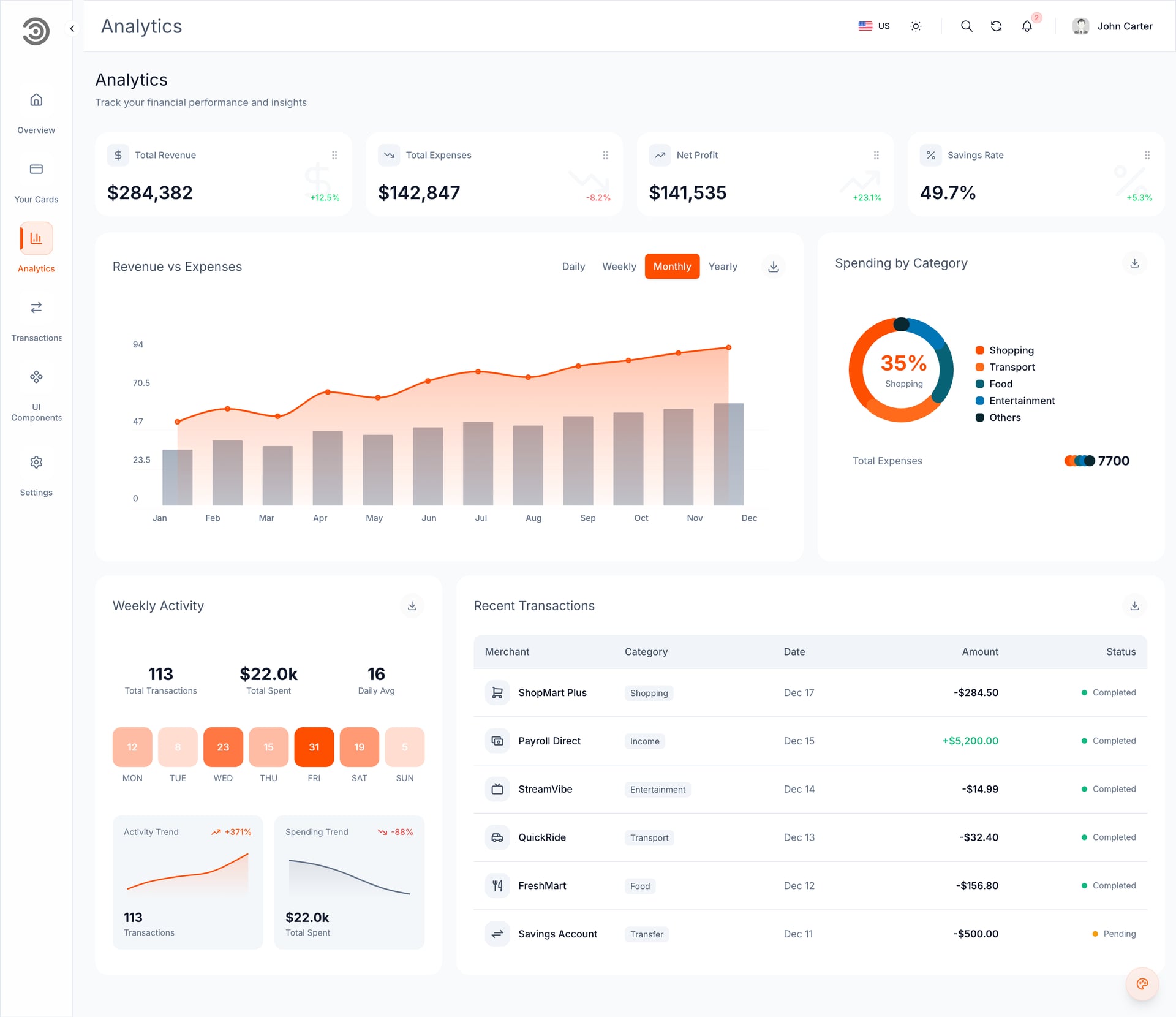
We chose Upload code and sent the ZIP. The import took about 10 minutes, and English and Arabic both worked afterwards, Arabic right to left. One prompt with the brand changed both languages in about 30 seconds, the fastest edit in our test.
What you get is a converted copy on TanStack Start, not the original Next.js code, so later Aniq UI updates and docs no longer match it file by file. On the Free plan you cannot edit the code or download it as a ZIP.
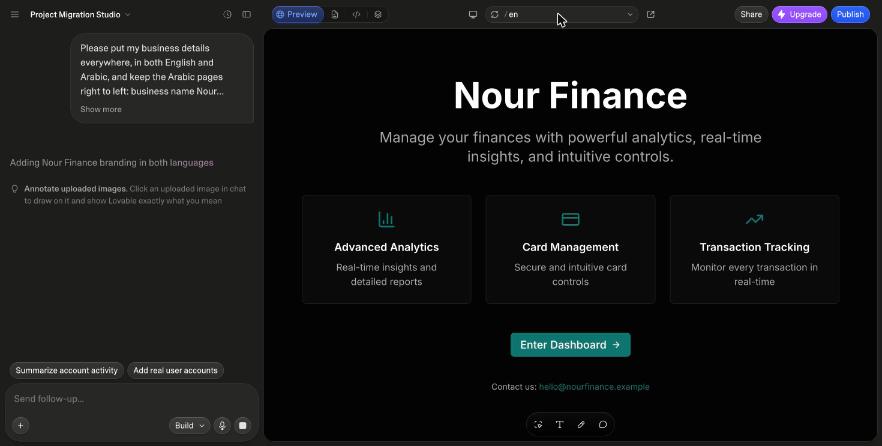
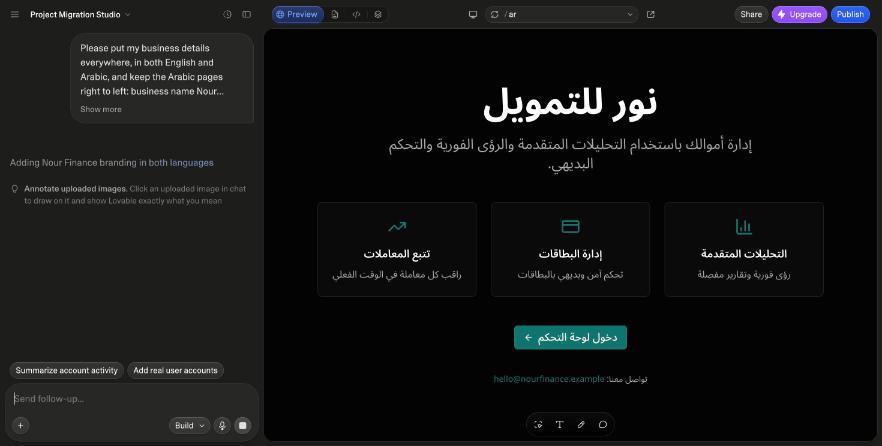
The two are compared step by step in Replit vs Lovable for Templates, and 10 Lovable Templates You Can Import lists the ones that suit Lovable.
Bolt: built our template, showed no preview
Bolt, from StackBlitz, runs the whole project inside your browser instead of on a server.
- Builds: full-stack web apps in JavaScript frameworks such as React and Vue, with a database it creates when needed; mobile apps through Expo. PHP or Python backends are not supported.
- Imports: a GitHub repository you can push to, a Lovable project through GitHub, or a Figma design. Its docs say it "can't read" .zip files attached to a message.
- Your code: a repository loads "as a new Bolt project" and runs on WebContainers, a development environment inside the browser that relies on your own device's memory.
- Publishing: free hosting at a bolt.host address, and publishing uses no tokens. Free sites carry a "Made in Bolt" badge; custom domains need a paid plan.
- Plans: Free gives 300,000 tokens a day and 1 million a month, and larger projects use more per message. Pro is $25 a month for 10 million tokens, or $216 a year ($18 a month).
- Data use: training on your projects and chats is on by default, except in the EU, UK and Switzerland, and StackBlitz may license datasets derived from them to third parties. The opt-out is free on any plan.
What happened with our template
Bolt downloaded the template from the link in our prompt, built it and changed the brand, and it removed the Aniq UI credit line that Replit kept. It never showed a preview of our Next.js 16 template in its in-browser runtime, and the free tokens were nearly used up by the end, so we could not check English and Arabic. Bolt's pages say nothing about Next.js, so we do not claim why. A project started in Bolt may behave differently.
v0 by Vercel: we could not test it
The account we used had hit Vercel's fair-use limit. Everything below is from v0's and Vercel's own pages.
- Builds: Next.js, React, TypeScript, Tailwind CSS and shadcn/ui, with one-click databases from Upstash, Neon, Supabase and Vercel Blob.
- Imports: a GitHub repository, a Vercel project or a ZIP (10 MB on Free, 50 MB on paid plans). Figma import is paid.
- Your code: imported repositories run in Vercel Sandbox, installed "with the repository's package manager and lockfile". On paper that is close to Replit's approach; we have not seen it.
- Publishing: deploys to Vercel on a vercel.app address, and you can add your own domain. Vercel's free Hobby plan is non-commercial only, so a site that sells needs a paid Vercel plan, billed separately from v0.
- Plans: Free gives 7 messages a day and $5 of one-time credits for new users. Plus is $30 a month with $30 of monthly credits; Premium is closed to new users, and we found no yearly price.
- Data use: Free users with a Vercel Hobby account are opted in to AI training by default and can change it in Team Settings, Data Preferences.
Base44: a whole app on its own backend
We did not run our template on Base44, which is run by Wix. This is from its own pages.
- Builds: apps and websites from a description, with a React front end on Base44's own database, sign-in and serverless functions.
- Imports: a GitHub repository in Base Code, which "provides a development preview, not production hosting"; Figma frames; migrations from Lovable, Bolt.new, Shopify, WordPress and others. We found no ZIP import.
- Your code: GitHub sync and ZIP export start on the Builder plan, and the docs say "the exported code still relies on Base44 to run"; self-hosting is not supported.
- Publishing: a free myapp.base44.app address with an "Edit with Base44" label. Custom domains and hiding the label start on Starter.
- Plans: Free gives 25 message credits a month (up to 5 a day) and up to 5 apps. Starter is $20 a month or $16 billed yearly; code export needs Builder, $50 a month or $40 billed yearly.
- Data use: on every plan below Enterprise, Business included, "your data can be used to train AI models", with no opt-out.
Firebase Studio: shutting down on 22 March 2027
Google's Firebase Studio still appears in many lists, but it is closing. This is from Google's own pages.
- Status: since 22 June 2026 new workspaces, sign-ups and imports are off. On 22 March 2027 it shuts down and the remaining data is deleted. Apps already deployed to Firebase keep running.
- Where Google sends people: Google AI Studio for quick prototypes in the browser, Google Antigravity for code-first work.
- What it built: its App Prototyping agent made Next.js apps, free during the preview. Publishing with Firebase App Hosting needs a billing account (the pay-as-you-go Blaze plan).
- If you have a workspace: Move now, then Zip and Download. Agent chat history is not exported.
AI code editors: Claude Code and Cursor
An AI code editor works on the files on your computer. Nothing is imported or converted: it reads the project, edits it in place and runs its commands. It also suits a Full Stack package, which needs a database and a seed step before it runs. We did not test Cursor. Our one Claude Code run was separate from the 7 November test: on 8 November 2026, given the unzipped Food Studio Full Stack package (restaurant website, dashboard and API with its database) and our prompt, Claude Code had the site, dashboard and API running about 4.5 minutes after unzipping. It is the only route we have run with a Full Stack package.
Claude Code
- Anthropic's coding agent, in the terminal, VS Code and JetBrains, a desktop app and the browser
- Start it in any project folder; it reads the files it needs and works with git
- It does not host sites: you publish wherever you choose
- Not in the free Claude plan. Pro is $20 a month, or $17 a month billed yearly
- Anthropic trains on Free, Pro and Max sessions only while the model-improvement setting is on; you choose at signup and can change it at claude.ai/settings/data-privacy-controls
Cursor
- A coding agent in a desktop app for macOS, Windows and Linux, plus a command line tool and cloud agents
- Open the app, pick a folder and start with a small task
- Now sold as part of "The X Subscription" with Grok and X. Plus is $8 a month ($80 a year) with Grok and Cursor's own models only; Premium, $30 a month ($300 a year), adds cloud agents and other models at API list price
- With Privacy Mode on, your code is not used for training by Cursor or its model providers; with it off, it may be
Picks by situation
| If | Pick | Why |
|---|---|---|
| You start from a template or code you want to keep | Replit | It ran our template as it was, so updates, docs and a future developer still fit |
| You want the fastest first result and a friendly editor | Lovable | One prompt changed both languages in about 30 seconds in our test; the code becomes Lovable's version |
| You need Arabic right to left from day one | Replit or Lovable | Both kept it in our test. Open the Arabic pages yourself after every change |
| You want a new Next.js interface hosted on Vercel | v0 | Built on Next.js and shadcn/ui; we could not test it |
| You want a whole app with a database and sign-in, and will stay on the platform | Base44 | Its docs say exported code still needs Base44 to run |
| You can open a folder on your computer | Claude Code or Cursor | They edit your files in place, with nothing converted |
| You have a Full Stack package | An AI code editor or a developer | It needs a database and a seed step. Claude Code had ours running in about 4.5 minutes; Lovable cannot run one and we have not tested Replit with one |
| You built something on Firebase Studio | Move it before 22 March 2027 | Google points to AI Studio or Antigravity |
One example: a restaurant site this week
Replit with the Food Studio ordering website ($39). The changes are the name, the colour, the menu and the kitchens' hours, and the code stays the code you bought. On its own the site takes test payments, so real orders need the Full Stack.
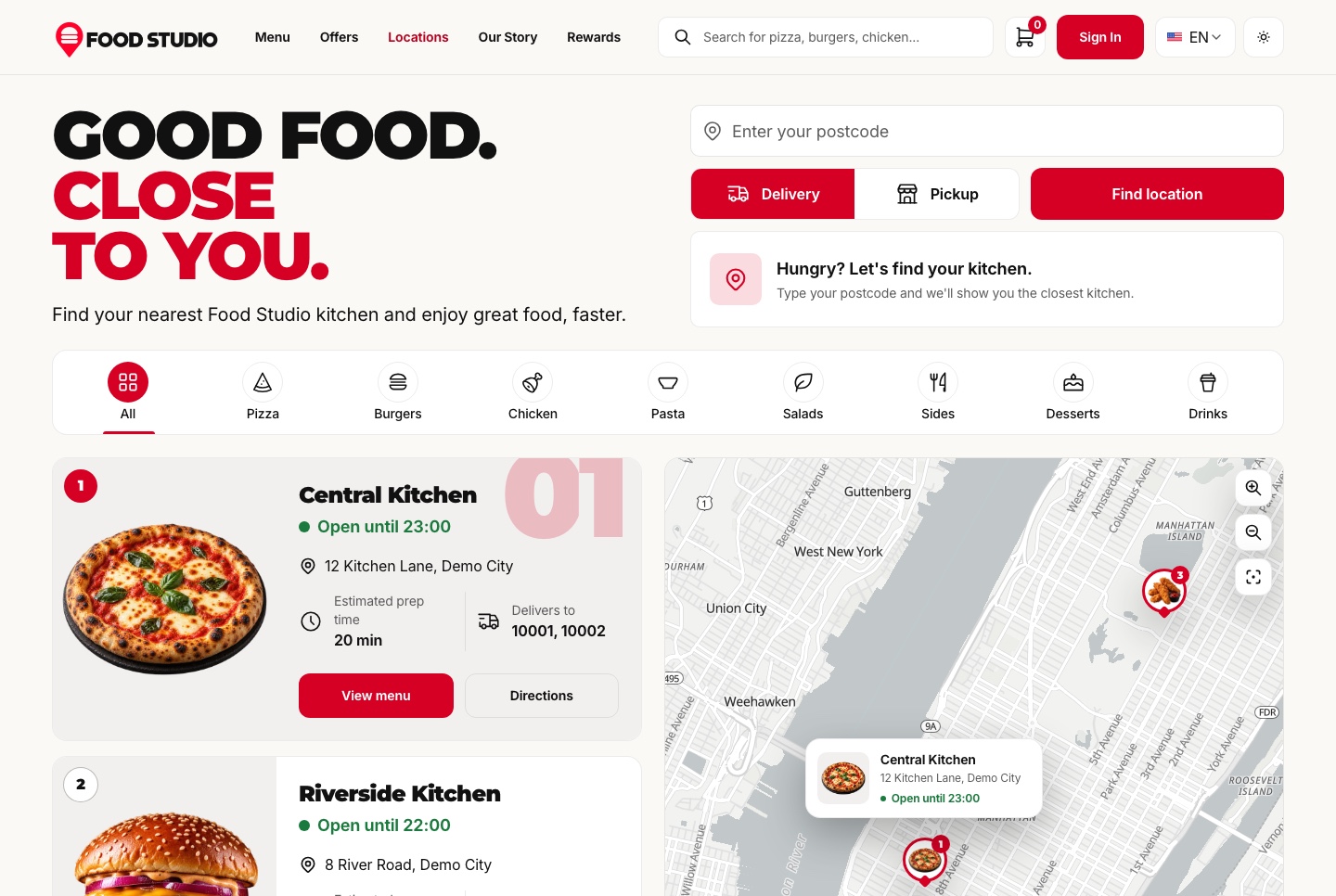
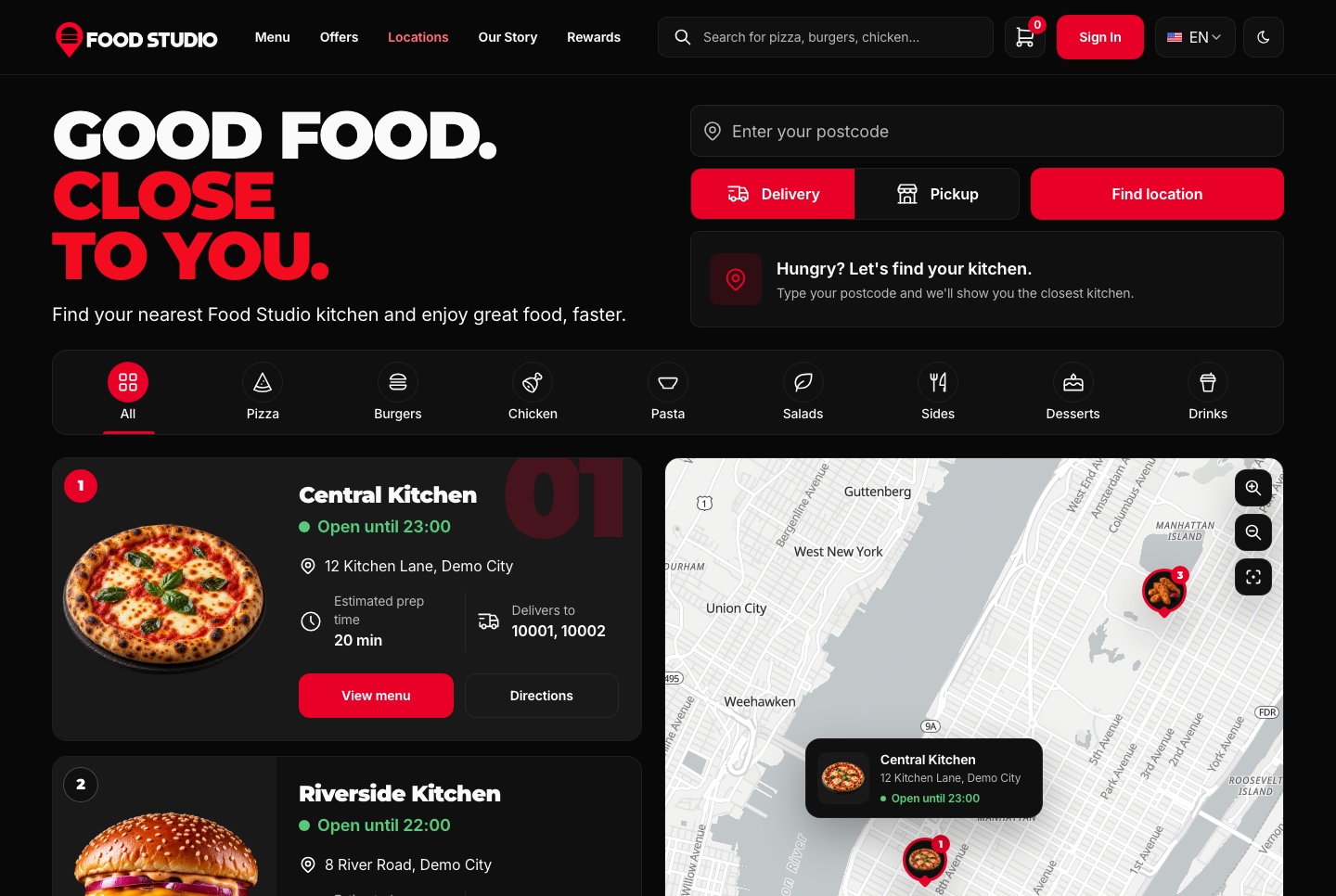
Demo video: Food Studio
Why starting from a template helps any builder
Every tool above is better at changing a finished site than at inventing one. In our test none of them had to decide what a financial dashboard looks like: they applied a name, a colour and an email. The full case is in Template or Blank Prompt? Why AI Builds Go Better From a Template.
The pages nobody thinks to ask for
Comparing three homes row by row is not in any first prompt, because the person writing it does not know to ask. It is in the Velra real estate website because somebody built a real agency site before.


Arabic built in, not added later
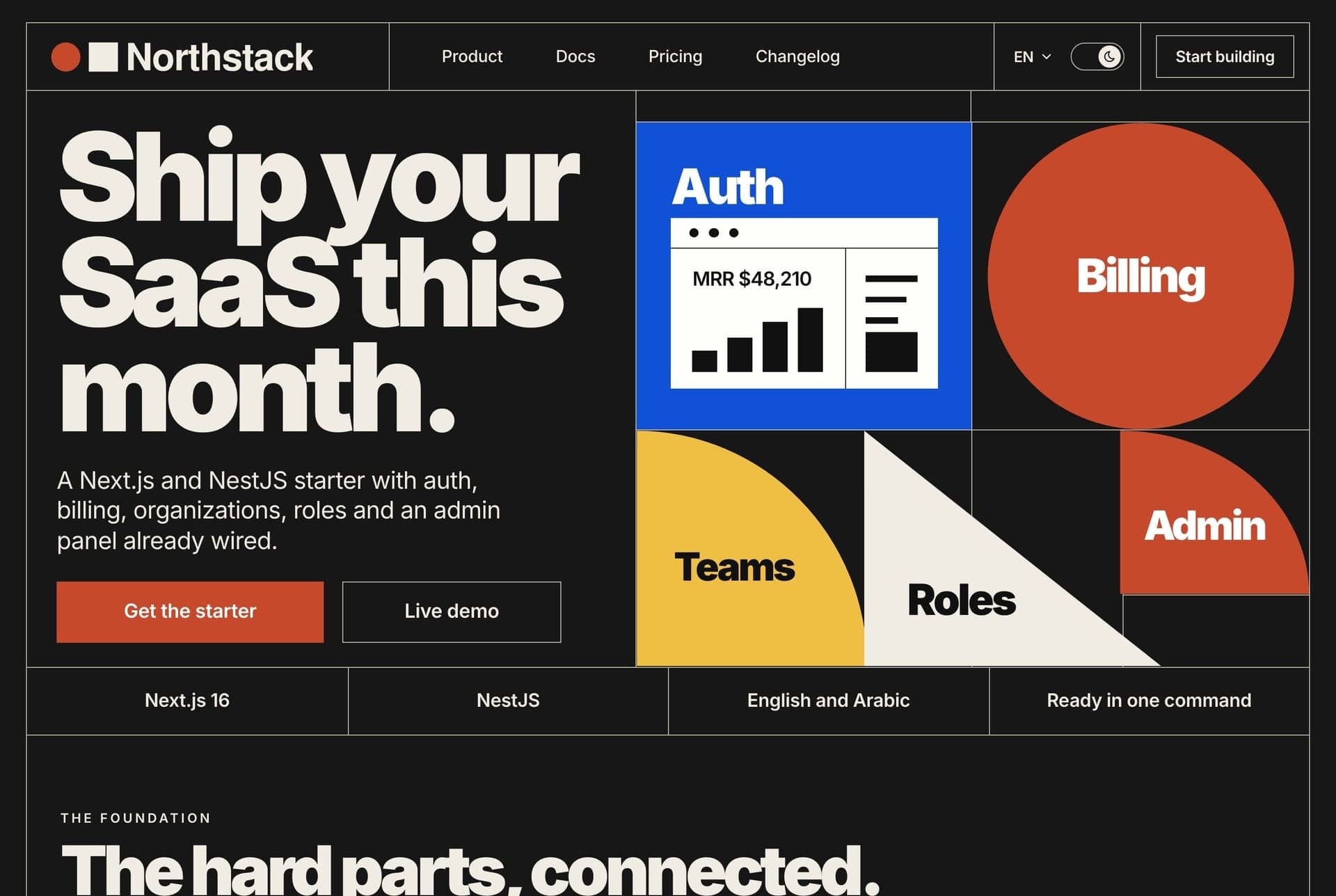
A blank prompt that says "also in Arabic" often translates the words and leaves the layout half mirrored. The Northstack SaaS website and the other Aniq UI templates ship English and Arabic from the start.
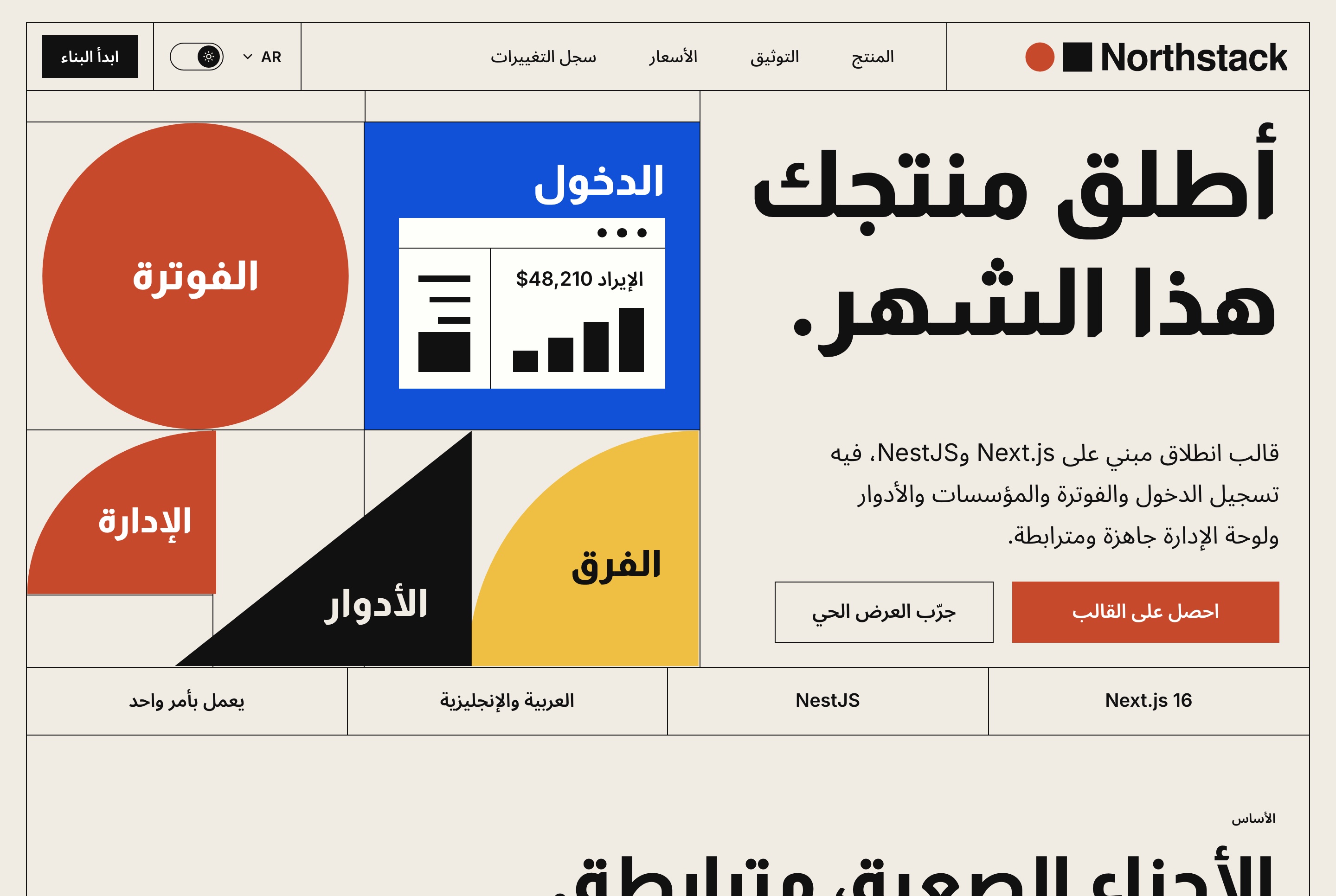
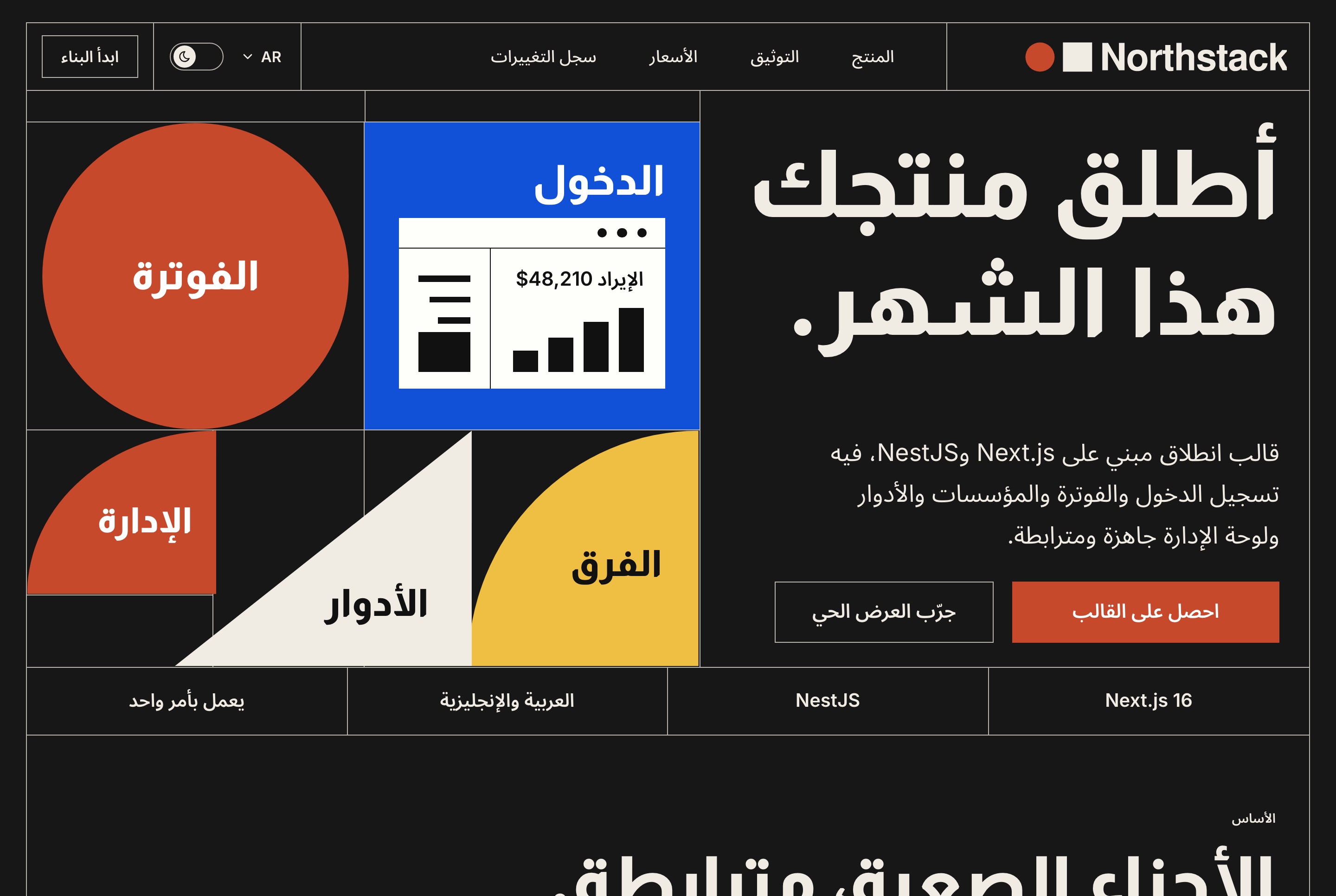
How an Aniq UI template reaches each tool
- After you buy, the Open with AI window in your buyer dashboard offers three cards. Replit opens with the prompt already typed, carrying a private download link valid for 24 hours. Lovable: copy the prompt, download the template, then + > Import project > Upload code. AI code editors: download, open the folder and paste the prompt.
- The prompt tells the AI to run the built version first, ask for your brand (name, how it is written in Arabic, colour, logo, contact details) and keep both languages.
- Website and dashboard packages run on built-in sample data with no API and no .env file, so they work in any of these tools straight away.
Five mistakes to avoid
- Judging a builder on a blank prompt. It tests the AI's guesses, not whether your design survives. Try the same template in two builders.
- Assuming an import keeps your code. Lovable rebuilds it, and Base44's exported code still needs Base44. Check before you import anything you will want back.
- Launching a business on a free plan. Replit's free link goes down after 30 days, and the free sites of Lovable, Bolt and Base44 carry a badge and no custom domain.
- Skipping the training setting. Replit uses Starter and Core content, Bolt and Lovable train unless you opt out, and Base44 has no opt-out below Enterprise. Check it before you paste a client's data.
- Changing one language only. Ask for English and Arabic in every prompt, then open both.
FAQ
Short answers.
What is the best AI app builder in 2026?
It depends on what you start from. For code you want to keep, such as a template, Replit ran ours as it was. For the quickest first result, Lovable, which rebuilds the code on its own stack. If you can open a folder on your computer, an AI code editor such as Claude Code or Cursor. We ran one template through Replit, Lovable and Bolt on 7 November 2026; the others are described from their own pages, apart from one Claude Code run with a Full Stack package.
Which AI app builder is free?
Most have a free plan that is enough to test: Replit Starter, Lovable Free, Bolt, v0, Base44 and Cursor Free. Claude Code needs a paid Claude plan. A site a business depends on needs a paid plan, mainly for your own domain and to remove the badge (checked November 2026).
Which AI app builder keeps my code?
Replit kept our Next.js template as it was and only set up the run commands. Lovable rebuilds imported code on TanStack Start, and Base44's docs say exported code still needs Base44 to run. AI code editors such as Claude Code and Cursor edit your files in place.
Can AI app builders make a full-stack app?
From a prompt, yes: Replit, Lovable, Bolt and Base44 each provide a database of their own. Bringing an existing full-stack project is harder. Our Full Stack packages need a database seed step; Lovable cannot run one and we have not tested Replit with one. On 8 November 2026 Claude Code had our Food Studio Full Stack (website, dashboard and API) running about 4.5 minutes after unzipping, the only route we have run with one.
Which AI app builder works with Arabic?
In our test on 7 November 2026, Replit and Lovable both kept our template's English and Arabic pages working, with Arabic right to left. Bolt showed no preview, so we could not check it, and we did not test the others. Start from a template that already ships Arabic, and open both languages after every change.
Do I need to code to use an AI app builder?
Not for a website or dashboard in Replit or Lovable: in our test the AI did the technical work and we answered questions about the brand. An AI code editor expects you to open a folder and read what it proposes, and a Full Stack package is a developer's job.
Price list
Checked on 8 November 2026. One payment each, free updates, commercial licence.
- Food Studio restaurant site, Velra real estate site, Northstack SaaS site, Fashion e-commerce storefront: $39
- Financial Dashboard, staff dashboards for restaurants, real estate, e-commerce and SaaS workspaces: $49
- AI admin dashboard, Fitness dashboard: $69
- Full Stack packages: $149
- Bundle of 10 premium templates: $199 launch price (list $499)
Related guides
- Replit vs Lovable for Templates: We Tested Both in English and Arabic (2026)
- 12 Best Templates to Start a Replit Project With (2026)
- 10 Lovable Templates You Can Import, With Screens and the One Catch (2026)
- Template or Blank Prompt? Why AI Builds Go Better From a Template (2026)
- Publish a Replit or Lovable Site on Your Own Domain: Costs and Steps (2026)
- How to Customize a Next.js Template With AI, No Coding (2026)
Sources
You might also like
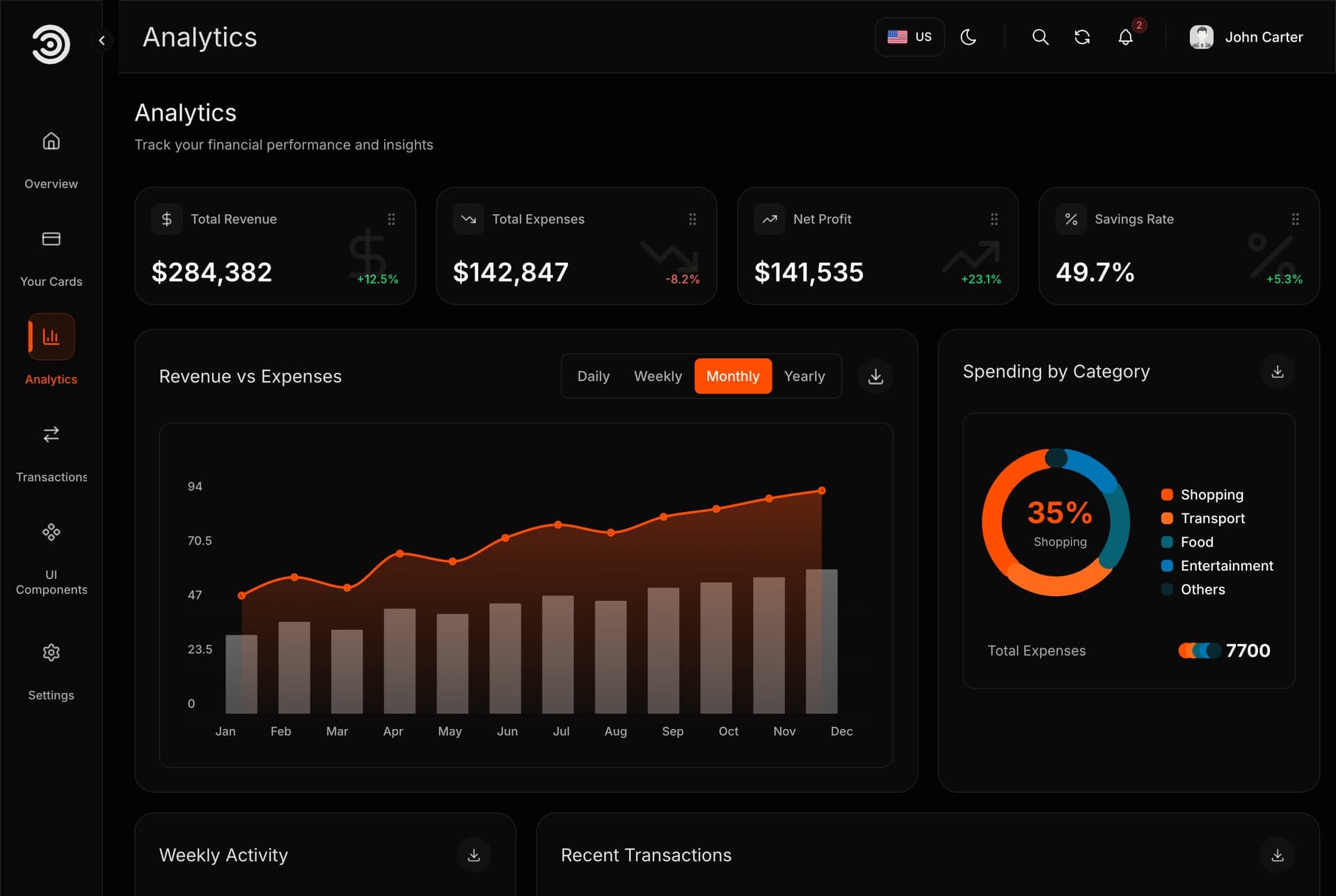
Replit Agent: What It Builds, What It Costs and How to Start From a Template (2026)
Replit Agent tested twice on a real template: how a session works, Free, Power and Max modes, plan prices, publishing costs and the prompts that work.
Replit vs Lovable for Templates: We Tested Both in English and Arabic (2026)
Replit keeps a template's code, Lovable converts it. We tested both on one template in English and Arabic: tables, plans and prices, who should pick which.
12 Best Templates to Start a Replit Project With (2026)
Twelve ready-made Next.js templates to open in Replit, with screens, prices and who each suits: websites $39, dashboards $49, free starts. Tested Nov 2026.
