01 · Layout
Responsive Design
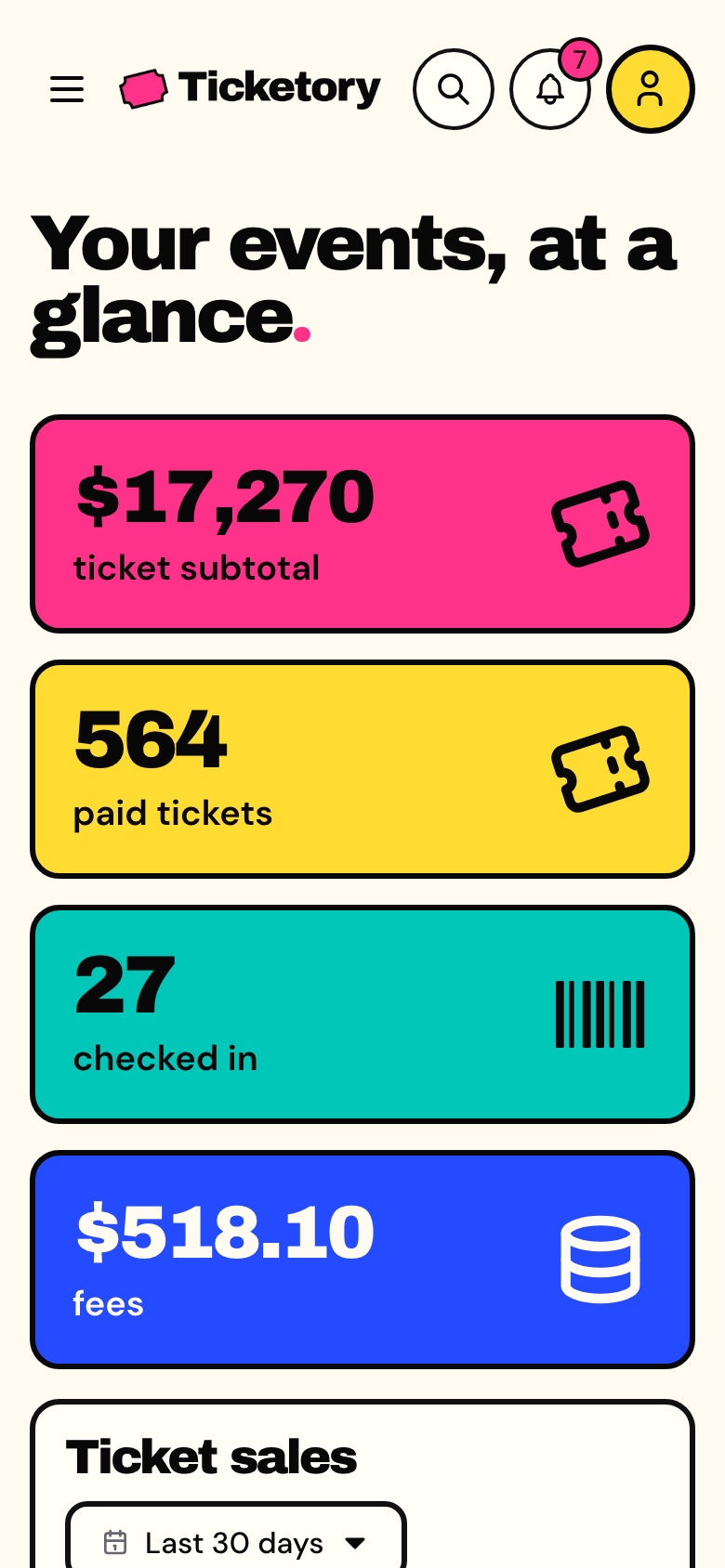
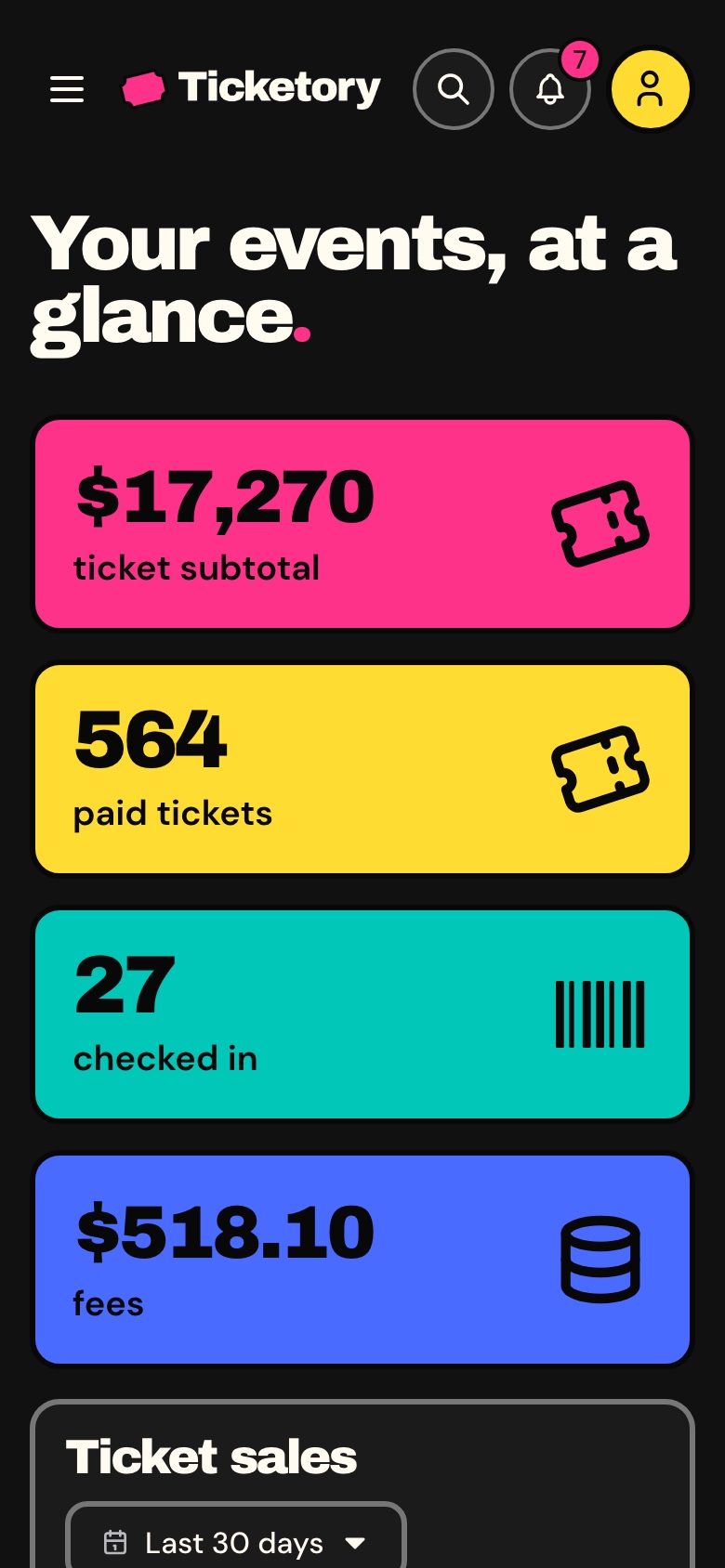
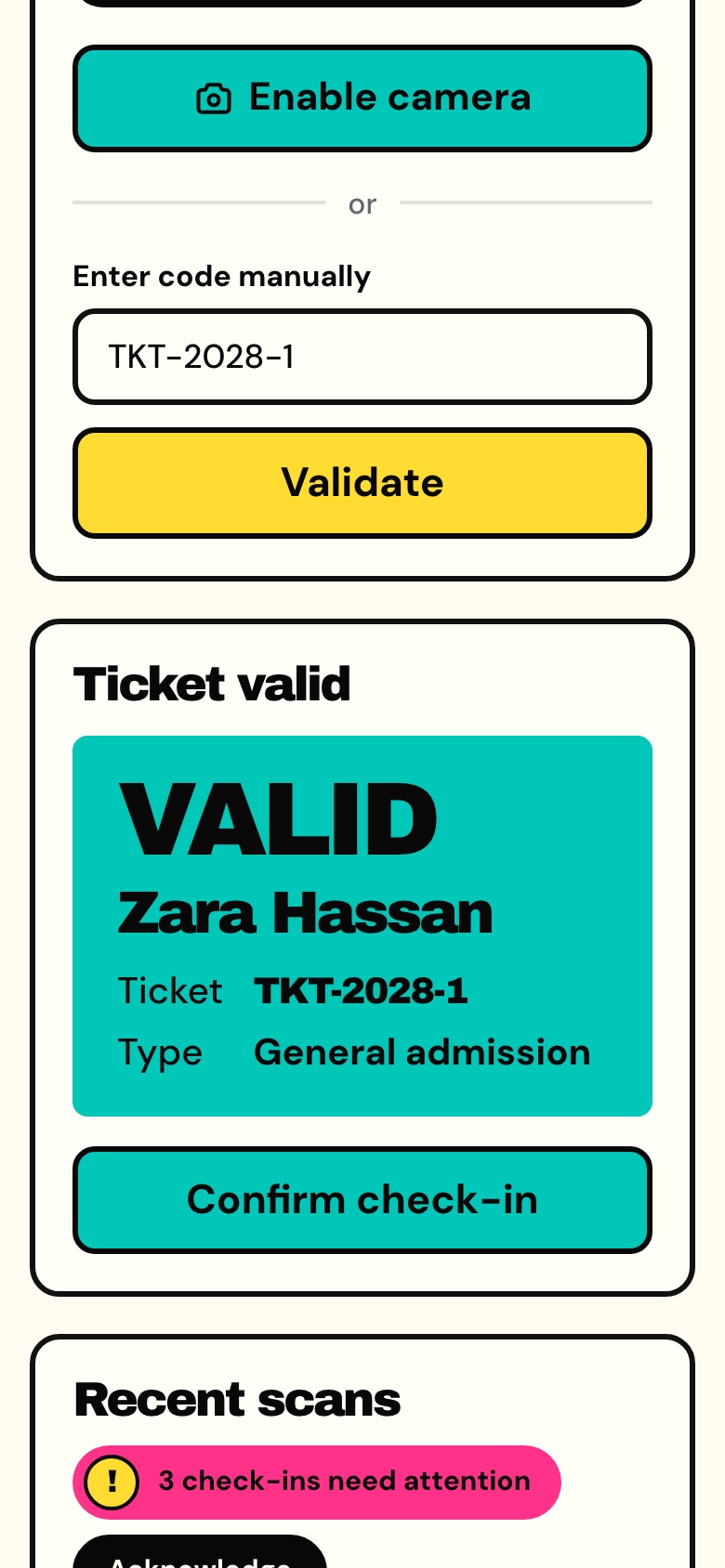
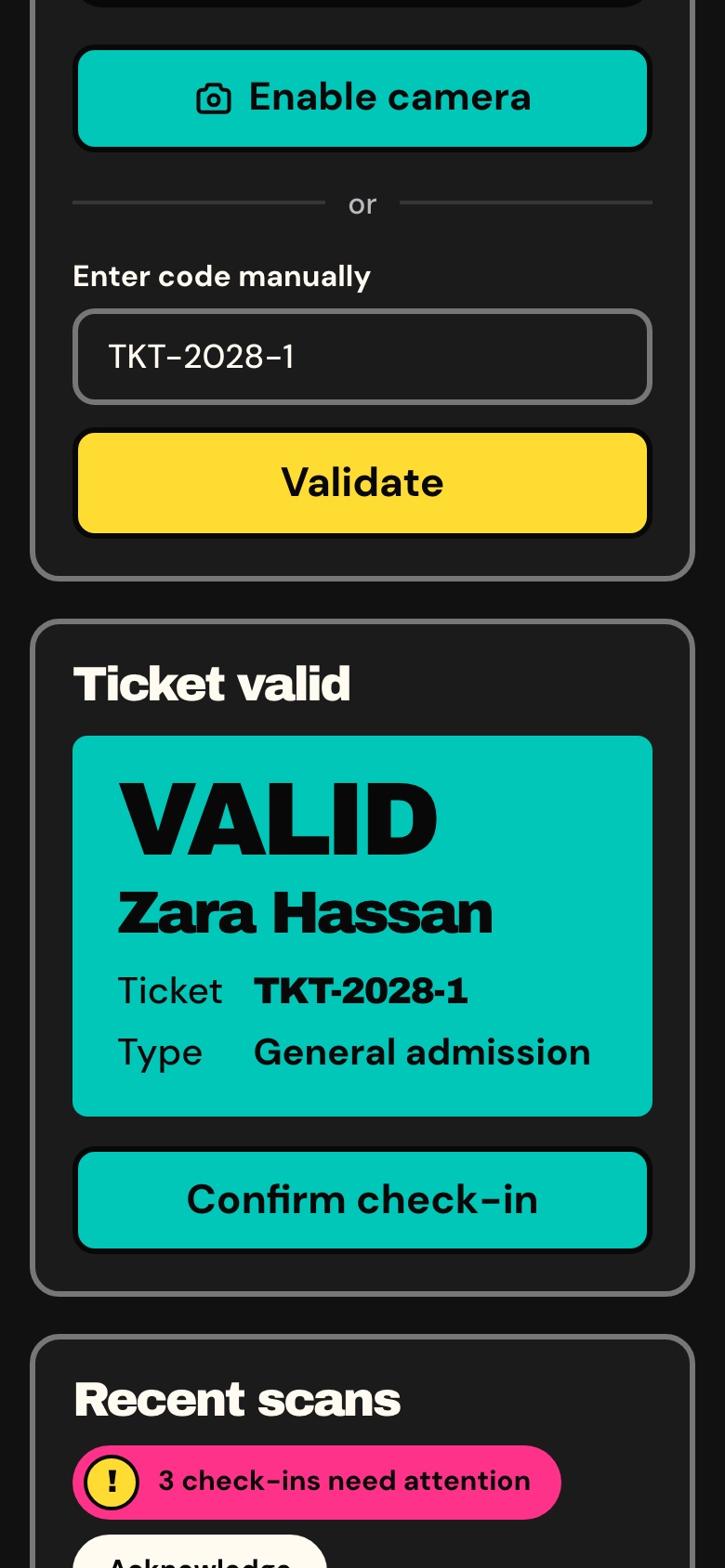
Phone, tablet and desktop layouts from one set of components, with a phone menu and 44px tap targets.
 Learn more: Responsive Design
A Next.js 16 organiser dashboard for event ticketing, with an overview of sales and the live door, an event editor in English and Arabic, versioned seat layouts, QR check-in at the door, orders, refunds, reports, an AI event assistant and an AI venue studio, in English and Arabic.
Organiser Dashboard
The Next.js 16 organiser dashboard on its own. It reads its data from the Ticketory API, sold separately as the Backend API or together in Full Stack.
+ IOF (3.5%) · Pay with Pix or cardPay in reais with Pix or card. Brazil adds 3.5% IOF tax at checkout.
Safe and secure payments powered by Paddle
A Next.js 16 organiser dashboard for event ticketing, with an overview of sales and the live door, an event editor in English and Arabic, versioned seat layouts, QR check-in at the door, orders, refunds, reports, an AI event assistant and an AI venue studio, in English and Arabic.
A Next.js 16 organiser dashboard for event ticketing, with an overview of sales and the live door, an event editor in English and Arabic, versioned seat layouts, QR check-in at the door, orders, refunds, reports, an AI event assistant and an AI venue studio, in English and Arabic.
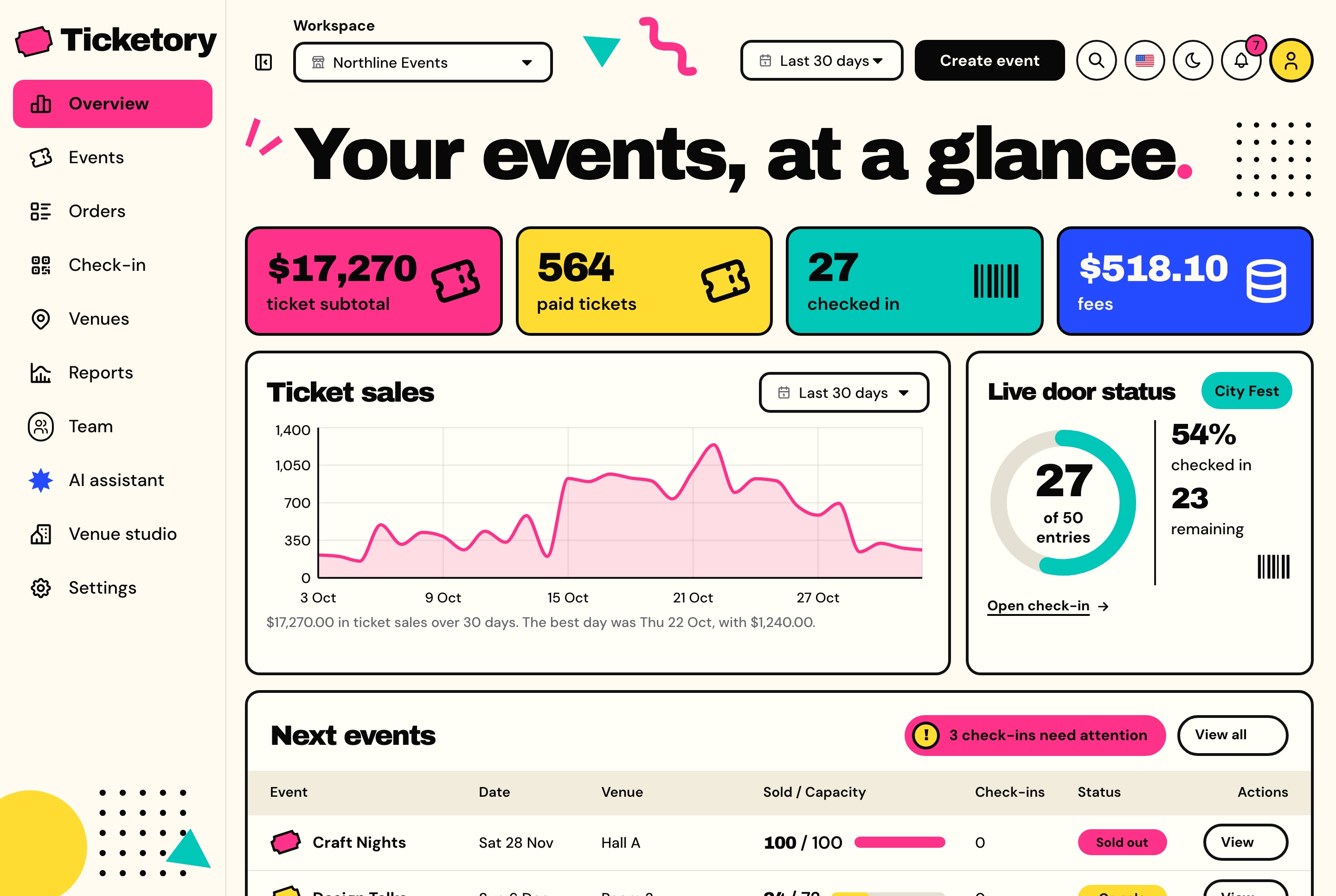
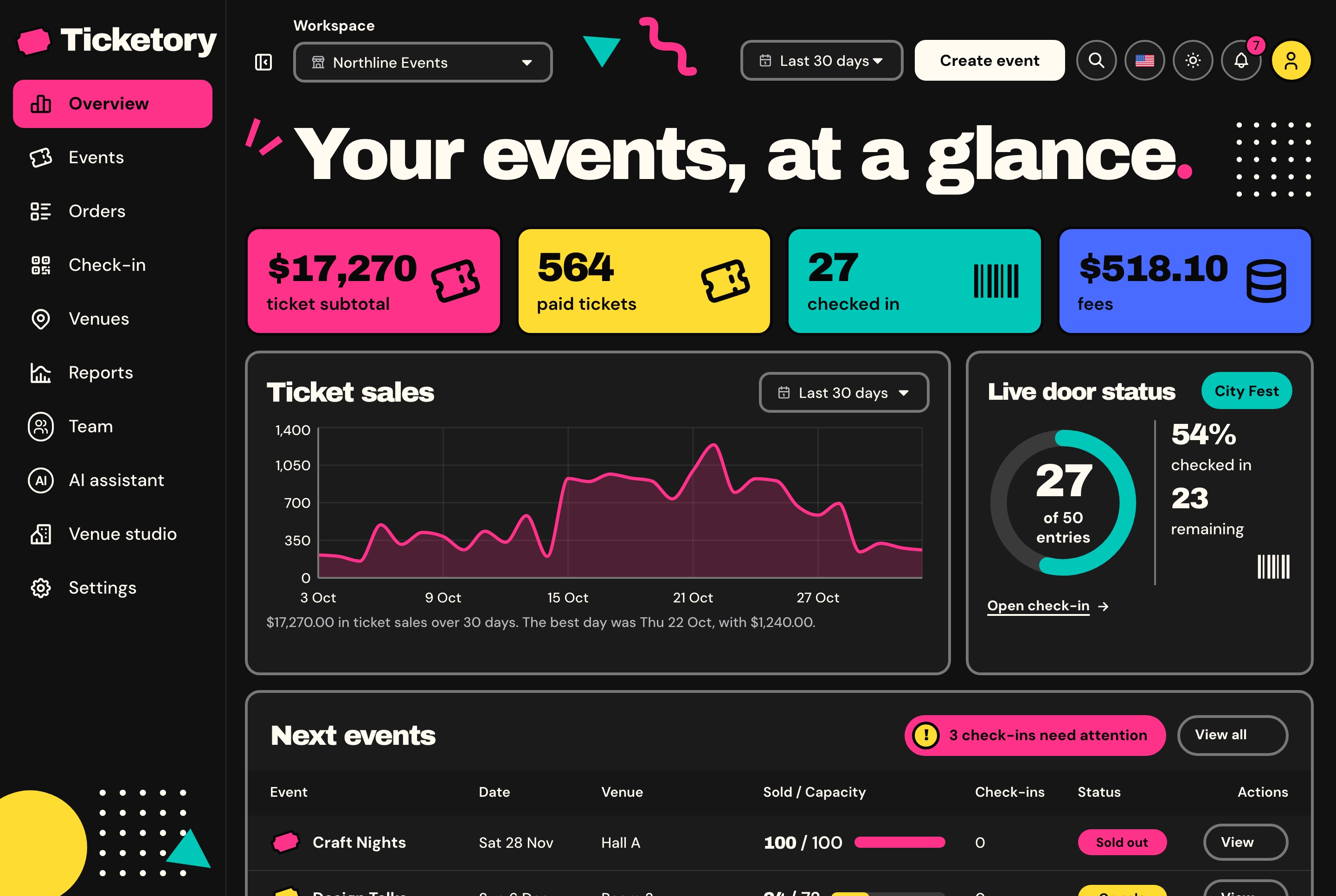
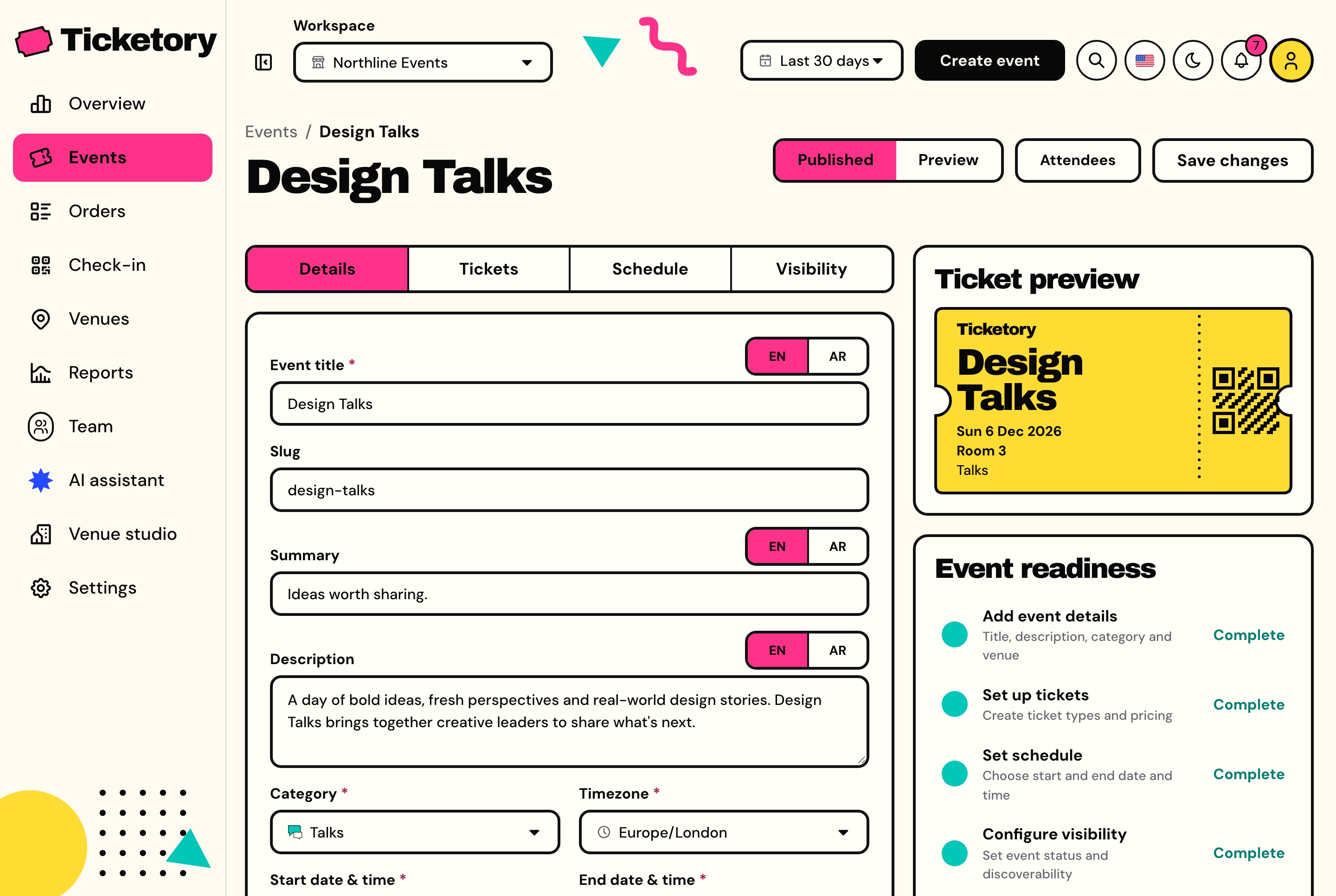
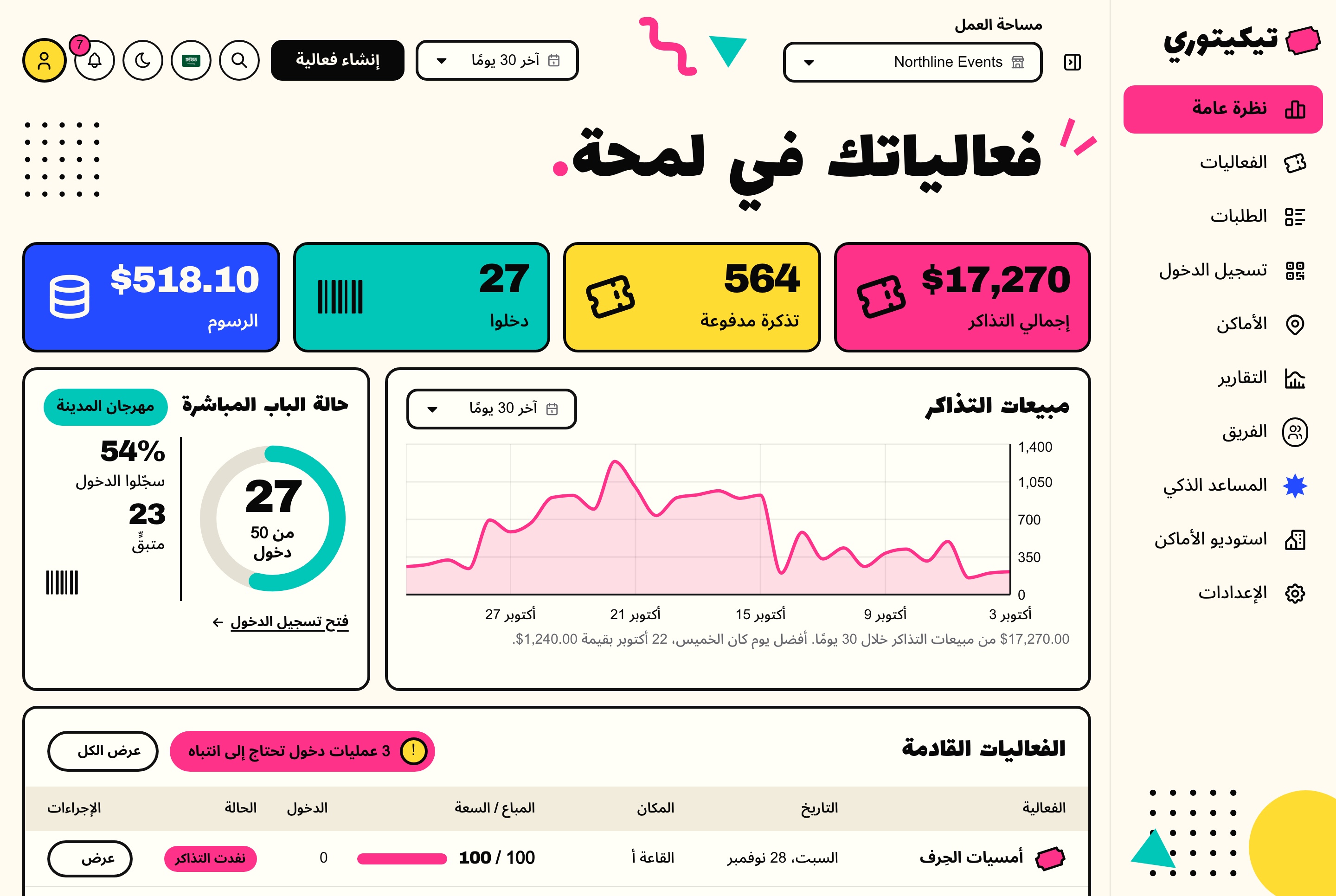
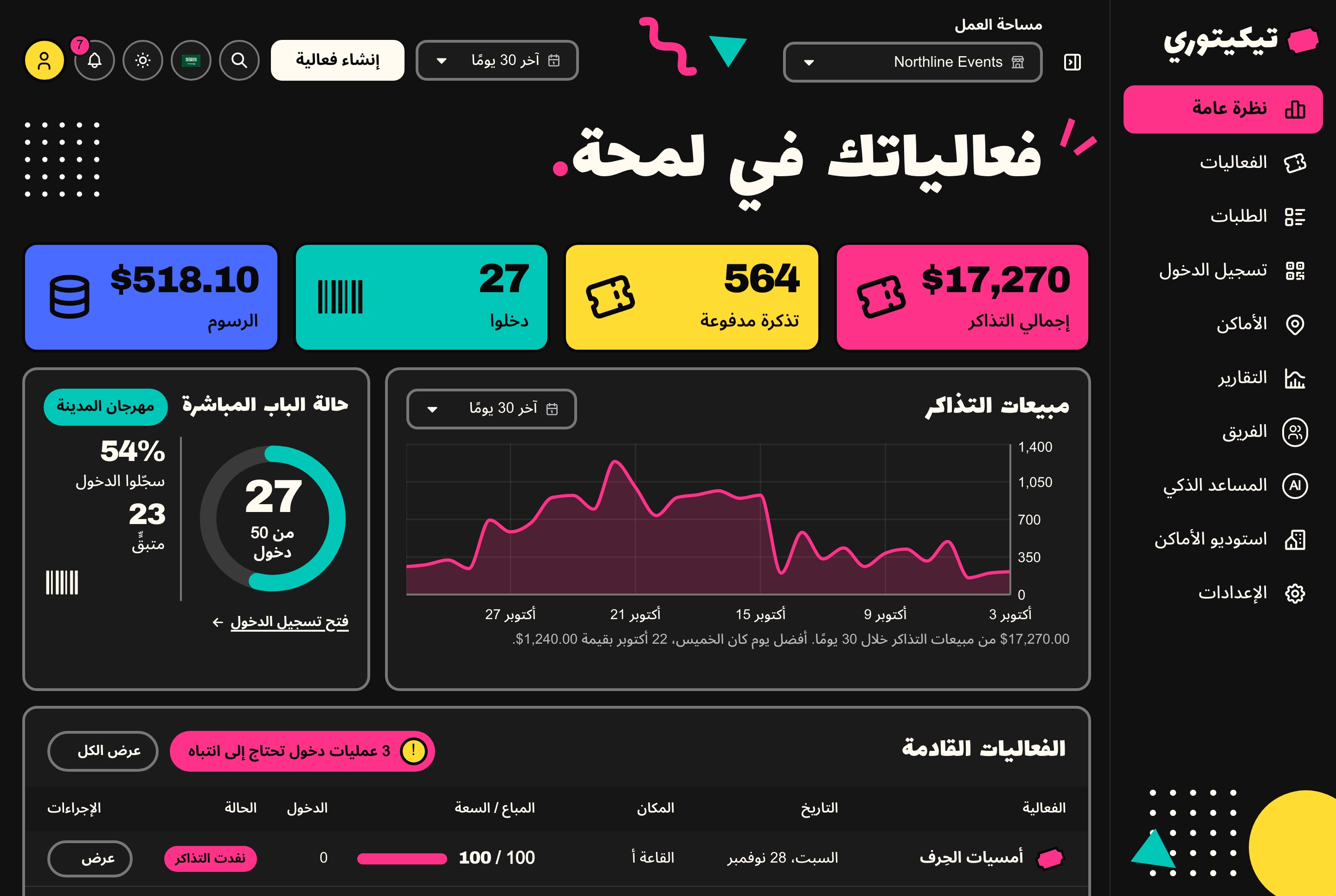
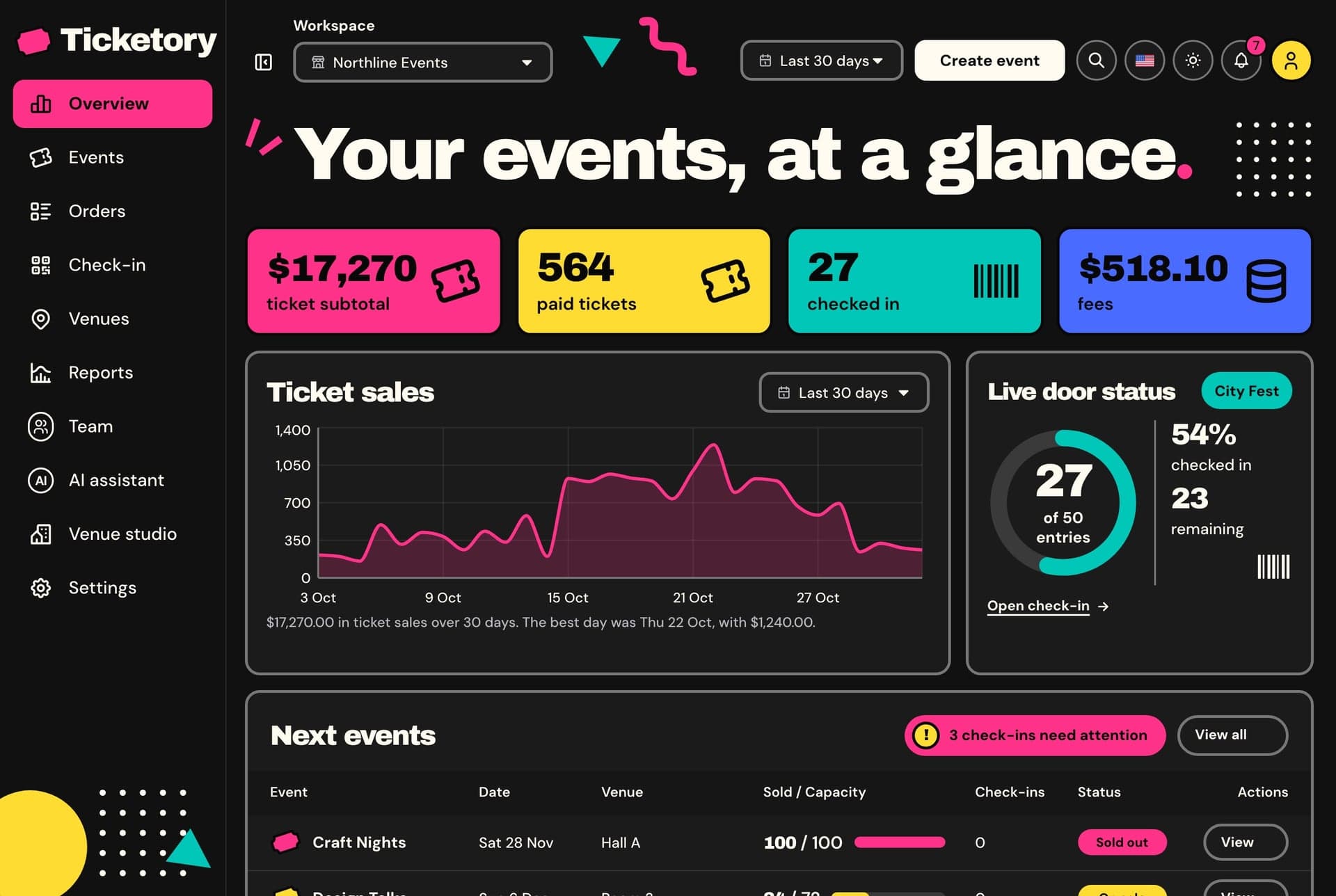
The overview opens on the ticket subtotal, paid tickets, check-ins and fees for the chosen period, with the daily ticket sales, the live door of the session whose doors are open, the next events with seats sold against capacity, and what needs attention.
The event assistant runs on Google Gemini, OpenAI or DeepSeek, whichever keys the API holds, and the venue studio on Google Gemini. Without a key each one says it is not set up, and nothing is billed.
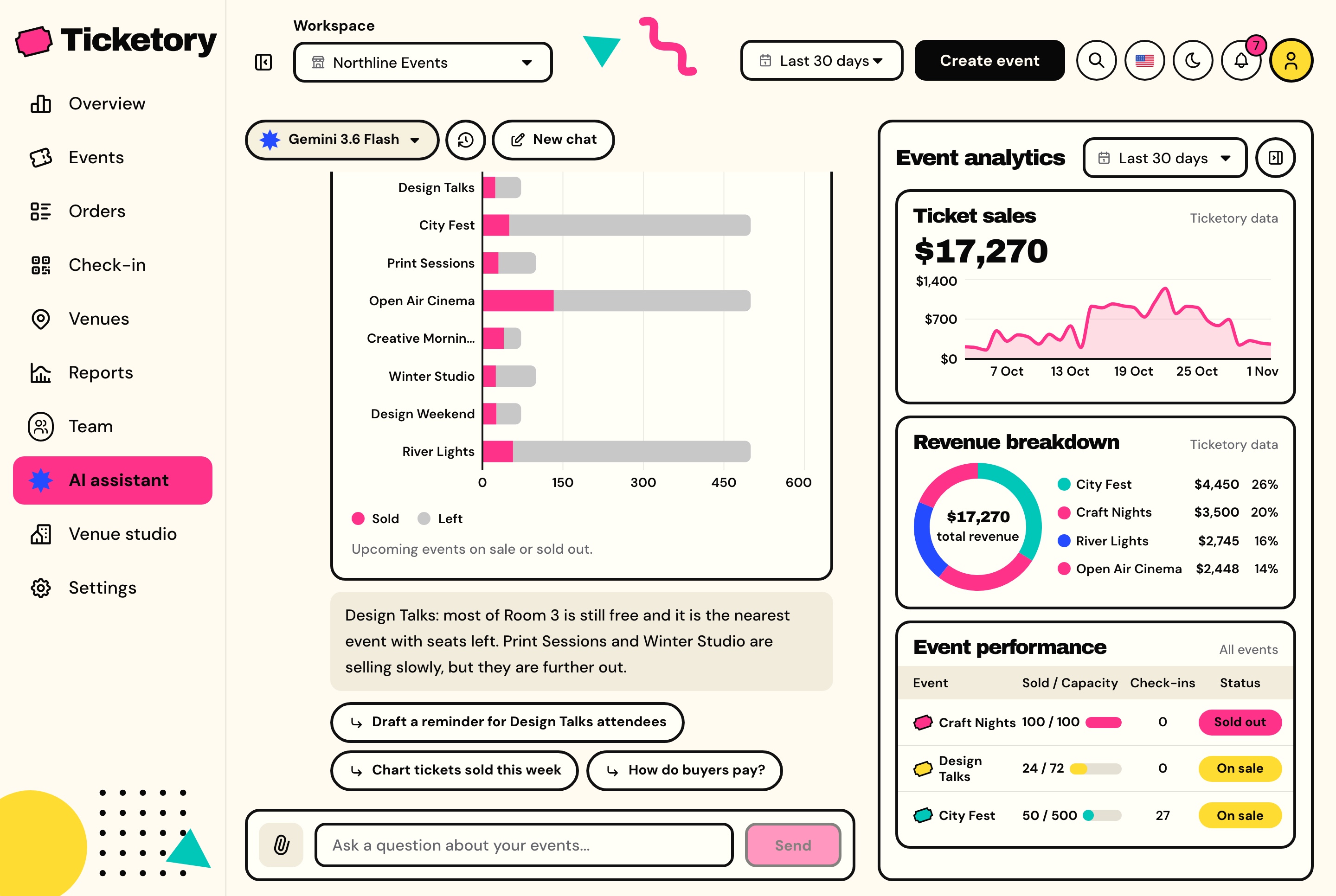
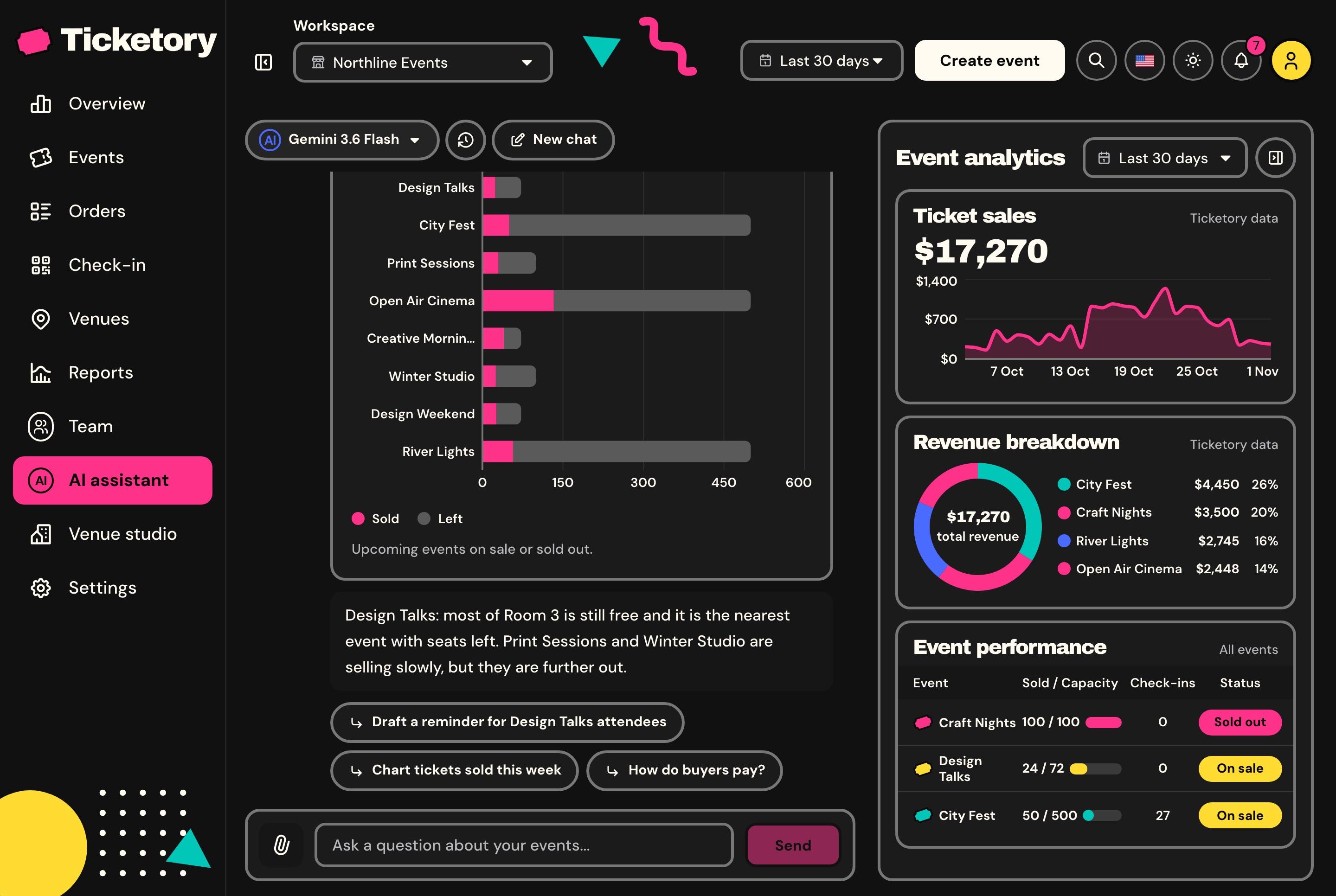
Ask how many seats are left per event or how sales went this month. The assistant answers from the workspace's own data through its tools, limited to what the person asking may see, draws a chart when one fits, and ends each reply with three follow-up questions.
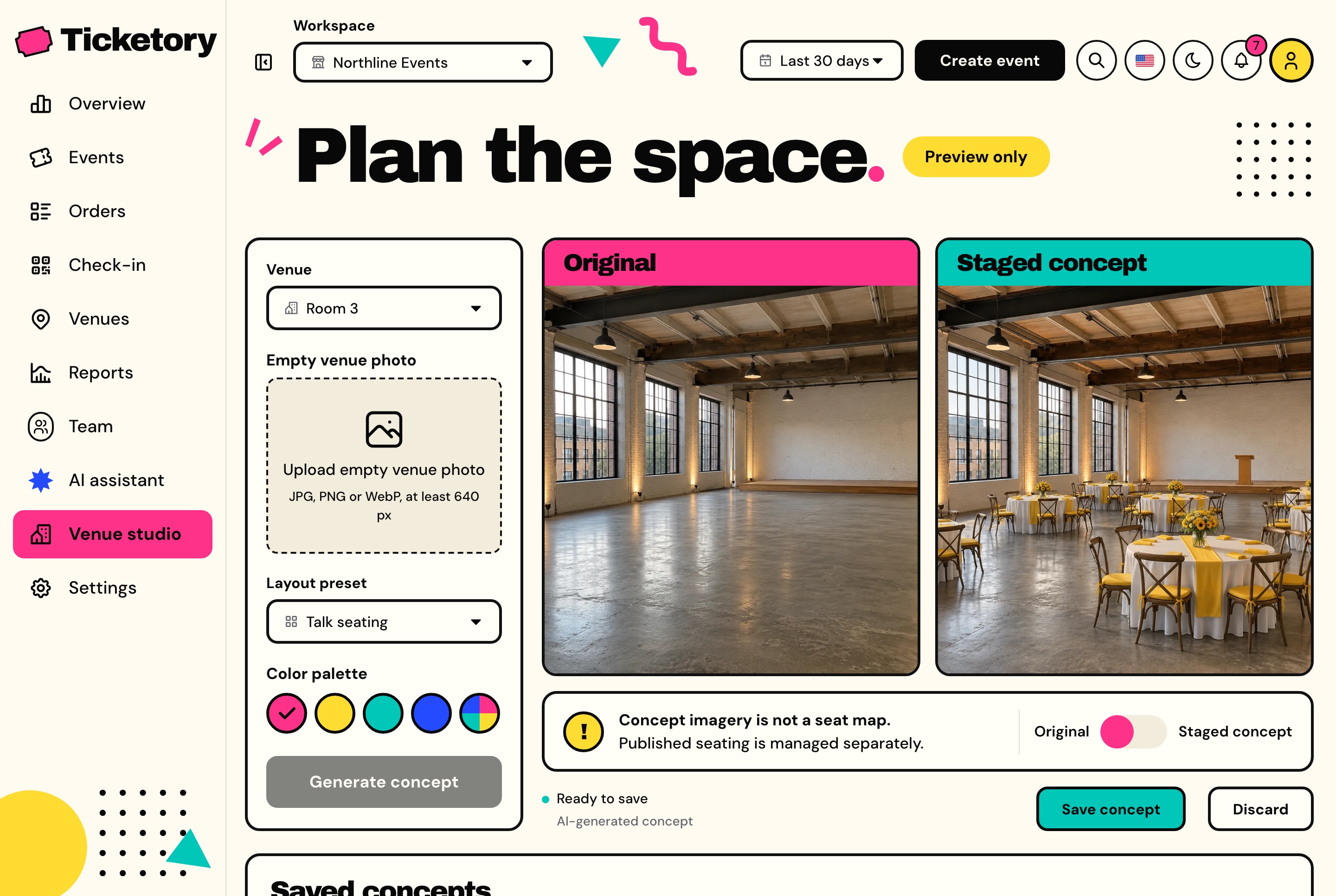
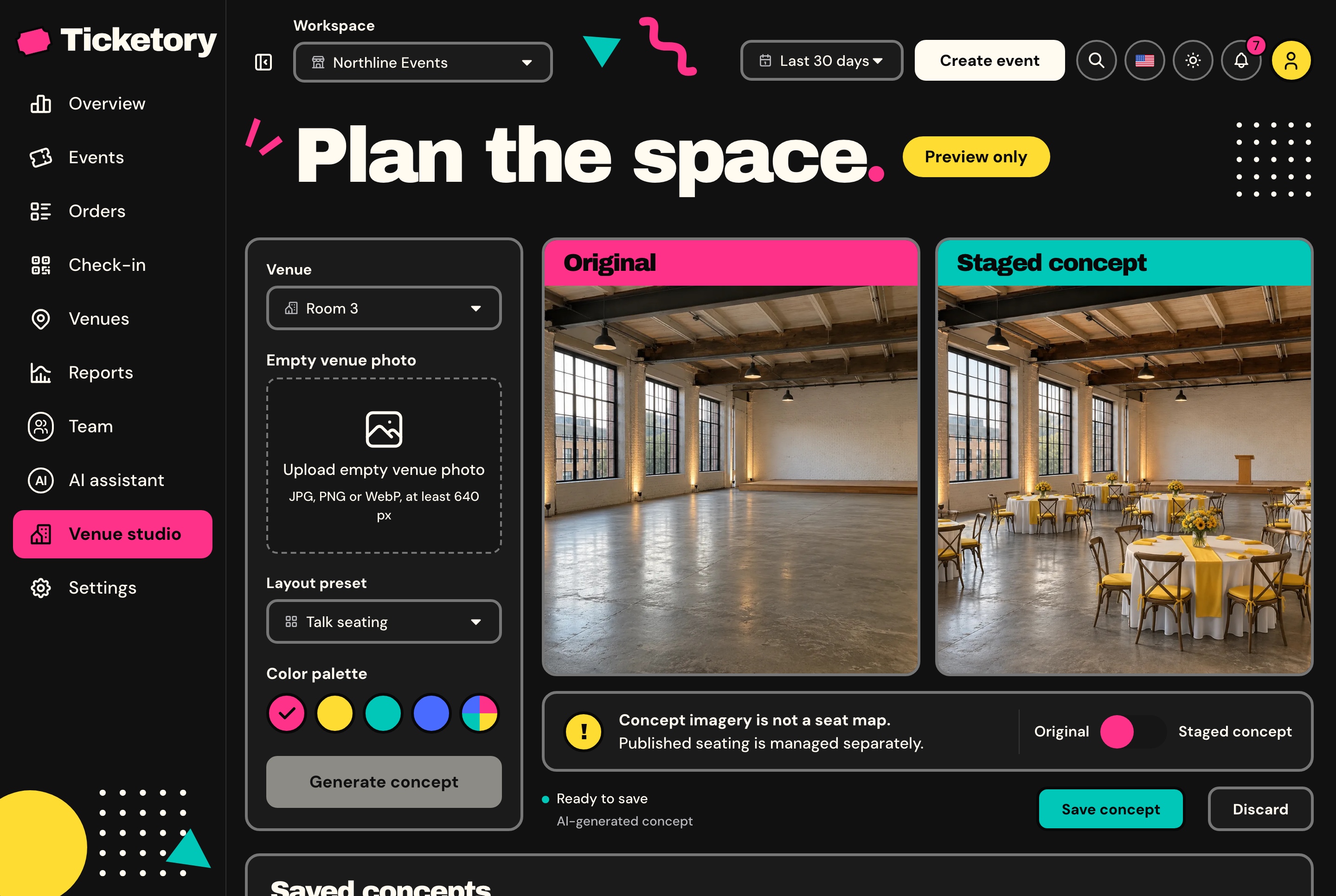
Upload a photo of an empty venue, choose talk seating, workshop tables, festival stalls or banquet rounds and a palette, and Google Gemini stages the same room for the event. Compare it with the original, then save it on the venue.
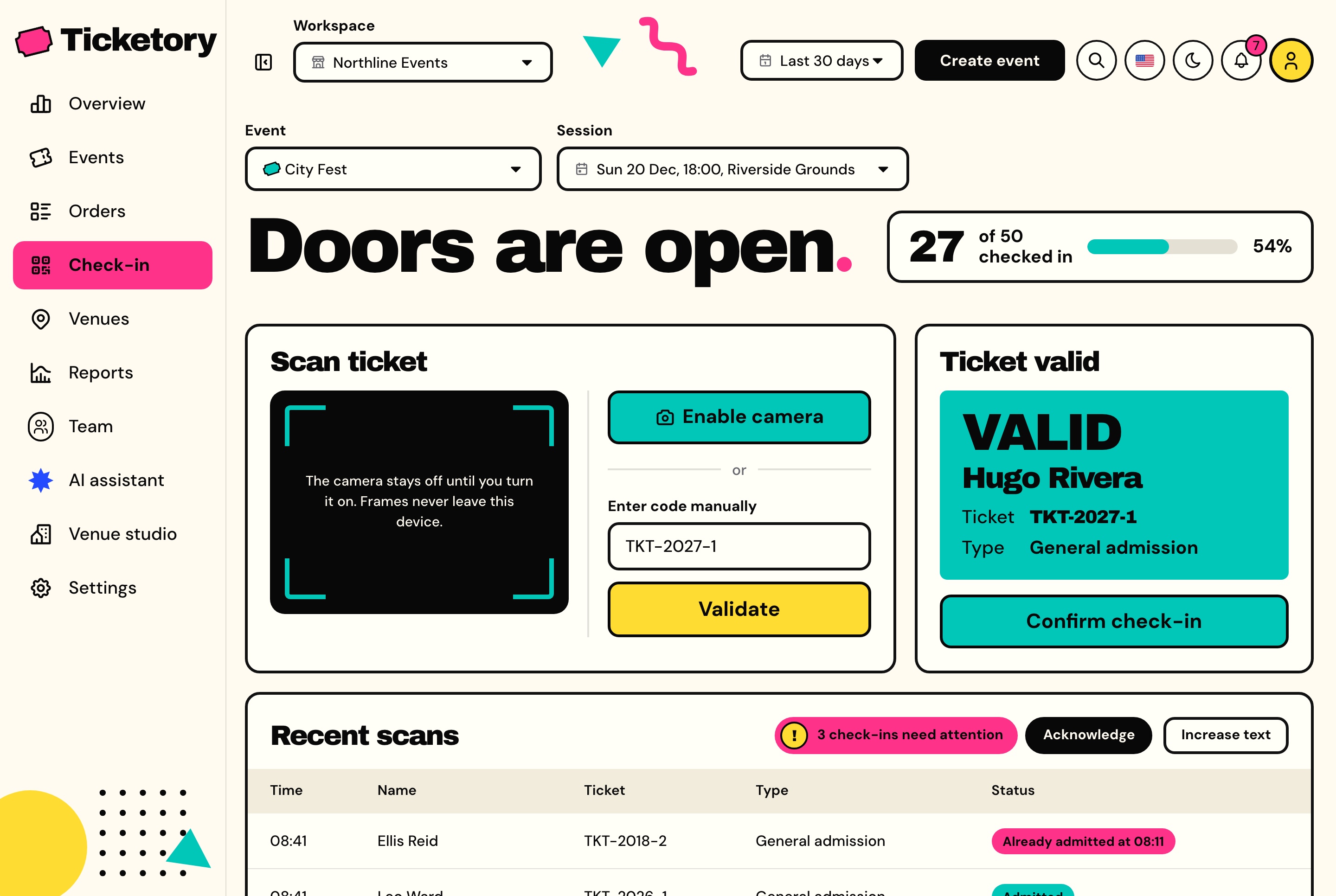
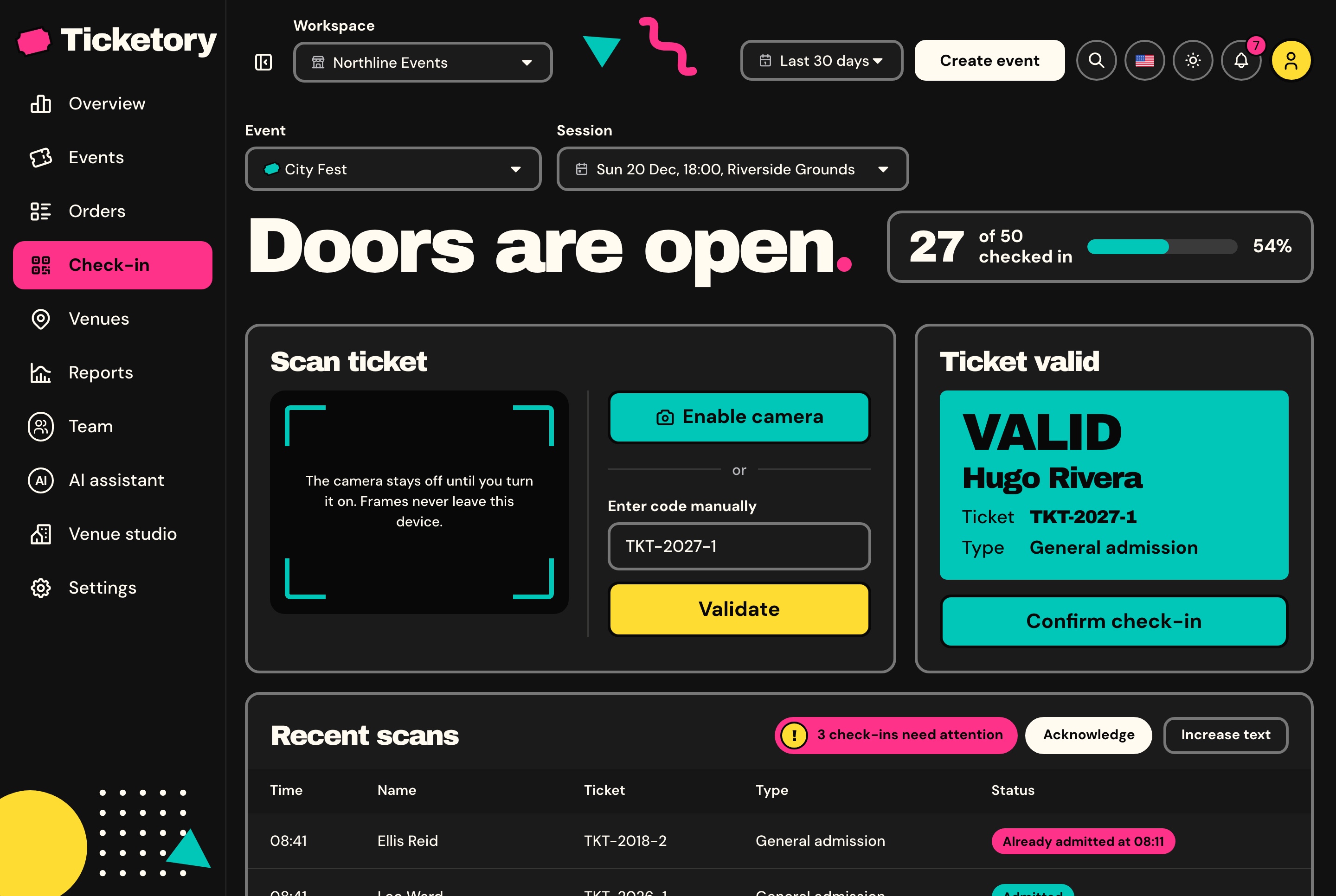
Door staff scan a ticket's QR code with the device camera, decoded in the browser so no frame leaves it, or type the ticket's reference. A ticket is looked at first and admitted on a second step, and the database admits each ticket once per session, so two doors scanning it at the same moment let it in once.
A ticket shows as ready to admit, already in with the time and the name of whoever let it in, meant for another session, or void.
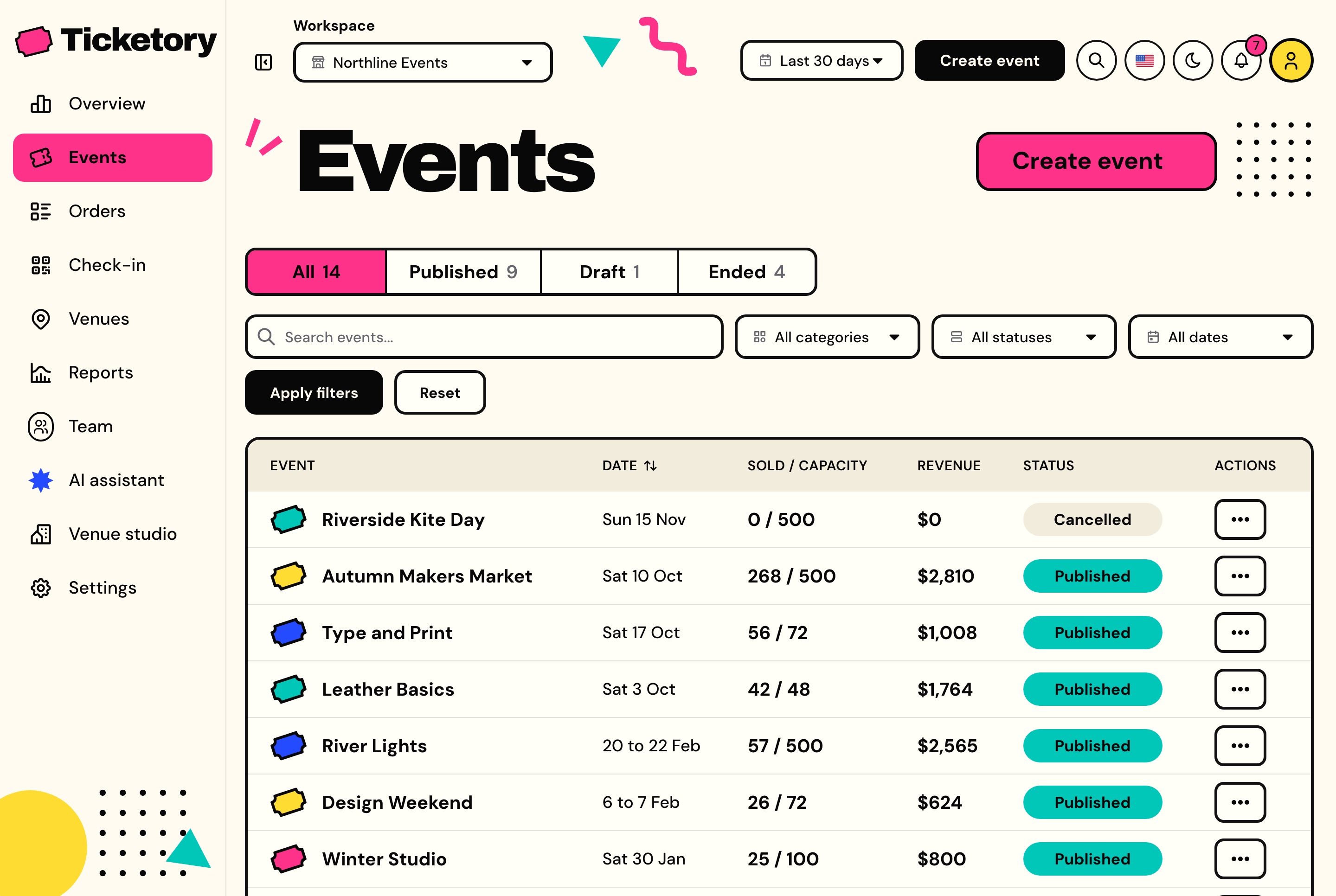
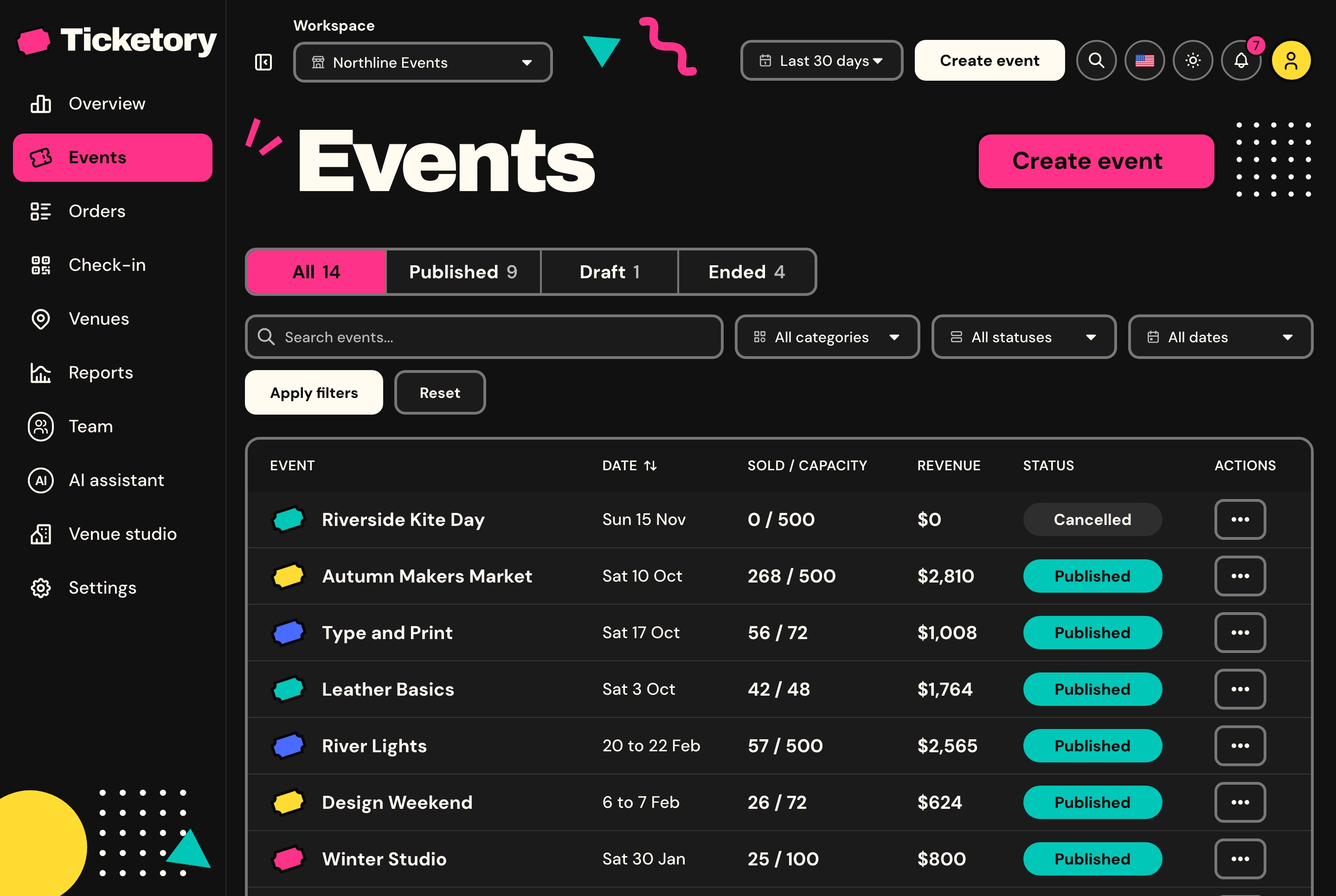
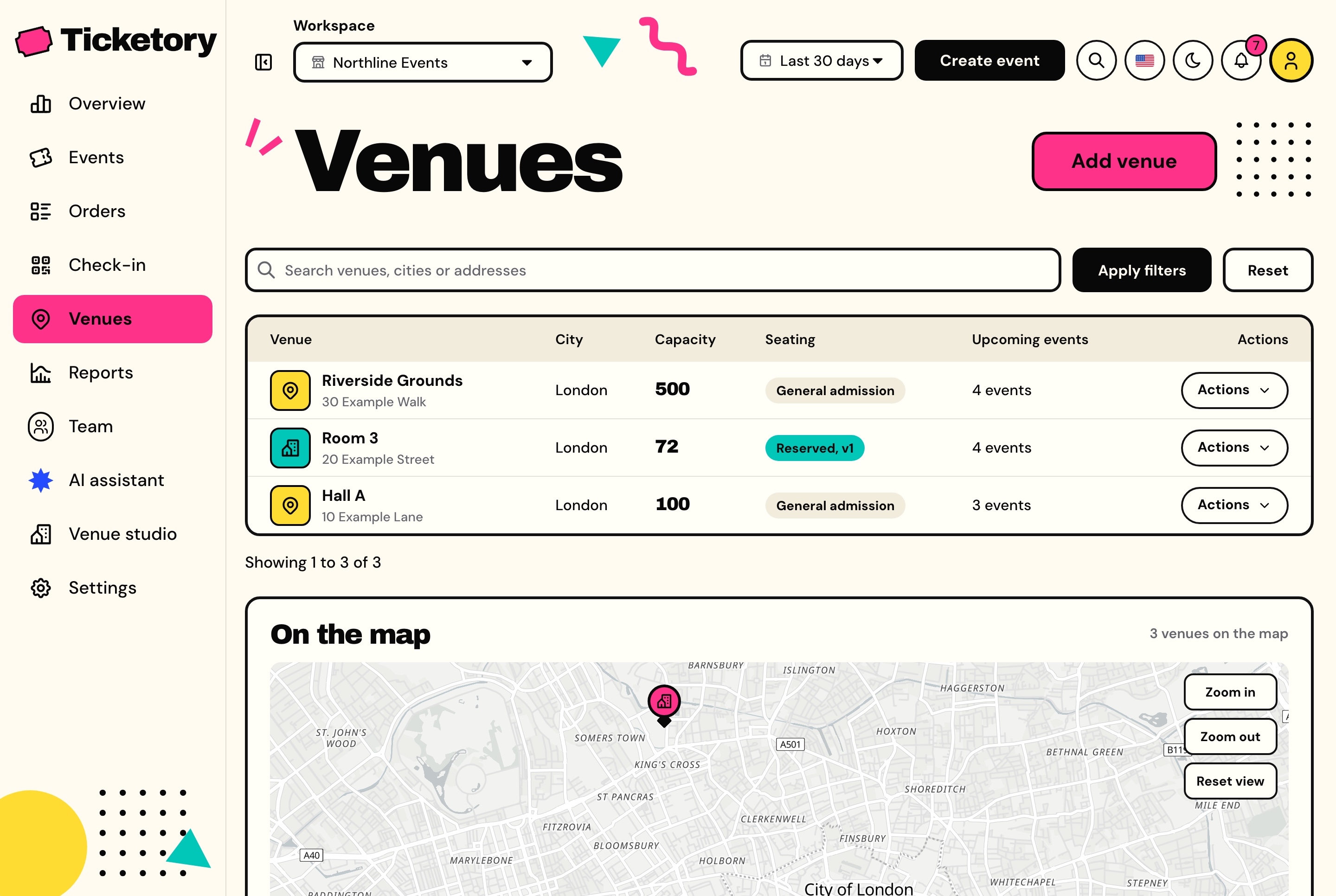
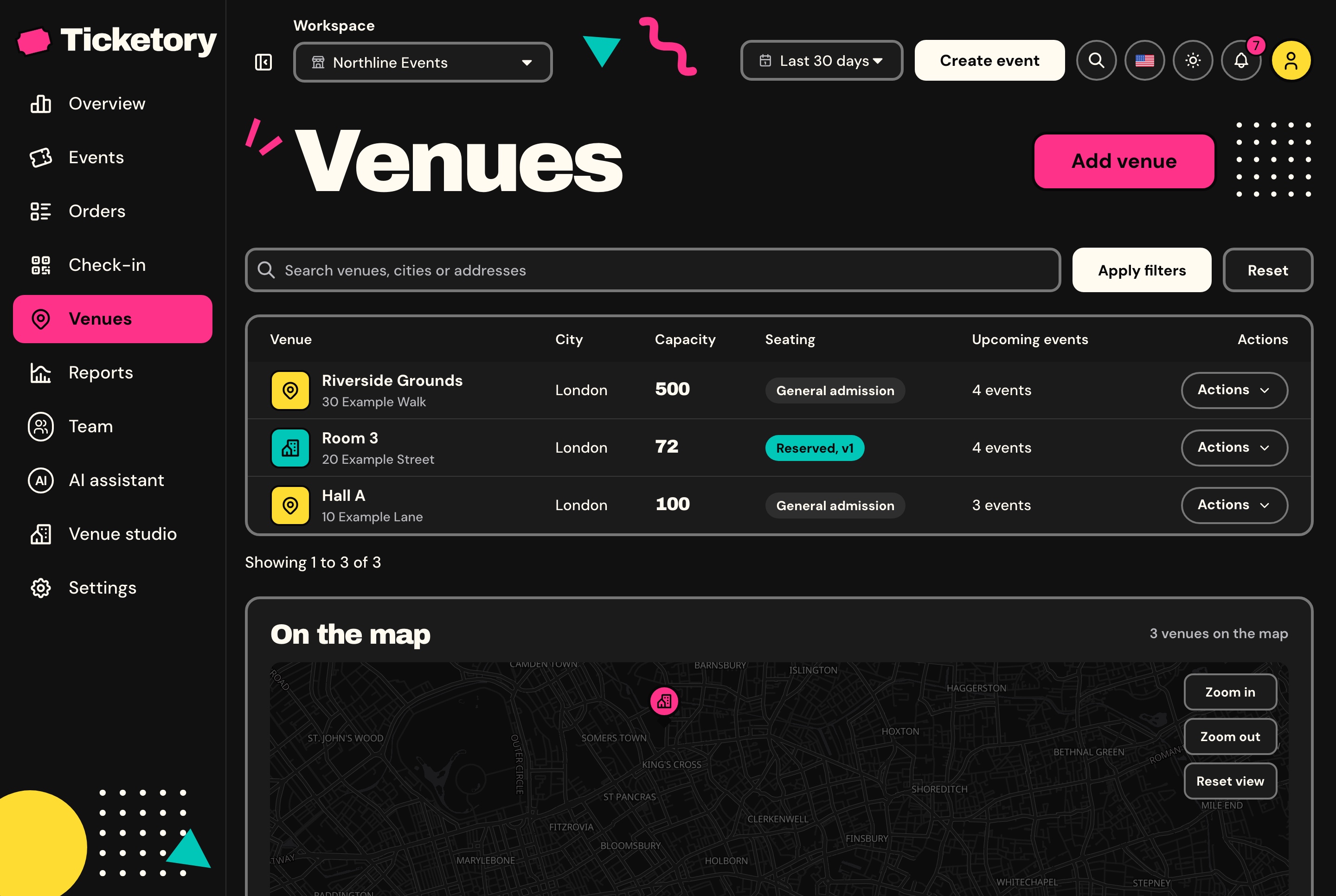
Events sit in All, Published, Draft and Ended tabs with seats sold against capacity, revenue and status on every row, and venues are listed with their capacity and seating type and pinned on a real map.
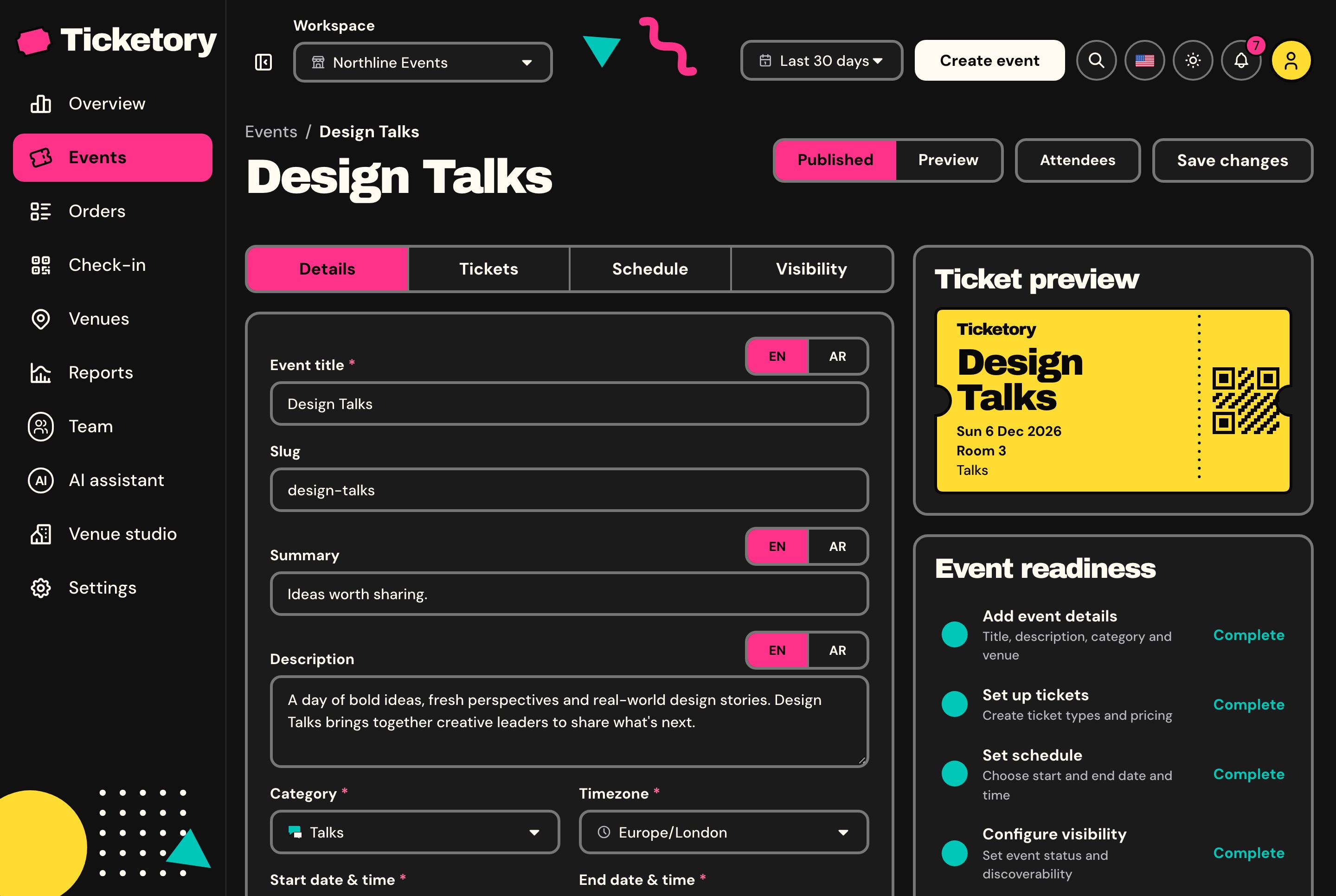
Title, summary and description in English and Arabic, a category, a venue, a ticket colour, reserved seating or general admission, the dates in the event's own time zone, an agenda and up to ten ticket types, with a live ticket preview and a checklist of what publishing still needs.
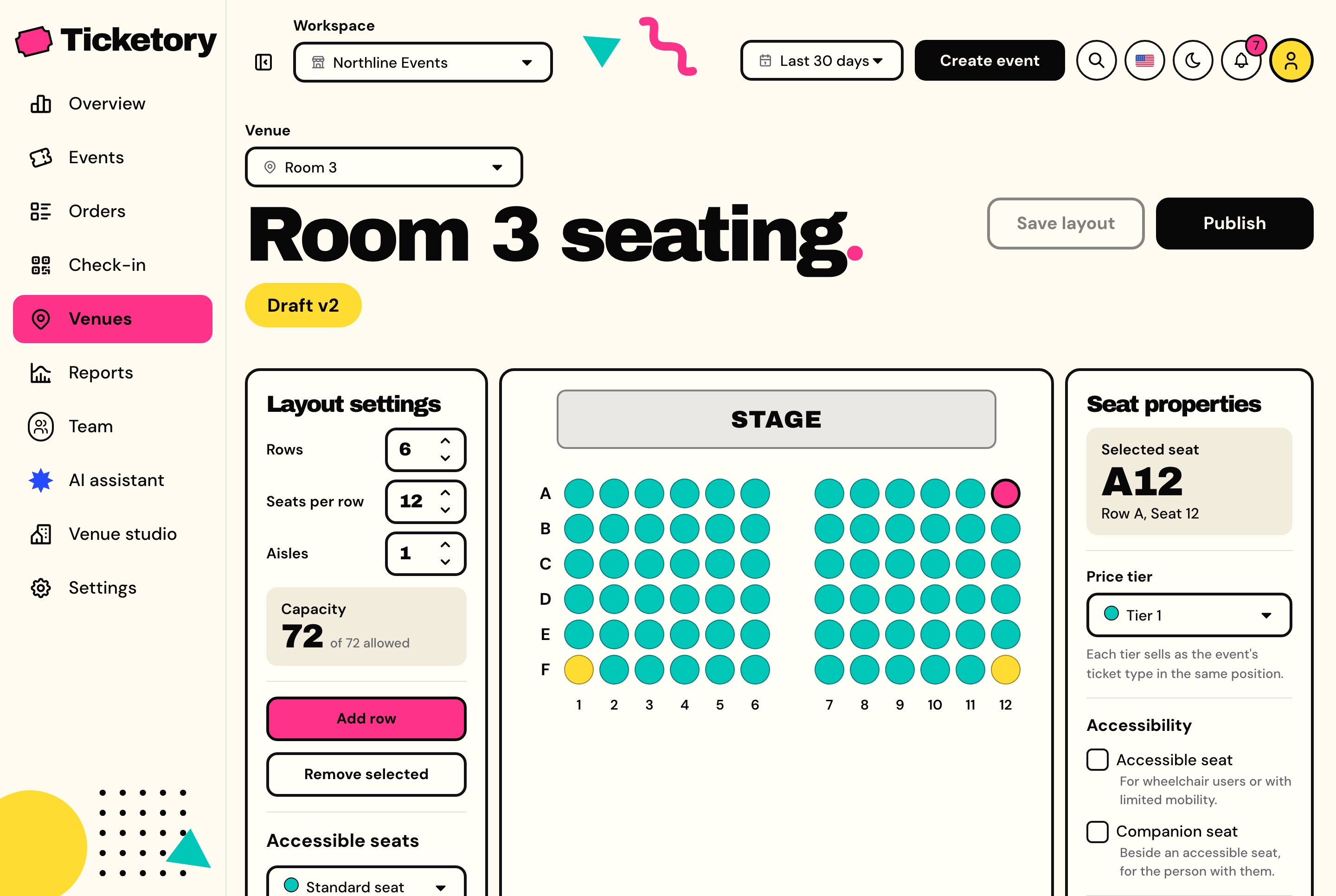
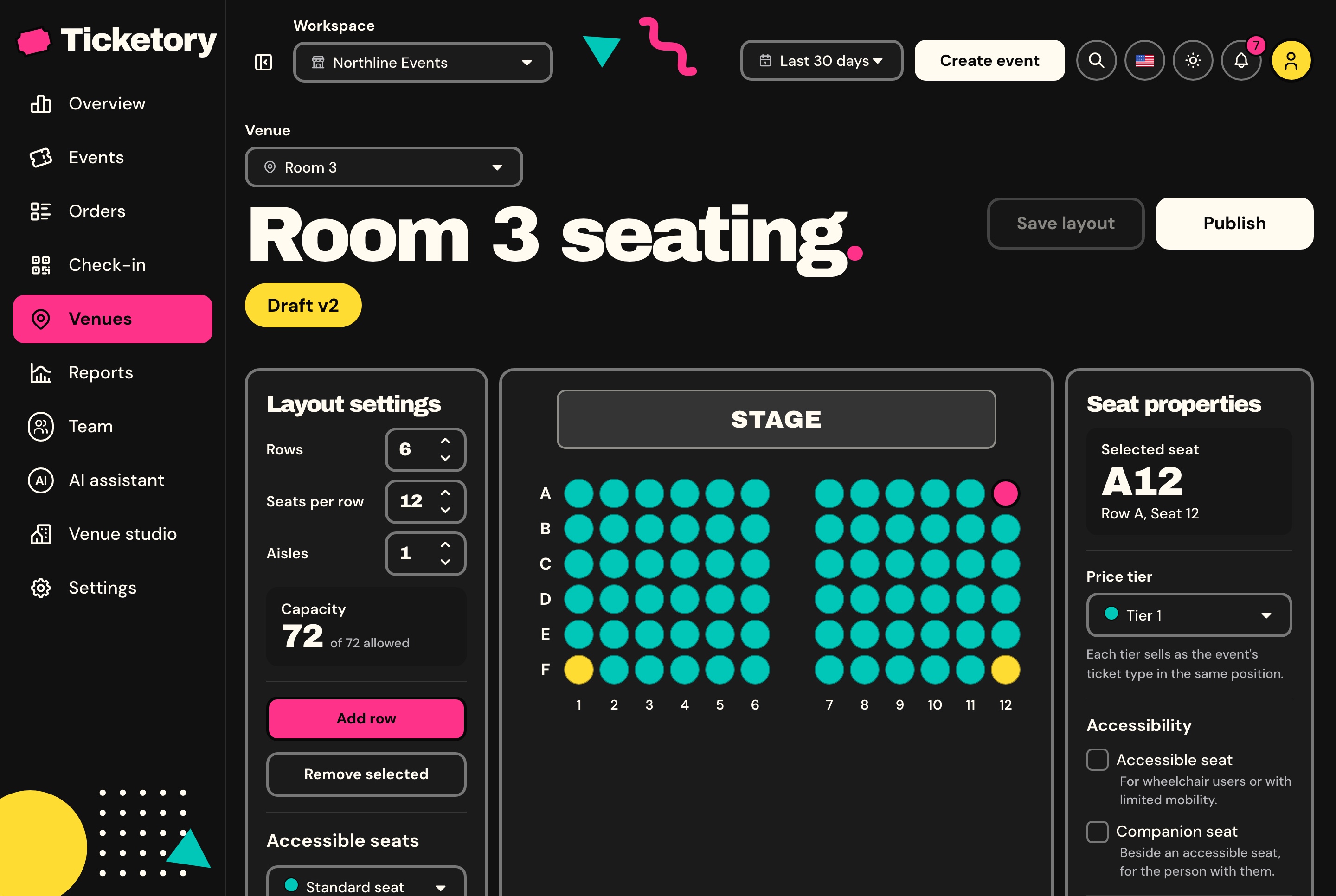
A venue's seat map is a grid of rows and seats with aisles, and each seat can be marked accessible, companion or disabled and given a price tier. A draft is edited freely, and a published version never changes again, so seats already sold keep pointing at it.
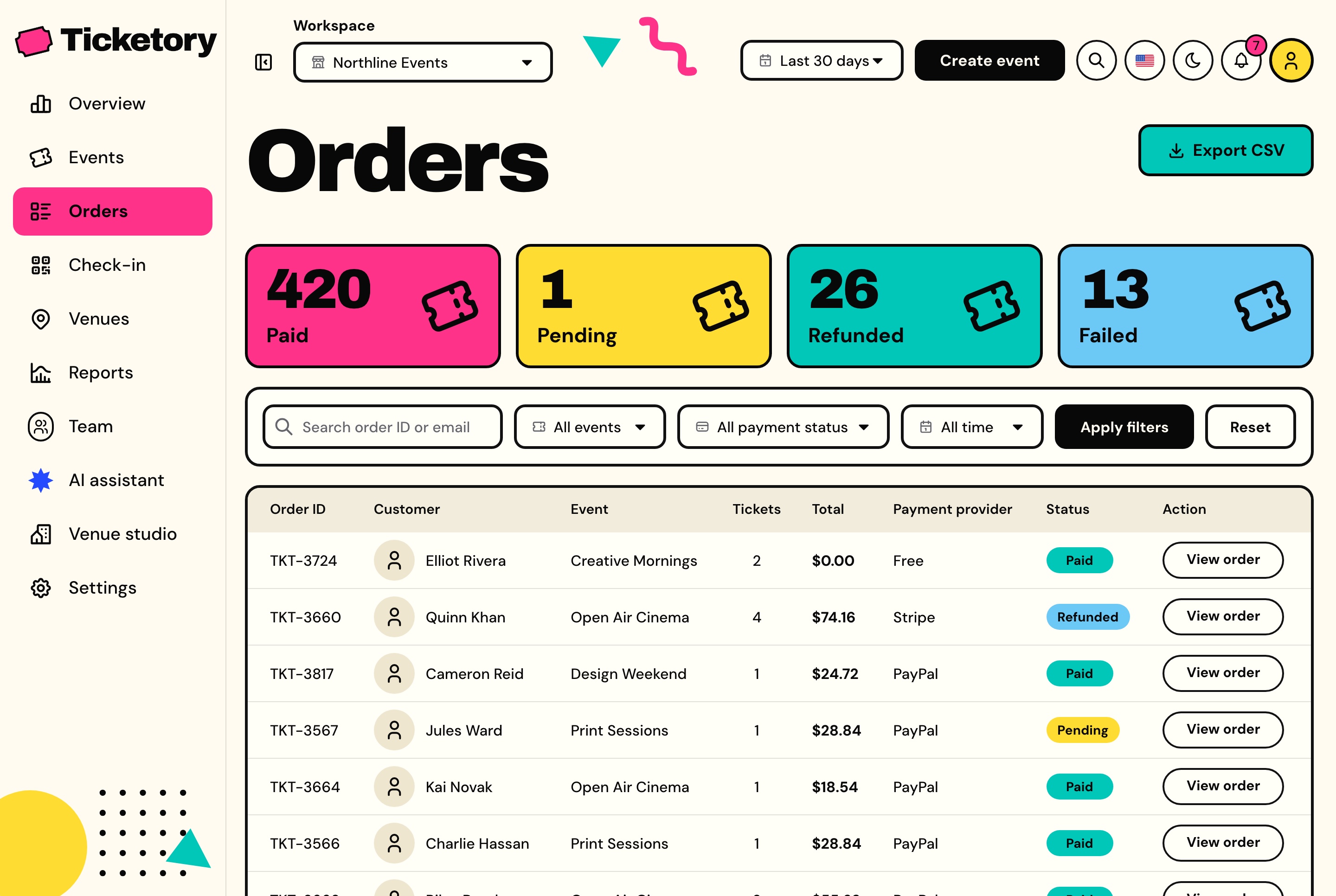
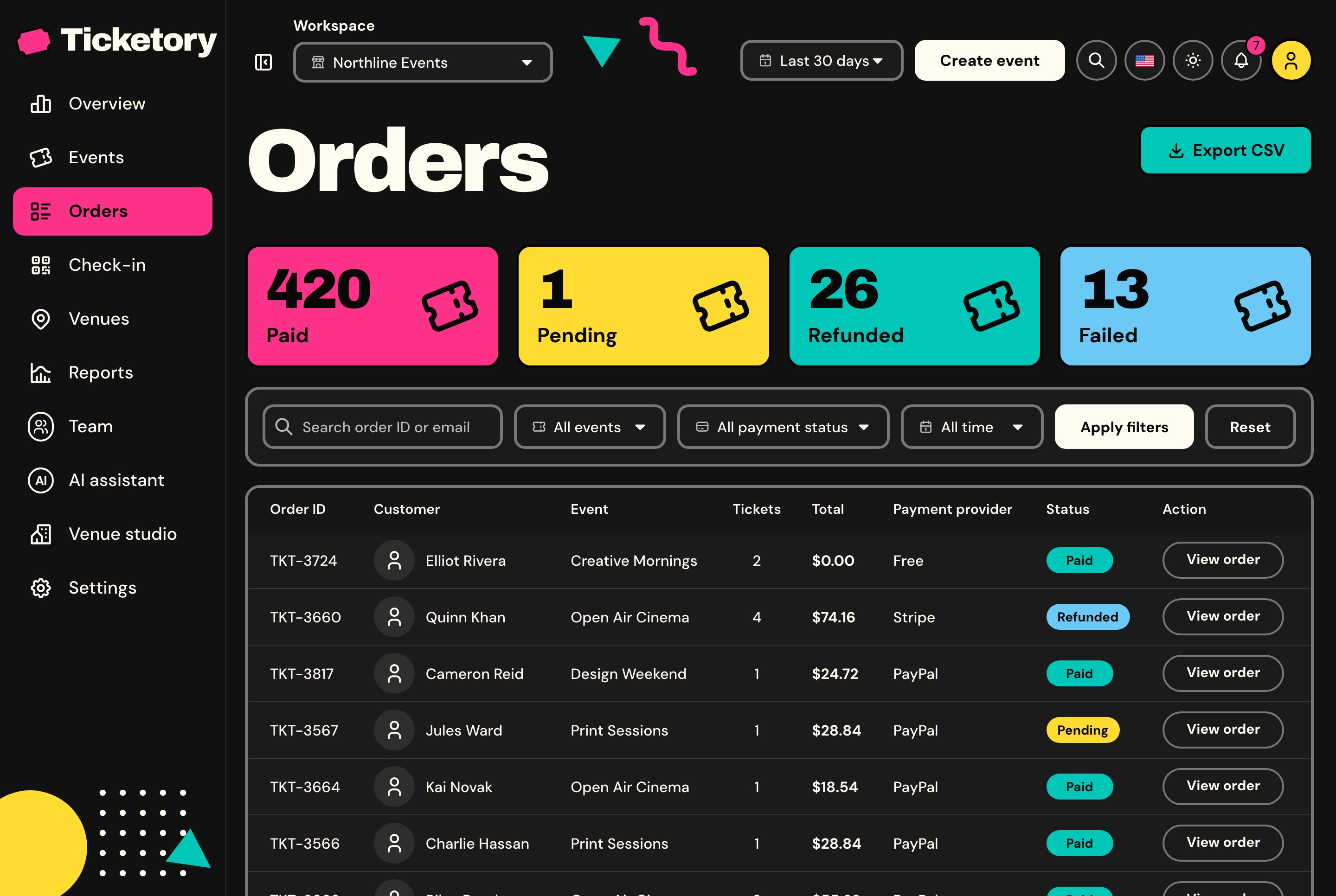
Every order with its customer, event, tickets, total, payment provider and status, counted by status, filtered by event and provider, and exported to CSV.
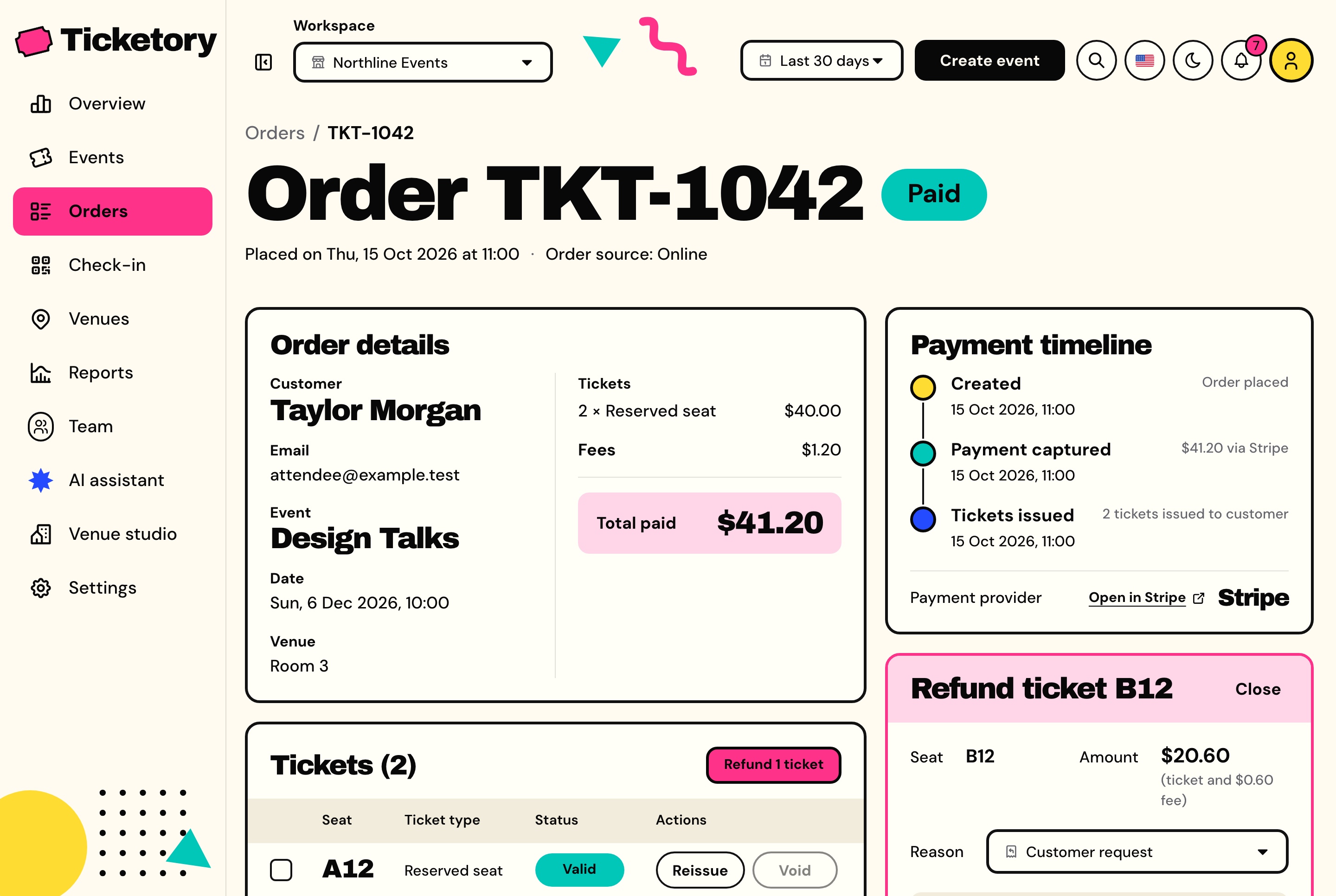
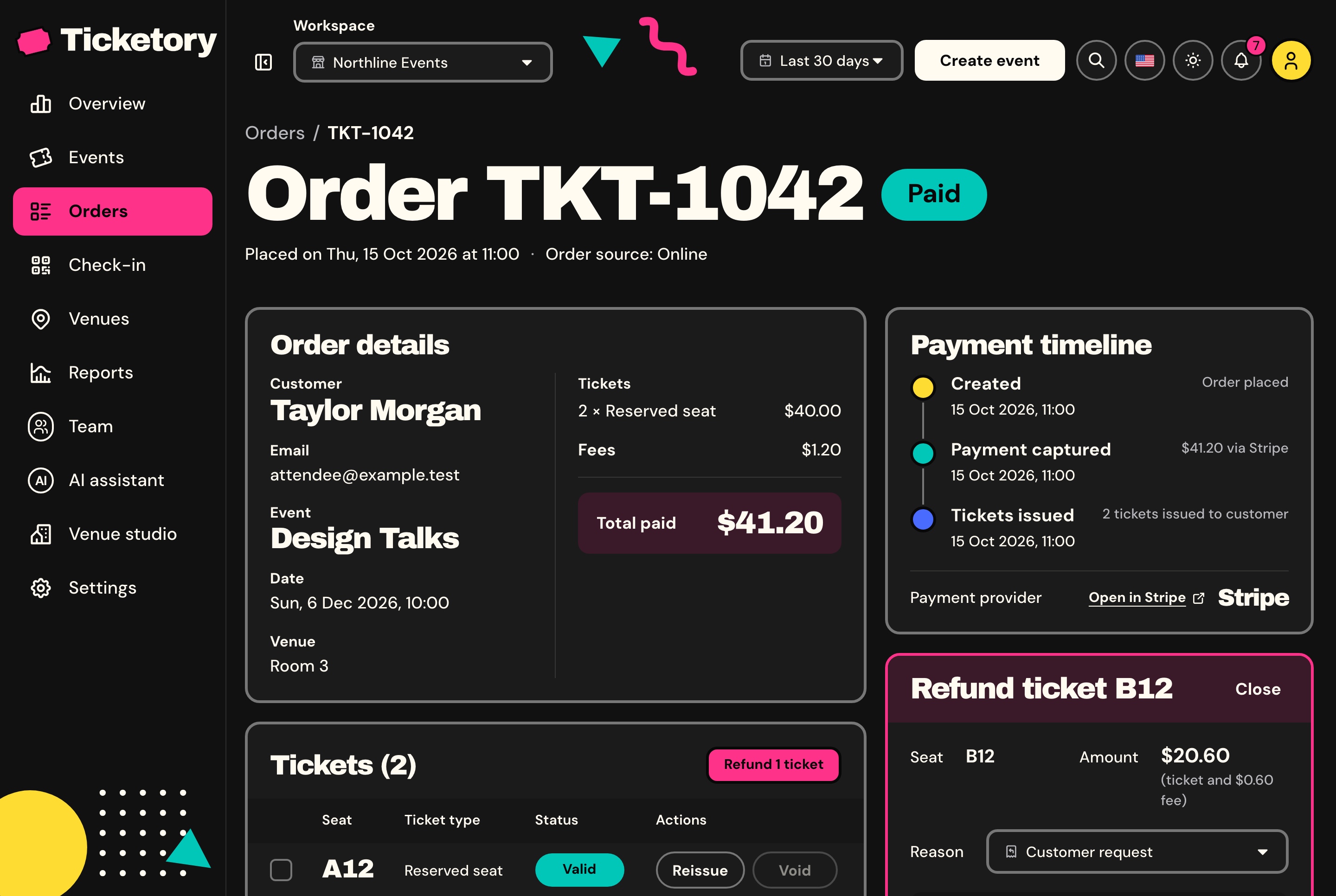
Staff choose the tickets to refund and a reason, and the server works out the amount: each ticket's price plus its fee. The tickets are suspended at once, so nobody gets in on them, and are voided when the provider confirms, which puts their seats or places back on sale unless the holder is already inside.
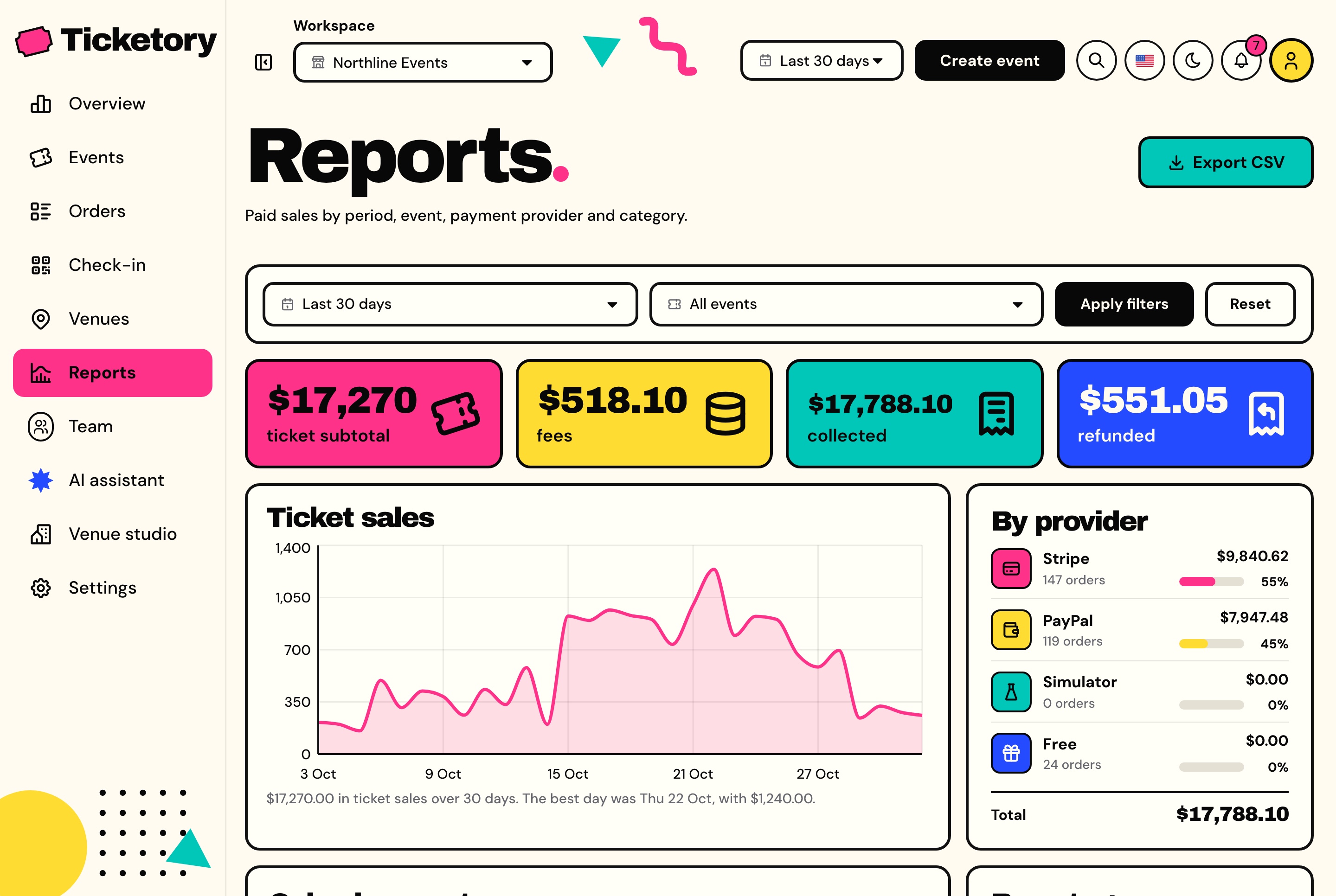
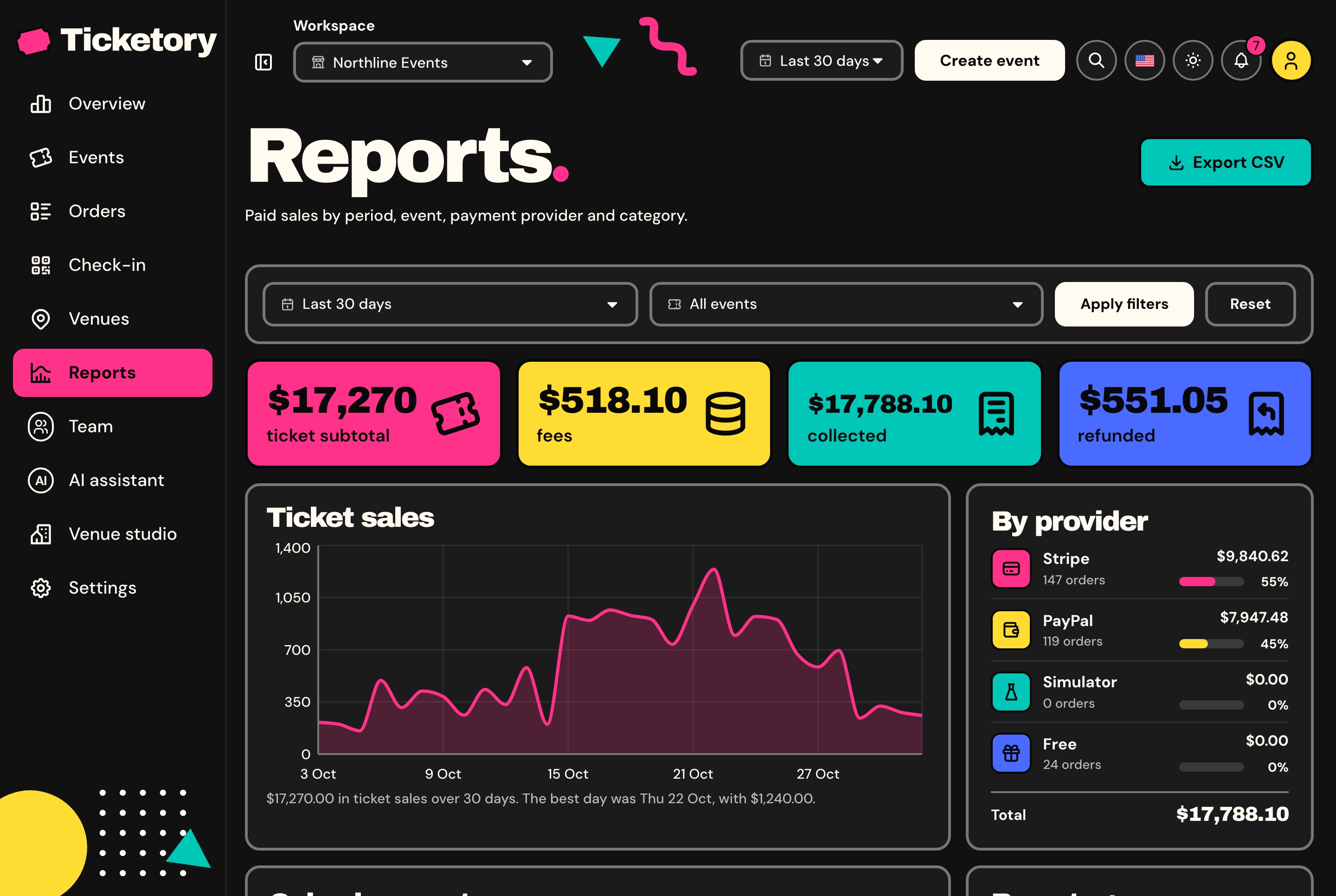
Ticket subtotal, fees, money collected and refunded for a period, one event or all of them, with the daily sales and the split by event, payment provider and category, counted in the workspace's own days.
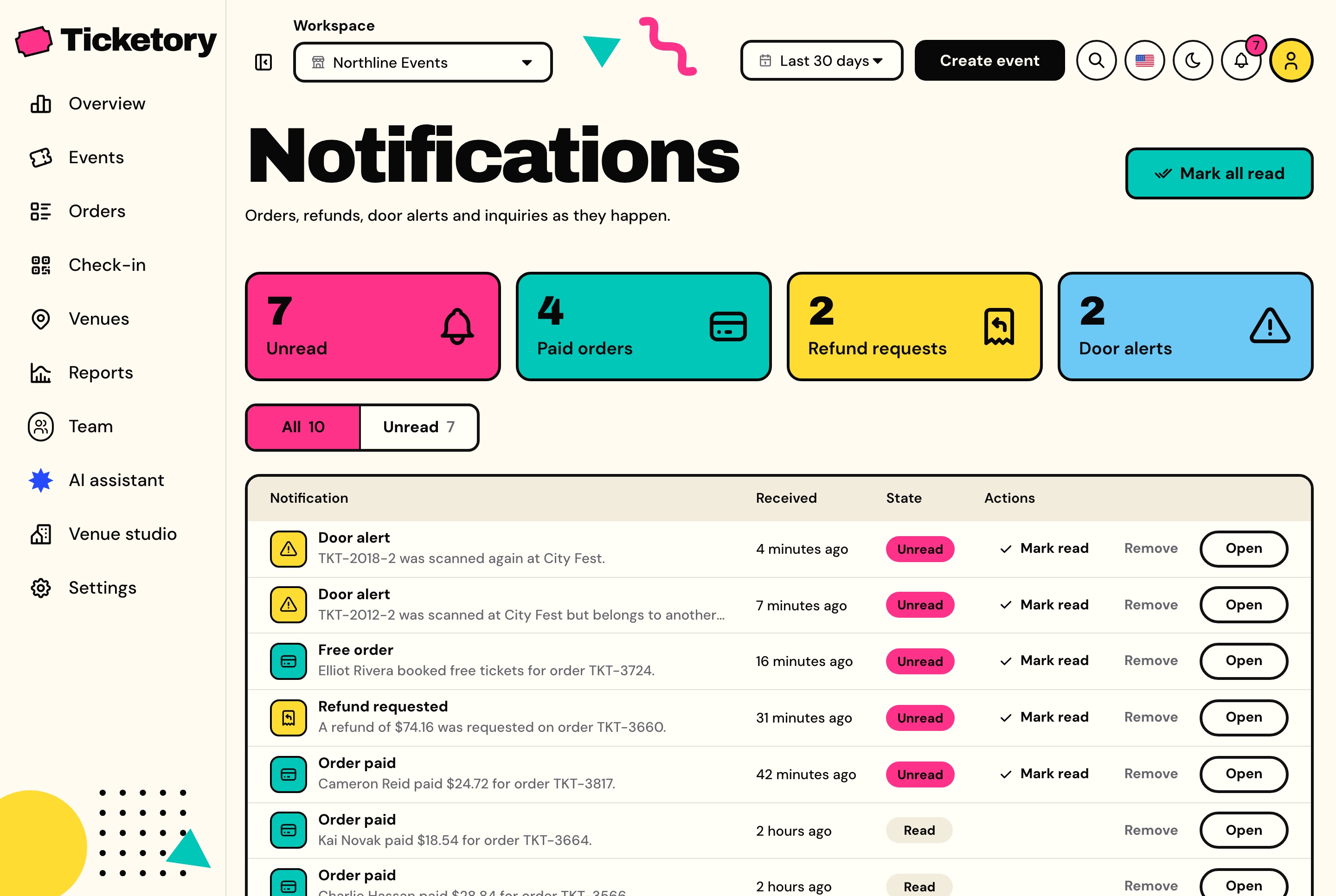
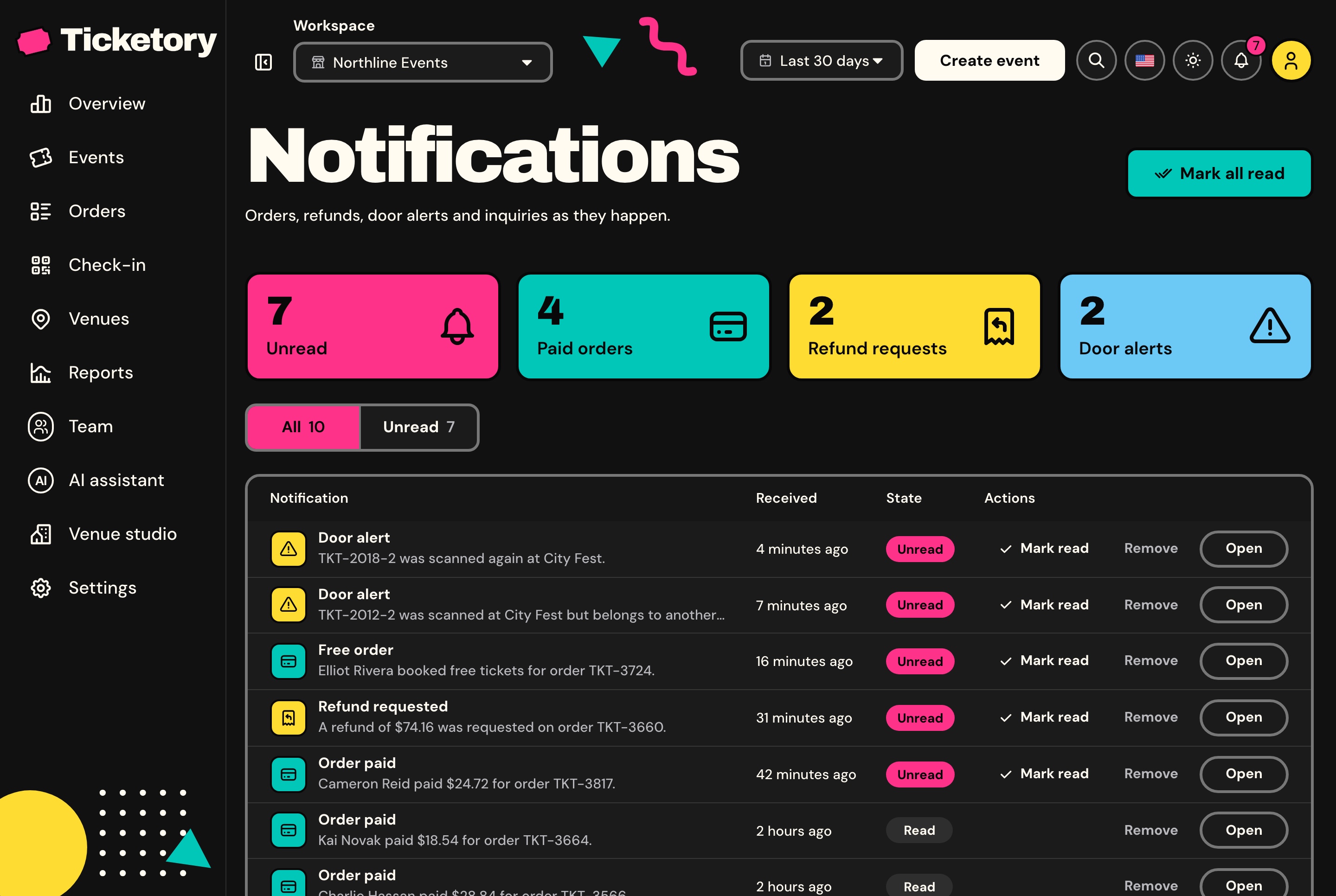
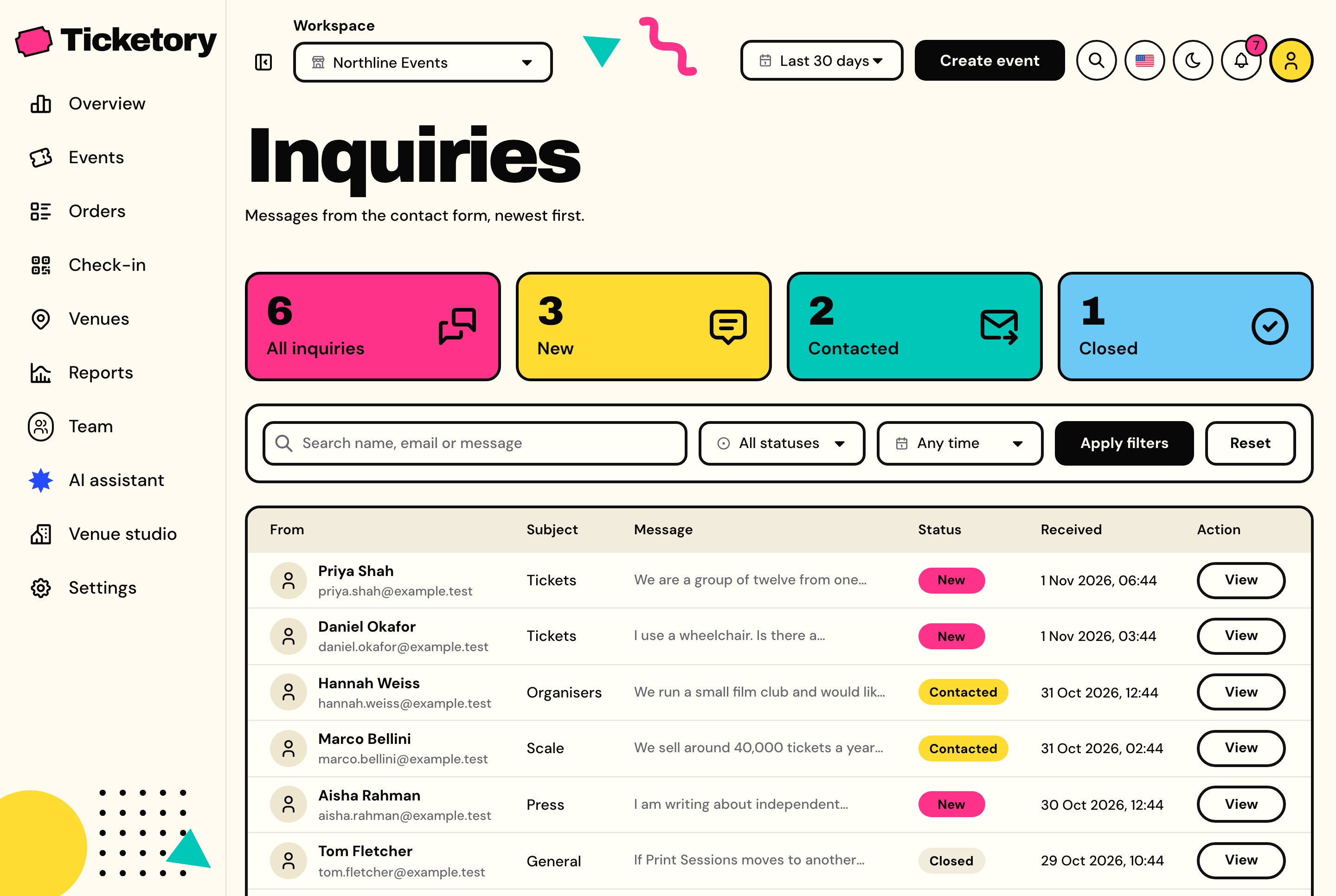
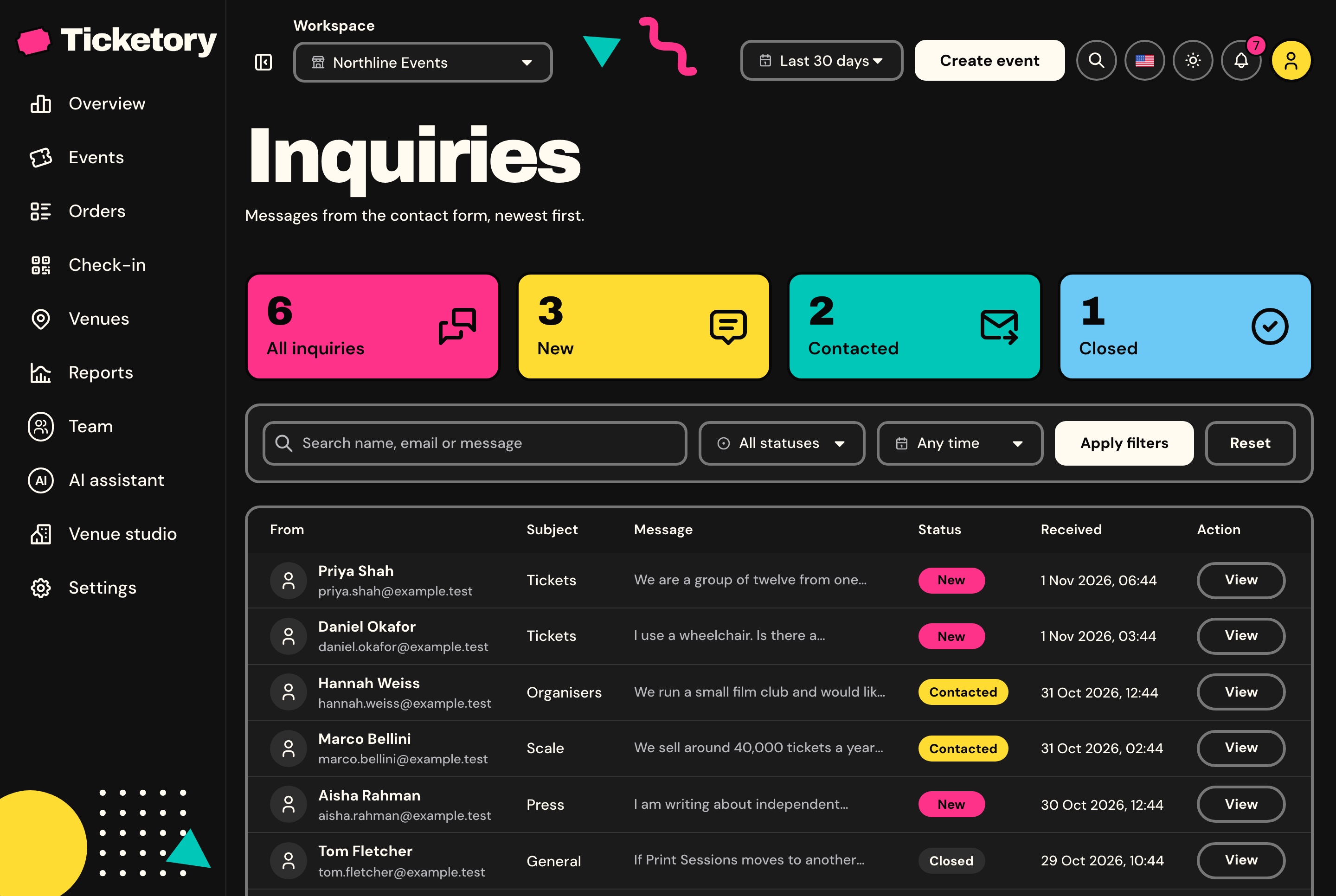
Paid orders, refund requests, door alerts and messages from the website's contact form arrive in the bell over a WebSocket, and each inquiry is kept with its status and the team's notes.
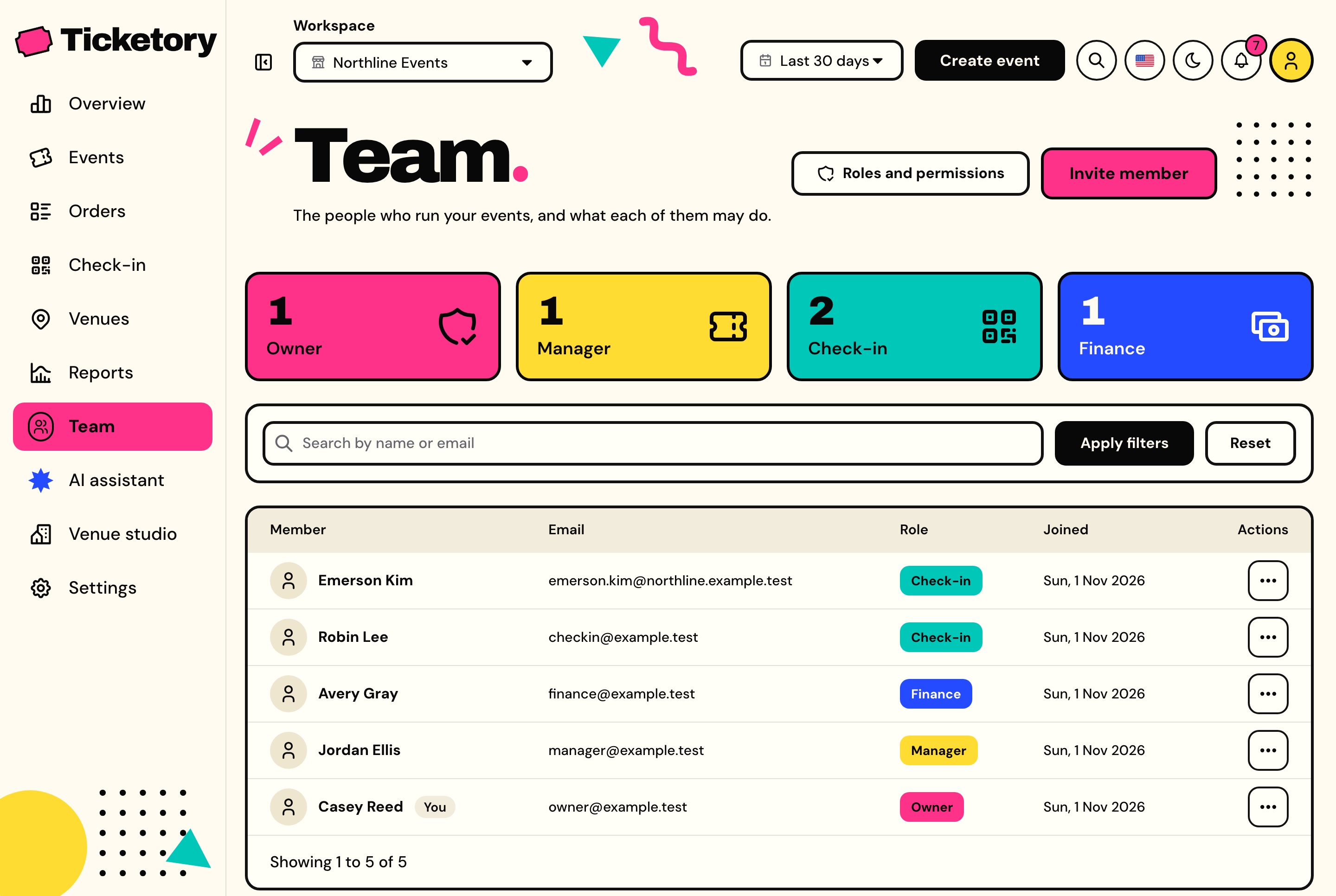
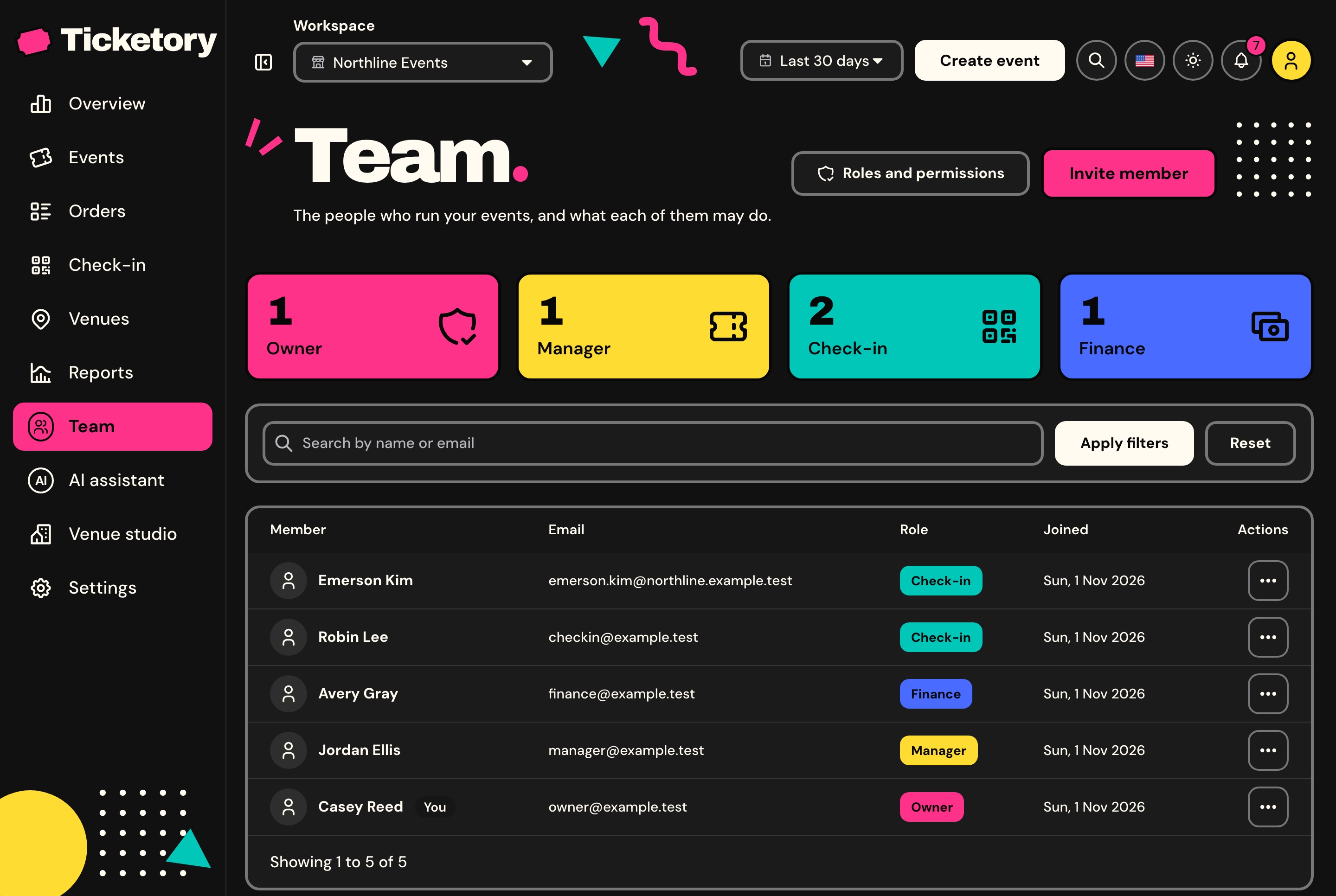
Each organiser is a workspace with its own currency, booking fee, hold time and time zone, and its own events, venues, orders, doors and team. A member switches between their workspaces from the navbar, and the seed fills four of them, so every screen opens full.
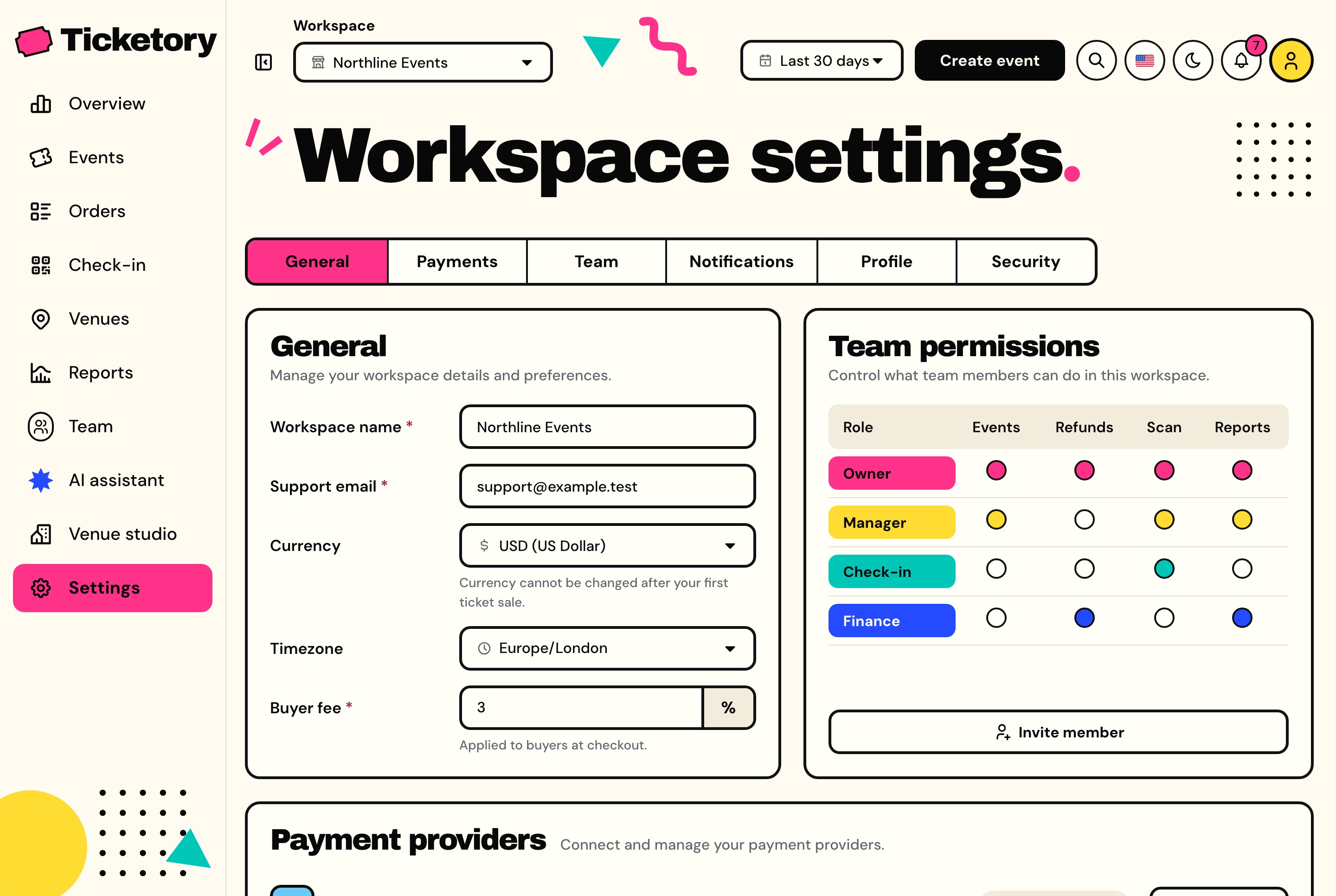
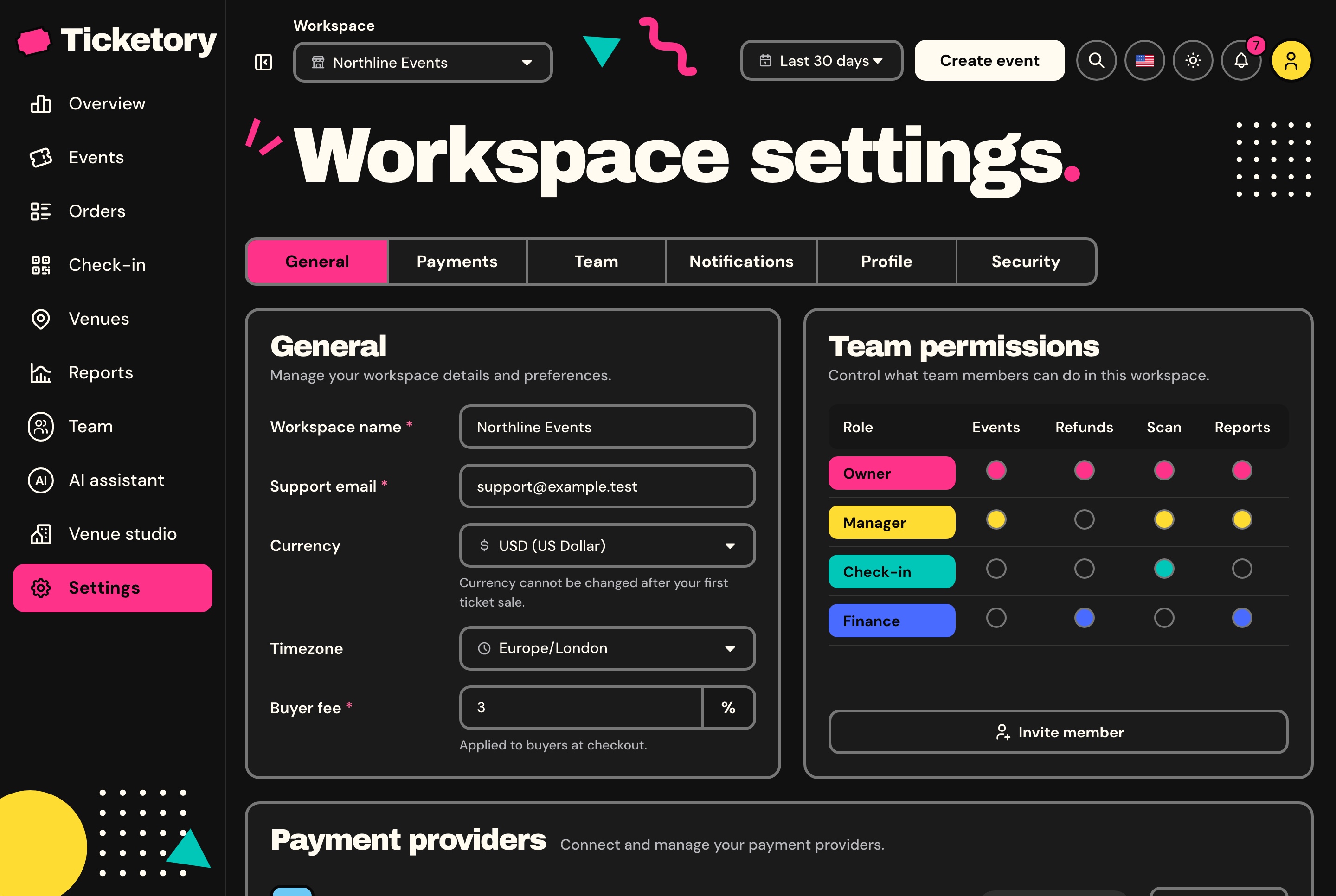
The workspace's name, support email, currency, time zone and booking fee, the status of each payment provider, the team's permissions and the notifications it wants.
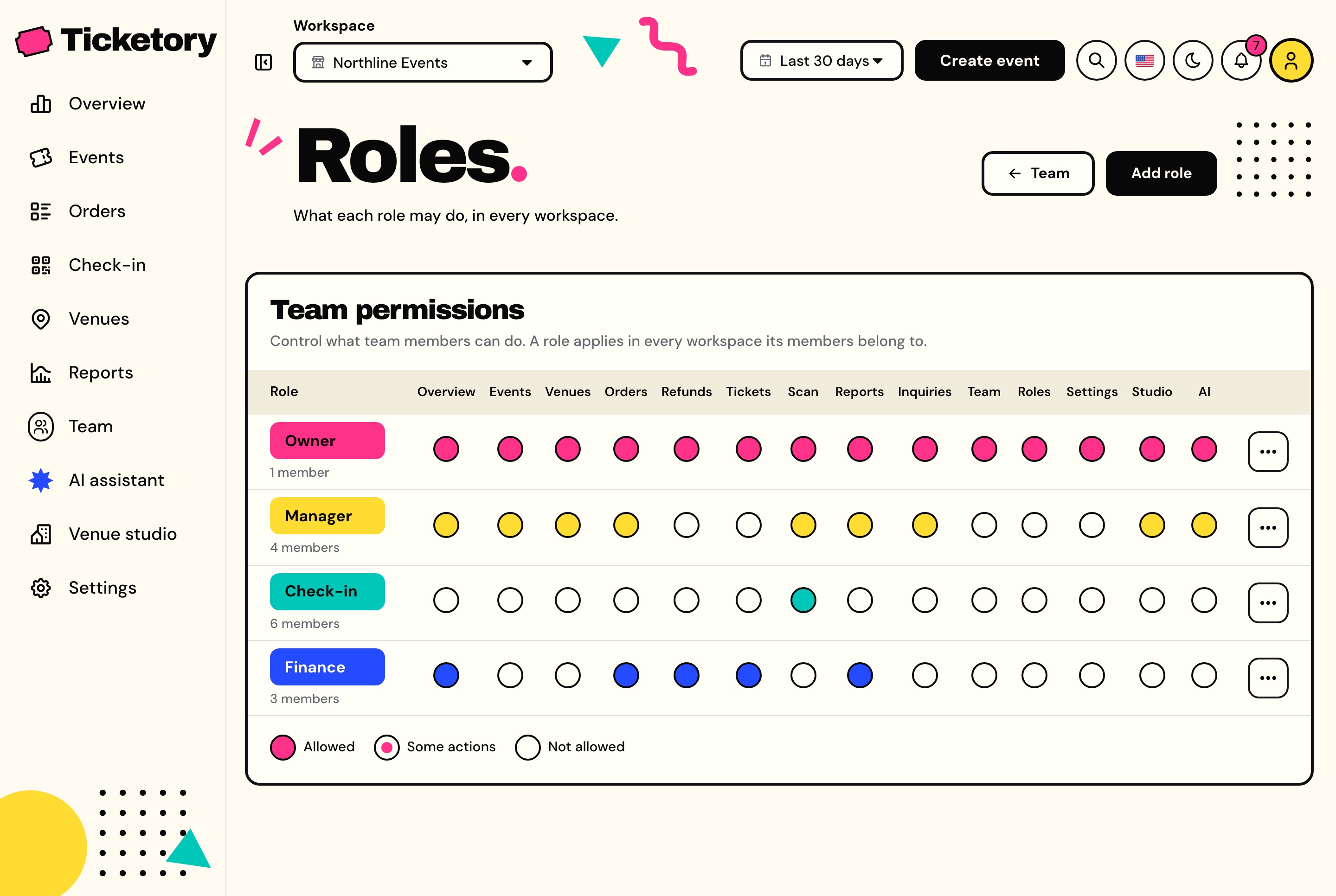
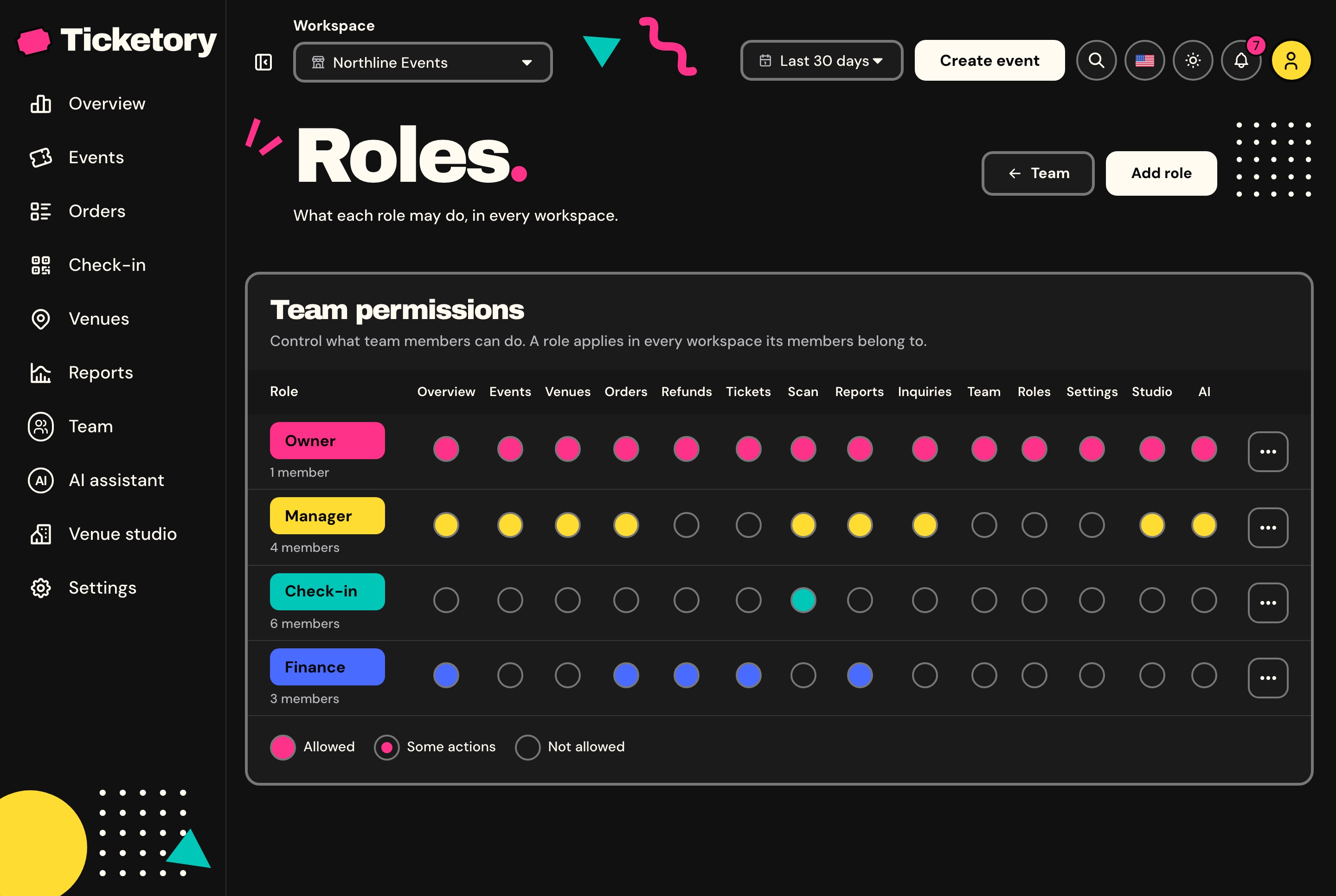
Owner, Manager, Finance and Check-in come seeded, and every role is edited permission by permission. Pages and actions follow the signed-in member's permissions, and the API checks the same ones.
Every screen of the website and the dashboard is written in both languages and mirrors for Arabic. Events are stored with their title, summary and description in both, and figures stay in Latin digits.
On a narrow screen the sidebar folds behind a menu button and the figures stack, and check-in works on a phone held at the entrance: type or scan a code, see the ticket, admit the holder.
The source code, laid out to extend, with the documentation to take it further.
Next.js 16 App Router, React 19, TypeScript, Tailwind CSS 4, TanStack Query, React Hook Form and Zod, next-intl, MapLibre with OpenFreeMap tiles, Recharts, live notifications over Socket.io, and the browser's BarcodeDetector with jsQR for scanning.
The dashboard reads and writes everything through the Ticketory API, sold on its own as the Backend API package. The Full Stack package includes the organiser dashboard, the ticketing website and the API, for buyers who want both apps.
The dashboard's sign-in page offers one button per role (Owner, Manager, Finance and Check-in), and each opens a private demo account that starts where that role's sample account stands. The assistant answers a few free messages per visitor, then asks for your own Google Gemini key; the venue studio asks for your own key from the start. The demo data is rebuilt every night, and screenshots use sample data.
Next.js 16.4.3
React 19.3.1
Tailwind CSS 4.3.3
Yes
Mobile, Tablet, Desktop
Lifetime Included
Pro Tip: All templates include comprehensive documentation to get you started quickly.
Part of a full-stack template
This app is one part of a full-stack template. The full template brings every part together in one purchase.
See the full templatePricing
One payment for the full source code, yours to change and ship.
Everything included
Ticketing website + organiser dashboard + NestJS API with TypeORM, auth and payments
What is inside
Or buy one part
The Next.js 16 organiser dashboard on its own. It reads its data from the Ticketory API, sold separately as the Backend API or together in Full Stack.
The Next.js 16 ticketing website on its own. It reads its data from the Ticketory API, sold separately as the Backend API or together in Full Stack.
The NestJS API on its own, with TypeORM, JWT auth, events, seat holds, payments, tickets, check-in, refunds, reports, MCP tools and a one command seeder
Safe and secure payments powered by Paddle
A VAT receipt is sent to your email after purchase.
Next.js Event Organiser Dashboard Template
Organiser Dashboard
$99R$497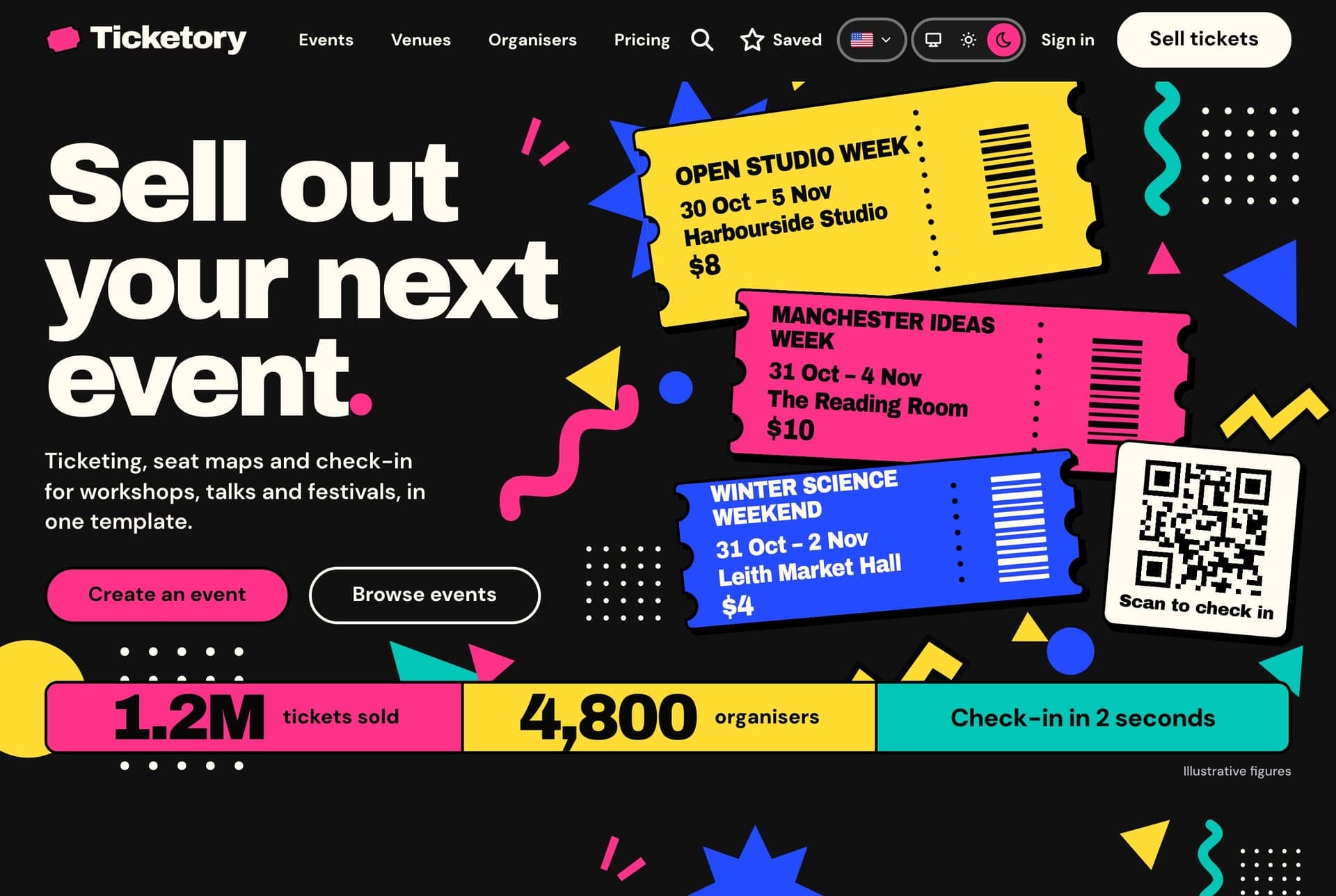
Ticketory is a full-stack Next.js event ticketing template: a public website with event search, live seat maps with timed holds, hosted checkout and QR ticket passes, an organiser dashboard for events, seat layouts, door check-in, refunds and reports, a NestJS API, AI tools, and English and Arabic with RTL.
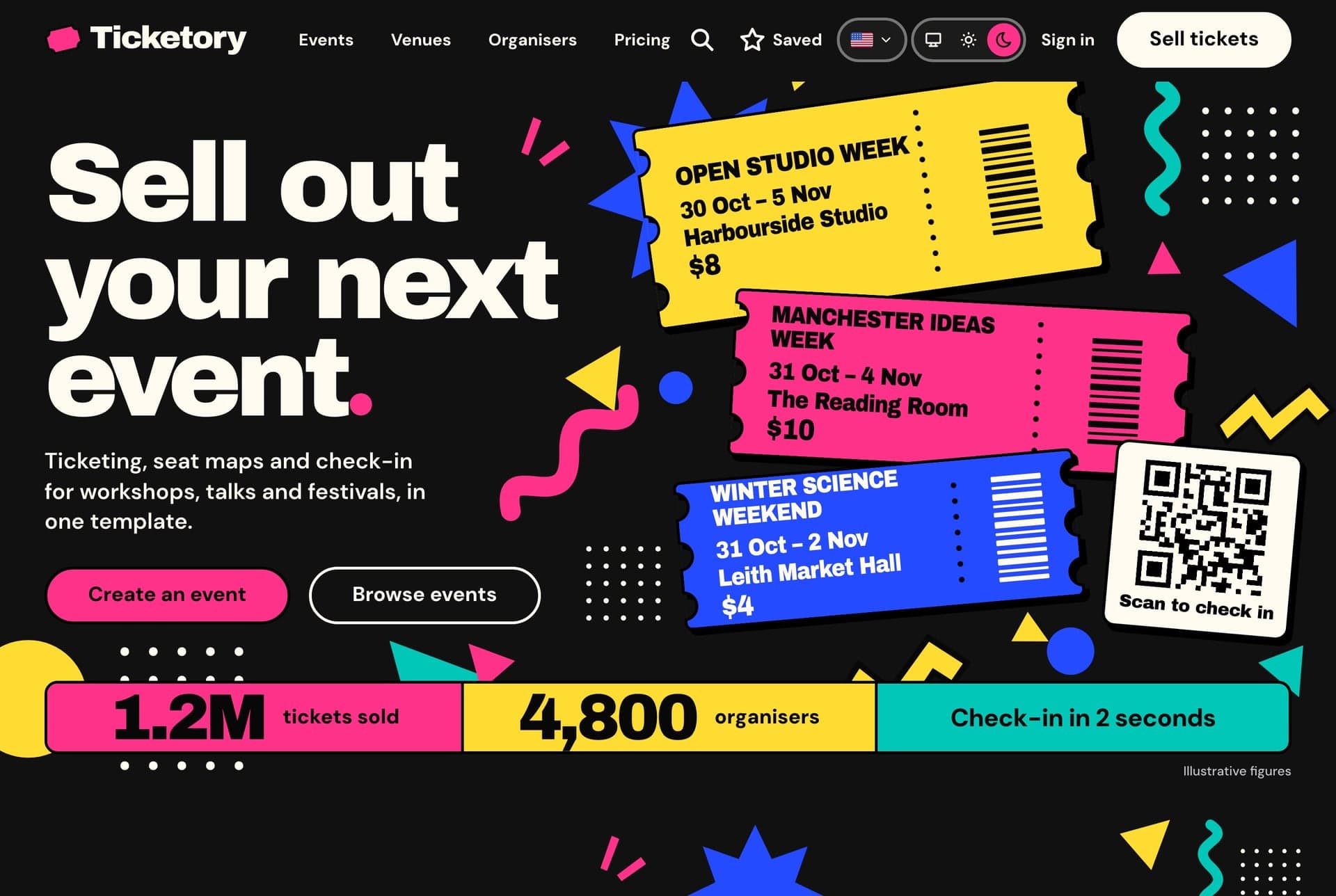
A Next.js 16 event ticketing website for attendees, with event search kept in the address, event pages, live seat maps with a ten-minute hold, Stripe or PayPal checkout, free tickets, QR ticket passes and attendee accounts, in English and Arabic.
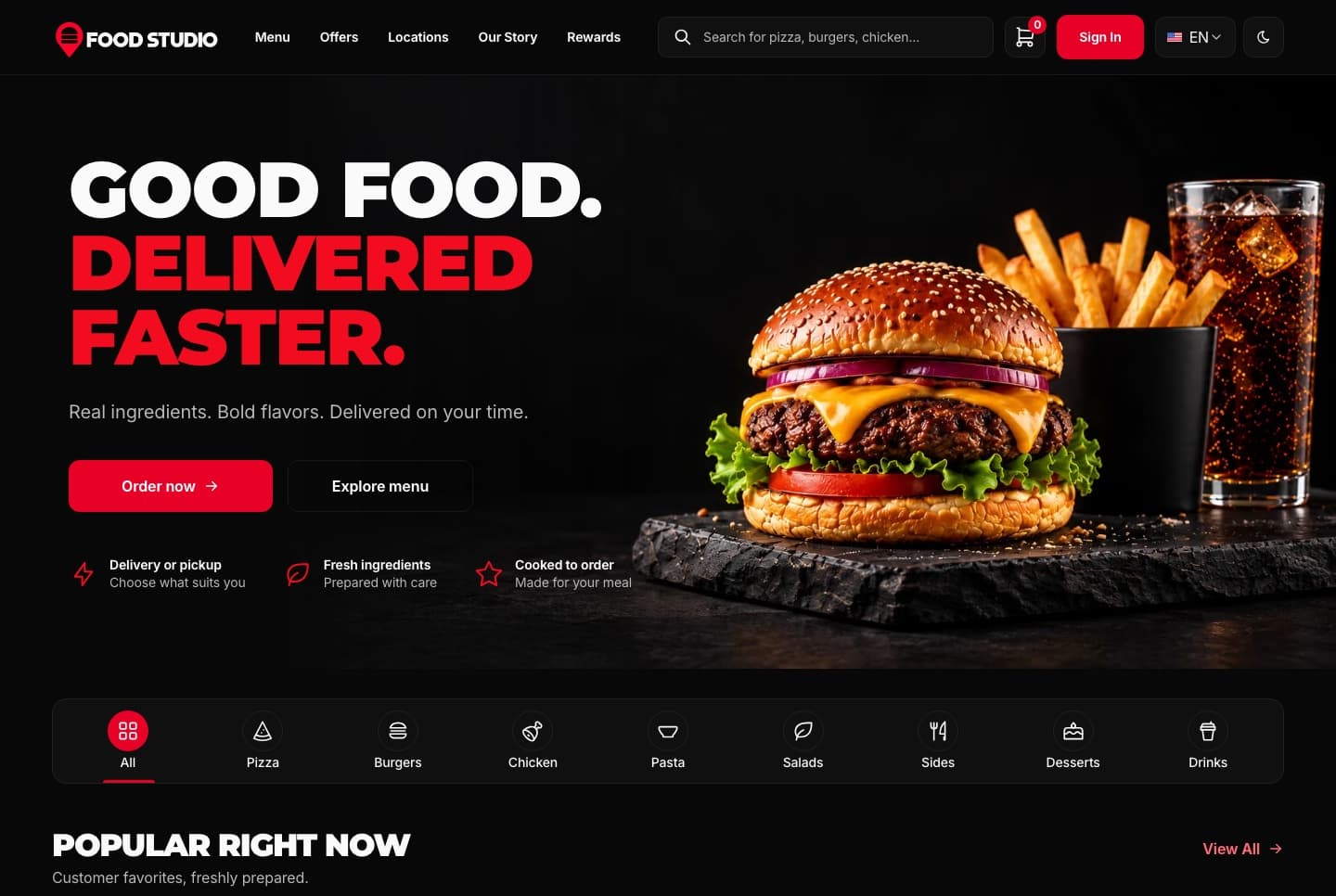
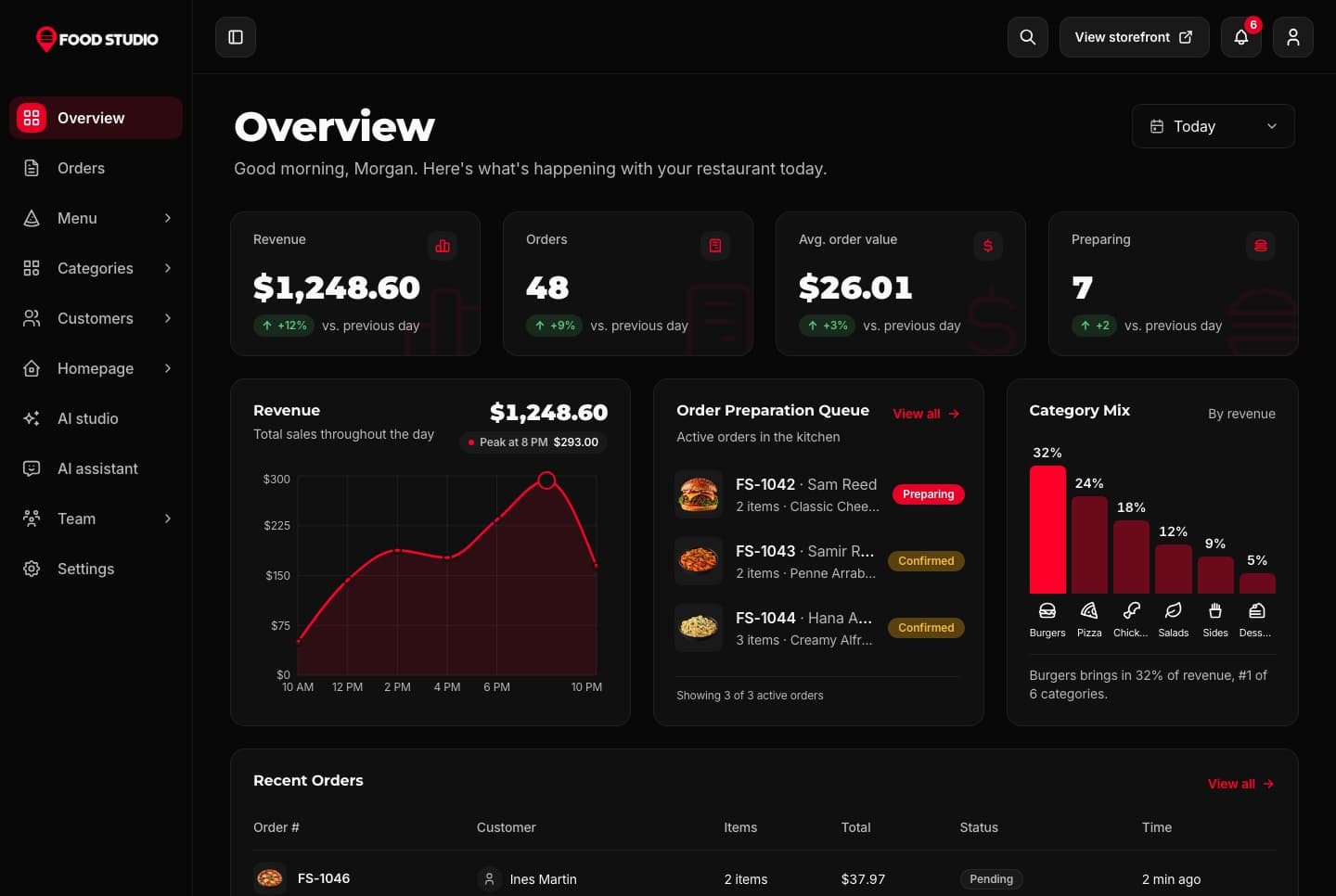
Food Studio is a full-stack Next.js restaurant template: an ordering website with menu, combos, cart, checkout and order tracking, a staff dashboard for orders, the menu and the kitchens, a NestJS API, AI tools for dish photos, and English and Arabic with RTL.
Be the first to know when a new template is released.
Every premium template is responsive, accessible, fast and typed from the first commit, so your launch starts from production-ready code.
01 · Layout
Phone, tablet and desktop layouts from one set of components, with a phone menu and 44px tap targets.
Learn more: Responsive Design02 · Inclusive
Semantic HTML, labelled controls, a visible keyboard focus ring and reduced motion support.
 Learn more: Accessibility
03 · Speed
Optimized images and fonts, cached data and metadata on every route.
 Learn more: High Performance
04 · Types
Strict TypeScript across every app, with typed props, API responses and data models.
 Learn more: TypeScript Support

Join thousands of developers worldwide who trust Aniq-UI for their projects. Our templates are being used across the globe to create stunning web experiences.
We use cookies to enhance your browsing experience, analyze site traffic, and personalize content. By clicking "Accept All", you consent to our use of cookies for analytics and personalized advertising.