Building Next.js 16 SaaS Dashboards with Tailwind CSS v4.3
Learn how to build modern Next.js 16 SaaS dashboards using Tailwind CSS v4.3 native scrollbars, vertical container queries, and seamless Turbopack compilation.
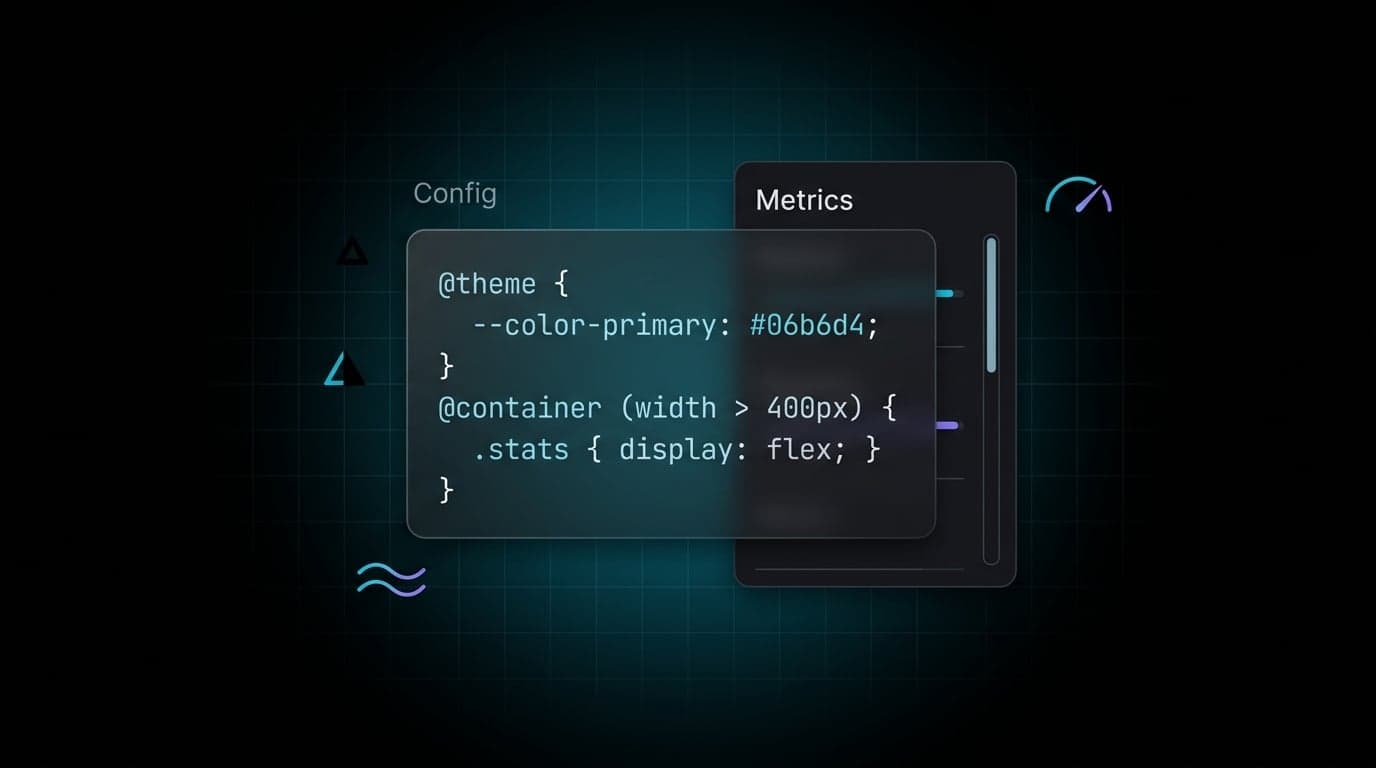
Building data-dense UI templates and SaaS dashboards requires balancing developer experience with strict rendering performance. Tailwind CSS v4.3 continues refining how we solve the most persistent pain points of styling complex layouts. Combined with Next.js 16 and its now-stable Turbopack compiler, front-end teams can ship faster with zero-config styling logic.
At Aniq UI, we build premium, production-ready Next.js templates. Upgrading our starters to Tailwind CSS v4.3 alongside React 19.2 and Next.js 16.2 fundamentally changed how we approach layout constraints, component states, and build performance.
Here is a practical breakdown of how you can leverage these features in your SaaS application today.
Native Scrollbar Styling in v4.3
Previously, styling overflowing navigation sidebars or dense data tables required third-party plugins like tailwind-scrollbar or messy custom ::-webkit-scrollbar hacks. These workarounds often led to bloated CSS or inconsistent behavior across Chromium and Firefox.
Tailwind v4.3 ships built-in scrollbar-* utilities that map directly to modern browser CSS properties (scrollbar-width and scrollbar-color). You can now control scrollbar thickness and color natively without extra dependencies.
export default function Sidebar() {
  return (
    <aside className="h-screen w-64 overflow-y-auto scrollbar-thin scrollbar-thumb-slate-300 scrollbar-track-transparent">
      <nav className="p-4">
        {/* Sidebar navigation items */}
      </nav>
    </aside>
  );
}
By leveraging scrollbar-thin and scrollbar-gutter-stable, you prevent annoying layout shifts when content expands. Your markup stays clean, and the underlying CSS remains lightweight.
Vertical Container Queries for Dashboard Widgets
While Tailwind v4.0 brought native width-based container queries, v4.3 introduces the @container-size utility to query vertical constraints (block-size).
This is essential for responsive SaaS dashboard widgets. In a grid-based dashboard, a widget might have plenty of width but limited height. You can now reflow internal elements based on available vertical space rather than just the viewport.
export default function RevenueWidget() {
  return (
    <div className="@container-size h-full bg-white rounded-xl shadow-sm p-6">
      <div className="flex flex-col h-full">
        <h3 className="text-lg font-medium text-gray-900">Revenue Trend</h3>

        {/* Chart component */}
        <div className="flex-1 min-h-0">
          <Chart />
        </div>

        {/* Legend only visible when container height > 300px */}
        <div className="hidden @[min-height:300px]:block mt-auto pt-4 border-t">
          <ul className="flex gap-4 text-sm text-gray-500">
            <li>MRR: $45,000</li>
            <li>Churn: 2.1%</li>
          </ul>
        </div>
      </div>
    </div>
  );
}
Cleaner Forms with React 19 and Stacked Variants
Managing complex conditional states in React often leads to long template literals or heavy clsx logic. React 19's stable useActionState hook (from the react package) simplifies form state by providing isPending and state directly from a Server Action.
Tailwind v4.3 makes it even easier to declare stacked, compound variants directly in your CSS using the @variant directive. This allows you to encapsulate styling logic for specific user roles and form states.
@import "tailwindcss";

/* Define custom state variants in your global CSS */
@variant admin (&:is(.admin-role *));
@variant pending (&:is([data-pending="true"] *));

/* Stacked variant for specific compound states */
@variant admin:pending {
  .restricted-btn {
    @apply opacity-50 cursor-not-allowed grayscale;
  }
}
In your Client Component, you can now use these variants to keep your JSX legible while maintaining deep control over the design system.
Next.js 16 Caching and Turbopack
Web performance is as much about iteration speed as it is about bundle size. Next.js 16 enables Turbopack by default, delivering up to 5x faster Fast Refresh during development and significantly faster production builds.
Next.js 16 also replaces older, implicit caching models with the stable Cache Components model. By enabling the cacheComponents: true flag in next.config.js, you gain access to the use cache directive and fine-grained control via the next/cache API.
Instead of relying on string presets that may vary by runtime, use the explicit cacheLife object for predictable behavior:
import { cacheLife, cacheTag } from 'next/cache';

export async function getDashboardData() {
  'use cache';
  // Explicit config for maximum portability
  cacheLife({
    stale: 300,      // 5 minutes
    revalidate: 900, // 15 minutes
    expire: 3600     // 1 hour
  });
  cacheTag('analytics');

  const data = await db.query(...);
  return data;
}
For invalidation, Next.js 16 recommends revalidateTag(tag, 'max') to trigger a stale-while-revalidate background fetch, or updateTag(tag) inside a Server Action for immediate "read-your-own-writes" semantics.
Upgrading Your Pipeline: Packages to Remove
Tailwind v4 is a complete architectural rewrite that utilizes native CSS features like @theme variables and color-mix(). It no longer requires a separate tailwind.config.js or legacy PostCSS plugins for many standard setups.
When upgrading your Next.js 16 App Router project, you should transition to the @tailwindcss/postcss plugin and remove redundant dependencies.
1. Simplify Dependencies
Remove legacy plugins that the v4 engine now handles automatically:
npm uninstall postcss-import autoprefixer
npm install tailwindcss @tailwindcss/postcss postcss
2. Update PostCSS Configuration
Update your postcss.config.mjs to use the new provider:
export default {
  plugins: {
    "@tailwindcss/postcss": {},
  },
};
3. Move Theme Logic to CSS
You can now define your design system directly in app/globals.css. This acts as the single source of truth for both framework imports and custom variables:
@import "tailwindcss";

@theme {
  --color-brand-primary: oklch(0.65 0.24 250);
  --font-sans: "Inter", system-ui, sans-serif;
}
By combining Tailwind CSS v4.3 with the explicit caching model of Next.js 16 and the automatic memoization of the React Compiler (v1.0+), you can eliminate common CSS hacks and focus purely on shipping.
If you want to skip the boilerplate and start with a codebase that already implements these patterns, explore the production-ready templates at Aniq UI.
Found this article helpful?
You might also like

Next.js Server Actions & Advanced Caching in App Router
Master Next.js Server Actions, optimistic UI, and advanced caching strategies like revalidateTag in the App Router for performant, data-consistent applications.

Instant SaaS Dashboards: React 19 useOptimistic & Tailwind v4
Build zero-latency SaaS dashboards using React 19's native useOptimistic hook and Tailwind CSS v4's powerful CSS-first engine and data attributes.

next-intl nextjs 16: Component Caching with root-params
Master next-intl nextjs 16 integration by leveraging next/root-params to safely enable component caching without prop-drilling your locale.
