Instant SaaS Dashboards: React 19 useOptimistic & Tailwind v4
Build zero-latency SaaS dashboards using React 19's native useOptimistic hook and Tailwind CSS v4's powerful CSS-first engine and data attributes.
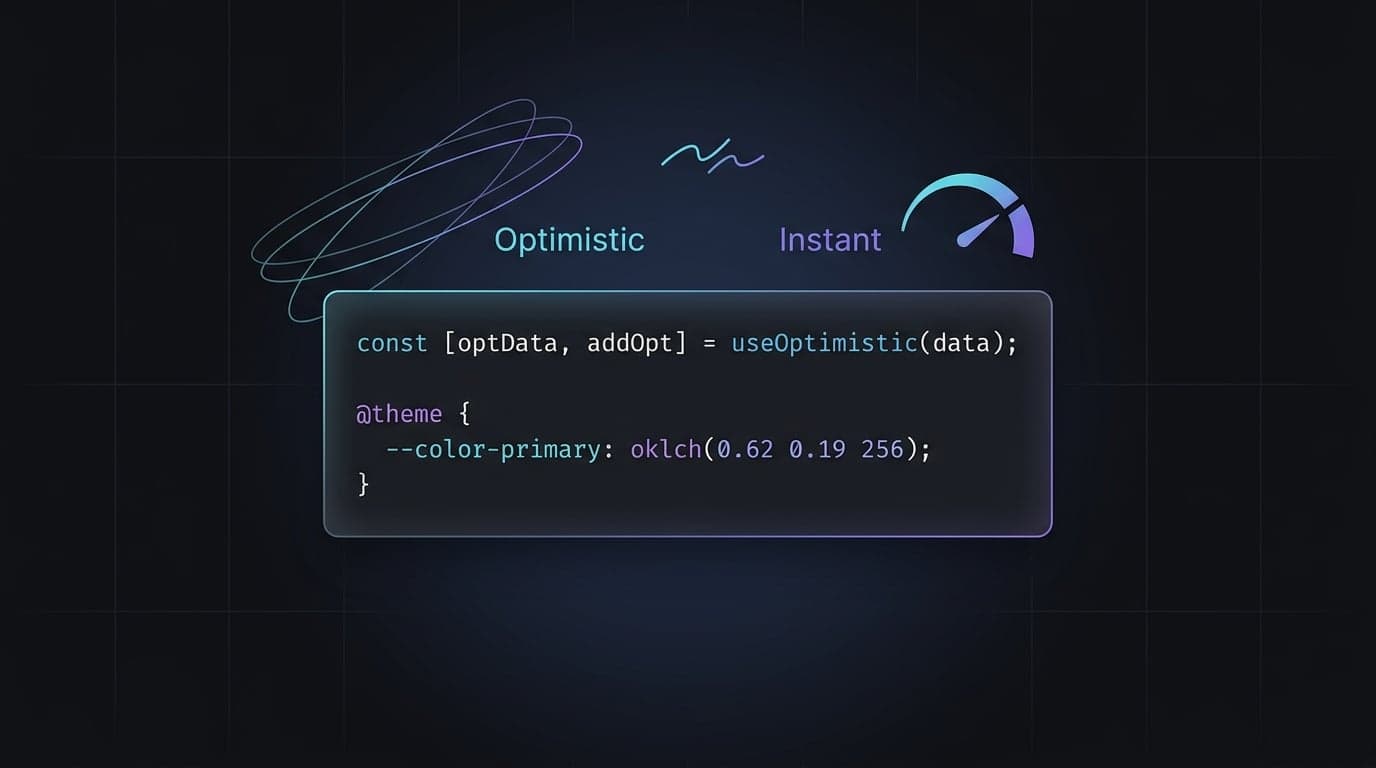
Nothing breaks the illusion of a premium SaaS product faster than a lagging user interface. When a user clicks a toggle, updates a Kanban board, or deletes a record, they expect the interface to react instantly. This isn't just a matter of "feel"—Google's Core Web Vitals, specifically the Interaction to Next Paint (INP) metric, now directly influence your search rankings.
In the past, delivering a zero-latency experience meant writing complex local state synchronization logic. Today, the landscape is much simpler. By combining React 19.2.6 and Tailwind CSS v4.3.0, frontend developers can build perfectly optimistic UIs natively, with less code and zero JavaScript configuration files.
At Aniq UI, we ship production-ready Next.js templates for founders and agencies. Our priority is ensuring every interactive element feels instant to improve both conversion rates and SEO performance. Let’s look at how you can implement these instant-feedback interactions using modern React and Tailwind patterns.
The UX and SEO Cost of Perceived Latency
Perceived latency is the delay a user feels between taking an action and seeing the result visually confirmed. If your Next.js Server Action takes 400ms to resolve a database update and your UI waits for that resolution, the user feels a half-second freeze. This leads to double-clicks, frustration, and a perception that the software is "slow."
From an SEO perspective, high latency kills your INP score. Search engines reward SaaS landing pages and dashboards that maintain a high "smoothness" during user interactions. Optimistic UI solves this by assuming the server request will succeed and updating the interface immediately.
Native Optimistic Updates with React 19
Prior to React 19, developers relied on global state managers or manual useEffect chains to manage optimistic states. Now, React natively owns this capability via the useOptimistic hook.
Importantly, useOptimistic is a React API, not a Next.js API. It works universally across any React 19 environment, though it pairs brilliantly with Next.js 16 Server Actions. React 19 also replaces the old useFormState with useActionState, which handles form submission lifecycles without requiring manual isPending state toggles.
Ditching tailwind.config.js for Tailwind CSS v4
Tailwind CSS v4 introduces a massive shift in how we configure styles. The JavaScript-based tailwind.config.js is gone, replaced by a lightning-fast, CSS-first configuration powered by the Oxide engine (written in Rust).
If you are using Next.js 16.2.6 with Turbopack, applying Tailwind is now as simple as a single CSS import. You declare your design system directly in your global CSS file using the @theme directive:
@import "tailwindcss";

@theme {
  --color-brand: oklch(0.62 0.17 256.4);
  --color-brand-hover: oklch(0.55 0.17 256.4);
  --font-sans: "Inter", ui-sans-serif, system-ui;
}
Tailwind v4.3.0 instantly exposes utility classes like bg-brand and text-brand based on these CSS variables. The old PostCSS pipeline is completely bypassed, resulting in full builds that are up to 5x faster and incremental builds that complete in microseconds.
Styling Mid-Flight Actions with Data Attribute Variants
A powerful pattern for styling SaaS interfaces is mapping React's pending states to HTML data attributes. Instead of conditionally concatenating class names, you can pass the state to a data attribute and let Tailwind handle the styling via variants.
By adding data-pending={isPending} to a component, you can use Tailwind’s native syntax directly:
<button
  data-pending={isPending}
  className="data-[pending=true]:opacity-50 data-[pending=true]:pointer-events-none"
>
  Save Changes
</button>
Putting It Together: A Zero-Latency Feature Toggle
Let’s build a complete SaaS feature toggle. This component takes an initial state, updates instantly when clicked, triggers a Next.js 16 Server Action, and safely reverts if the server fails.
"use client";

import { useOptimistic, useActionState } from "react";
import { updateFeatureStatus } from "./actions";

export function FeatureToggle({ featureId, isEnabled }: { featureId: string; isEnabled: boolean }) {
  // 1. Initialize React 19's optimistic state
  const [optimisticEnabled, setOptimisticEnabled] = useOptimistic(
    isEnabled,
    (_, nextValue: boolean) => nextValue
  );

  // 2. Manage the async form action lifecycle
  // React 19 useActionState: [state, dispatchAction, isPending]
  const [, formAction, isPending] = useActionState(
    async (prevState: boolean, formData: FormData) => {
      const nextValue = formData.get("status") === "true";

      // Dispatch synchronous UI update before the async server call
      setOptimisticEnabled(nextValue);

      try {
        return await updateFeatureStatus(featureId, nextValue);
      } catch (e) {
        // useOptimistic automatically reverts if an error is caught in the transition
        return prevState;
      }
    },
    isEnabled
  );

  return (
    <form action={formAction} className="flex items-center gap-4">
      <input type="hidden" name="status" value={String(!optimisticEnabled)} />

      <button
        type="submit"
        data-pending={isPending}
        className="
          group relative w-12 h-6 rounded-full transition-colors duration-200
          data-[pending=true]:animate-pulse data-[pending=true]:cursor-wait
          bg-gray-200 data-[state=active]:bg-brand
        "
        data-state={optimisticEnabled ? "active" : "inactive"}
      >
        <span
          className="
            block w-4 h-4 bg-white rounded-full transition-transform duration-200
            data-[state=active]:translate-x-7 translate-x-1
          "
          data-state={optimisticEnabled ? "active" : "inactive"}
        />
      </button>
      <span className="text-sm font-medium text-gray-700">
        {optimisticEnabled ? "Feature Active" : "Feature Disabled"}
      </span>
    </form>
  );
}
Why this works
- Instant Response: The toggle slides the millisecond the user clicks, regardless of network speed.
- Automatic Rollback: If
updateFeatureStatusfails on the server, React 19 detects the rejection and snaps the toggle back to the previous state. - Zero Configuration: No
tailwind.config.jsor complex state management libraries are required.
Conclusion
Building high-performance SaaS applications requires sweating the technical details. By leveraging the native APIs of React 19 and the CSS-first architecture of Tailwind CSS v4, you can ship professional, zero-latency interactions that satisfy both users and search engines.
If you want to skip the setup and start with a codebase that already implements these patterns, explore our premium Next.js dashboard templates. Adopting these patterns in your next build will immediately improve your perceived performance and Core Web Vitals.
Found this article helpful?
You might also like
Building Next.js 16 SaaS Dashboards with Tailwind CSS v4.3
Learn how to build modern Next.js 16 SaaS dashboards using Tailwind CSS v4.3 native scrollbars, vertical container queries, and seamless Turbopack compilation.
Next.js Server Actions & Advanced Caching in App Router
Master Next.js Server Actions, optimistic UI, and advanced caching strategies like revalidateTag in the App Router for performant, data-consistent applications.
next-intl nextjs 16: Component Caching with root-params
Master next-intl nextjs 16 integration by leveraging next/root-params to safely enable component caching without prop-drilling your locale.
