Next.js Intercepting Routes Modal: SaaS Dashboard Forms
Learn how to build deep-linked, state-preserving Next.js intercepting routes modals using parallel slots, Server Actions, and shadcn/ui for SaaS dashboards.
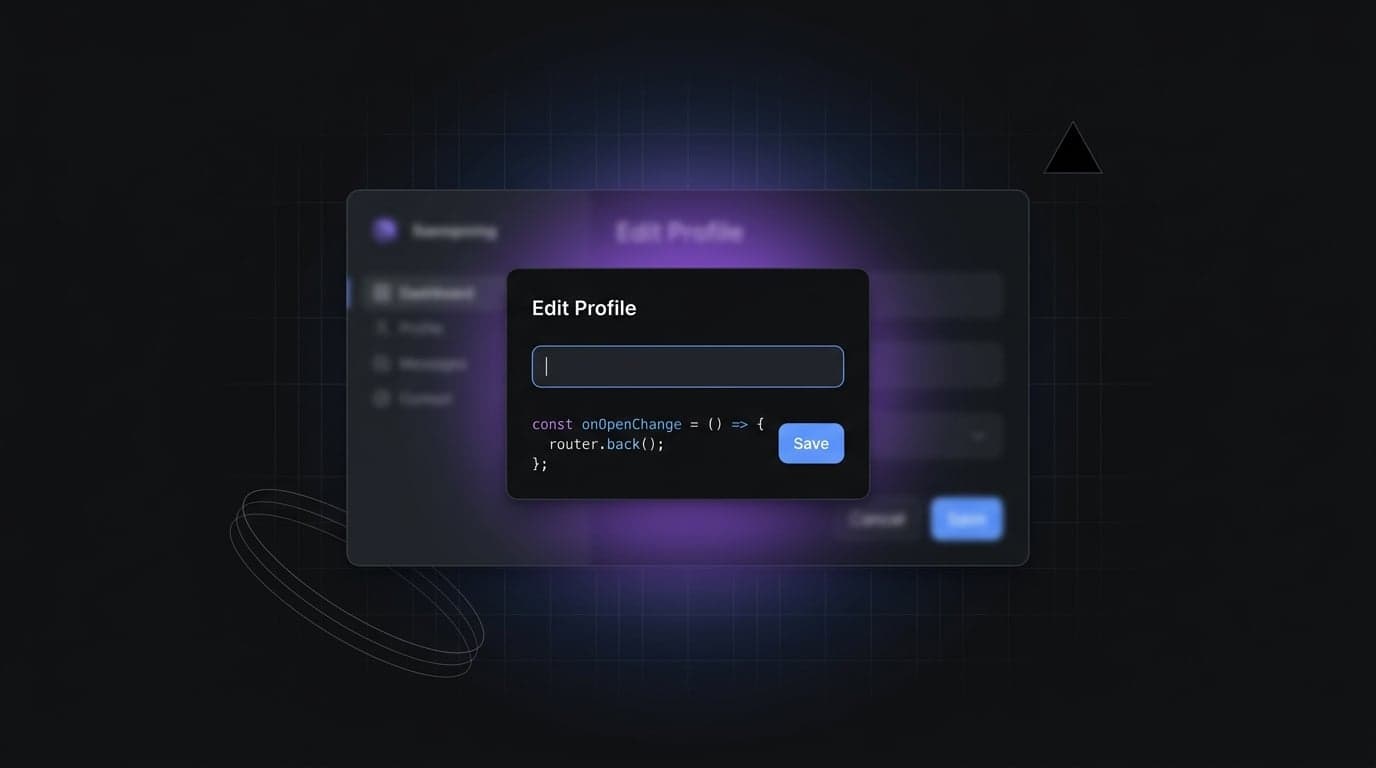
Building data-heavy SaaS dashboards means users frequently edit records, view profiles, or adjust settings. When you mount a standard React dialog, you trap the user: if they refresh, share the link, or hit the browser back button, they lose their context and your application state breaks. To solve this, developers need a robust Next.js intercepting routes modal.
What is a Next.js intercepting routes modal?
A Next.js intercepting routes modal is a routing pattern that loads content from another part of the application within the current layout, preserving context and masking the URL.
When a user navigates to /tasks/123, Next.js intercepts the request and renders the task interface inside a parallel layout slot above the current view. This provides the user experience of a fast client-side dialog with the structural benefits of a server-rendered URL.
It solves the classic single-page application problem where modals lack shareable links and break when the browser back button is pressed. By binding the overlay to an actual route segment, developers maintain deep linkability without sacrificing smooth, native-feeling transitions.
Why Traditional React Modals Fail in SaaS Dashboards
Historically, front-end developers implemented dialogs by toggling a boolean state variable. While highly functional for simple alerts or confirmations, this pattern collapses in complex Next.js App Router environments.
Imagine a scenario where a user filters a 500-row data table, applies complex search parameters, and clicks "Edit" on row 42. They expect the table to remain fully intact in the background. If they accidentally hit the browser back button to close the modal, a boolean-state dialog will navigate them completely away from the dashboard. Furthermore, support agents cannot share a direct link to that specific record because the URL never changed.
Moving to a URL-driven architecture natively integrates with the browser history stack. Let us compare the two approaches directly.
| Feature | Traditional useState Dialog |
Intercepting Routes |
|---|---|---|
| Browser Back Button | Exits the entire dashboard application | Safely closes the dialog overlay |
| Direct URL Sharing | Impossible (requires manual state mapping) | Native (navigates to standalone page) |
| Page Refresh | Resets application state entirely | Renders the specific record view |
| Background Context | Unaffected visually, but fragile in history | Preserved natively via parallel routes |
| Performance Impact | Bundles modal code in the main chunk | Code-split by route segment automatically |
Next.js Parallel Routes vs Intercepting Routes: What's the Difference?
Building a URL-driven dialog requires two distinct Next.js features working together: parallel routes and intercepting routes. While often discussed interchangeably, they serve entirely different purposes in the framework.
Next.js parallel routes use named slots, prefixed with an @ symbol. These slots allow you to render multiple pages in the same layout simultaneously. When the user navigates, Next.js can update the parallel slot without re-rendering or losing the state of the primary children slot.
However, a parallel route alone just reserves structural real estate. We also need to hijack the routing intent itself. This is where intercepting routes come in. Using folder conventions like (.), (..), (..)(..), or (...), you instruct Next.js to intercept a navigation event and render the destination content in a specific slot.
Defining the Filesystem Conventions
The intercepting folder must mirror the target segment's relative level in the route hierarchy.
(.)matches segments on the same level.(..)matches segments one level above.(..)(..)matches segments two levels above.(...)matches segments from the root app directory.
Here is a production-ready folder structure mapping out standard routes and their intercepted counterparts.
app/
├── layout.tsx
├── @modal/                   // The parallel route slot
│   ├── default.tsx           // Fallback for unmatched slots
│   └── (.)tasks/             // Intercepting same-level route
│       └── [id]/
│           └── page.tsx      // The modal UI component
└── tasks/
    ├── page.tsx              // The primary background view
    └── [id]/
        └── page.tsx          // Standalone full-page view
In this tree, (.)tasks/[id] intercepts soft navigation to /tasks/[id]. Because it sits inside the @modal slot, the intercepted component renders alongside tasks/page.tsx.
Building a Shareable Edit Modal with shadcn/ui Dialog
Integrating a UI library like shadcn/ui requires a specific architectural bridge. Radix UI, which powers the underlying dialog primitives, expects to control its own visibility state. We must invert this control so the Next.js router dictates when the modal mounts and unmounts.
Because intercepting routes only apply to soft navigation (clicking a Next.js <Link>), our dialog should open automatically upon mounting. When the user interacts with the UI to close the modal, we use the router to dismiss the overlay.
Creating the Modal Wrapper Component
You must set defaultOpen={true} and override the onOpenChange handler. If the dialog attempts to close, we intercept that event and fire history traversal. This pops the browser stack instead of just visually hiding the DOM elements.
"use client";

import { useRouter } from "next/navigation";
import { Dialog, DialogContent, DialogTitle } from "@/components/ui/dialog";
import { ReactNode } from "react";

interface InterceptedModalProps {
  children: ReactNode;
  title: string;
}

export function InterceptedModal({ children, title }: InterceptedModalProps) {
  const router = useRouter();

  const handleOpenChange = (isOpen: boolean) => {
    if (!isOpen) {
      // Cleanly exits the intercepted route by traversing history stack
      router.back();
    }
  };

  return (
    <Dialog defaultOpen={true} onOpenChange={handleOpenChange}>
      <DialogTitle className="sr-only">{title}</DialogTitle>
      <DialogContent className="sm:max-w-[600px]">
        {children}
      </DialogContent>
    </Dialog>
  );
}
Handling Hard Navigation: The default.tsx Fallback
The Next.js App Router enforces strict reconciliation rules around parallel route slots. When a user refreshes the browser or pastes a URL directly into the address bar, the framework bypasses the interceptor entirely and renders the standalone full-page view.
In Next.js 16, parallel route slots need a default.tsx fallback when the slot may be unmatched on hard navigation. The official documentation notes that a default.tsx file is used as a fallback when Next.js cannot recover a slot's active state after a hard load. Failing to provide this file for an affected slot causes a build error.
The default.tsx File
A default.tsx file returning null inside the @modal slot ensures the slot remains hidden when no intercepting route matches.
// app/@modal/default.tsx
export default function ModalDefault() {
  // Returns null to ensure the overlay remains invisible
  // when no intercepting route is actively matching the URL.
  return null;
}
Managing Form Mutations and Server Actions Inside the Modal
Submitting a Server Action inside an intercepted modal requires extreme care. Using revalidatePath directly can reset the layout slot prematurely.
In Next.js 16, the modern approach for immediate consistency is the updateTag API. While revalidateTag(tag, "max") is used for background, stale-while-revalidate updates, updateTag(tag) is designed for "read-your-own-writes" scenarios like form submissions where the user expects an instant refresh.
Safely Closing After Submission
Combine a Server Action with client-side history traversal using React 19's useActionState hook.
"use client";

import { useActionState, useEffect } from "react";
import { useRouter } from "next/navigation";
import { updateTaskAction } from "@/actions/tasks";
import { Button } from "@/components/ui/button";

export function EditTaskForm({ taskId, initialData }: { taskId: string, initialData: string }) {
  const router = useRouter();
  const [state, formAction, isPending] = useActionState(updateTaskAction, null);

  useEffect(() => {
    if (state?.success) {
      // Mutation succeeded; close modal via history pop
      router.back();
    }
  }, [state?.success, router]);

  return (
    <form action={formAction} className="space-y-4">
      <input type="hidden" name="id" value={taskId} />
      <div className="flex flex-col gap-2">
        <label htmlFor="title" className="text-sm font-medium">Task Title</label>
        <input
          id="title"
          name="title"
          defaultValue={initialData}
          className="border p-2 rounded-md"
        />
      </div>
      <Button type="submit" disabled={isPending}>
        {isPending ? "Saving..." : "Save Changes"}
      </Button>
    </form>
  );
}
Inside your Server Action, use updateTag('tasks') to expire the cache immediately. This ensures the next request waits for fresh data.
// actions/tasks.ts
"use server";

import { updateTag } from "next/cache";

export async function updateTaskAction(prevState: any, formData: FormData) {
  // ... database logic ...

  // updateTag is designed for immediate consistency in actions
  updateTag("tasks");

  return { success: true };
}
Common Pitfalls
- Using Route Groups instead of Interceptors: Folder names like
(modal)are Route Groups. You must use(.),(..), or(...)to instruct the router to intercept navigation. - Forgetting the
default.tsxfallback: Next.js 16 requires this for unmatched parallel slots on hard loads; omitting it leads to build errors. - Single-argument
revalidateTag: This signature is deprecated in Next.js 16. UserevalidateTag(tag, "max")for SWR orupdateTag(tag)for immediate invalidation in actions. - Missing
defaultOpen={true}: Without this, Radix-based dialogs mount but remain invisible, blocking the background UI.
FAQ
What is an intercepting route in Next.js?
An intercepting route allows you to load content from another part of your application within the current layout while preserving context. Conventions like (.) or (..) define how many segments up the hierarchy to match.
How do I close a modal in Next.js intercepting routes?
Use router.back() from next/navigation. Since the modal is tied to a route segment, navigating back in the history stack unmounts the slot and restores the previous URL.
What is the purpose of default.tsx?
The default.tsx file acts as a fallback for parallel route slots during a hard navigation (like a page refresh) when Next.js cannot determine the active state for that slot.
When should I use updateTag vs revalidateTag?
Use updateTag(tag) inside Server Actions for immediate consistency (read-your-own-writes). Use revalidateTag(tag, "max") for background updates where serving stale content temporarily is acceptable for performance.
Conclusion
Mastering URL-driven modals transforms how users interact with your dashboards. By combining @modal slots, intercepting conventions, and programmatic history traversal, you provide deep linkability without sacrificing the seamless feel of a single-page app.
If you want to skip the boilerplate and ship client interfaces faster, explore our production-ready dashboard templates. They come pre-configured with Next.js 16 routing architectures, React 19 forms, and robust design systems out of the box.
Found this article helpful?
You might also like
Next.js Server Actions & Advanced Caching in App Router
Master Next.js Server Actions, optimistic UI, and advanced caching strategies like revalidateTag in the App Router for performant, data-consistent applications.
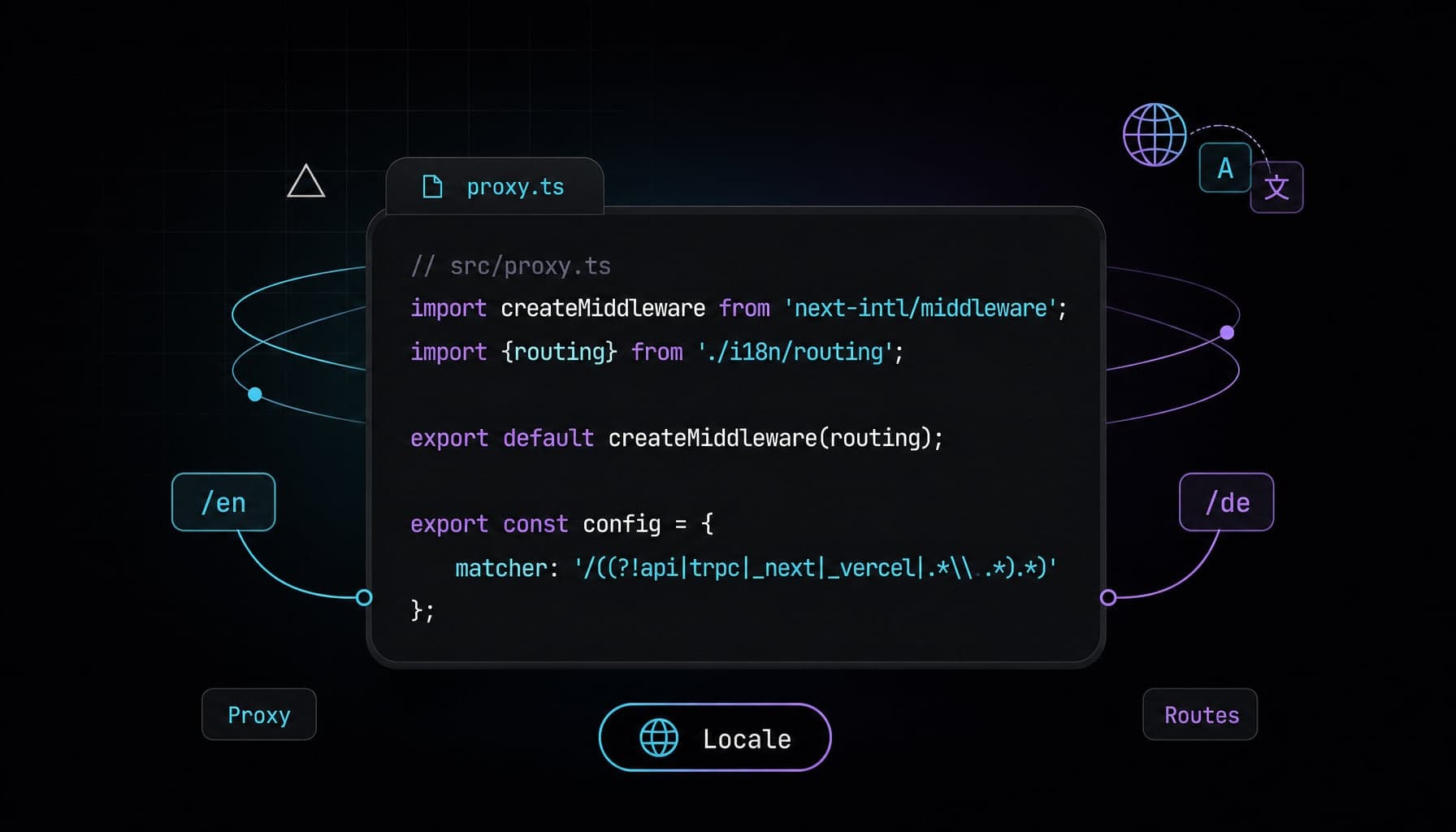
next-intl Next.js 16 i18n Setup with proxy.ts
Configure next-intl Next.js 16 with proxy.ts, async params, static locale routes, and App Router i18n metadata for production SaaS pages step by step.
Next.js View Transitions: Native Zero-JS Route Animations
Replace heavy animation libraries with Next.js view transitions to build buttery-smooth, zero-JS route morphing natively in the App Router.
