Next.js Server Actions & Advanced Caching in App Router
Master Next.js Server Actions, optimistic UI, and advanced caching strategies like revalidateTag in the App Router for performant, data-consistent applications.
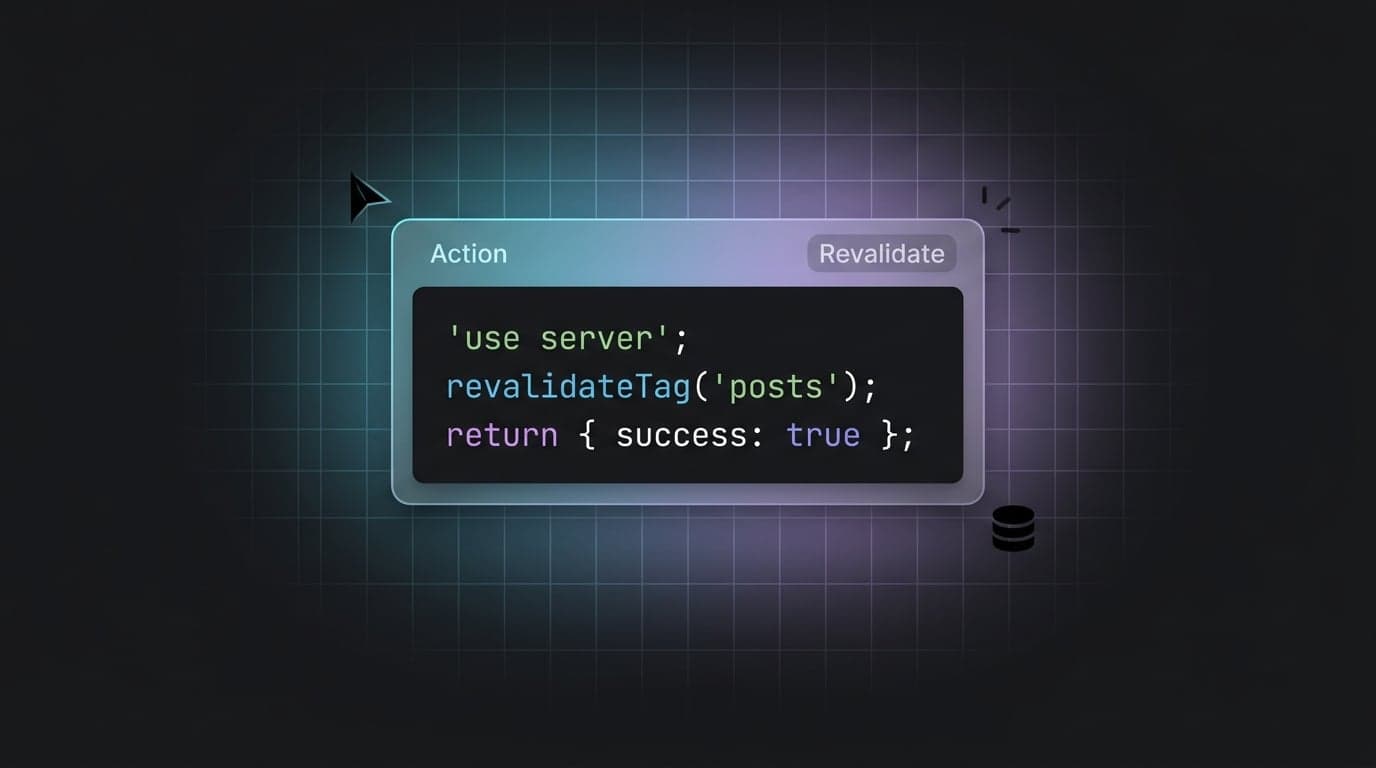
Modern web applications, especially SaaS platforms and dashboards, demand both responsiveness and data consistency. Next.js Server Actions, coupled with sophisticated caching and revalidation strategies within the App Router, provide powerful tools to achieve this. By understanding how to leverage these features, developers can build highly performant and user-friendly experiences while streamlining backend interactions.
Mastering Next.js Server Actions for Effortless Data Mutations
Server Actions simplify the process of making changes on the server directly from your React components. Instead of building separate API routes for internal application logic, you can define server-side functions and call them directly from client components or forms. This significantly reduces boilerplate and improves developer experience.
Server Actions primarily use POST requests and are ideal for data mutations like creating, updating, or deleting records. They also offer progressive enhancement, meaning forms will function even if JavaScript is disabled in the browser, providing a robust baseline experience. For general data fetching or exposing public HTTP endpoints, Route Handlers (API Routes) often remain the more appropriate choice.
React 19 introduces refined hooks, fully supported by Next.js 16, that integrate seamlessly with Server Actions:
useActionState: An evolution ofuseFormState, this hook provides comprehensive state management for the entire mutation lifecycle, including form data, pending status, and results/errors from the server.useOptimistic: Enables instant UI updates before a server mutation completes, enhancing perceived performance and user experience.useFormStatus: Offers granular access to the pending status of the nearest<form>or form element, allowing for UI feedback like disabling buttons or displaying loading spinners.
Here's a basic example of a Server Action:
// app/actions.ts
"use server";

import { revalidatePath } from "next/cache";
import { redirect } from "next/navigation";

export async function createPost(formData: FormData) {
  const title = formData.get("title");
  const content = formData.get("content");

  // Simulate a database call
  await new Promise((resolve) => setTimeout(resolve, 1000));
  console.log("Creating post:", { title, content });

  // Invalidate cache to show new data
  revalidatePath("/blog");
  redirect("/blog");
}
And how to use it in a client component:
// app/blog/create/page.tsx
"use client";

import { createPost } from "@/app/actions";
import { useFormStatus } from "react-dom";

function SubmitButton() {
  const { pending } = useFormStatus();
  return (
    <button type="submit" disabled={pending}>
      {pending ? "Creating..." : "Create Post"}
    </button>
  );
}

export default function CreatePostPage() {
  return (
    <form action={createPost}>
      <input type="text" name="title" placeholder="Title" required />
      <textarea name="content" placeholder="Content" required />
      <SubmitButton />
    </form>
  );
}
Mastering Next.js 16 Caching with Cache Components
Next.js 16 introduces a more explicit and powerful caching model within the App Router, centered around Cache Components. When cacheComponents: true is configured in your next.config.ts, all Server Components become Cache Components. This fundamental shift means that by default, dynamic code within Cache Components runs at request time, giving you granular control over when and how data is cached.
Here's how this new caching model works:
- Dynamic by Default: With Cache Components enabled, data fetching inside Server Components is dynamic by default. This ensures fresh data for every request unless explicitly cached.
- Explicit Caching with
"use cache": You can opt-in to caching specific Server Components or data-fetching functions using the"use cache"directive. This directive tells Next.js to cache the output of that component or function. cacheTagandcacheLifefor Control:cacheTag(...tags: string[]): Assigns one or more tags to cached data, allowing you to selectively invalidate it later usingupdateTagorrevalidateTag.cacheLife({ stale, revalidate, expire }): Explicitly sets the expiration profile for cached data. While Next.js offers named string presets (e.g.,"hours","days"), using the explicit object form is recommended as preset defaults can vary by environment.
- Router Cache (Client-Side): The client-side Router Cache still exists, storing rendered results of visited routes for instant navigation. It works in conjunction with the server-side Cache Components.
- Request Memoization: Within a single server request, if the same data fetch is made multiple times, Next.js memoizes and reuses the result to prevent redundant work.
This explicit model empowers developers to make informed decisions about data freshness and performance, rather than relying on implicit caching behaviors.
Precision Revalidation: Leveraging updateTag, revalidateTag, and revalidatePath
When your data changes, ensuring users see the updated information is critical. Next.js provides powerful methods for invalidating cached data. Understanding when to use each is key to efficient cache management.
updateTag(tag: string): Immediate Read-Your-Writes Invalidations
This is the recommended Server Action-only API for immediate invalidation after a data mutation. When you call updateTag(tag), Next.js invalidates all cached data associated with that tag immediately, ensuring that subsequent reads reflect the most recent changes. This is crucial for "read-your-writes" consistency in applications where users expect to see their changes reflected instantly.
"use server";
import { updateTag } from "next/cache";

export async function createProduct(formData: FormData) {
  // ... database logic to create product ...
  updateTag("products"); // Immediately invalidate product-related data
}
revalidateTag(tag: string, profile: string | { expire: number }): Stale-While-Revalidate
revalidateTag() is used to configure a stale-while-revalidate behavior for cached data. It works by setting a new expiration profile for data associated with a specific tag.
Warning: The single-argument form revalidateTag(tag) is deprecated in Next.js 16. Always update to the two-argument signature.
When you fetch data, you can associate a tag with it:
async function getProducts() {
  const res = await fetch("https://api.example.com/products", {
    next: { tags: ["products"] },
  });
  return res.json();
}
Then, you can revalidate it with a built-in profile (like "max") or a custom expiration:
"use server";
import { revalidateTag } from "next/cache";

export async function periodicallyUpdateProducts() {
  // Sets the cache to serve stale content while revalidating in the background.
  // The "max" profile is recommended for long-lived stale-while-revalidate data.
  revalidateTag("products", "max");
}
The key difference: updateTag forces an immediate re-fetch for affected data, while revalidateTag sets a schedule for when data becomes stale and eligible for revalidation.
revalidatePath(path: string): Path-Based Invalidation
This function revalidates all cached data specifically for a given route path (like /blog) and also refreshes the Full Route Cache for that path. While simpler to use, it can be less efficient than updateTag if only a small part of the page's data has changed, potentially triggering unnecessary re-fetches for other components on that path.
In Server Functions, revalidatePath currently also refreshes previously visited pages, but this behavior is explicitly temporary. For most scenarios involving specific data types (e.g., a list of posts, user profiles), updateTag or revalidateTag offers a more robust and efficient solution.
Elevating UX with Optimistic UI and Pending States in Server Actions
A crucial aspect of a good user experience is providing immediate feedback. Server Actions, combined with React 19 hooks, make it straightforward to implement optimistic UI and manage pending states:
Optimistic Updates with
useOptimistic: This hook allows you to instantly update the UI with an assumed outcome of a mutation, reverting or confirming it once the actual server response arrives. This makes the application feel incredibly fast.// Client Component "use client"; import { useOptimistic } from "react"; import { updateItem } from "@/app/actions"; type Item = { id: string; text: string; completed: boolean }; export function TodoList({ items }: { items: Item[] }) { const [optimisticItems, addOptimisticItem] = useOptimistic( items, (currentItems, updatedItem: Item) => { const itemIndex = currentItems.findIndex((i) => i.id === updatedItem.id); if (itemIndex === -1) return [...currentItems, updatedItem]; return currentItems.map((item) => item.id === updatedItem.id ? { ...item, ...updatedItem } : item ); } ); async function toggleTodo(item: Item) { addOptimisticItem({ ...item, completed: !item.completed }); await updateItem({ ...item, completed: !item.completed }); } return ( <ul> {optimisticItems.map((item) => ( <li key={item.id}> <input type="checkbox" checked={item.completed} onChange={() => toggleTodo(item)} /> {item.text} {item.completed ? "(Optimistic)" : ""} </li> ))} </ul> ); }Pending States with
useFormStatus: Use this hook within your form's<button type="submit">or a child component to show loading indicators or disable inputs while the action is in flight.// (Refer to the SubmitButton example in the Server Actions section)Comprehensive Lifecycle with
useActionState: For forms,useActionStateis powerful as it combines the functionality of managing form data, action result, and pending status, providing a unified approach to handle server mutations and their UI interactions.
By combining these hooks, you can create highly interactive and performant user interfaces that respond instantly to user input while ensuring data consistency with the backend.
Advanced Caching Patterns: Leveraging "use cache" and Distributed Revalidation
While fetch and updateTag cover many caching needs, Next.js offers even more advanced patterns for specific scenarios:
Fine-Grained "use cache" Directive
With cacheComponents: true configured in your next.config.ts, you can leverage the "use cache" directive within Server Components or data-fetching functions. This allows for fine-grained, time-based revalidation using cacheLife:
// server-only.ts
import { cacheLife } from "next/cache";

export async function getData() {
  "use cache";

  // Explicit object configuration is preferred over string presets
  // to ensure consistent behavior across environments.
  cacheLife({
    stale: 3600,      // 1 hour until considered stale on the client
    revalidate: 7200, // 2 hours until revalidated on the server
    expire: 86400     // 1 day until it expires completely
  });

  const res = await fetch("https://api.example.com/some-data");
  return res.json();
}
This provides precise control over individual data fetches or component renders, ideal for data that doesn't change frequently but still needs periodic updates.
Distributed Revalidation for Multi-Instance Deployments
In multi-instance Next.js deployments (common in production environments), cache invalidation events triggered by updateTag or revalidatePath are often local to the instance that processed the request. This means if a user updates data on one server instance, other instances might still serve stale content until their local caches naturally expire or are also revalidated.
To ensure consistent data across all instances, you need to implement a mechanism to propagate invalidation calls. This typically involves configuring custom cacheHandlers in next.config.ts that broadcast these invalidation messages to all running instances. While Next.js provides the hooks for custom cache handlers for advanced platform work, it does not include a built-in recipe for broadcasting across a fleet of servers; this is left to your infrastructure.
Client-Side Data Fetching Considerations
Even with the robust caching built into Server Components and the extended native fetch API, client-side data fetching libraries like SWR or React Query still offer significant benefits, especially for:
- Complex client-side cache invalidation patterns: When user interactions within a client component require sophisticated cache management.
- Advanced optimistic updates: For highly interactive UIs where local state mutations are intricate.
- Dedicated UI states for loading, error, and success: These libraries often provide more opinionated and streamlined ways to manage these states in client components.
While Server Components excel at initial data fetches and mutations, these libraries remain valuable tools for rich client-side interactivity.
Conclusion
Next.js Server Actions, combined with a deep understanding of the App Router's caching mechanisms and advanced revalidation strategies, empower you to build highly performant, responsive, and data-consistent web applications. By mastering tools like useActionState, useOptimistic, updateTag, and "use cache", you can deliver exceptional user experiences and streamline your development workflow. As you develop your Next.js applications, remember that Aniq UI offers premium, production-ready templates built with these very best practices, helping you ship faster with confidence.
Found this article helpful?
You might also like
Next.js Intercepting Routes Modal: SaaS Dashboard Forms
Learn how to build deep-linked, state-preserving Next.js intercepting routes modals using parallel slots, Server Actions, and shadcn/ui for SaaS dashboards.
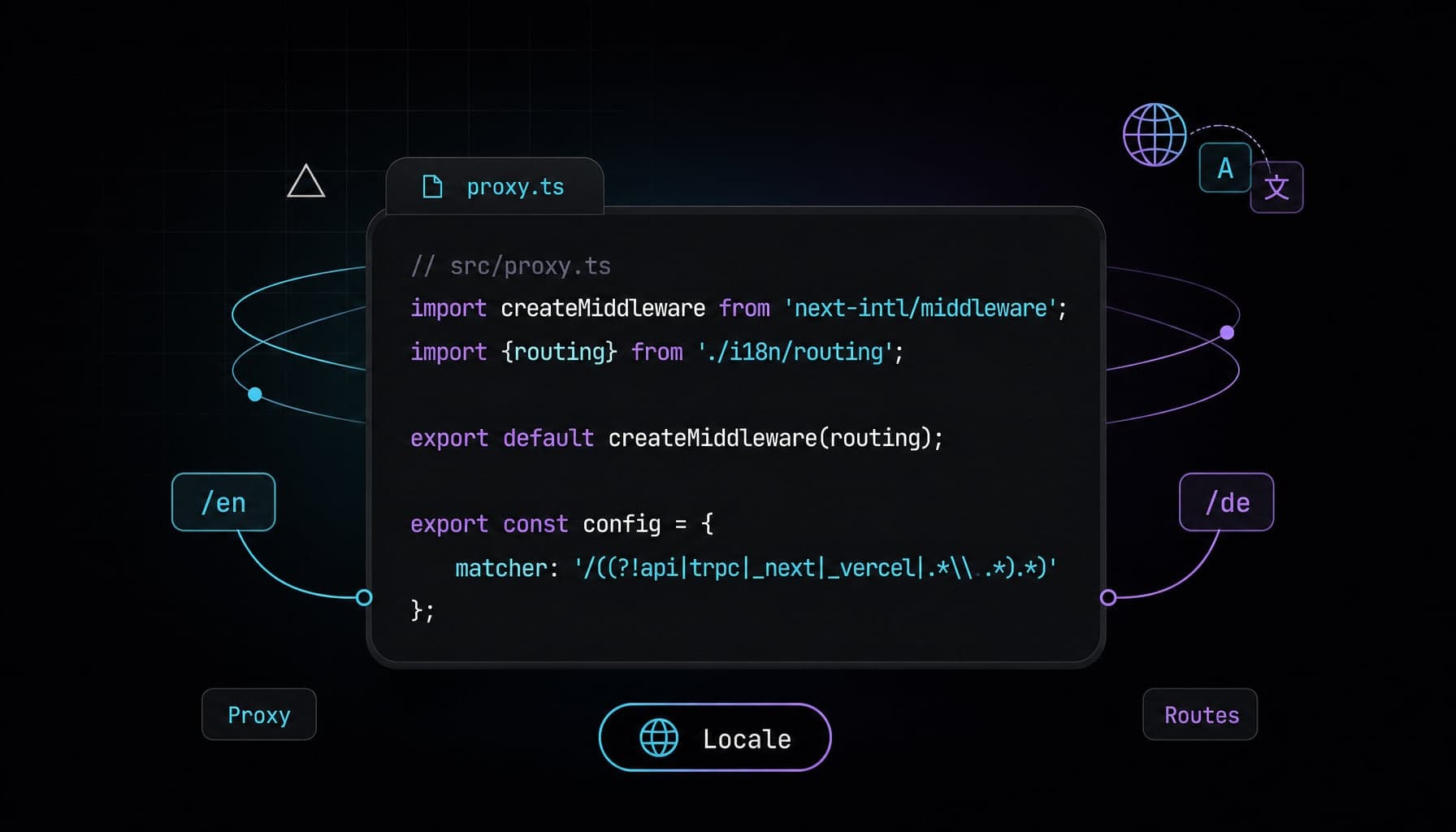
next-intl Next.js 16 i18n Setup with proxy.ts
Configure next-intl Next.js 16 with proxy.ts, async params, static locale routes, and App Router i18n metadata for production SaaS pages step by step.
Next.js View Transitions: Native Zero-JS Route Animations
Replace heavy animation libraries with Next.js view transitions to build buttery-smooth, zero-JS route morphing natively in the App Router.
