

What the template is made of
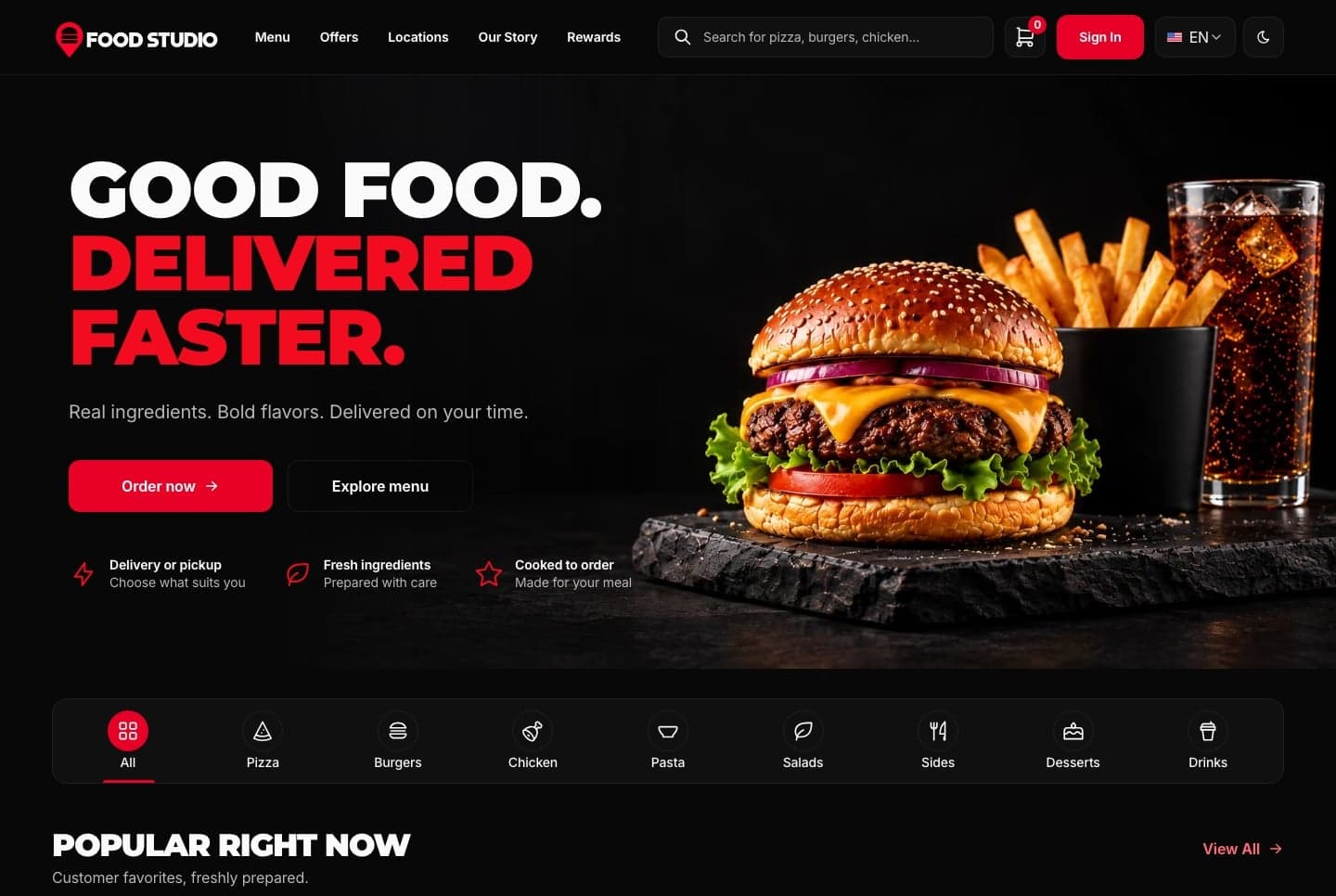
A restaurant's online ordering in three apps: the ordering website for customers, the staff dashboard for the kitchen and the office, and the NestJS API behind both.
| App | Folder | Port | What it is |
|---|---|---|---|
| Ordering website | storefront/ | 3030 | The menu with search and filters, dish and combo pages, the meal builder, cart, delivery or pickup, checkout on Stripe's or PayPal's own page, order tracking, customer accounts with reward points, and the kitchens with their delivery areas |
| Staff dashboard | admin-dashboard/ | 3031 | Overview, orders with live notifications, menu, categories, customers, the homepage editor, the AI studio and the AI assistant, team and roles, and the restaurant's settings |
| API | back-end/ | 8000 | NestJS and TypeORM, on SQLite locally and MySQL by configuration, every route under /api |
What your package contains
The Ordering Website package is the customer website on its own.
| App | Folder | Port | What it is |
|---|---|---|---|
| Ordering website | storefront/ | 3030 | The menu with search and filters, dish and combo pages, the meal builder, cart, delivery or pickup, checkout on Stripe's or PayPal's own page, order tracking, customer accounts with reward points, and the kitchens with their delivery areas |
It runs on its own: with no API address set, it serves its built-in sample menu, kitchens, reviews and pictures, and orders, accounts and saved dishes stay in the browser. Connect the template's API to show your own menu and take real orders and payments. The API and the staff dashboard are separate packages and are not in this download.
What your package contains
The Staff Dashboard package is the restaurant's back office on its own.
| App | Folder | Port | What it is |
|---|---|---|---|
| Staff dashboard | admin-dashboard/ | 3031 | Overview, orders with live notifications, menu, categories, customers, the homepage editor, the AI studio and the AI assistant, team and roles, and the restaurant's settings |
It runs on its own: with no API address set, any email and password signs in and every screen works on built-in sample orders, menu, customers and settings, with your changes kept in the browser. Connect the template's API for real accounts and data; new answers from the AI assistant and the AI studio's generators need it. The API and the ordering website are separate packages and are not in this download.
What your package contains
The Backend API package is the NestJS API on its own, with the database, the demo restaurant and every route the two frontends use.
| App | Folder | Port | What it is |
|---|---|---|---|
| API | back-end/ | 8000 | NestJS and TypeORM, on SQLite locally and MySQL by configuration, every route under /api |
The ordering website and the staff dashboard are separate packages and are not in this download. Any client can use the API over HTTP.
On Windows, use PowerShell or Git Bash for the commands in these guides.
Both frontends run in English and Arabic, with the Arabic interface laid out right to left, and in a light and a dark theme.