

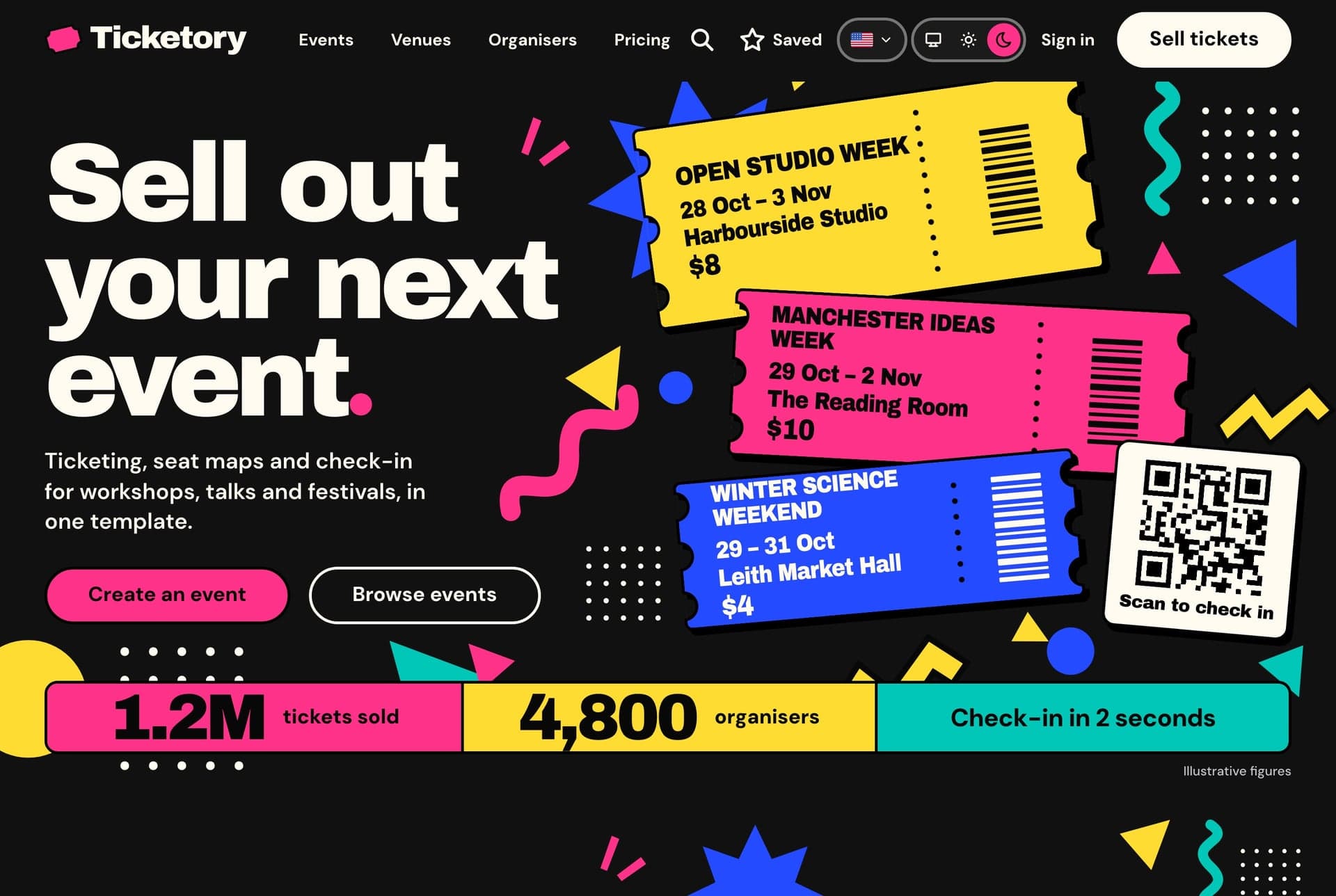
What the template is made of
Event ticketing for workshops, talks and festivals in three apps: the public website where attendees find events and buy tickets, the organiser dashboard, and the NestJS API behind both.
| App | Folder | Port | What it is |
|---|---|---|---|
| Public website | storefront/ | 3030 | Events with search and filters kept in the address, event pages, seat selection on a live seat map with a timed hold, hosted checkout (free tickets skip payment), ticket passes with QR codes, PDF and calendar files, the attendee's tickets, orders, saved events and profile, venues, organisers, pricing, FAQ and contact |
| Organiser dashboard | admin-dashboard/ | 3031 | Overview of sales and the live door, events and their editor, venues on a map with a seat layout editor, check-in by camera or typed code, orders and refunds, reports with CSV export, team and roles, workspaces, inquiries, live notifications, the AI event assistant and the AI venue studio |
| API | back-end/ | 8000 | NestJS 11 and TypeORM, on SQLite locally and MySQL by configuration, every route under /api |
The folder also holds docker-compose.yml, which builds and starts all three with one command, and each app has its own Dockerfile.
What your package contains
The Ticketing Website package is the public website on its own.
| App | Folder | Port | What it is |
|---|---|---|---|
| Public website | storefront/ | 3030 | Events with search and filters kept in the address, event pages, seat selection on a live seat map with a timed hold, hosted checkout (free tickets skip payment), ticket passes with QR codes, PDF and calendar files, the attendee's tickets, orders, saved events and profile, venues, organisers, pricing, FAQ and contact |
It has no data of its own: every event, seat, hold, order and ticket comes from the Ticketory API, so it needs that API running. The API and the organiser dashboard are separate packages and are not in this download.
What your package contains
The Organiser Dashboard package is the organiser dashboard on its own.
| App | Folder | Port | What it is |
|---|---|---|---|
| Organiser dashboard | admin-dashboard/ | 3031 | Overview of sales and the live door, events and their editor, venues on a map with a seat layout editor, check-in by camera or typed code, orders and refunds, reports with CSV export, team and roles, workspaces, inquiries, live notifications, the AI event assistant and the AI venue studio |
It has no data of its own: every screen reads and writes through the Ticketory API, so it needs that API running. The API and the public website are separate packages and are not in this download.
What your package contains
The Backend API package is the NestJS API on its own, with the database, the sample organisers and every route the two frontends use.
| App | Folder | Port | What it is |
|---|---|---|---|
| API | back-end/ | 8000 | NestJS 11 and TypeORM, on SQLite locally and MySQL by configuration, every route under /api |
The public website and the organiser dashboard are separate packages and are not in this download. Any client can use the API over HTTP.
On Windows, use PowerShell or Git Bash for the commands in these guides.
Both frontends run in English and Arabic, with the Arabic interface laid out right to left, and in a light, a dark and a system theme.