
Run the site locally
Get the site running on your computer with Docker, in two commands.
Before you start: install and open Docker Desktop, or Docker Engine on Linux.
View requirementsDownload your template
Open the template's page on Aniq UI and press Get Free. Enter your name and email and press Claim: you land signed in on your dashboard, where the ZIP is ready to download.
Expected result: A file named like
landing-page-template-3-main-….zipis in your downloads.Unzip and open the folder
Extract the ZIP and open a terminal in the
landing-page-template-3folder. On Windows, extract it in File Explorer, then open a terminal in the folder.Terminalunzip landing-page-template-3-*.zip cd landing-page-template-3Expected result: The folder lists
Having trouble?Dockerfile,package.json,messages,publicandsrc.Build the image
Docker installs the dependencies and builds the site inside the image. Nothing has to be configured first. The first build takes a few minutes; later builds reuse every step that did not change.
Terminalinlanding-page-template-3docker build -t company-site .Expected result: The build ends without an error, and its last lines name the image
Having trouble?company-site.Start it and open the site
Start the container, then open localhost:3030Local. English is at
/en, Arabic at/ar.Terminalinlanding-page-template-3docker run -p 3030:3030 company-siteA port is already in use?
If Docker stops with
A port is already in useport is already allocatedoraddress already in use, another program uses port 3030. Stop it, or change the number on the left of-p: rundocker run -p 3041:3030 company-siteand open localhost:3041Local.Expected result: The terminal says the server is ready, and the page opens on its hero.
Having trouble?
Take a tour
What the page looks like once it runs.
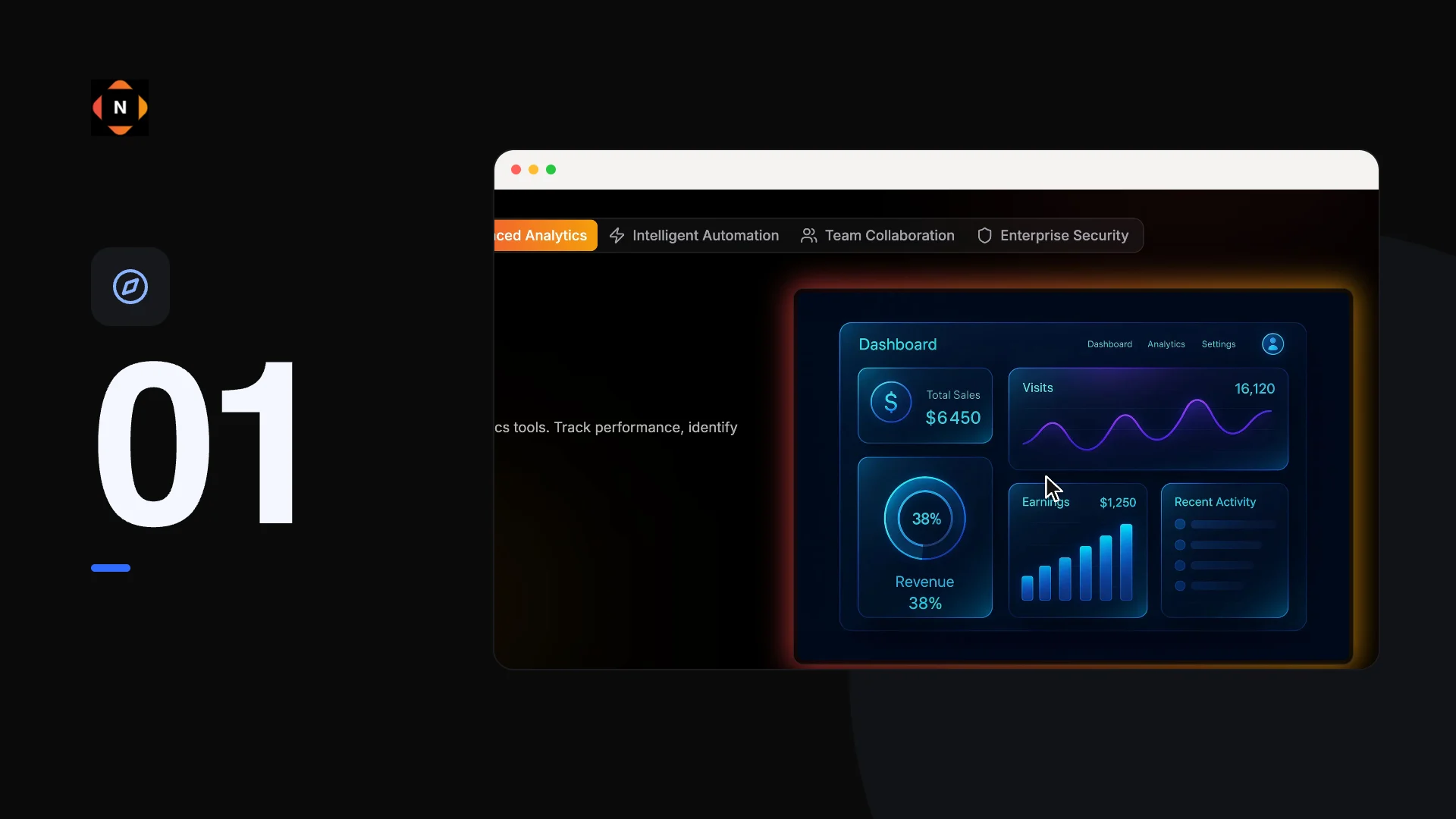
The same page is live at landing-page-template-3.aniq-ui.com.
Stop and start again
Press Ctrl+C in the terminal to stop the site. If that terminal is closed, docker ps lists the running container and docker stop followed by its ID stops it.
Start again with the same docker run command. After you change a file, build the image again first: the image holds a copy of the site as it was when you built it.
landing-page-template-3docker build -t company-site .
docker run -p 3030:3030 company-site