
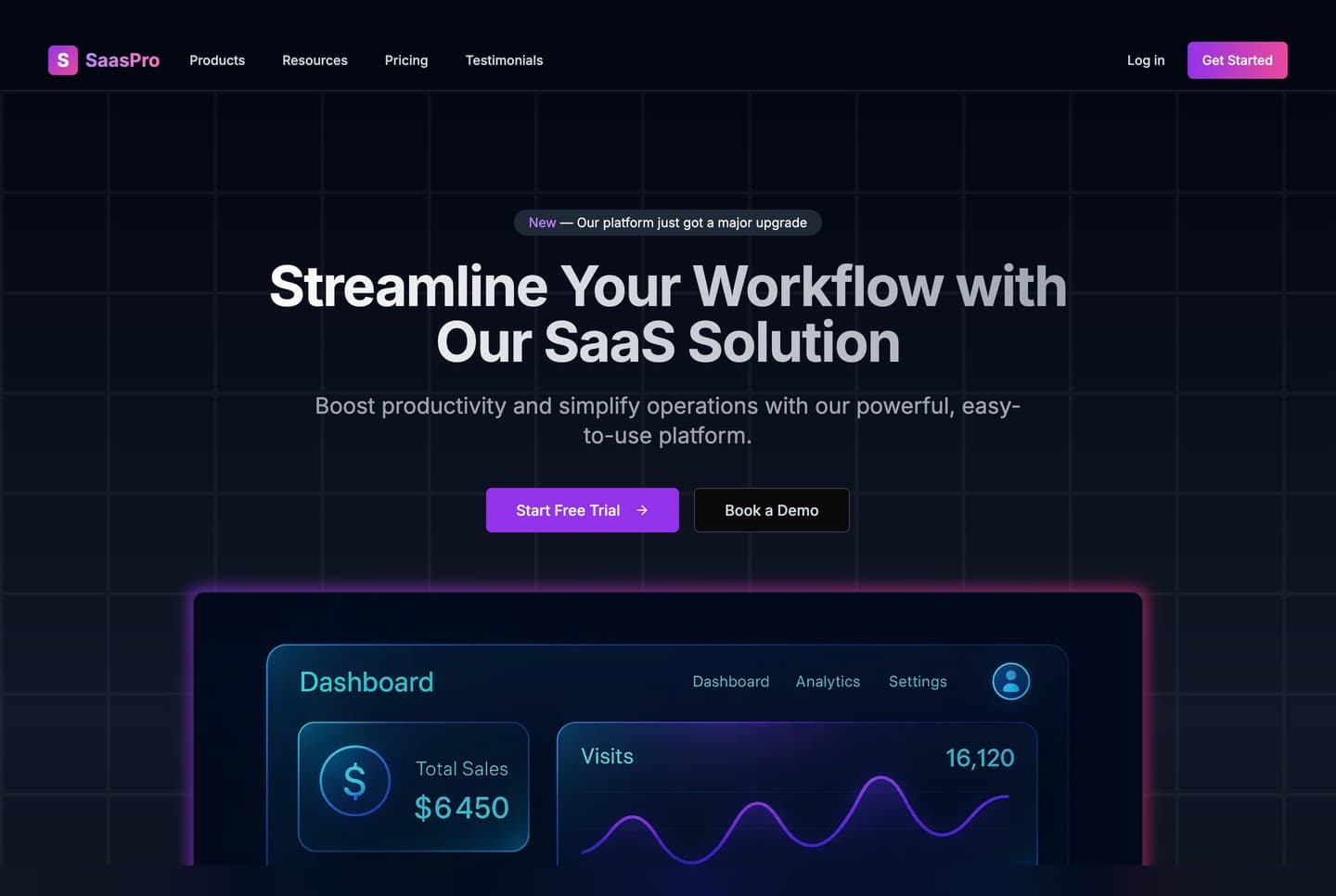
What the template is
A one-page landing site for a software product, with pricing. It is a single Next.js app: no database, no back end, and nothing to configure before the first run.
The page is built from these sections, top to bottom:
| Section | What it shows |
|---|---|
| Header | The logo, two menus with sub-menus (Products and Resources), links to pricing and testimonials, the language switcher, and a mobile menu |
| Hero | A headline, two buttons and a product image |
| Social proof | Company logos and four figures |
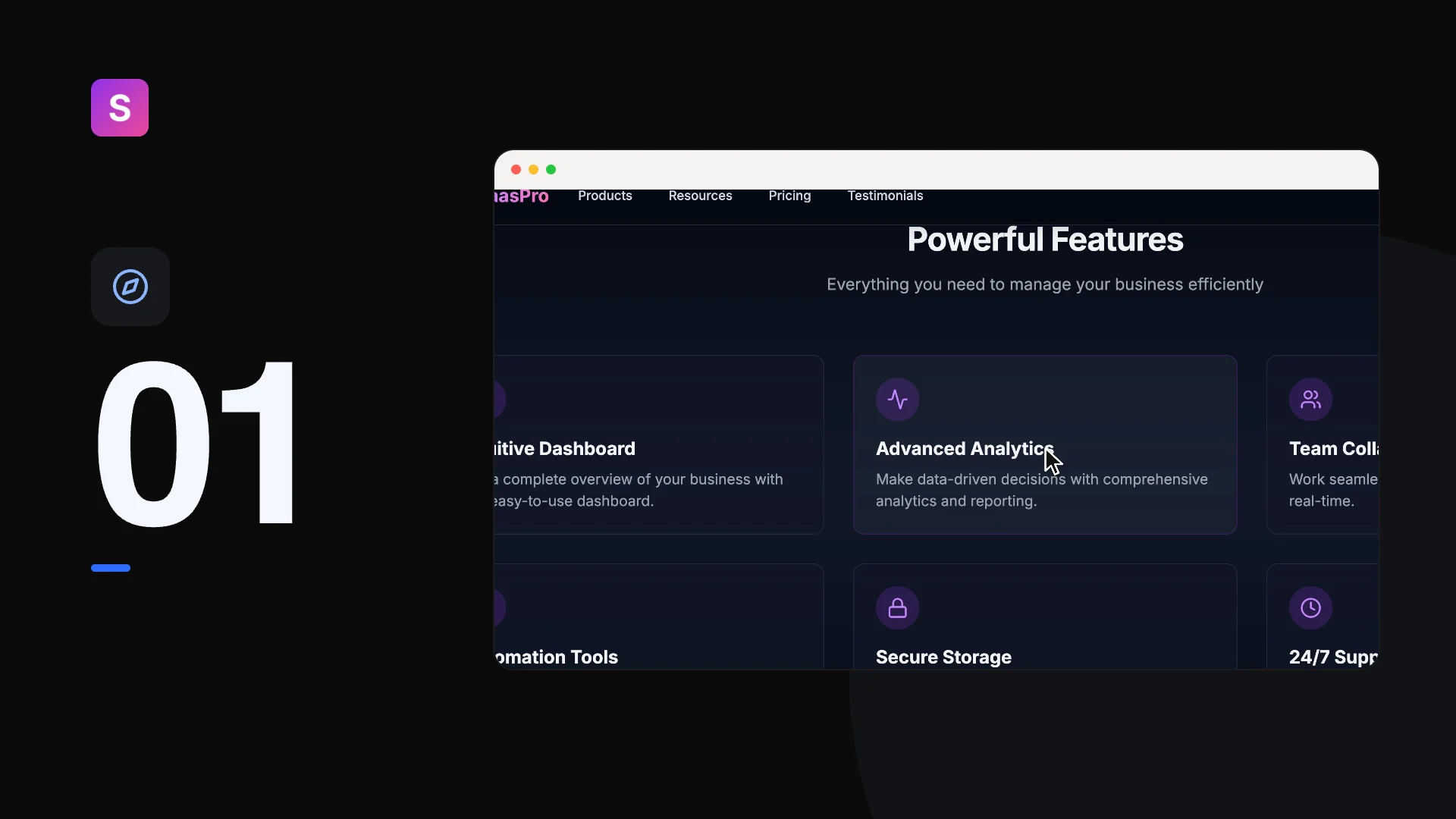
| Features | Six feature cards |
| How it works | Four steps, each with an image |
| Testimonials | Three customer quotes with photos |
| Pricing | Three monthly plans, the middle one marked Most Popular |
| Comparison table | The three plans side by side, feature by feature |
| Integrations | Ten tool logos |
| FAQ | Six questions that open and close |
| Blog preview | Three article cards |
| Call to action | A closing button with three reassurances |
| Footer | Link columns, social links and the copyright line |
A newsletter section with a sign-up form also ships in src/features/home/Newsletter/. It is not on the page until you add it.
A look at the page
What it is built with
| Technology | What it does here |
|---|---|
| Next.js 15 (App Router) | The framework, the routing and the production server |
| TypeScript | Every source file |
| Tailwind CSS | All the styling |
| next-intl | The English and Arabic texts and the language in the address |
| Framer Motion | The animations |
| Radix UI | The FAQ accordion and the button's slot |
| Lucide React | The icons |
| React Hook Form, Zod and TanStack Query | The newsletter form, its checks and its request |
Every dependency is pinned to an exact version in package.json, and yarn.lock is included, so your install gets the same versions the template was tested with.
What is in the download
The ZIP extracts to a folder named landing-page-template-2:
| Path | What it is |
|---|---|
src/ | The app: the page, its sections, the header and footer, the language setup |
messages/ | Every visible text, in en.json and ar.json |
public/ | Images, logos and favicons |
Dockerfile | Builds the site into an image that serves it on port 3030 |
.env.example | The two optional settings, with their defaults |
README.md | The setup and customising guide |
package.json, yarn.lock, .yarnrc.yml | The dependencies and the Yarn 4 setup |
LICENSE | The MIT licence |
The page ships in English and Arabic. Every address starts with its language, /en or /ar, and the Arabic page is laid out right to left. The page is always dark.
On Windows, use PowerShell or Git Bash for the commands in these guides.