
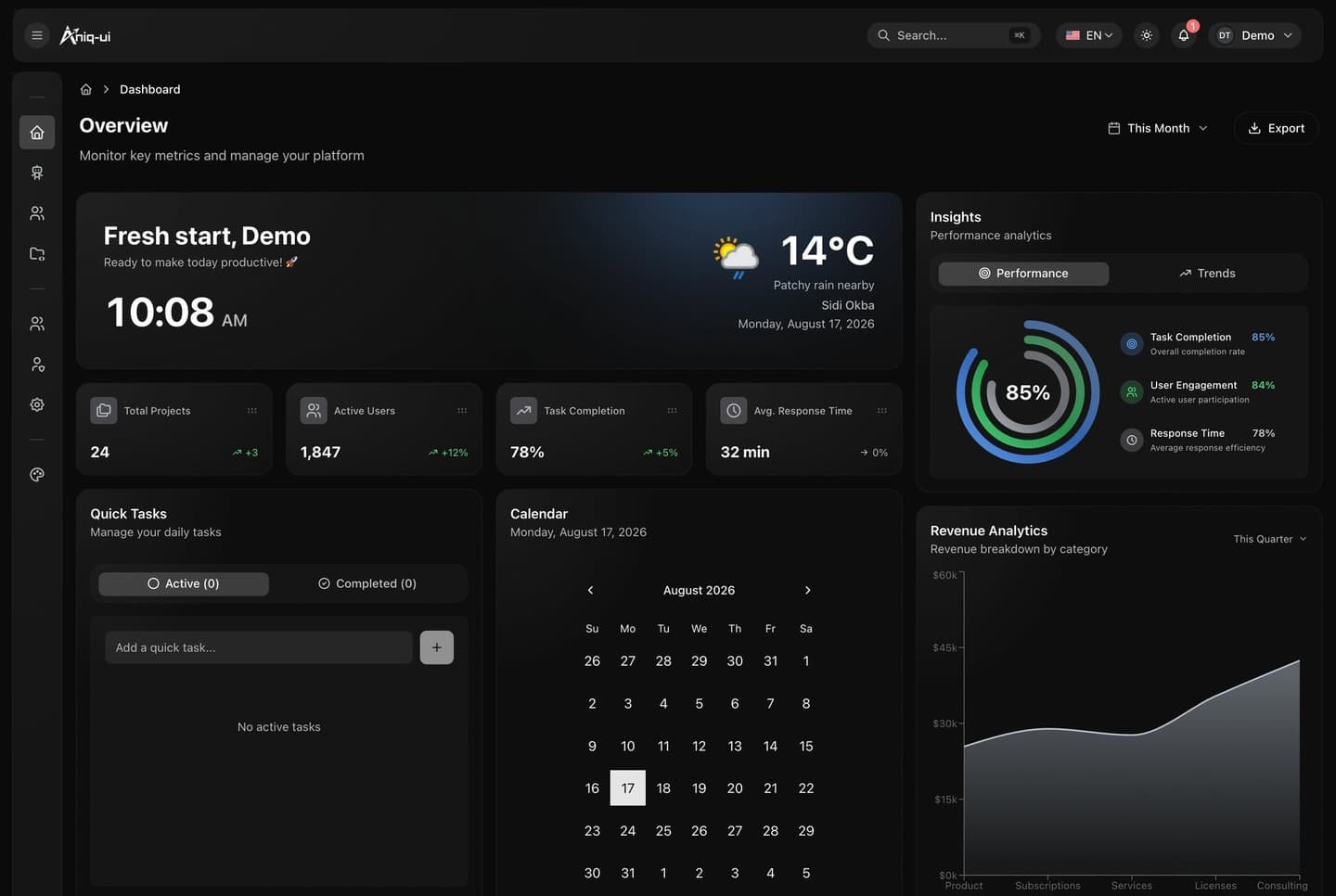
What the template is made of
An admin dashboard with an AI assistant, in two apps: the dashboard your team signs in to, and the NestJS API behind it.
| App | Folder | Port | What it is |
|---|---|---|---|
| Dashboard | front-end/ | 3030 | Next.js 16: the overview with figures, charts, a calendar and quick tasks, users, projects, admins with their roles and permissions, settings, the AI assistant, and a page of the UI components |
| API | back-end/ | 8000 | NestJS and TypeORM, on SQLite locally and MySQL by configuration, every route under /api, with live permission updates and an MCP server |
The dashboard also carries a built-in mock API with sample data, so it can run on its own while you design. Pointed at the API, it reads and saves everything there.
What your package contains
The Admin Dashboard package is the dashboard on its own.
| App | Folder | Port | What it is |
|---|---|---|---|
| Dashboard | front-end/ | 3030 | Next.js 16: the overview with figures, charts, a calendar and quick tasks, users, projects, admins with their roles and permissions, settings, the AI assistant, and a page of the UI components |
It runs out of the box on its built-in mock API: sample admins, roles, users, projects, tasks and settings live in your browser, and the AI assistant answers from them with no AI provider and no key. When you have an API, one setting points the dashboard at it. The NestJS API is part of the Full Stack package and is not in this download.
On Windows, use PowerShell or Git Bash for the commands in these guides.
The dashboard runs in English and Arabic, with the Arabic interface laid out right to left, and in a light and a dark theme.